The average knowledge worker spends hours every week reading web pages to extract a handful of useful facts. Research reports, news articles, product documentation, academic papers, competitor pages — the volume is relentless, and the signal-to-noise ratio is brutal. Reading every page in full isn’t a sustainable strategy. Skimming misses things. Copy-pasting into ChatGPT is repetitive and slow.
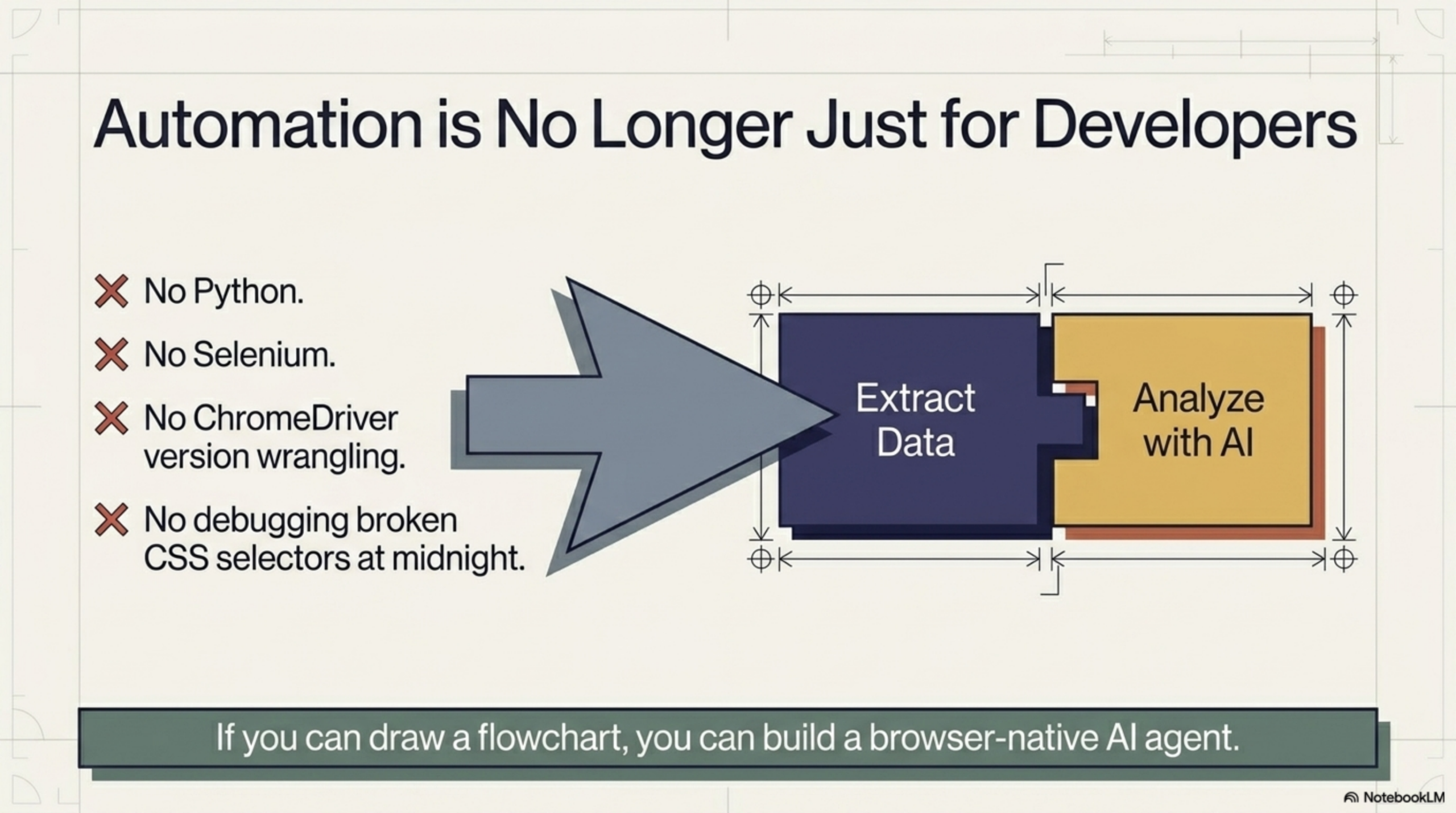
There’s a better workflow: scrape the page content automatically and summarize it with AI, directly in the browser, without leaving the tab. This article walks through exactly how to do it — no code, no server, no API key required.
The Problem: Too Much Web Content, Too Little Time
Information overload is not a new problem, but the web has made it acute. Consider the typical research session:
- You open 12 tabs to investigate a topic
- Each page has 1,500–3,000 words of content
- You need 3–5 specific data points from each
- You spend 40 minutes reading to find 10 minutes worth of useful information
Multiply this across a week of research work and you’ve lost hours to reading that could have been spent on analysis, writing, or decision-making. The content is valuable — the time spent extracting it manually is not.
Traditional Web Scraping vs AI Summarization
Traditional web scraping is designed to extract structured data at scale. It’s powerful for collecting prices, names, addresses, and other consistently formatted information. But it has real limitations as a knowledge tool:
- It extracts raw text — it doesn’t understand the content
- Setting it up requires code (Python + BeautifulSoup, Scrapy, etc.)
- It struggles with JavaScript-rendered pages
- Post-processing the output requires additional tooling
AI summarization goes further. Instead of just pulling text, it comprehends it — identifying the key points, answering specific questions, reformatting the content into bullet points, or highlighting action items. Combined with browser-native scraping that can reach any live page, this becomes a genuinely powerful research tool — and if you want to take it further, you can build a full personal AI research assistant that runs in your browser.
How Browser-Native AI Summarization Works
The key insight is that scraping and summarizing work best when they happen together, in the same context, without round-tripping through external systems. Here’s the architecture:
- The browser reads the live DOM — the fully rendered HTML of the page as it appears to you, including JavaScript-generated content and login-gated material.
- A DOM Selector node extracts the relevant text — the article body, the product description, the comments section — ignoring navigation, ads, and footers.
- An LLM node processes the extracted text — running a summarization prompt against a local or cloud AI model.
- The output is displayed inline — directly on the page, in a side panel, or copied to your clipboard for use elsewhere, such as piping it into a Google Sheet for further analysis — without switching tabs.
Agentic Workflow implements this exact pipeline as a no-code Chrome extension. Every step is a visual node you configure by pointing at the page — no scripting required.
Step-by-Step: Scrape and Summarize Any Page
Step 1: Install Agentic Workflow
Install the Agentic Workflow Chrome extension from the Web Store. Open it by clicking the extension icon in your Chrome toolbar. No sign-up is required to get started.
Step 2: Create a New Workflow
Click “New Workflow” in the panel and name it something like “Summarize Article.” This will be the reusable automation you can run on any page with one click.
Step 3: Use a DOM Selector to Pick the Content
Add a DOM Selector node to your workflow. Use the visual element picker — click it, then click on the main content area of the web page (the article body, the documentation section, the product description). Agentic Workflow captures the text content of that element automatically. You can also select multiple elements if needed.
Step 4: Add an LLM Node with a Summarization Prompt
Add an LLM Chain node and connect the DOM Selector output as its input. In the prompt field, write your instruction in plain English. For example:
- “Summarize the following article in 3–5 bullet points, focusing on the key findings and actionable takeaways.”
- “What is the main argument of this page? Provide a one-paragraph summary.”
- “List every statistic or data point mentioned in the text below.”
Choose your AI model — a cloud model like GPT-4o or Claude, or a local model via Ollama for full privacy.
Step 5: Display Markdown Output Inline
Add an output node to display the LLM’s response. You can show it in a floating side panel alongside the page, render it as formatted markdown, or copy it directly to your clipboard for use elsewhere. The summary appears without leaving the page.
Customize Your Summaries (Bullet Points, Key Quotes, Action Items)
One of the most powerful aspects of this workflow is how easily it adapts to different use cases just by changing the prompt. Here are formats you can request:
- Bullet point summary — “Summarize in 5 bullet points” — ideal for quick scanning
- Key quotes — “Extract the 3 most important direct quotes from this text” — useful for research and attribution
- Action items — “List all recommended actions or next steps mentioned in this content” — great for documentation and how-to guides
- Executive summary — “Write a 100-word executive summary suitable for a business audience”
- Sentiment analysis — “What is the overall tone of this page? Is it positive, negative, or neutral? Why?”
- Question answering — “Based on this content, answer: [your specific question]” — turns any page into an answerable document
You can save multiple workflow variants for different formats and switch between them with a click.
Use Cases: Where This Saves the Most Time
This workflow has high leverage in any role that involves heavy reading or research:
- Content research — Summarize competitor articles, source material, or reference pages in seconds rather than minutes
- Due diligence — Quickly extract key facts from company websites, press releases, or financial filings
- Customer support — Summarize long support threads or documentation pages to find answers faster
- Academic research — Distill papers and reports to their core arguments before deciding whether to read in full
- News monitoring — Summarize news articles across multiple sources without reading each one in full
- Product evaluation — Extract feature lists, pricing details, and limitations from SaaS product pages
- Legal and compliance — Summarize terms of service, policy pages, or regulatory documents into plain language
Run Locally for Privacy with Ollama
A common concern with AI-powered browser tools is data privacy: if your browser is sending page content to an external AI API, sensitive information could be exposed. Agentic Workflow addresses this directly with support for local AI models via Ollama and WebLLM.
With Ollama installed on your machine, you can run models like Llama 3, Mistral, or Gemma locally. The LLM node in Agentic Workflow can be pointed at your local Ollama endpoint — meaning all text extraction and AI processing happens entirely on your device. No data leaves your machine. No API key needed. No usage costs.
This makes the summarization workflow viable even for confidential documents, internal tools, or sensitive research where cloud AI usage would be inappropriate.
Conclusion
Scraping and summarizing web pages with AI is no longer a capability reserved for data engineers or AI developers. With Agentic Workflow, it’s a five-minute setup that any browser user can build and run on demand. The workflow is flexible, privacy-respecting, and works on any web page — and if you’re curious about the full range of tasks AI can handle directly in the browser, summarization is just the beginning.
Stop reading entire pages to find the part that matters. Let AI do the reading — you do the thinking.
Ready to start? Install Agentic Workflow from the Chrome Web Store and summarize your first web page with AI in under 5 minutes — no code, no API key, no server needed.