








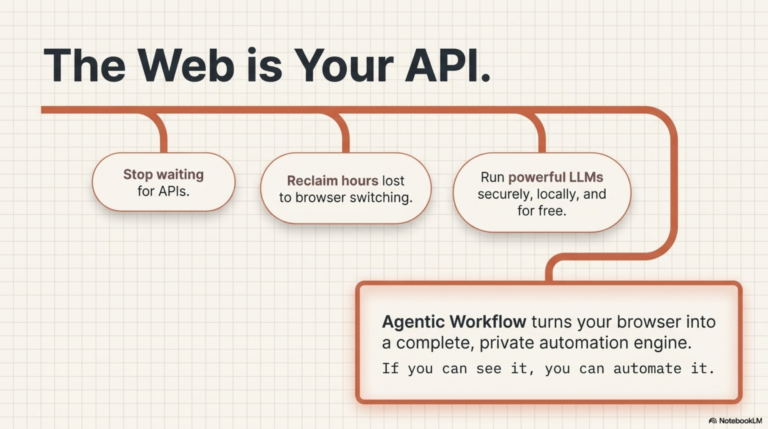
Run AI Nodes Directly in
Ollama requires a server. Cloud models require an API key. WebLLM and Chrome's built-in AI API
Read post

The Agentic Workflow documentation is here.
Check it out!
No-code browser automation
Build AI-powered browser automations that run entirely on your device. Your workflows stay private — only account sync uses our servers.
Workflow Automation
Local in-browser Models
In-browser Knowledge Graphs
Everything you need to create, run, and share intelligent browser automation workflows
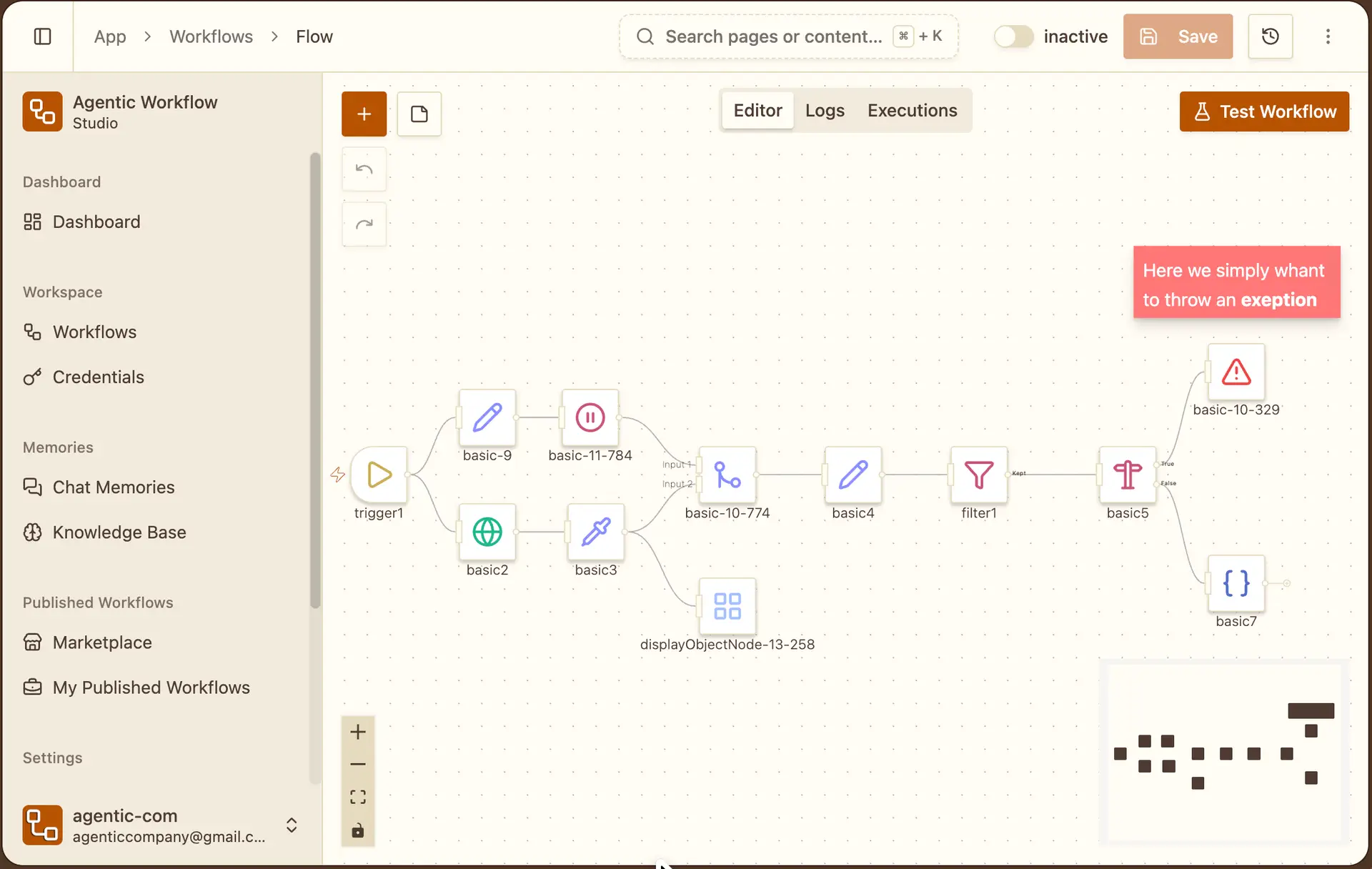
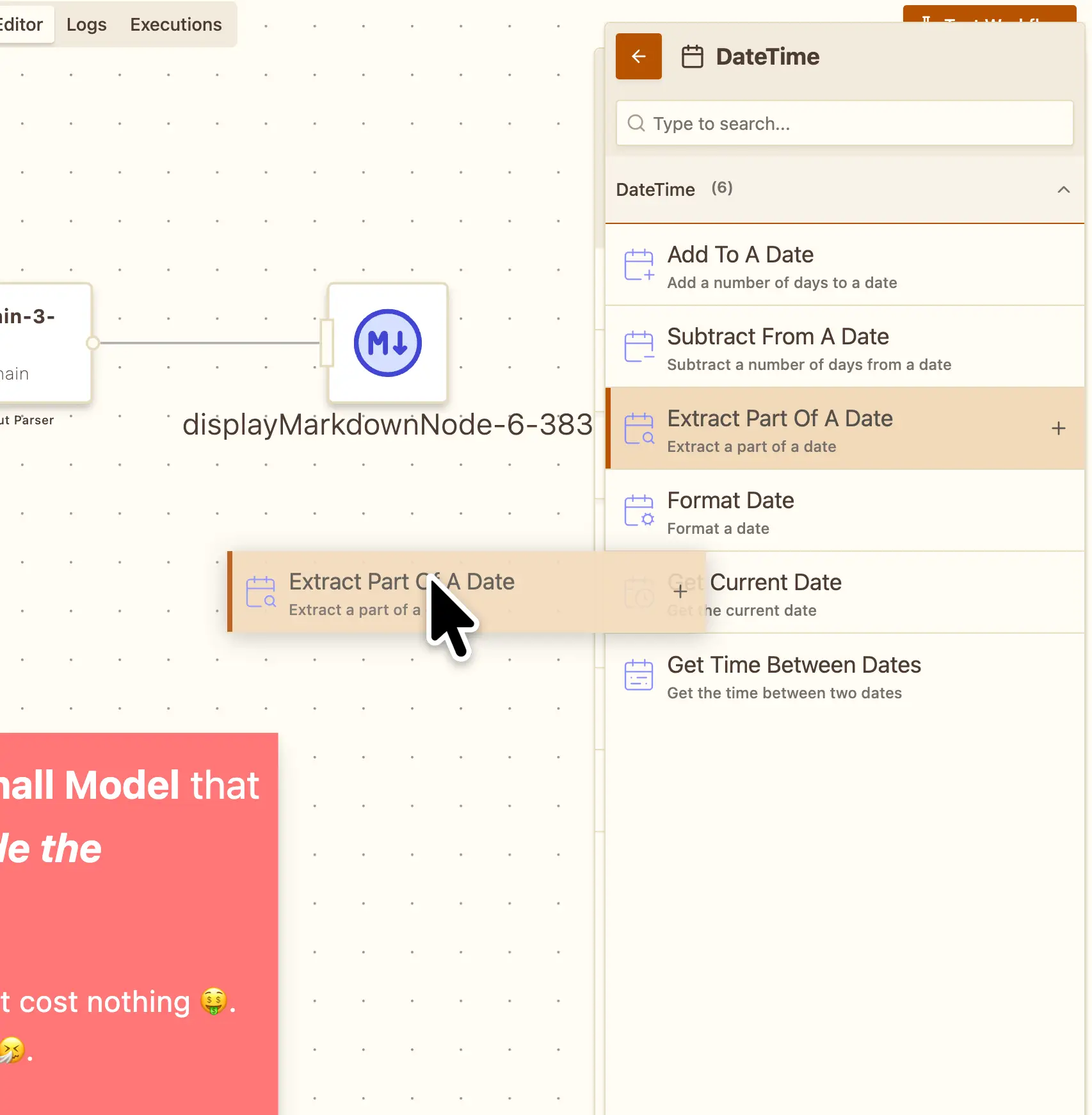
Build and iterate fast with real-time results. See outputs at every step, from simple page interactions to complex agentic workflows.
Get rid of repetitive code. We've built hundreds of specialized nodes for every interaction and action. No more dealing with complex code, selectors, CORS errors, or async timing issues.
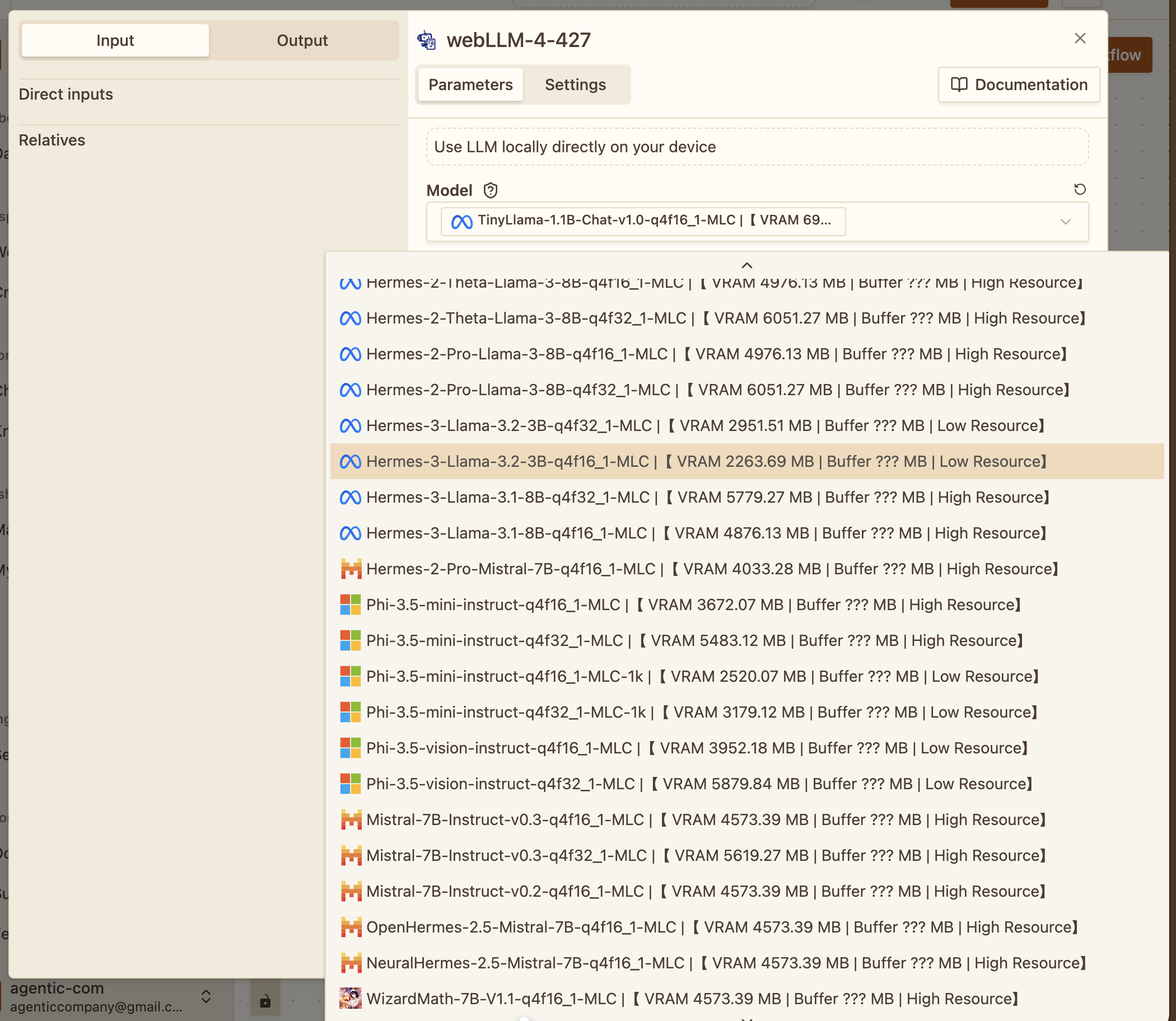
Execute diverse large language models directly in your browser using WebGPU and WebAssembly. From small efficient models to powerful reasoning engines; all running locally.
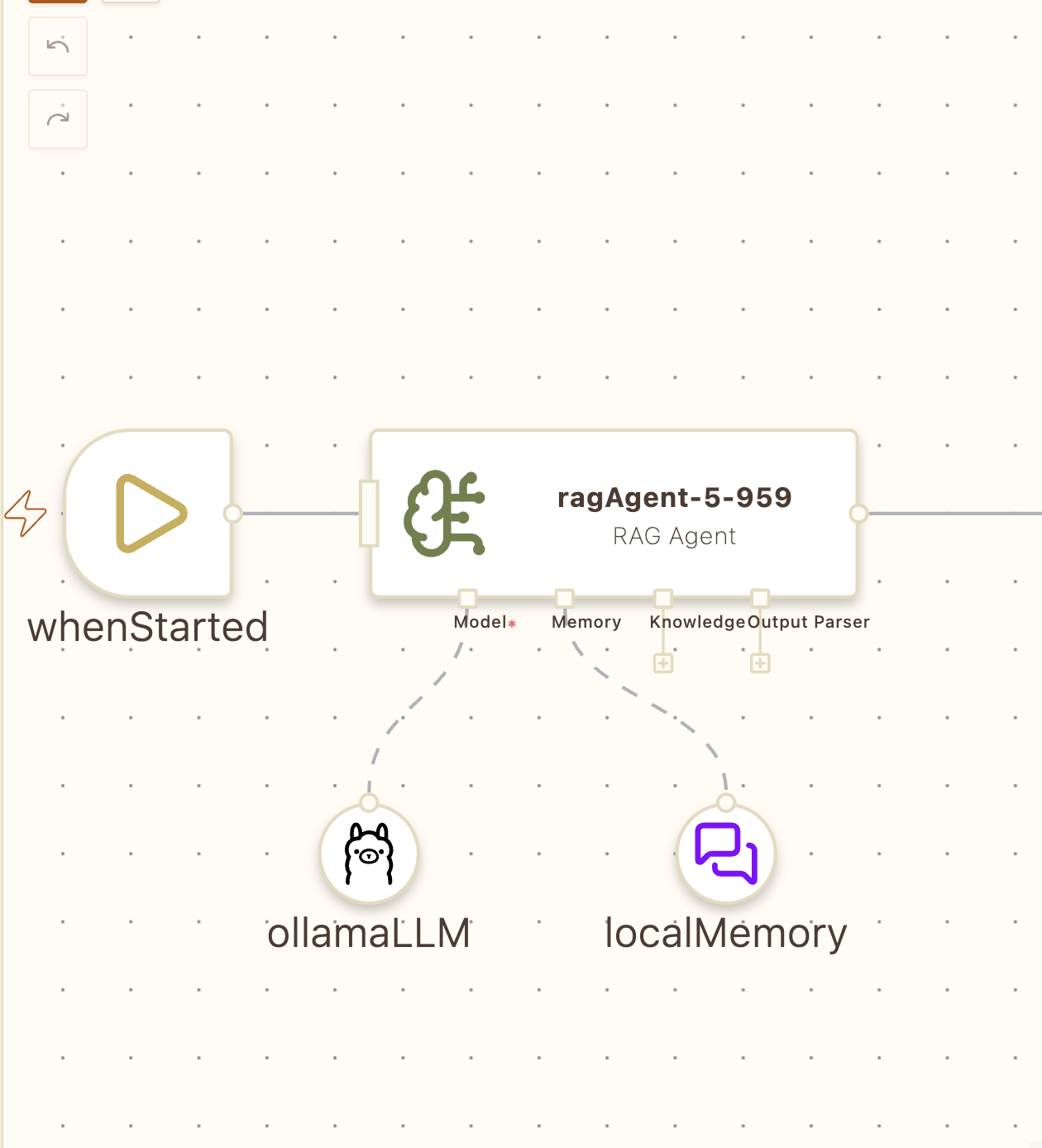
Save and resume your LLM conversations in browser cache. No data leaves your device. Maintain context across sessions while preserving complete privacy.
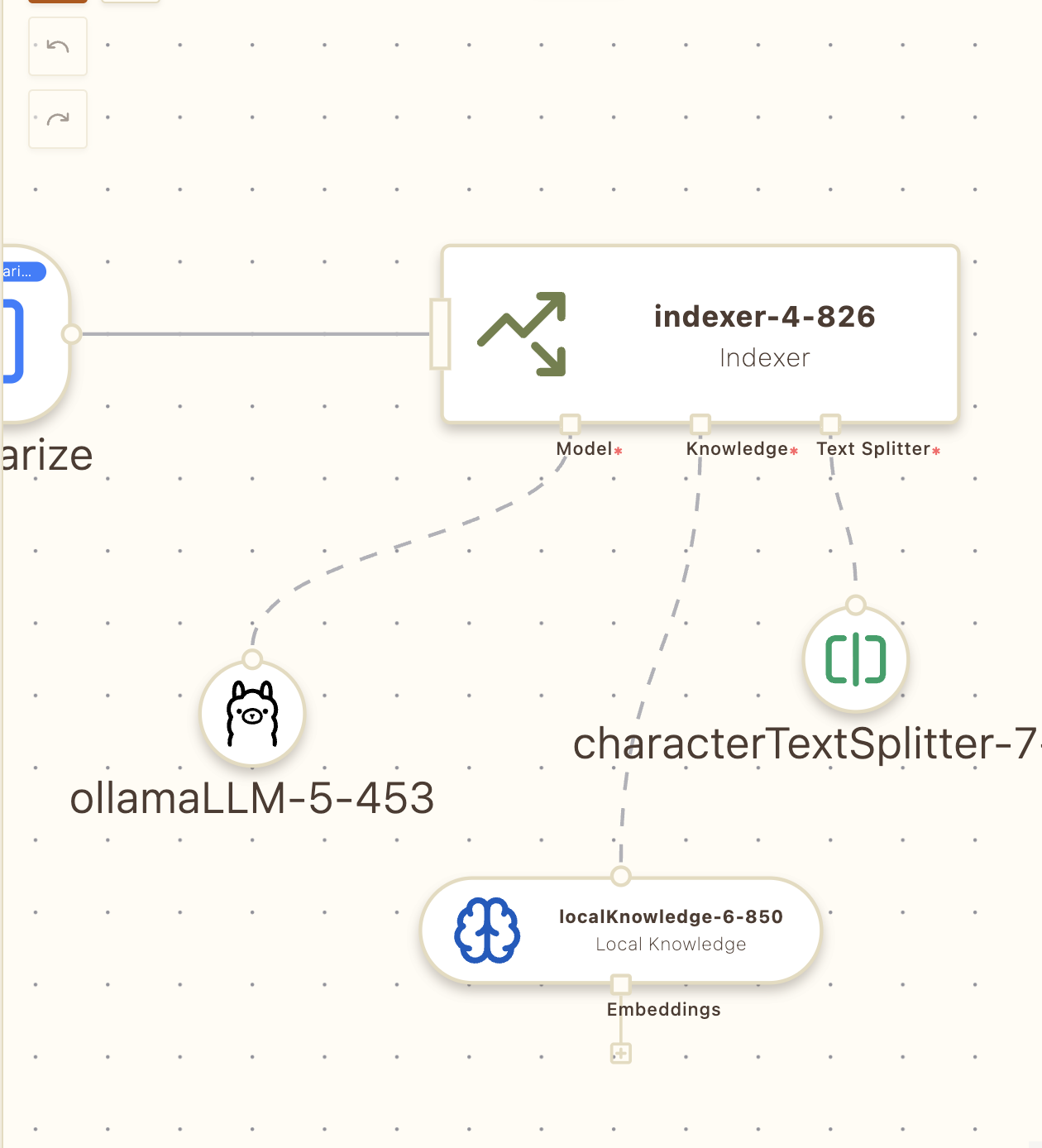
Create embeddings and vector databases entirely in your browser. Build RAG (Retrieval Augmented Generation) systems with complete data sovereignty. Perfect for sensitive documents.
Solutions
Everything you need to automate the web with privacy, speed, and control.
Use our visual builder to design intelligent automations. Connect nodes that interact with web pages, extract data, and make contextual decisions.
Run your workflows anywhere—hotkey, context menu, or dynamic triggers that respond to content changes.
Automations execute locally for instant performance. No latency, complete control, full transparency.
Build complex workflows without writing code.
Run diverse language models in-browser via WebGPU. No API keys, no external calls, complete data sovereignty.
Create embeddings and vector databases locally. Build RAG systems for sensitive documents without sending data anywhere.
Join thousands of users who are already saving time with Agentic Workflow.
No credit card required!
Integrations
See how we help your team solve today’s biggest challenges.
Cloud-based platform that blends the simplicity of a spreadsheet with the power of a relational database
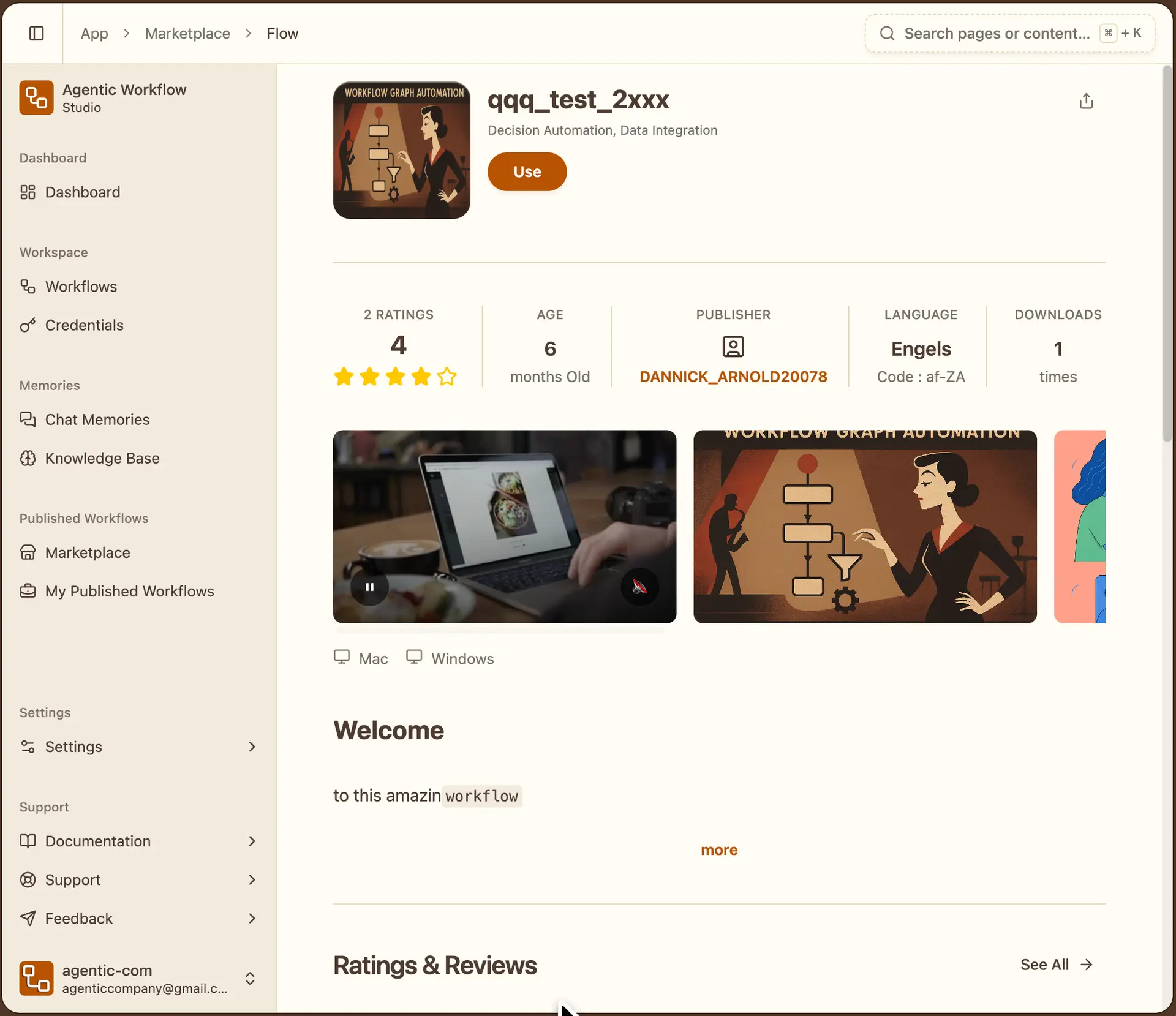
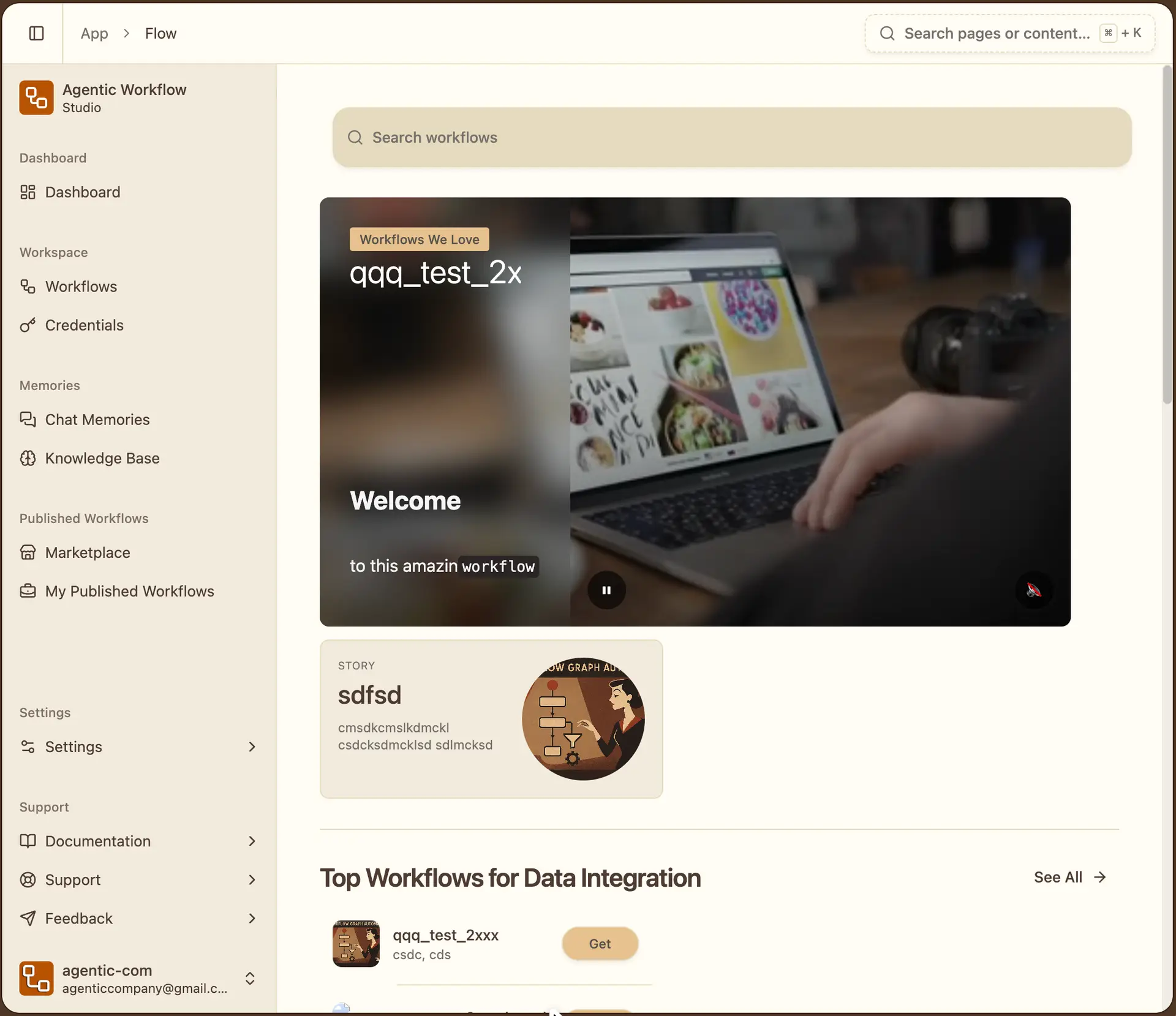
Discover and download community-built workflows. And publish your workflows to the marketplace and help the community.
From data scraping templates to AI-powered automation patterns, find ready-to-use solutions or customize them for your needs.
Share automation templates, receive feedback, and build your reputation as an automation expert.
Start with battle-tested templates for common tasks: form filling, data extraction, monitoring, testing, and more. Customize or use as-is—your choice.
Unleash your creativity with our builder's intuitive UI Components, experience the difference.
Agentic Workflow is a browser extension for Chrome and Firefox that allows you to build and run automation workflows directly inside your browser.
Unlike cloud automation platforms, workflows execute locally in your browser and can interact with the live webpage context : including selected text, full HTML, links, images, and DOM elements.
Most automation tools run on servers and connect to APIs. Agentic Workflow Studio runs inside your browser and can read and modify live web pages. It can access selected text, full page content, links, images, and even change what appears on the screen.
Workflows run entirely in your browser. There is no external server required. Everything executes locally on your machine unless you choose to send data to an external service.
No. Your workflows run locally. Data is only sent outside your browser if you configure an HTTP request or connect to an external AI or API service.
Yes. It can read selected text, access full HTML, extract links and images, and insert or modify content directly in the page. This makes it possible to create context-aware automations.
Yes. You can send HTTP requests to any API and use the response inside your workflow. This allows you to connect with external services, databases, and AI platforms.
Yes. You can connect AI or LLM nodes to analyze text, extract structured information, rewrite content, classify data, or trigger decisions based on what is on the page.
No. Workflows are built visually using nodes. However, technical users can create more advanced logic and integrations if they want.
In many browser-based scenarios, yes.
If your automation depends on interacting with live web pages, reading on-screen content, extracting data, or modifying the DOM, Agentic Workflow Studio can fully replace traditional automation tools.
However, because workflows run inside your browser, the browser must be open for scheduled or automated runs. Unlike server-based platforms, there is no always-on cloud execution environment.
For backend-only workflows that need to run 24/7 without a browser session, traditional server-based tools may still be more appropriate.
Can't find the answer you're looking for?
Ask the community — we're happy to help.
Ollama requires a server. Cloud models require an API key. WebLLM and Chrome's built-in AI API
Read post

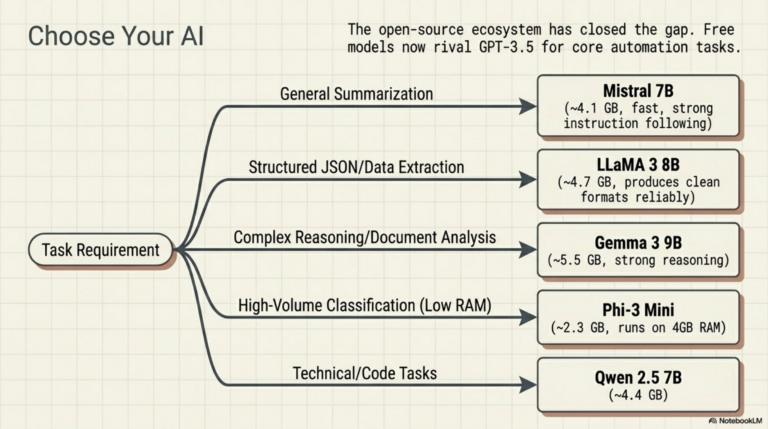
You don't need a paid API to build AI-powered workflows. Mistral, LLaMA, and Gemma now rival
Read post
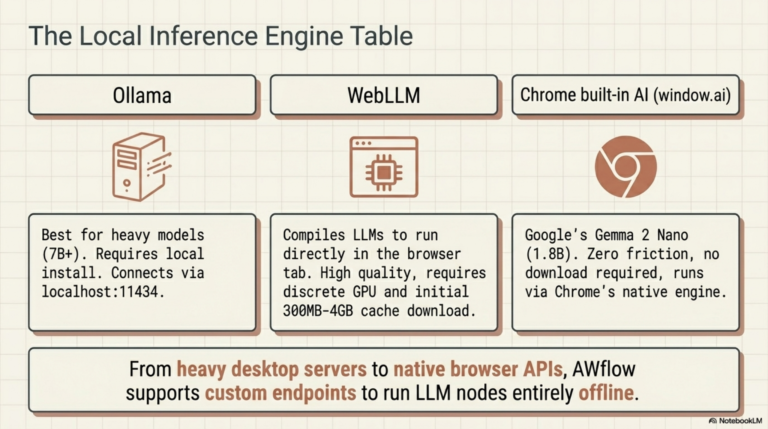
Every AI workflow tutorial says 'add your OpenAI key here.' Ollama lets you skip that entirely.
Read post
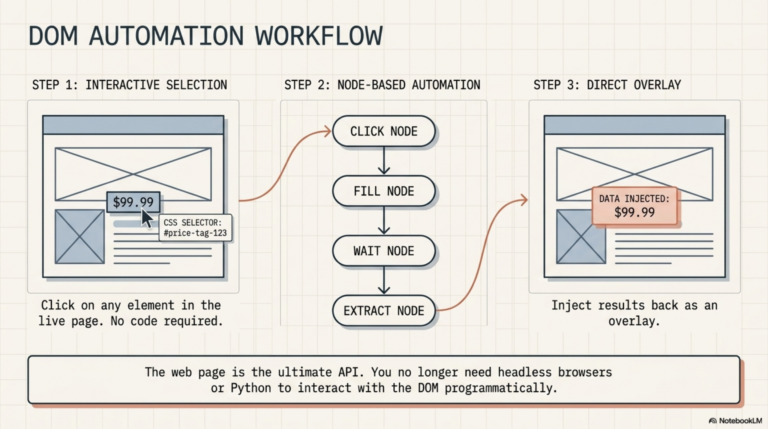
Most automation tools need an API. But every web page already exposes everything through the DOM.
Read post
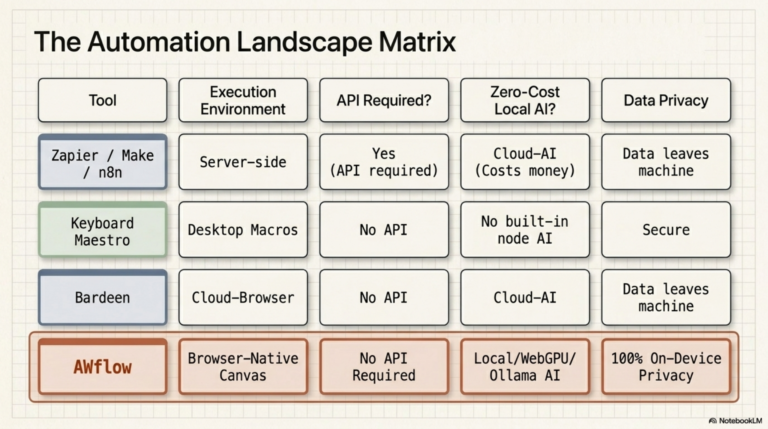
Zapier and n8n run on servers and only talk to APIs. The next generation of node-based
Read post
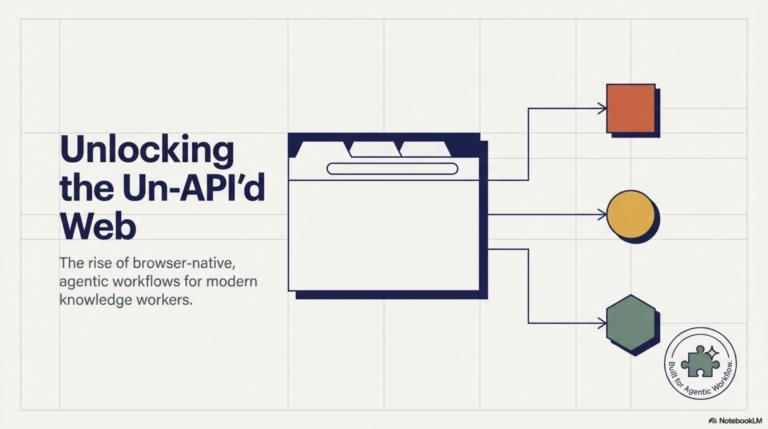
Most AI agents today are built API-first. They connect to databases via REST, read documents from
Read postFree Chrome & Firefox extension

Install in seconds. Build your first workflow in minutes. No credit card, no cloud setup required.
Excellent
4,000+ reviews on
See how we help your team solve today’s biggest challenges.
No credit card required!