
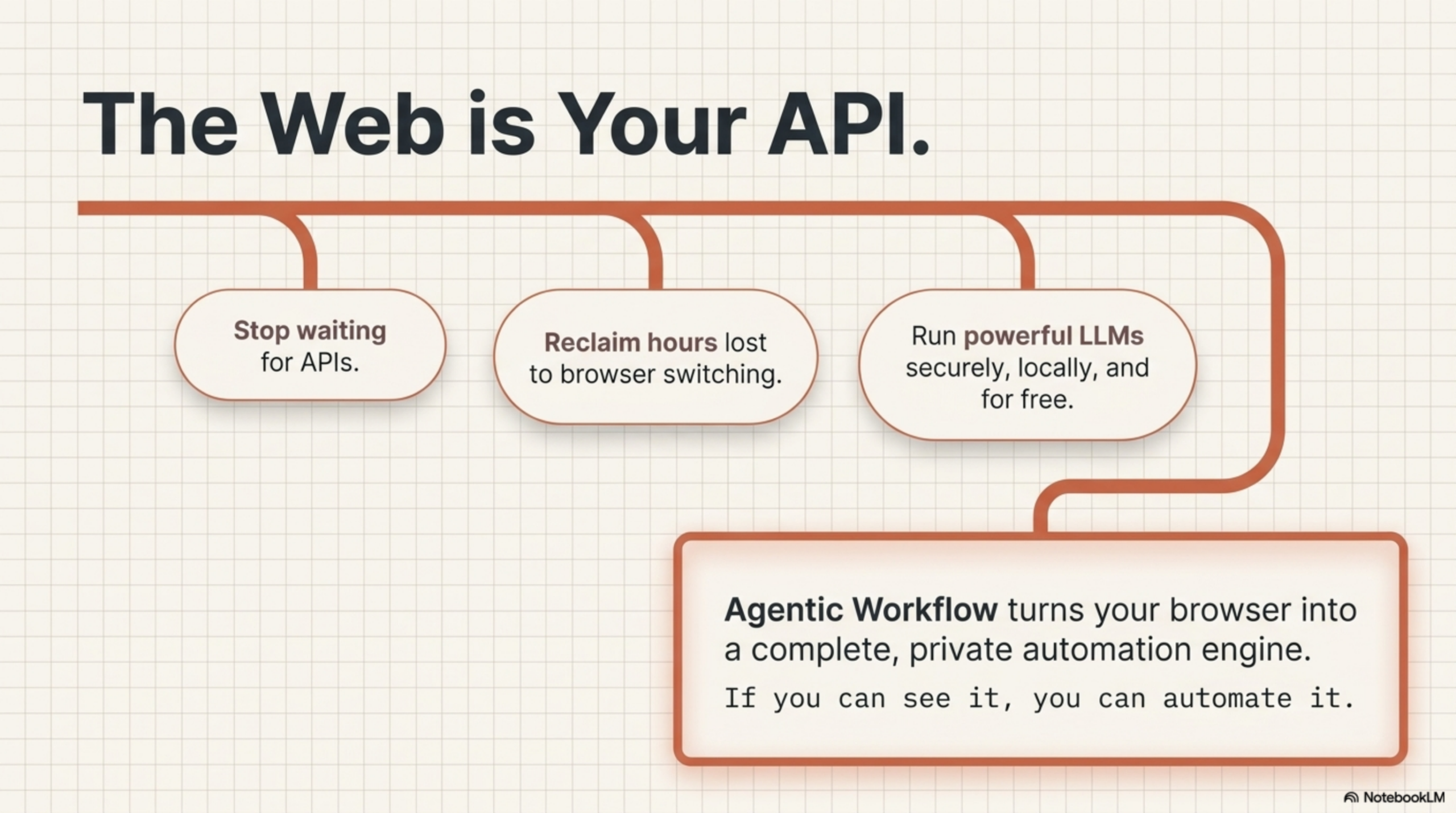
Running a local LLM used to mean installing Ollama, downloading a multi-gigabyte model, and keeping a local server running in the background. That’s a reasonable setup for a developer’s machine, but it’s a real barrier for casual users or shared environments.
There’s now a third option that requires none of that: running the LLM directly inside your browser tab. Using either WebLLM or Chrome’s built-in AI API (window.ai), you can execute LLM inference entirely in the browser — no server, no install, no API key. Just the page you’re already on.
Two Ways to Run LLMs Natively in the Browser
Option 1: WebLLM
WebLLM is an open-source library from the MLC AI team that compiles LLMs to run in the browser via WebGPU. It downloads a model to your browser’s cache on first use, then runs it entirely client-side on subsequent requests.
Key characteristics:
- Uses WebGPU for hardware-accelerated inference (requires a WebGPU-capable browser and GPU)
- Supports models including Mistral, LLaMA, Phi, and Gemma in browser-optimized formats
- First-run requires a model download (300MB–4GB depending on the model)
- After download, runs fully offline with no server dependency
- Exposes an OpenAI-compatible API in the browser context
WebLLM is practical today on machines with a discrete GPU or a modern Apple Silicon chip (M1/M2/M3). Performance on CPU-only machines is limited.
Option 2: Chrome Built-In AI API (window.ai)
Google has been building AI inference directly into Chrome. The Chrome Built-In AI API (accessed via window.ai or the newer window.ai.languageModel interface) provides access to a Gemma model that Chrome maintains on your device as part of the browser installation.
Key characteristics:
- No model download required — Chrome manages the model automatically
- Currently available in Chrome 127+ behind a flag, with broader rollout ongoing
- Uses the Gemma 2 Nano model (approximately 1.8B parameters, optimized for on-device use)
- Runs via Chrome’s own inference engine, not WebGPU
- API is experimental and subject to change, but increasingly stable
The Chrome AI API trades model capability for zero-friction deployment: there’s nothing for the user to install or configure. If Chrome is on the device, the AI is on the device.
The Architecture: Why This Is a Meaningful Shift
Both approaches eliminate the traditional architecture where AI inference requires a round-trip to a server. The request path becomes:
Browser tab → model running in browser memory → response back to the tab
Compare that to the cloud model path:
Browser tab → HTTPS request to OpenAI/Anthropic servers → model inference on remote GPU → response back
The in-browser path is faster for short prompts (no network round-trip), completely private (nothing leaves the device), and works offline. The trade-off is model capability: client-side models are smaller and less capable than frontier cloud models. But for the inference tasks that appear most frequently in workflow automation, the capability is sufficient.
What In-Browser LLM Nodes Enable
When your workflow tool can use WebLLM or the Chrome AI API as its inference engine, the entire automation — from browser trigger, through DOM interaction, through AI reasoning, to displaying results — runs in a single browser tab with no external dependencies.
Consider a workflow that:
- Triggers when you open a news article
- Extracts the article body with a DOM selector
- Passes the content to a WebLLM node with a summarization prompt
- Displays a 3-sentence summary as an overlay on the page
In this workflow, there is no external API call at any step. No data leaves the tab. The entire execution happens inside Chrome. The user doesn’t need an account with any AI provider. They don’t need Ollama installed. They don’t need a developer environment. They install the extension, the model downloads once, and it works.
WebLLM vs Chrome AI API: When to Use Each
| WebLLM | Chrome Built-In AI | |
|---|---|---|
| Model quality | Higher (7B+ models available) | Lower (Gemma 2 Nano ~1.8B) |
| First-run setup | Model download required (large) | None (Chrome manages it) |
| GPU requirement | Yes (WebGPU) | No |
| API stability | Stable | Experimental (Chrome 127+) |
| Offline use | Yes (after download) | Yes |
| Privacy | Fully local | Fully local |
| Best for | Complex tasks, better output quality | Zero-friction deployment, simple tasks |
In practice: use WebLLM when you need better output quality and your users have a GPU-capable machine. Use the Chrome AI API when you want the simplest possible deployment and Gemma 2 Nano’s capability is sufficient for the task.
In-Browser LLM with AWflow
Agentic Workflow (AWflow) is a Chrome extension built around the premise that workflows — including their AI reasoning steps — should run entirely inside the browser. AWflow’s LLM nodes support both WebLLM and Chrome’s built-in AI API as inference backends.
This means that when you build a workflow in AWflow and select WebLLM or Chrome AI as your LLM provider:
- The AI inference runs in the same browser tab as your workflow
- No data is sent to any external server at any point
- The workflow works offline after the initial model download (for WebLLM)
- There’s no API key to manage and no per-token cost
The node-based workflow structure is identical to using any other LLM provider: you connect a trigger, chain your DOM nodes and AI nodes, and configure the output. The only thing that changes is where the inference happens — and in this case, it’s happening in the same tab you’re already using.
This is what fully browser-native AI automation looks like: a workflow graph that reads the page, reasons about the content, and acts on the result, entirely within the browser, with no external dependencies.
Try it yourself. Install AWflow and experience what it means to have AI reasoning built directly into your browser workflow — no cloud, no setup, no compromise.
Related Articles
- Node-Based Workflow Automation: Beyond Zapier and n8n — How AWflow’s browser-native canvas compares to Zapier and n8n
- How to Use Ollama in a Workflow Automation Tool — Run private local LLMs in your workflows without any cloud dependency