
What do LinkedIn, Reddit, your company’s internal dashboard, and that niche industry database all have in common? None of them have a public API — yet businesses and individuals need to extract, monitor, and act on the data inside them every single day. The uncomfortable truth is that 99% of websites were never designed to be automated. They were built for humans, with buttons, forms, and pages that change constantly. And yet, automation is exactly what modern productivity demands.
The good news: the absence of an API is no longer a blocker. With the right browser-native tooling, you can automate virtually any website — no API key required, no backend infrastructure, no code.
Why Most Websites Don’t Have APIs (and That’s Fine)
Building and maintaining a public API is expensive. It requires authentication systems, rate limiting, versioning, documentation, and ongoing support. For most websites, the cost simply isn’t worth it. Their product is the website itself — not a data feed.
This is completely reasonable from a business standpoint. But it creates friction for anyone who wants to:
- Monitor prices, job listings, or news headlines
- Extract data from internal tools or intranets
- Auto-fill forms based on data from another source
- Summarize or analyze page content with AI
- Trigger actions based on what appears on a page
The lack of an API doesn’t mean these tasks are impossible. It just means the interface is the DOM — the rendered HTML page itself.
Traditional Approaches: Selenium, Puppeteer, and Their Downsides
Developers have long solved this problem with headless browser frameworks. Selenium (Python/Java), Puppeteer (Node.js), and Playwright are powerful tools that can click buttons, fill forms, and scrape content from any web page. But they come with significant baggage:
- You need to write code. Even a simple scraper requires dozens of lines and knowledge of CSS selectors or XPath.
- You need infrastructure. Scripts run on a server or locally via a terminal — not something most non-developers have set up.
- They break constantly. A single class name change on the target site breaks your script, requiring manual fixes.
- They can’t see what the browser sees. Headless browsers sometimes fail on JavaScript-heavy SPAs that render content dynamically.
- They raise flags. Many sites detect headless browser traffic and block it.
These tools are excellent in the hands of an engineer building a production pipeline. But for the other 99% of people who just want to automate their own workflow, they’re overkill — and inaccessible.
Browser-Native Automation: The Better Way
Here’s a perspective shift that changes everything: the best place to automate a website is inside the browser where you’re already using it.
Browser extensions run inside the same context as the web page. They have full access to the live DOM, can interact with elements exactly as a human would, are not blocked by anti-bot measures (because they operate as the authenticated user), and don’t require any external infrastructure. They also have access to the full rendering engine — so JavaScript-rendered content, behind-login pages, and dynamic UIs are all fair game.
Browser-native automation is also inherently personal. Your automation runs as you, with your session, your cookies, and your permissions. That’s a meaningful advantage over server-side scraping. If you’re wondering why browser-native tools are more capable than API-based approaches, the answer comes down to access: the browser sees everything a human sees, and APIs only expose what the site chooses to share.
How Agentic Workflow Automates Any Website
Agentic Workflow is a Chrome extension built specifically for this use case. It gives you a visual, no-code workflow builder that runs entirely in the browser. Instead of writing Selenium scripts, you drag and drop nodes:
- Trigger node — defines when the workflow runs (page load, button click, scheduled, manual)
- DOM Selector node — lets you point at any element on any page and extract its text, value, or attributes
- LLM Chain node — passes extracted content to an AI model (cloud-based or local via Ollama/WebLLM) with a custom prompt
- Action nodes — fill forms, click buttons, display results, copy to clipboard, and more
The entire workflow runs in the browser, on the live page, using your session. No API key needed. No server. No code.
Step-by-Step: Automate a Website Without Writing Code
Here’s how to build a practical automation from scratch:
- Install Agentic Workflow from the Chrome Web Store and open the extension panel.
- Create a new workflow by clicking “New Workflow” and giving it a name.
- Add a Trigger node. Choose “Page Load” if you want the workflow to run automatically when you visit a specific URL, or “Manual” if you want to run it on demand.
- Add a DOM Selector node. Click the element picker, then click directly on the element on the page you want to extract — a price, a headline, a table, a form field.
- Add an LLM node (optional). If you want AI to process the extracted content — summarize it, classify it, answer a question about it — wire the DOM Selector output into the LLM node and write your prompt.
- Add an output or action node. Display the result in a side panel, auto-fill a form field, trigger a click, or copy to clipboard.
- Save and run. Navigate to the target website and let the workflow execute.
The whole process takes minutes. No terminal, no dependencies, no deployment.
What You Can Automate Without an API
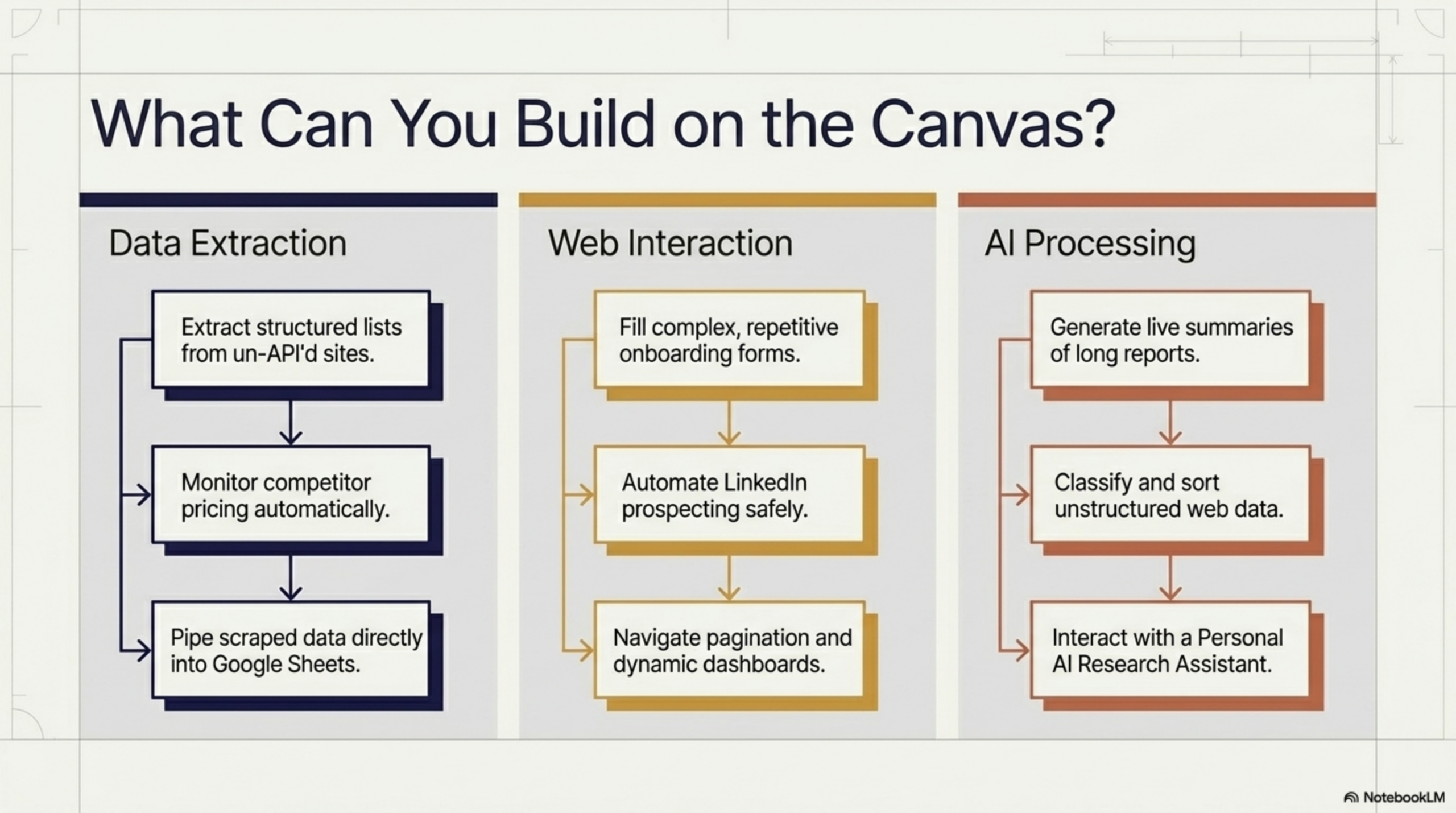
The range of what’s possible is broader than most people expect:
- Price and availability monitoring — e-commerce sites, competitor pricing, event tickets
- Job board scraping — aggregate listings from LinkedIn, Indeed, or niche boards into a unified view
- Content summarization — summarize articles, research papers, or product pages on demand
- Form auto-fill — populate repetitive forms with data from another source
- Internal tool enhancement — add AI-powered features to your company’s legacy web apps without touching the backend
- Social media monitoring — extract mentions, comments, or trending topics from platforms with restricted APIs
- Research workflows — extract structured data from multiple pages, compile into summaries
- Lead enrichment — pull info from company websites and structure it for your CRM
Limitations to Know
Browser-native automation is powerful, but it’s worth being clear about its boundaries:
- You must be on the page. The browser tab needs to be open (or at least loaded) for the automation to run. This is personal automation, not a 24/7 server process.
- Terms of service. Always check whether your intended use is permitted by the target site’s ToS. Automated data extraction may be restricted on some platforms.
- Login-gated content requires you to be logged in — which is often an advantage (you see exactly what you’d see manually), but means automations are tied to your account.
- Highly dynamic UIs may require selector updates if the site undergoes a major redesign.
Conclusion
The assumption that automation requires an API is outdated. The modern web is interactive, JavaScript-rendered, and session-aware — and browser-native automation tools meet it exactly where it is. With Agentic Workflow, anyone can point at a web page, wire up a few nodes, and build a working automation in minutes — no code, no server, no API needed.
The 99% of websites without APIs just became automatable.
Ready to start? Install Agentic Workflow from the Chrome Web Store and automate your first website today — no API, no code, no problem.

Why Your AI Agent Needs a Browser, Not Just an API » Agentic Workflow
April 27, 2026[…] rather than a structured API response, the API-first architecture hits a wall. The solution is to automate websites directly, without relying on an API at […]
How to Monitor Competitor Prices Automatically with AI » Agentic Workflow
April 27, 2026[…] any page a human can visit — including JavaScript-rendered pages, logged-in dashboards, and sites without any public API. You point it at a URL, select the DOM elements containing the prices you care about, and let the […]
Browser Automation for Non-Developers: A Practical Guide » Agentic Workflow
April 27, 2026[…] Every workflow runs directly in your browser, on the live web page, as you. For a deeper look at how to automate websites that don’t offer an API, the same principles apply whether you’re a developer or […]
How to Extract Data from Any Website and Send It to Google Sheets » Agentic Workflow
April 27, 2026[…] based on your session, and cannot easily read what is on your screen right now. If you need to automate any website without an API, a browser-native approach is the only reliable […]
Build an AI Form-Filler That Works on Any Website » Agentic Workflow
April 27, 2026[…] web page — including form labels, input types, placeholder text, and validation rules — even on websites that don’t have an API. It passes that structural information to a local or cloud LLM, which decides what value belongs in […]