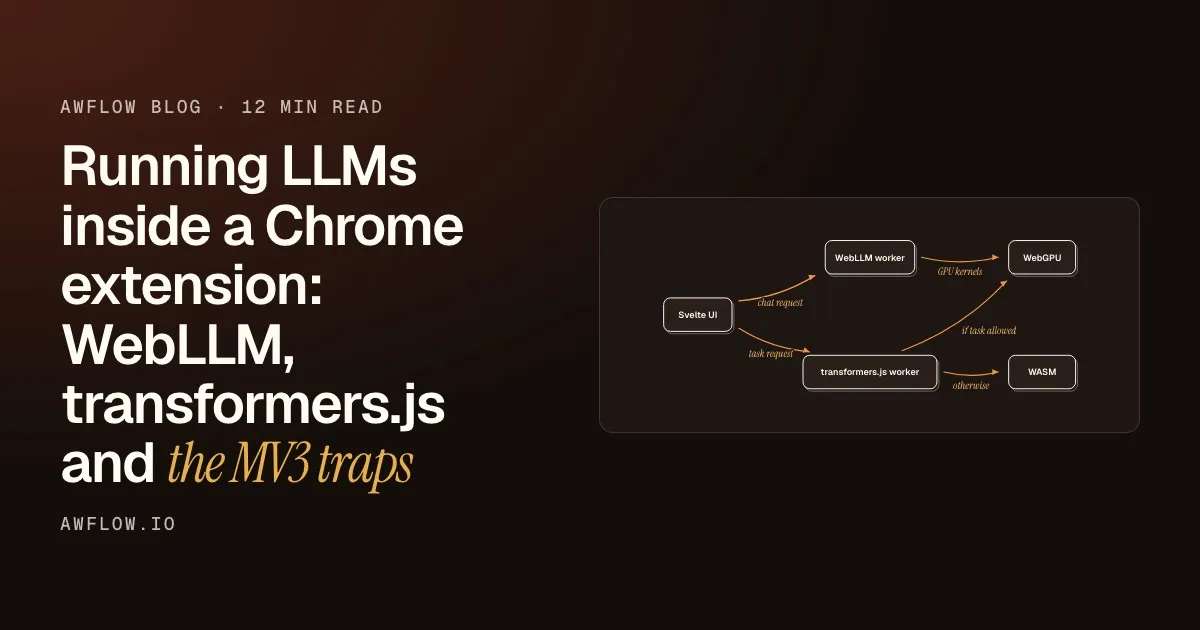
A thought
Cloud AI has one door to every model. Your browser has three locked rooms.
The hook. Say it, then pause.A 3-second opener before the first chapter.
Version texte
- A thought: Cloud AI has one door to every model. Your browser has three locked rooms.
A few years ago, using several AI models meant several accounts, several SDKs and several bills. Then routers such as OpenRouter put one API in front of hundreds of models. Switching from one model to another became a one-line change, and choosing a model became a decision about the job instead of a decision about plumbing.
AI that runs inside your browser is where cloud AI was before that. It is free, private and works offline, and it is still painful to use. This is a post about why, and about the piece we think is missing.
The cloud learned to make models swappable
The idea behind a router is simple: you should choose a model by what it is good at, and the cost of switching should be close to zero.
The principle
Models should be swappable. Engines should be invisible.
Invisible engines. Nobody should care which library runs the maths.The runtime becomes an implementation detail behind the interface.
Version texte
- The principle: Models should be swappable. Engines should be invisible.
On-device AI breaks the second half of that sentence. To see why, look at what a model actually is when it runs in a browser.
In the browser, models live on islands
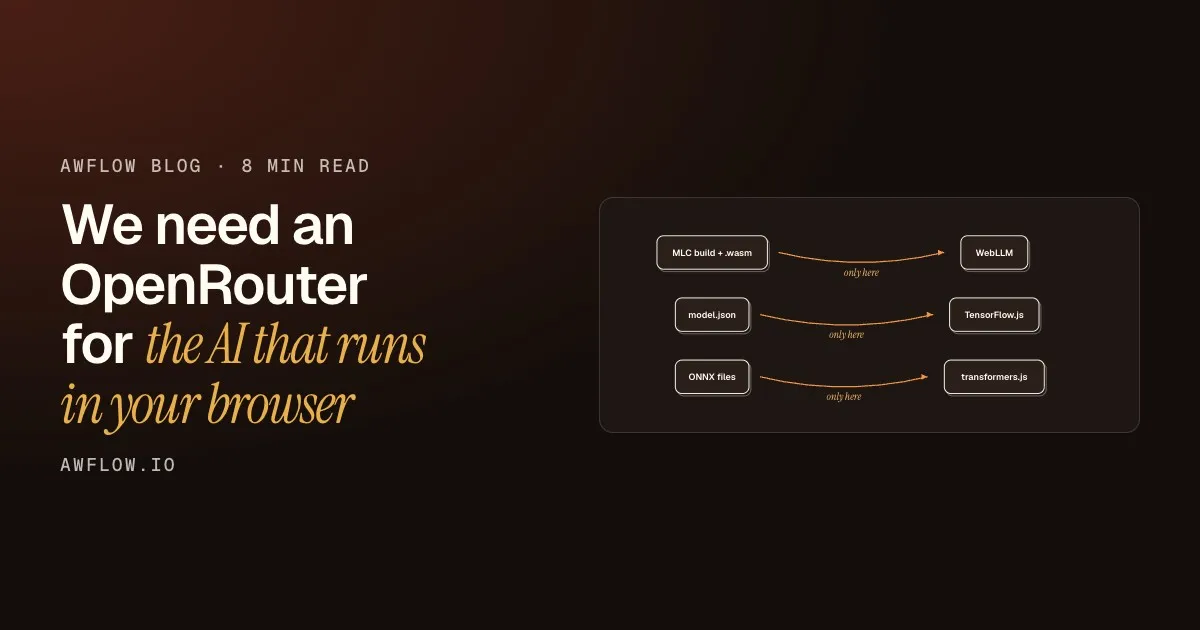
Three open-source engines do most of the work today: WebLLM, TensorFlow.js and transformers.js. Each is excellent. Each also expects models in its own format, so a model prepared for one cannot be loaded by another.
transformers.js needs an ONNX build of a Hugging Face model.Repos with only GGUF, GPTQ or safetensors weights will not run in the browser.
Version texte
- MLC build + .wasm · model.json · ONNX files · WebLLM · TensorFlow.js · transformers.js
- MLC build + .wasm → WebLLM: only here
- model.json → TensorFlow.js: only here
- ONNX files → transformers.js: only here
Three formats, three engines
Every engine has its own model format. None of them reads the others’.
WebLLM wants an MLC build
Chat models for WebLLM are compiled ahead of time with MLC. A raw .gguf file, the format most local-AI fans know from desktop tools, does not load.
TensorFlow.js wants a model.json
Vision and text models for TensorFlow.js are exported as a model.json with weight files beside it.
transformers.js wants ONNX
transformers.js runs Hugging Face models, but only those with an ONNX build. Many repositories have none.
The result is that “which model should I use?” is really three questions, asked in three different ways, with three sets of documentation. That is exactly the situation routers solved in the cloud.
What a router for on-device AI must do
A cloud router has an easy job: it forwards your prompt to a model that already runs somewhere else. An on-device router cannot forward anything. The model must end up on your machine, and your machine is not a data centre. So the router has to take on jobs a cloud router never thinks about:
Beyond forwarding
What an on-device router has to handle
- Know what your hardware can run (fait)router job
- Download once, and keep the files (fait)router job
- Check the model really works here (fait)router job
- Pick the engine from the job (fait)router job
Route by job. You ask for a summary, it finds the engine.A task-based registry maps each job to installed models across engines.
Version texte
- What an on-device router has to handle
- Know what your hardware can run
- Download once, and keep the files
- Check the model really works here
- Pick the engine from the job
The last item is the heart of it. When you ask for a job, the router should know which installed models can do it, whichever engine they belong to:
You only ever asked for jobs.The engine stayed an implementation detail. Example jobs and outputs.
Version texte
- Summarise, label, transcribe → On-device router
- WebLLM: summarise a page · TensorFlow.js: label a photo · transformers.js: transcribe a memo
- WebLLM → 3 bullets · TensorFlow.js → "a red bicycle" · transformers.js → the transcript
- Three jobs, one place
Where we are, honestly
In AWFlow, our first version of this is the Local AI page. You pick a model by task (chat, embeddings, image classification, speech-to-text and more), AWFlow picks the engine, and every installed model is then available to the assistant, to agents and to workflow nodes. Browser-runnable models from Hugging Face are listed alongside our curated ones, and you can add a custom model in any of the three formats.
It shows up right at the front door. The first time you open the assistant, you choose where its brain lives:
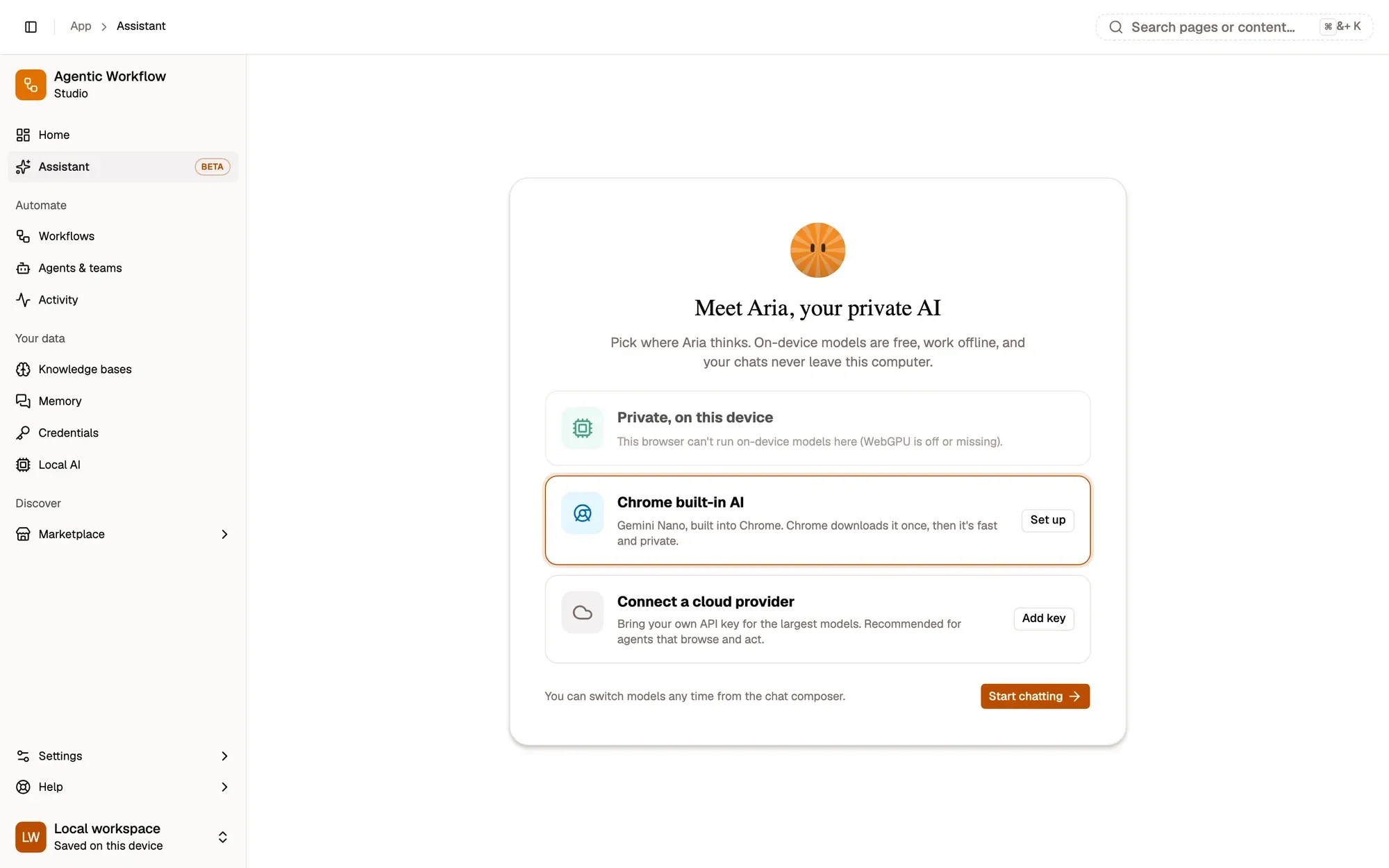
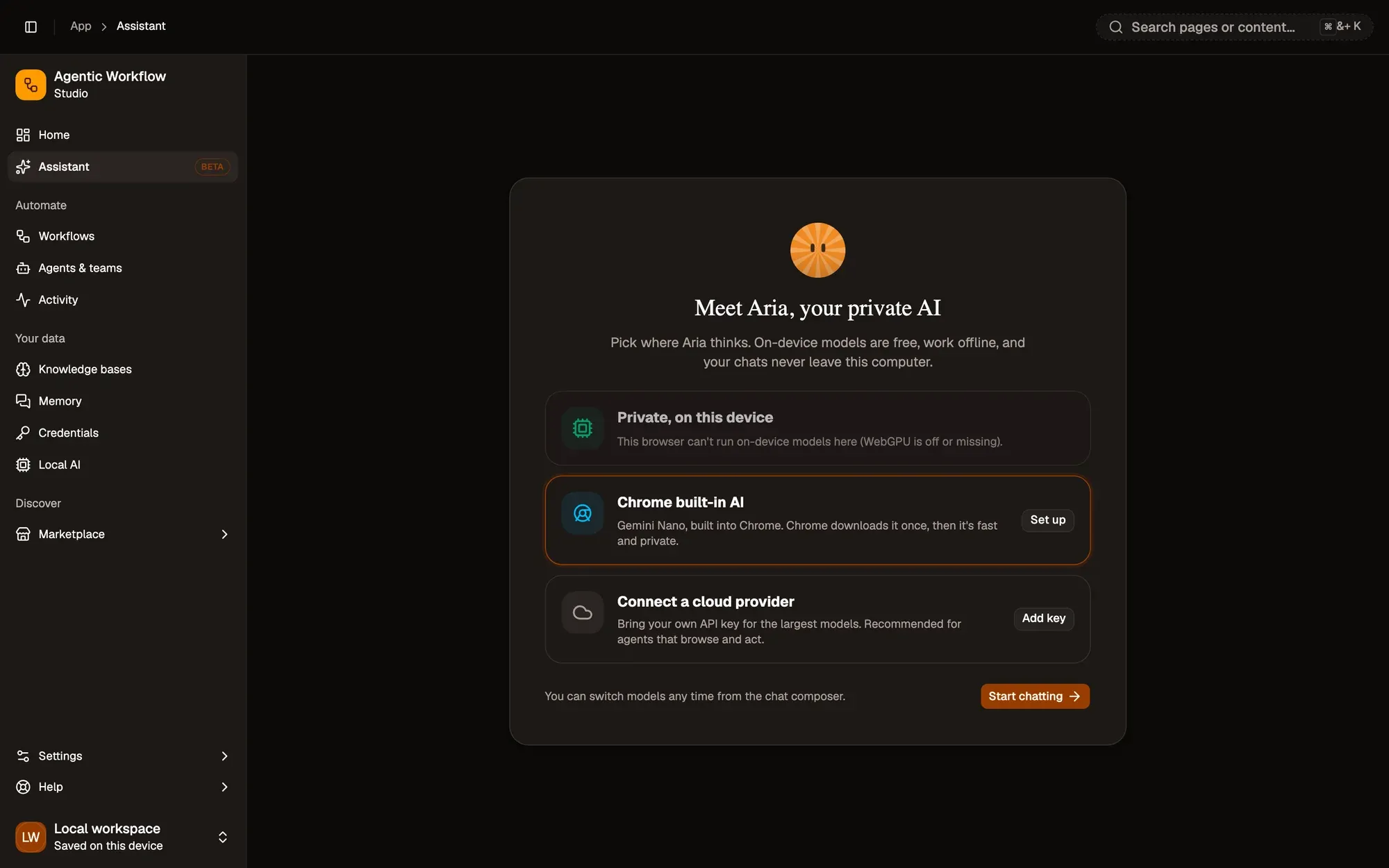
Your choice, per job, not a choice made for you.The same assistant and workflows work with either.
Version texte
- 1. On this device: Free, private, offline once installed.
- 2. Or a cloud provider: Your own key, when a job needs more.
That is a start, not a solution. Two problems are bigger than any one product.
Once a model is in my browser, every site can use it.
Each site and extension keeps its own copy. Browser storage is split by origin, not shared by model.
The fact. Every website or extension downloads its own copy.Cache Storage and IndexedDB are partitioned per origin, so identical weights are stored again for each one.
Version texte
- Once a model is in my browser, every site can use it.
- Each site and extension keeps its own copy. Browser storage is split by origin, not shared by model.
The first is duplication. The same 900 MB model can sit in your browser five times, once for each tool that uses it, because the web keeps every site’s storage separate for good security reasons. The second is format. Until engines share a model format, or a router can translate between them, choosing a model will keep meaning choosing an engine.
Neither is solved yet. We think the web will get there, the way the cloud did, and we would rather build toward it in the open than pretend it is done.
Petit sondage
Which job would you move to an on-device model first?
Résultats d’exempleReveal. Summaries lead. (Example results.)Example results, labelled on screen.
Version texte
- Which job would you move to an on-device model first?
- Summarising pages: 38% · Sorting and labelling text: 27% · Transcribing voice notes: 20% · Describing images: 15%
If you want to try what exists today, the Local AI guide walks through it, and our practical guide to picking a model shows how to choose one your laptop can run.
What we covered
- Routers made cloud models swappable
- In-browser AI is still three islands
- Next: shared models and shared formats
Three. The missing pieces are a shared format and shared storage.Per-origin storage duplicates weights; engine-specific formats block routing.
Version texte
- What we covered
- Routers made cloud models swappable
- In-browser AI is still three islands
- Next: shared models and shared formats