An assistant that builds, not just chats.
Aria answers questions about the page you're on — and when you ask, writes the workflow for you. Agents go further: goals, skills, knowledge and rules you set.
- Right-click · Ask Aria
- ⌘⇧K quick chat
- Assistant Notch
- Side panel
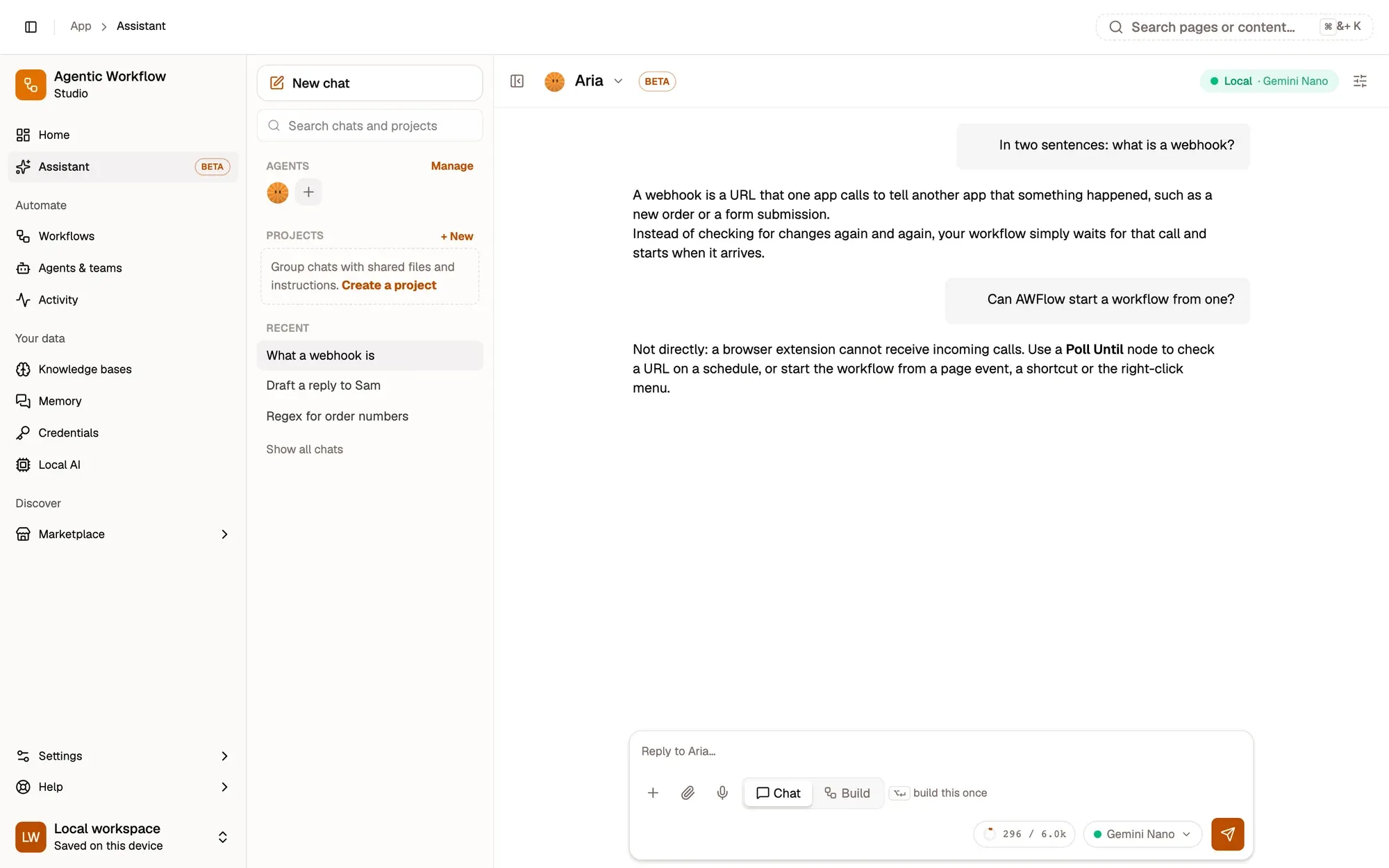
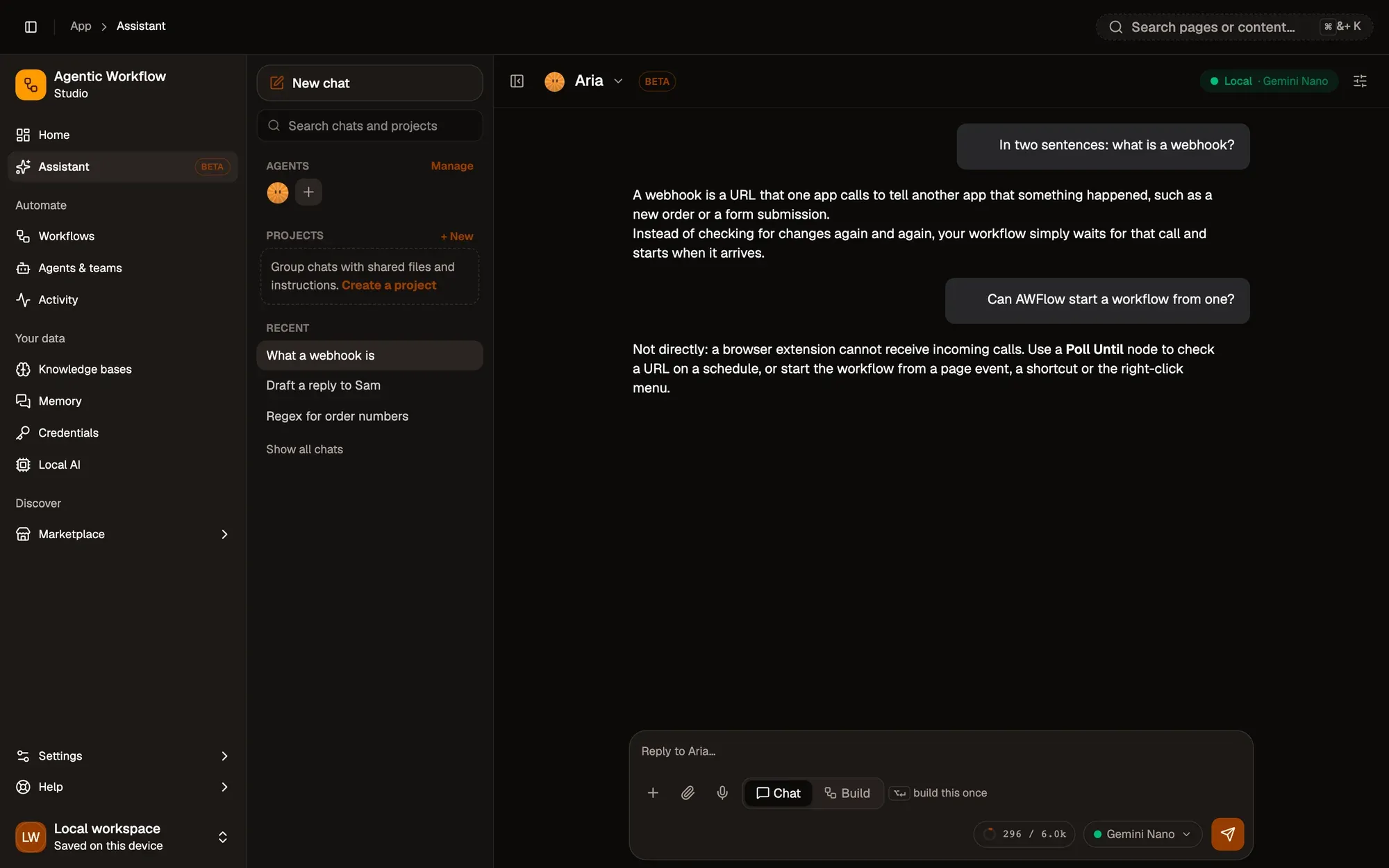
 AriaReading this pageBuild mode
 Send to Telegram
Ask a question. Or ask for a workflow.
Talk about what's in front of you.
Summarise a page, explain a passage, translate a selection or describe an image. Aria answers; nothing is built.
Describe it. Get a canvas.
Switch the chat to Build and say what to automate. Aria writes the workflow into a preview, and every change is shown in the chat and can be undone.
- Context menu
- Get selection
- Add to Todoist
Aria opens where you already are.
- Right-click
Right-click "Ask Aria"
On any page or selected text. - ⌘ ⇧ K
Quick chat
A small chat over whatever you are doing. - On page
The Assistant Notch
A floating notch on pages you can drag anywhere. - Side panel
The side panel
Aria next to the page, for longer sessions.
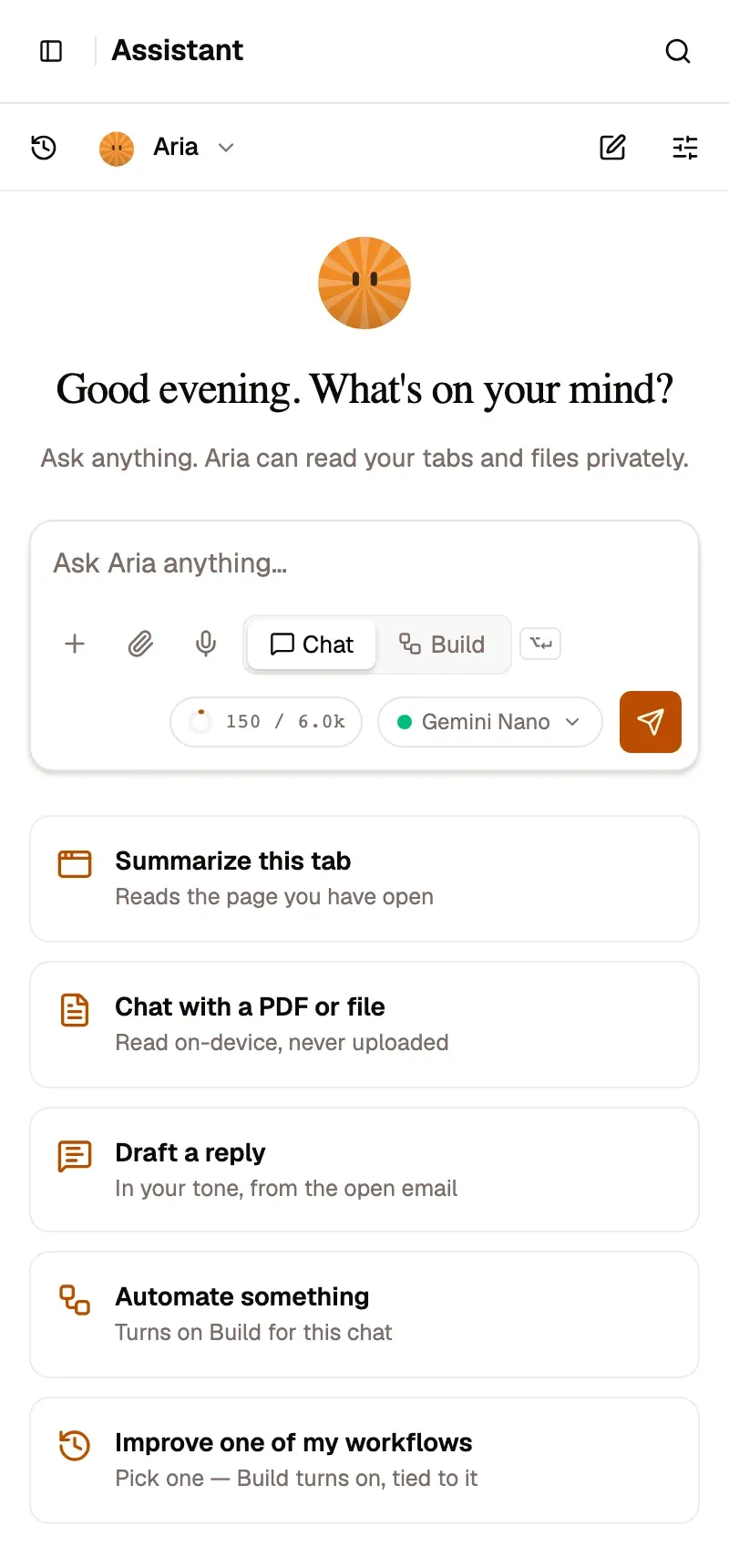
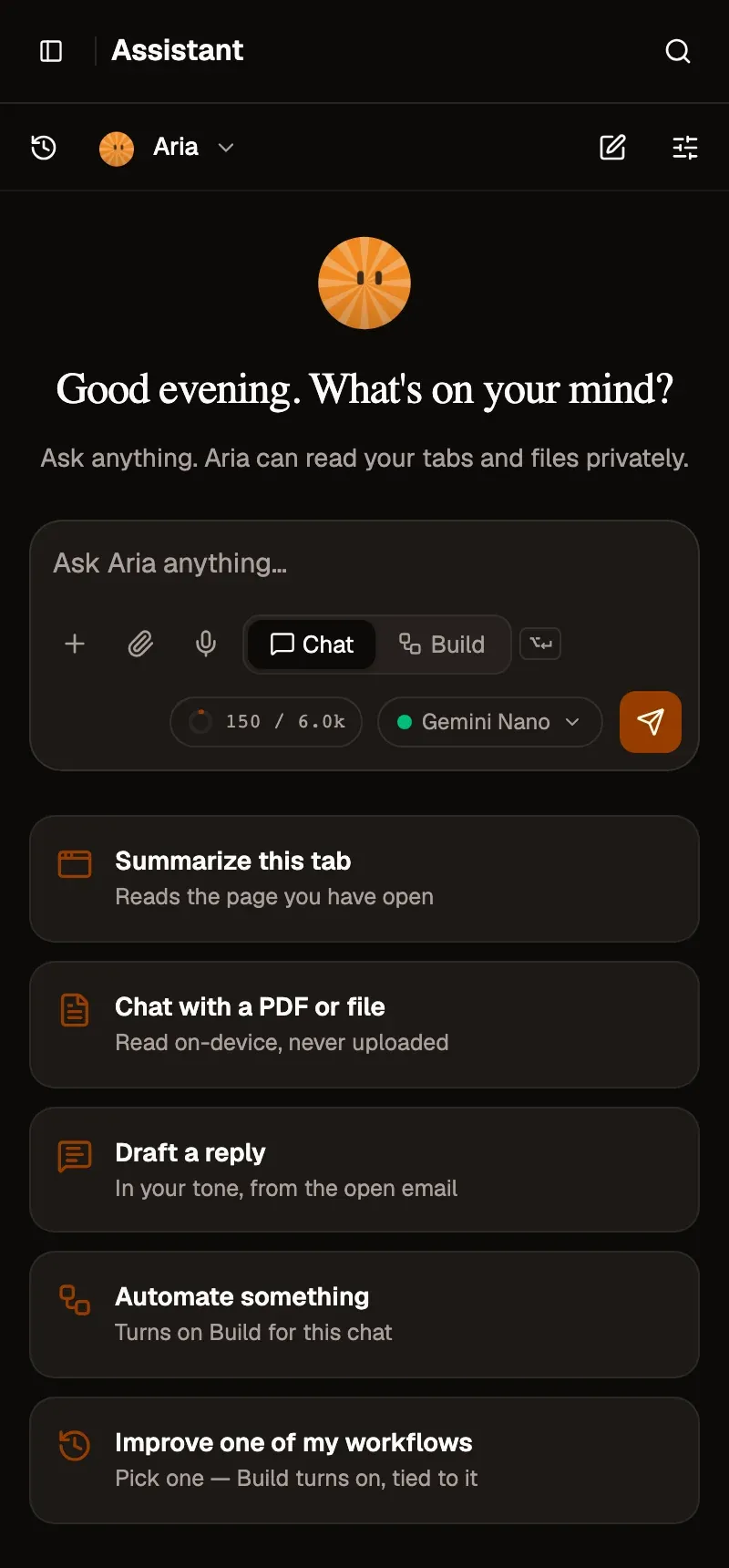
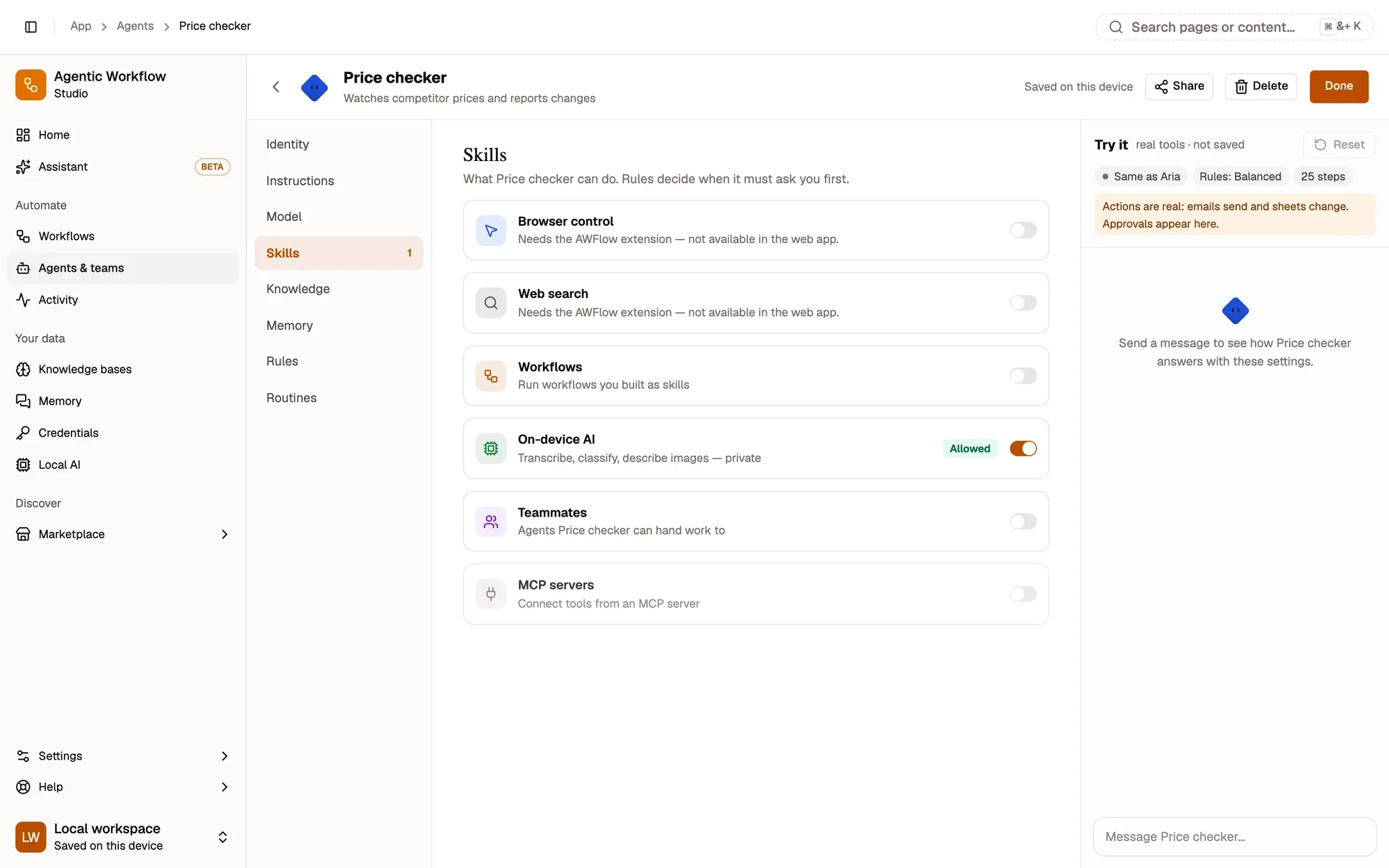
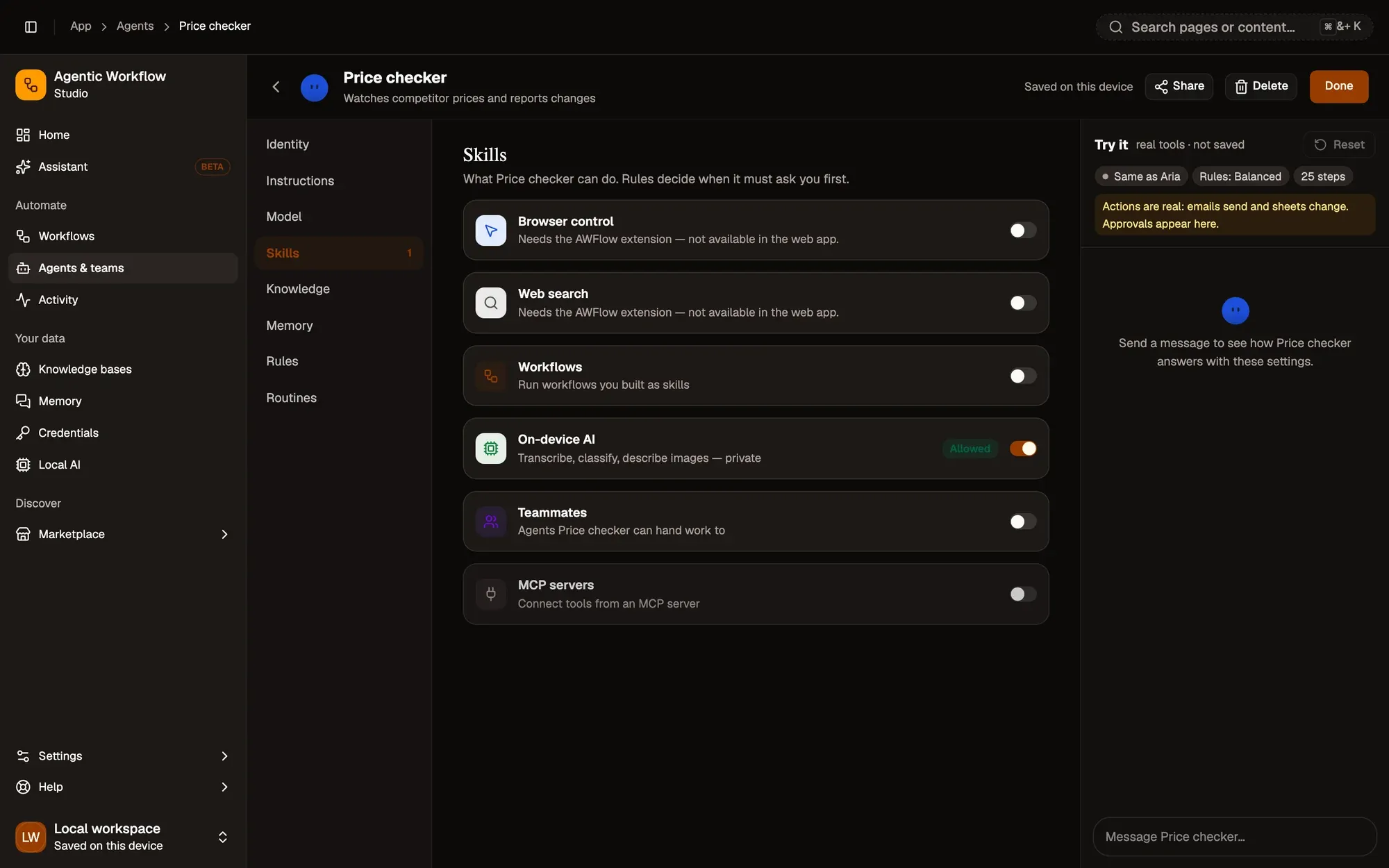
Give it a goal. Choose its skills.
An agent is instructions, a model, skills, knowledge, memory, rules and routines. When it browses, it works in its own tab group — and you can take over at any moment.
- Browser controlClick, type and read real pages.
- Web searchSearch the web and read the results.
- Run workflowsCall your saved workflows as tools.
- On-device AIImage, text and audio models on your device.
- TeammatesDelegate to other agents.
- MCPConnect tools from MCP servers.
You set the rules. They're checked first.
Rules are enforced in code, around every action — a page or a prompt can't talk an agent out of them. Four outcomes, nothing in between.
- 01
Allow
Runs without asking.
ExampleSearch the web. - 02
Ask
Pauses for your approval.
ExampleSubmit a form or send a message. - 03
Block
Never runs, whatever it says.
ExampleA site you listed as never allowed. - 04
Hand over
Stops and gives you the step.
ExampleThe agent reaches a payment.
Each card shows exactly what will be sent. Approvals also arrive as a desktop notification, and a run waits for your answer.
One lead. Shared rules.
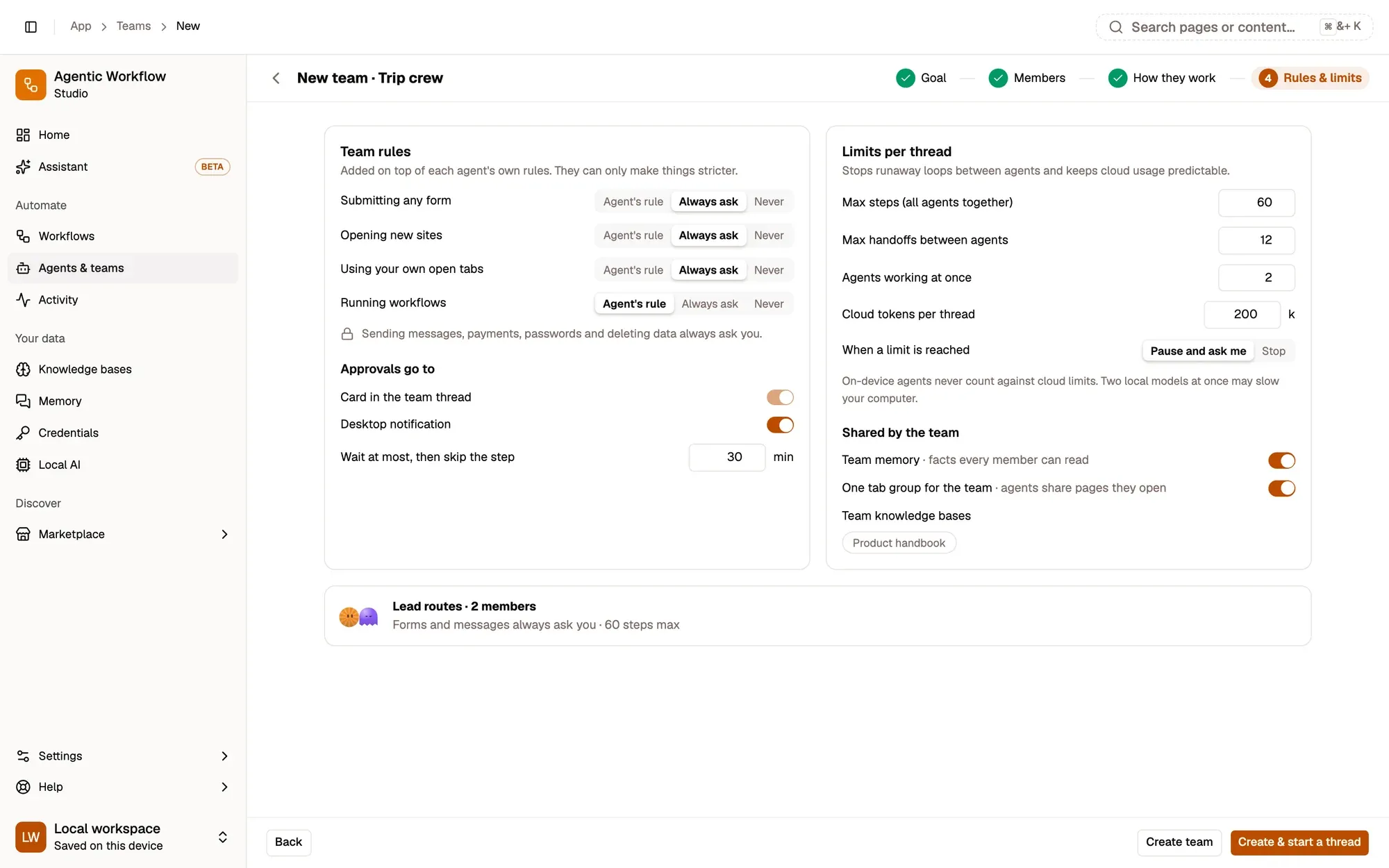
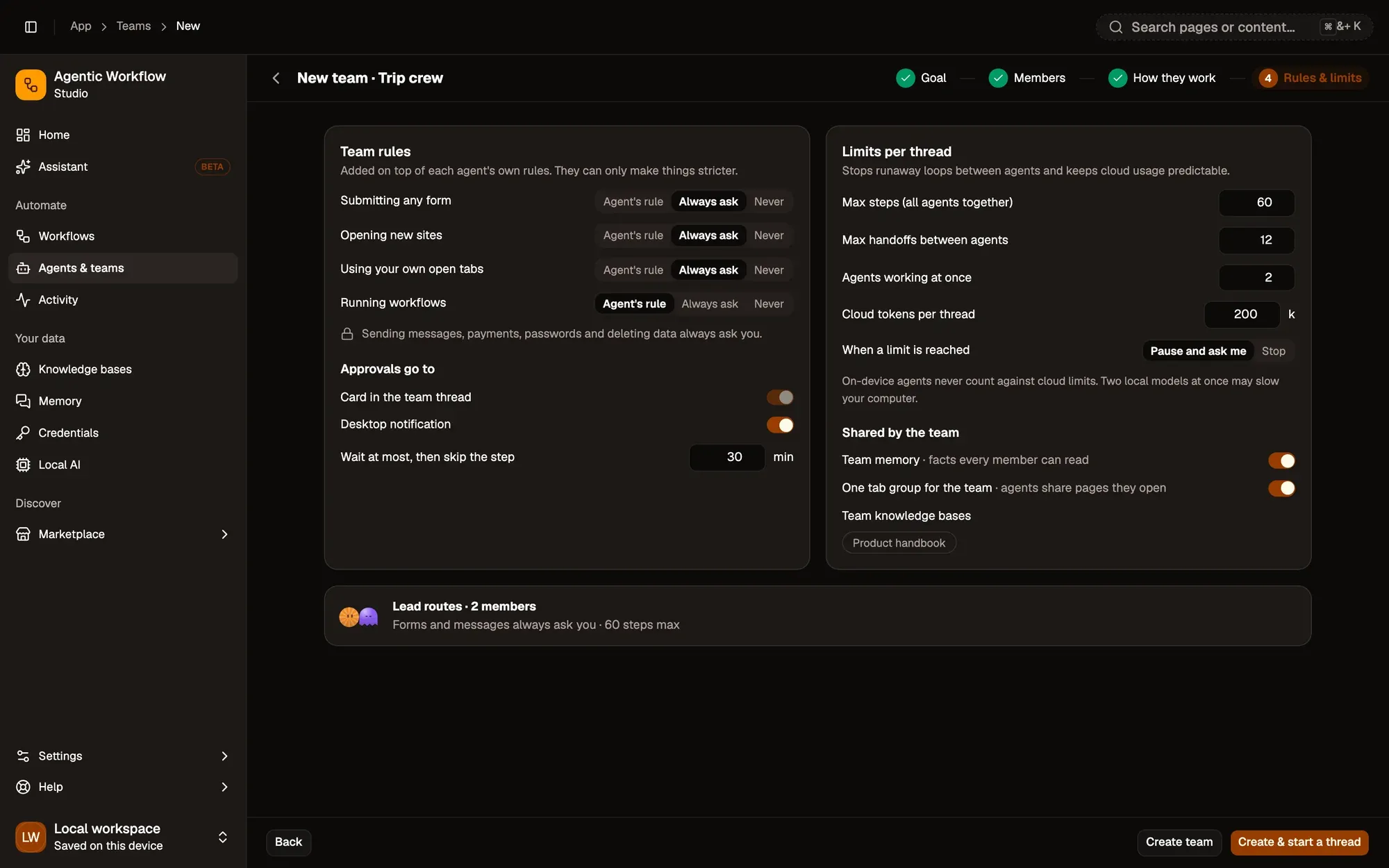
Group agents into a team. The lead hands parts to the right members and merges one answer; members keep their own skills; the team's rules sit on top of everyone's and can only make them stricter.
Research lead
- Member
Web researcher
- Web search
- Browser control
- Member
Data analyst
- Run workflows
- On-device AI
- Member
Writer
- Teammates
- MCP
- Always ask · submitting forms
- Never · opening new sites
- Always ask · payments
It knows your docs. It remembers — on your device.
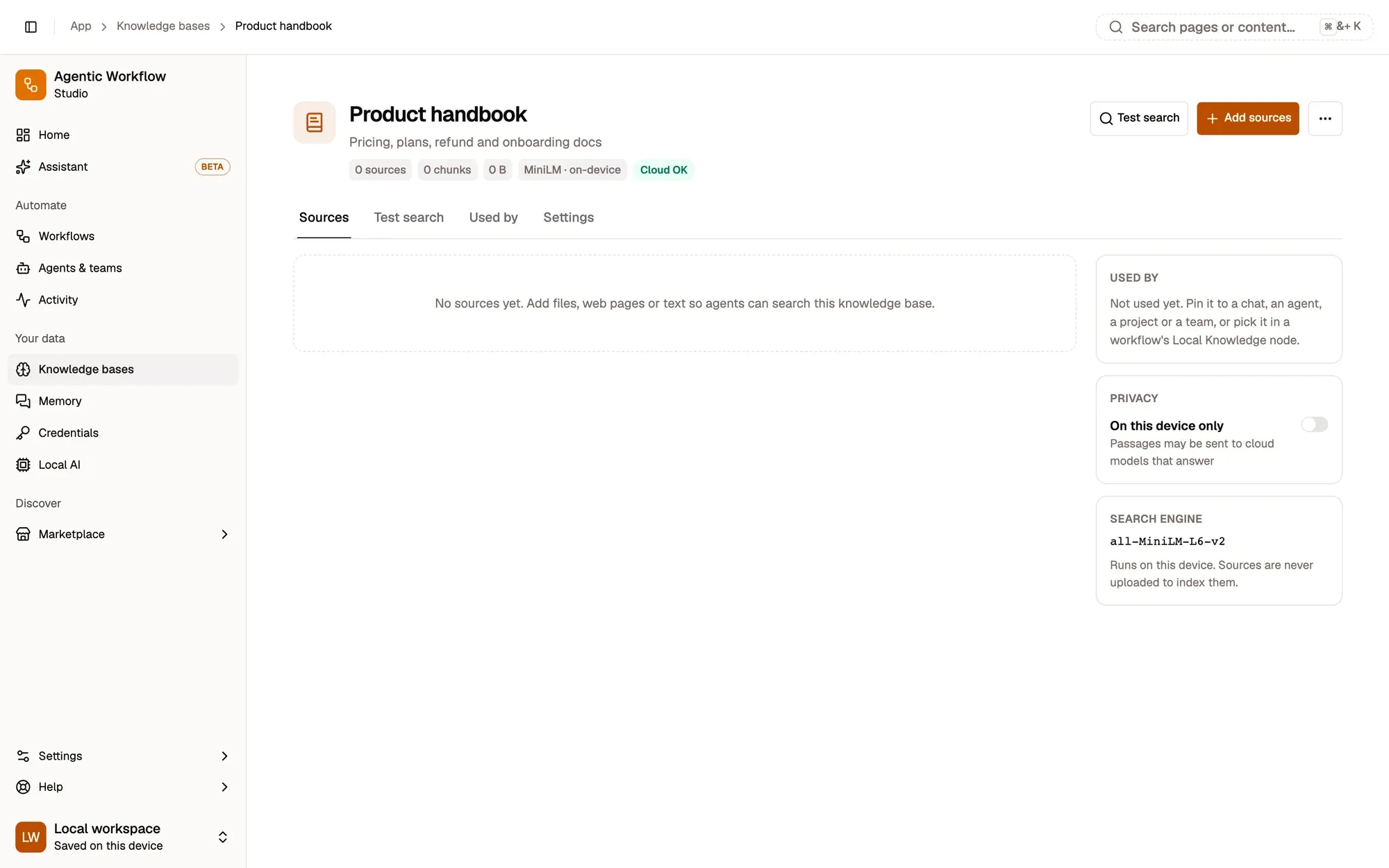
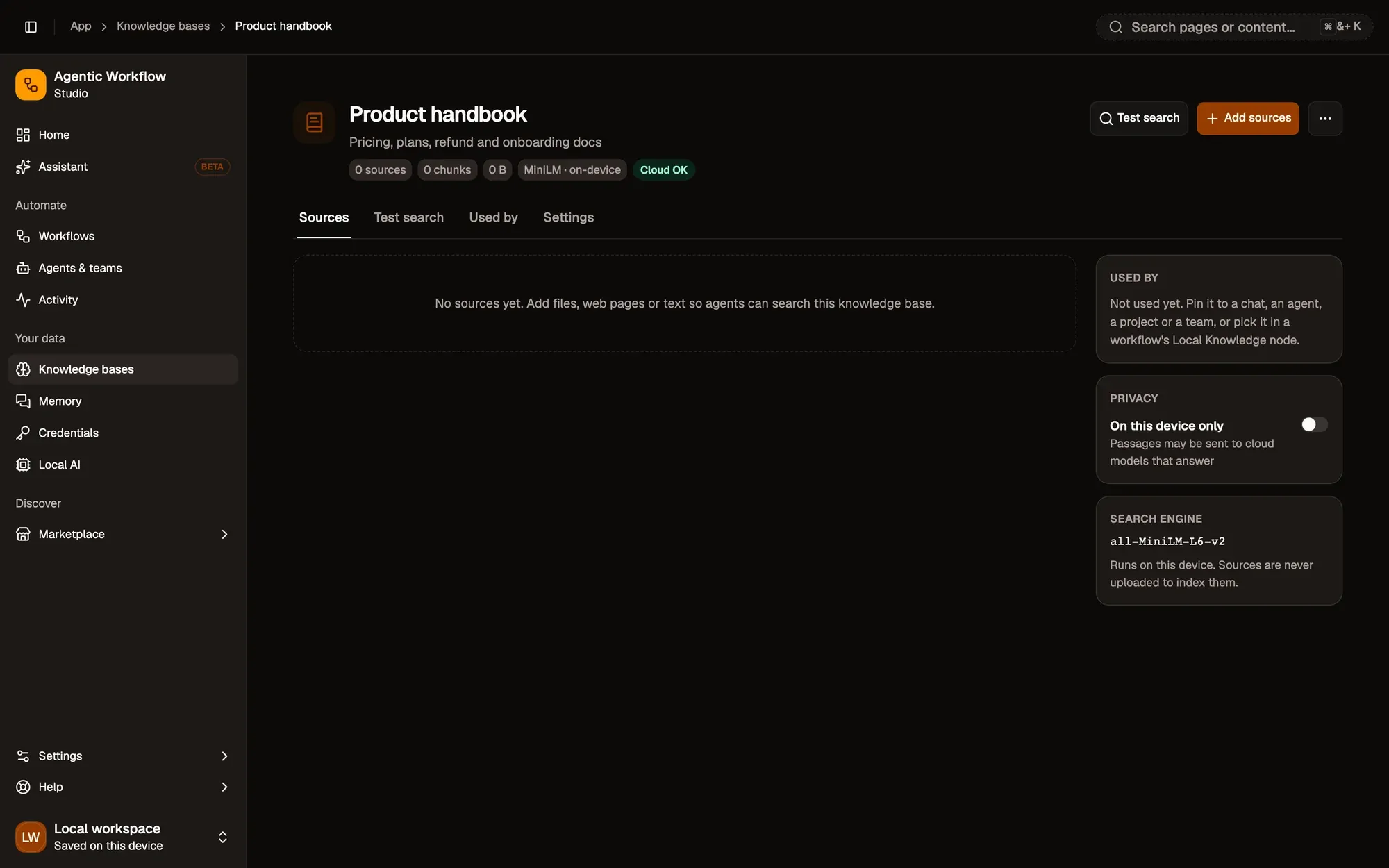
Attach knowledge bases indexed on your device, and let agents keep long-term memory stored on your device that you can see and manage.
Meet Aria in your next tab.
Press ⌘⇧K (Ctrl+Shift+K on Windows) on any page after installing. Free, no account needed.