You share the recipe, never the pantry.
Start without an account and everything stays in your browser. Memory, knowledge bases and AI keys stay there even after you sign in. When you share a template, the steps travel — and a secret scan checks for keys before you publish.
- Local by default
- See what it touches
- You approve
Three promises
Most tools ask you to trust their servers. AWFlow keeps most of your data off its servers — and says plainly what does reach them.
Local by default
No account to start. Workflows run in your browser, and with on-device AI your text can stay on your machine.
- Anonymous local workspace
- Workflows run in your browser
- On-device models need no key
See what it touches
Every Marketplace listing shows the sites and apps a workflow uses. Installed workflows ask before they contact a website.
- Permissions & Safety on every listing
- Installed workflows ask before contacting a site
- Site access you can review and remove
You approve
Agents check their rules before every action, and a workflow can pause until you answer.
- Rules: allowed, ask first or blocked
- Payments handed to you; sign-in, sending and deleting always ask
- Wait For Approval pauses a run until you answer
Read the label before you open the box.
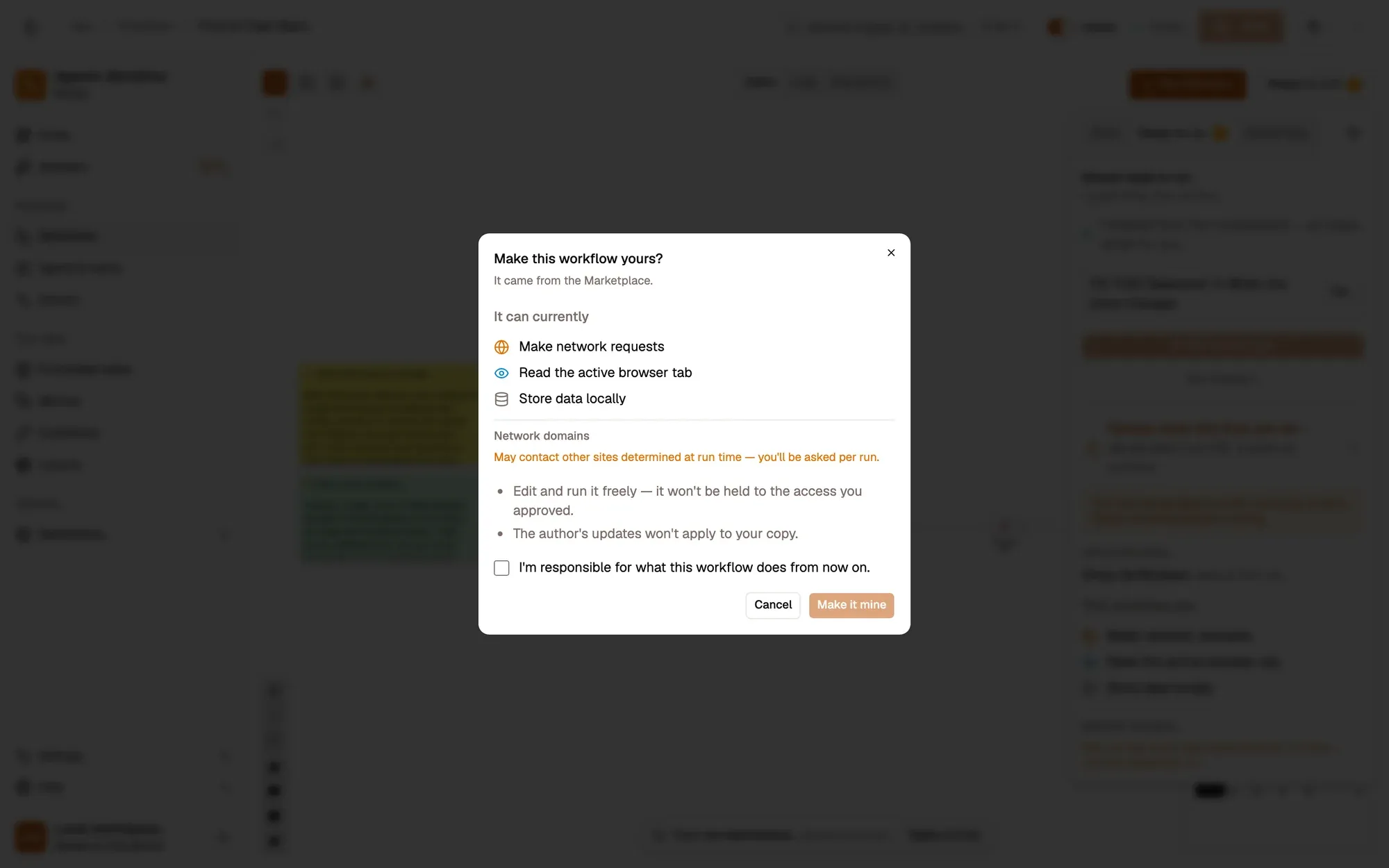
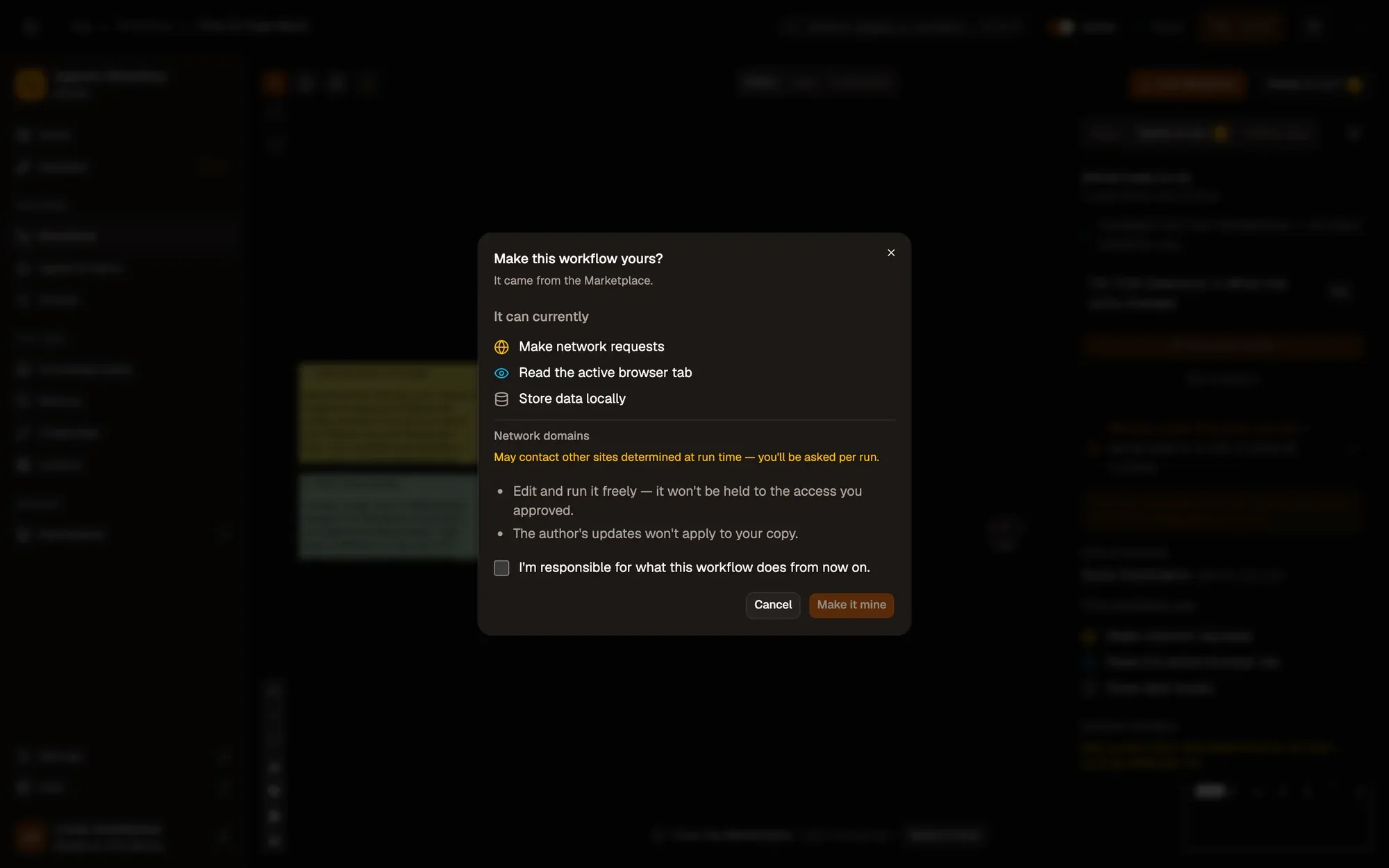
Every Marketplace listing carries a Permissions & Safety summary drawn from its steps. When you make an installed workflow your own, a dialog lists what it can access first, and asks you to take responsibility for it.
- Sites it reads or contacts
- Apps and accounts it uses
- Confirm, or cancel — nothing changes first
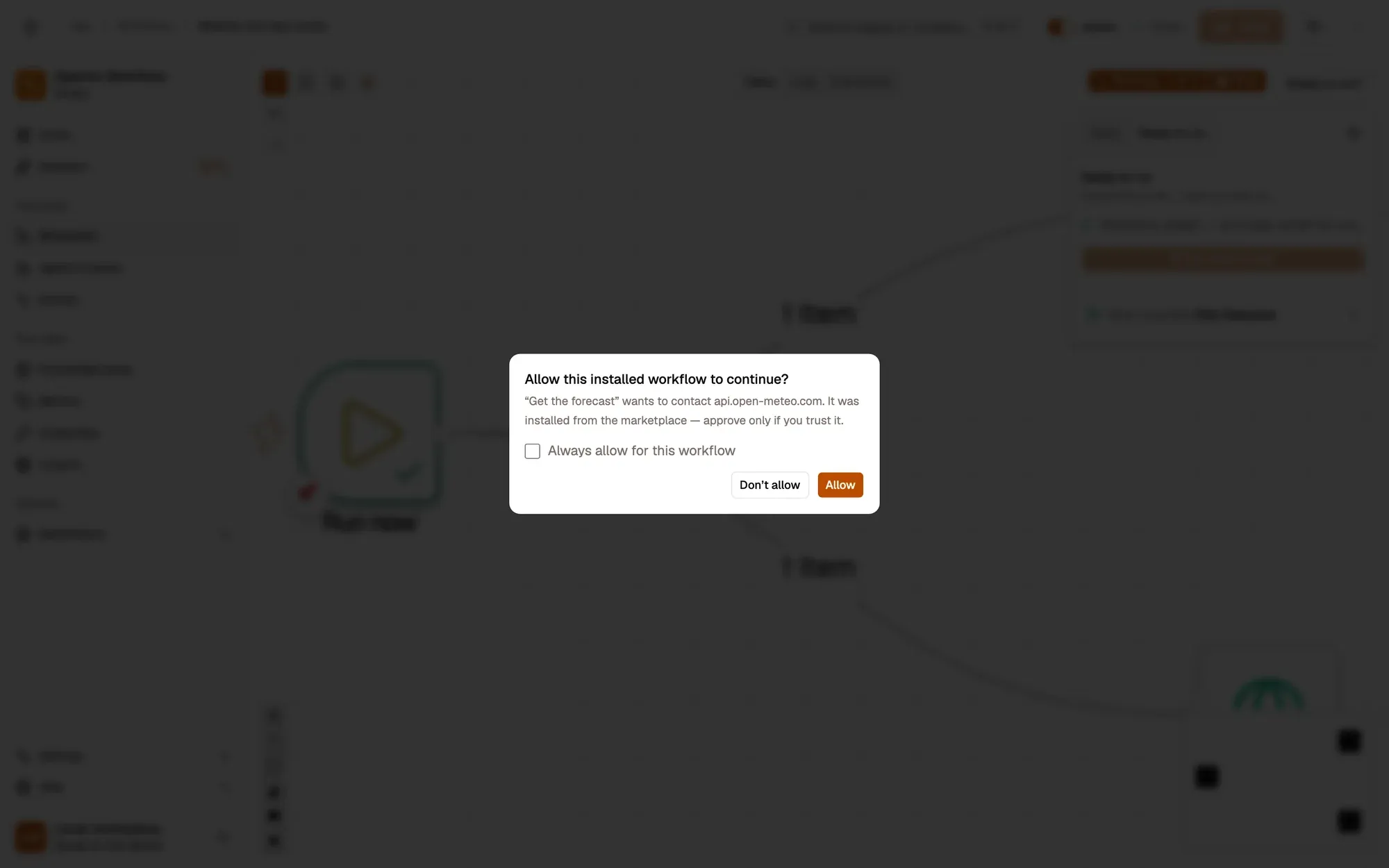
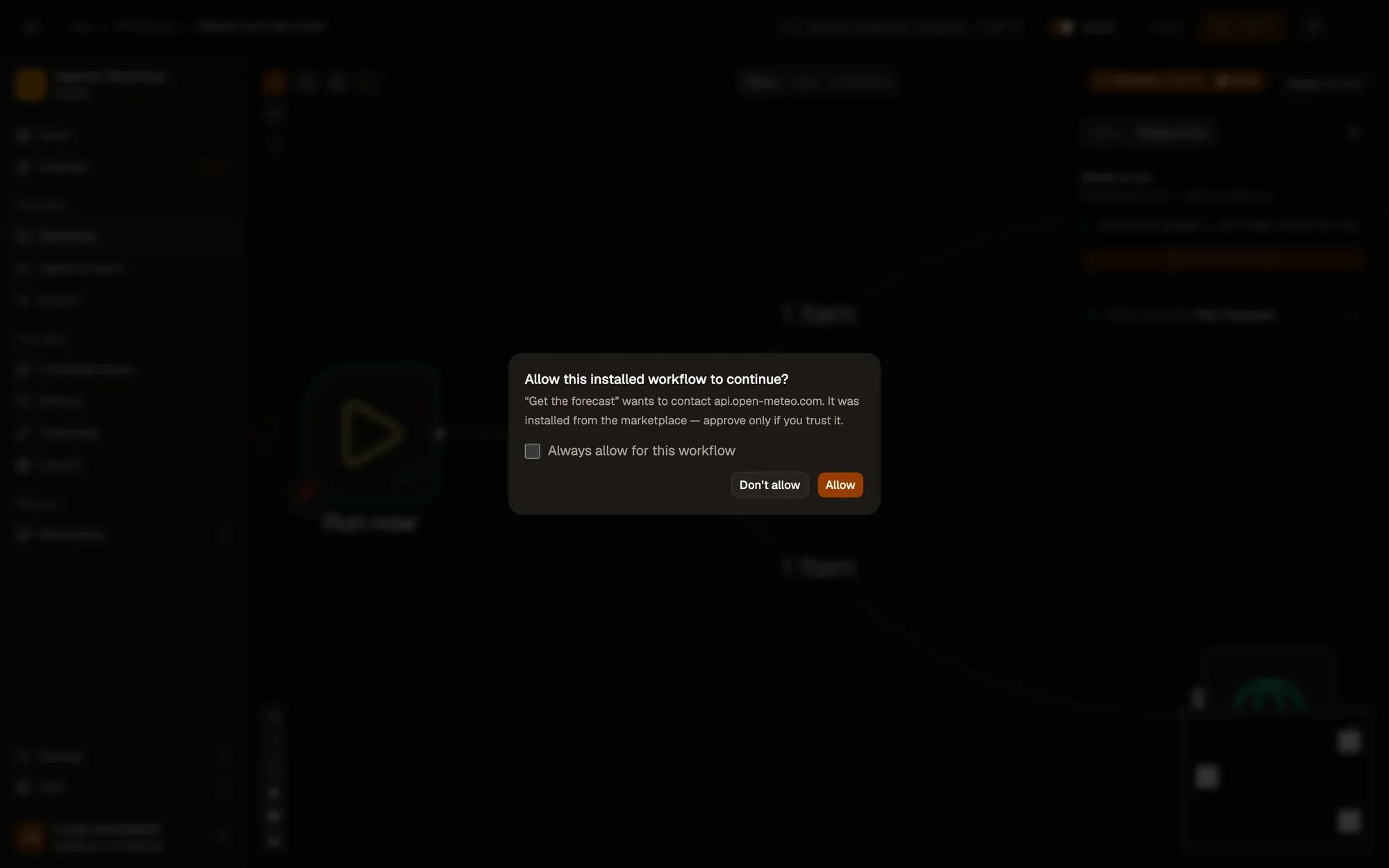
One site at a time. Your call.
A workflow asks before it first contacts a new site: allow it once, or always for that workflow. Installed workflows always ask; your own ask when Safe mode is on. Review or remove grants in Settings › Site access — they're saved on this device.
Checked before every action.
Agents follow rules you set — allowed, ask first or blocked — enforced in code around every action. Payments are handed to you. A workflow can also stop and wait for your answer, in the app or, in the extension, on the page.
- AllowRead a page
- AskSubmit a form
- BlockA site on your never-use list
- Hand overPay for something
Memory you can see. Secrets you can lock.
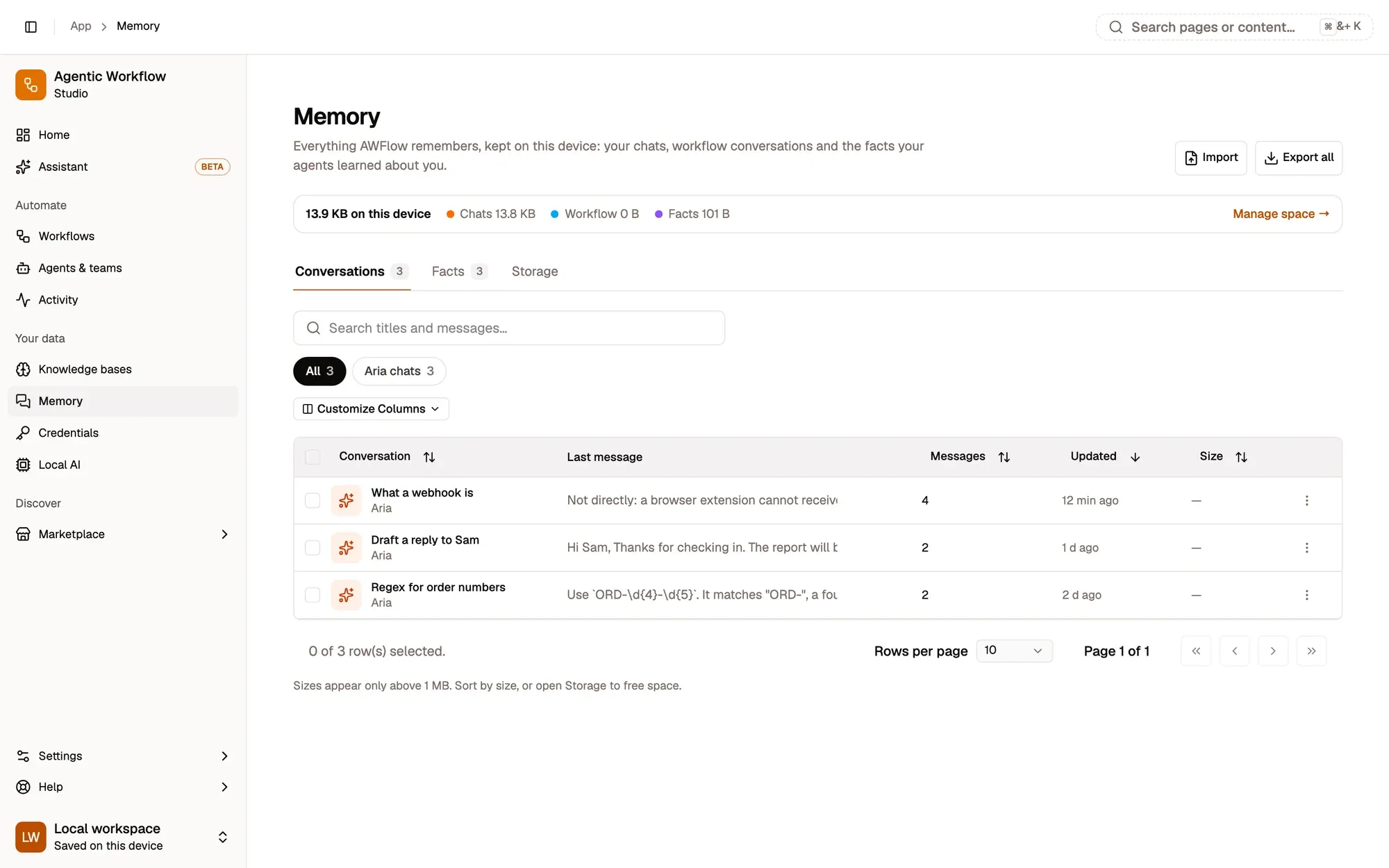
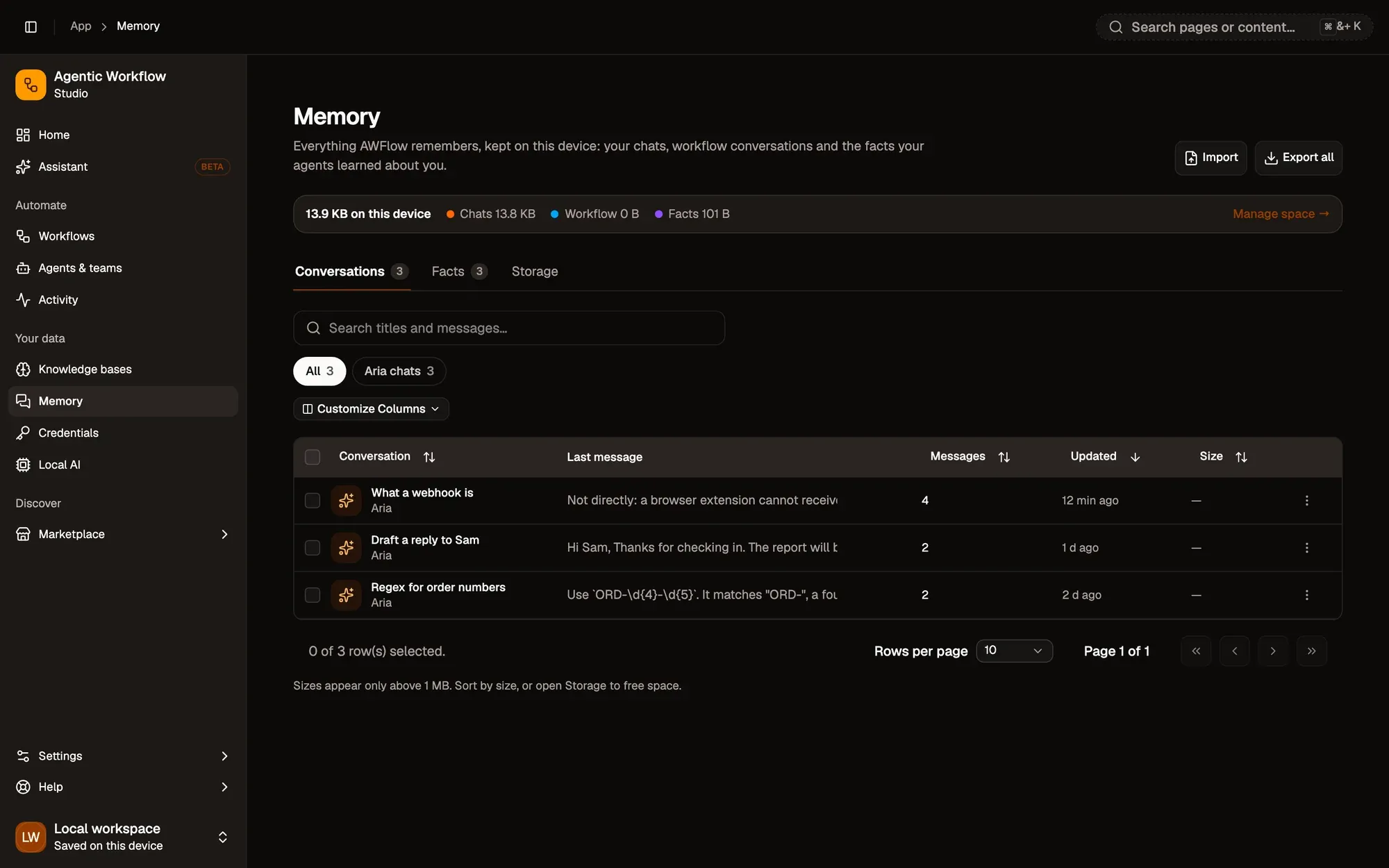
Memory
Conversations, workflow chat memory and long-term facts, stored in your browser. Browse, export or delete them, or lock them behind your vault passphrase.
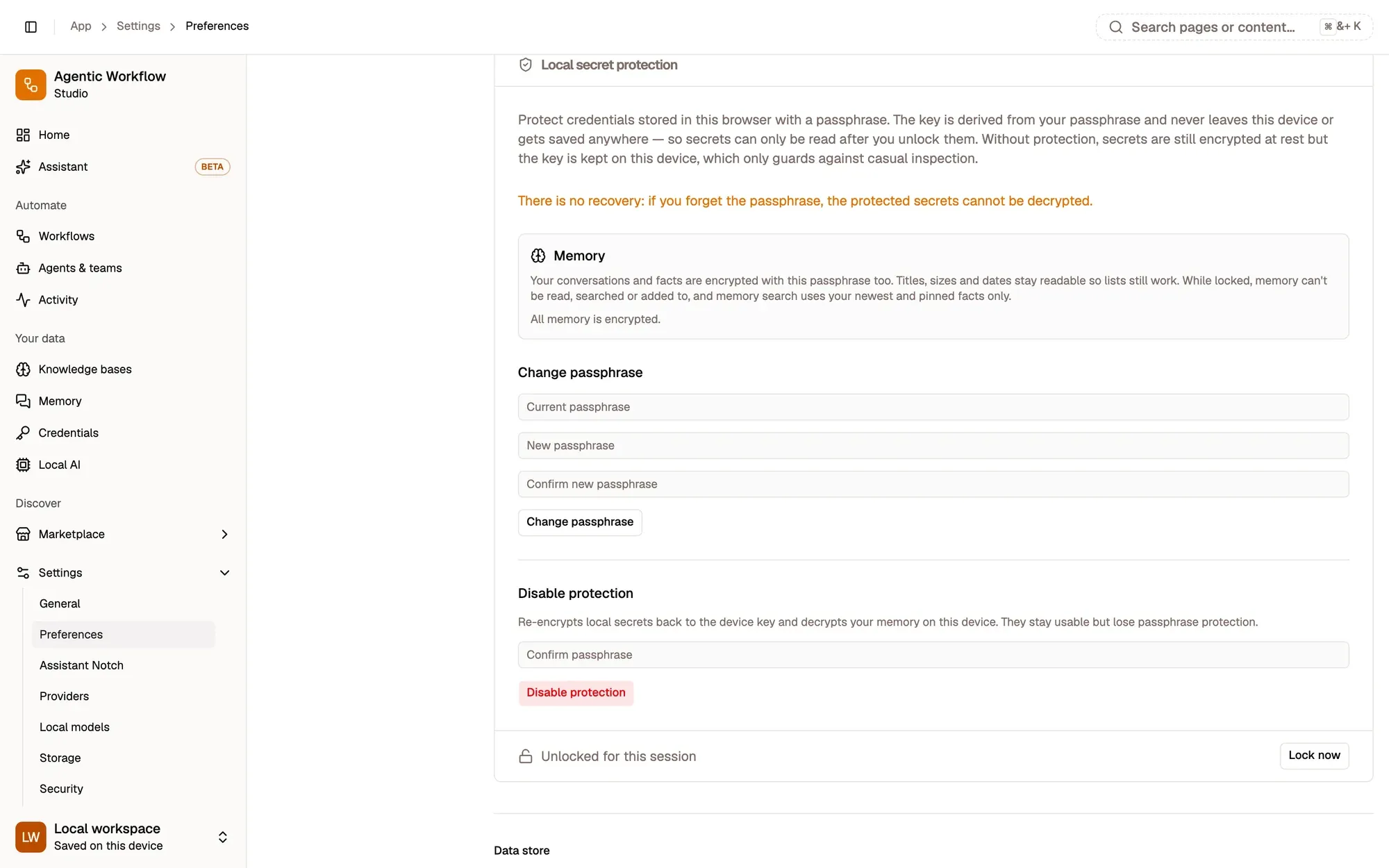
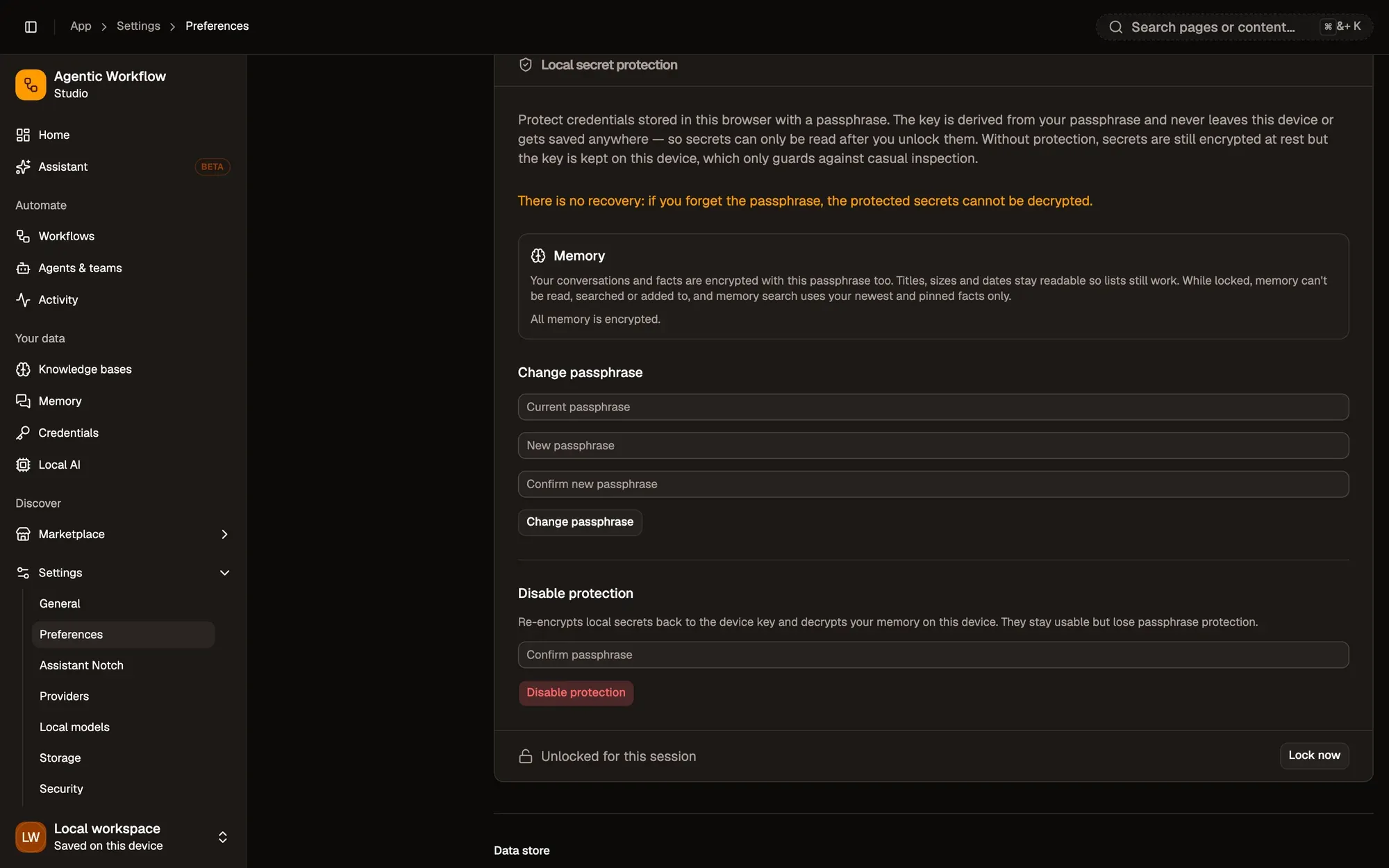
Local secret vault
An optional passphrase for local credentials and memory. Without it, the key sits on the same device, which only stops casual snooping. Forget the passphrase and nobody can recover what it protects.
What reaches our servers.
Your AI providers and connected apps receive what your workflows send them — that's between you and them. Cloud AI calls go straight from your browser with your own key; AWFlow doesn't relay them.
| Data | Local mode | Cloud mode (signed in) |
|---|---|---|
| Workflows | Stay in your browser | Your choice, per workflow: your account (the default) or this browser |
| Credentials | Encrypted in your browser | Your choice, per credential: your account (the default; encrypted on our server, which holds the key) or this browser |
| Run history | Stays in your browser | Kept where the workflow is |
| Chats, agents & memory | Stay in your browser | Stay in your browser |
| Knowledge bases | Stay in your browser | Stay in your browser |
| AI providers & their keys | Stay in your browser | Stay in your browser |
| Account | None — you are anonymous | Email, or Google, GitHub or Hugging Face sign-in |
| Profile & settings | None — you are anonymous | Stored with your account |
| Published listings | Not possible | Public on the Marketplace, once you publish |
| Usage statistics & error reports | Anonymous, on by default; switch off in Settings › Privacy | Anonymous, on by default; switch off in Settings › Privacy |
Shared recipes, checked kitchens.
Moderation
Nothing goes public until a moderator approves it.
Safety removal
A listing found unsafe can be suspended, and installed copies are checked against a public removal list before they run.
Permissions & Safety
Every listing summarises the sites and apps its steps touch.
Verified publishers
Publishers verified by the AWFlow team show a badge on their listings and profile.
The details, in writing.
The docs explain each safeguard, setting by setting.
Automation that stays home.
Start in local mode. No account needed — your work stays in your browser.