From idea to running in your browser.
One mental model, four stops. Start with a single click and grow into workflows, AI and agents — all inside the tab you already have open.



Four stops. Go as far as you need.
Every AWFlow automation sits somewhere on this line. Pick a stop to see what it is, an example, and when to reach for it.
Several steps, chained and scheduled.
A trigger plus a sequence of steps: read a page, check a condition, send the result somewhere. It runs on its own once it is set up.
“Every hour, read the price on this page; if it drops under 80 euros, message me on Telegram.”
Something starts it. Steps do the work.
Every workflow reads left to right. Sticky notes narrate what each part does, so you can understand a recipe before you run it.
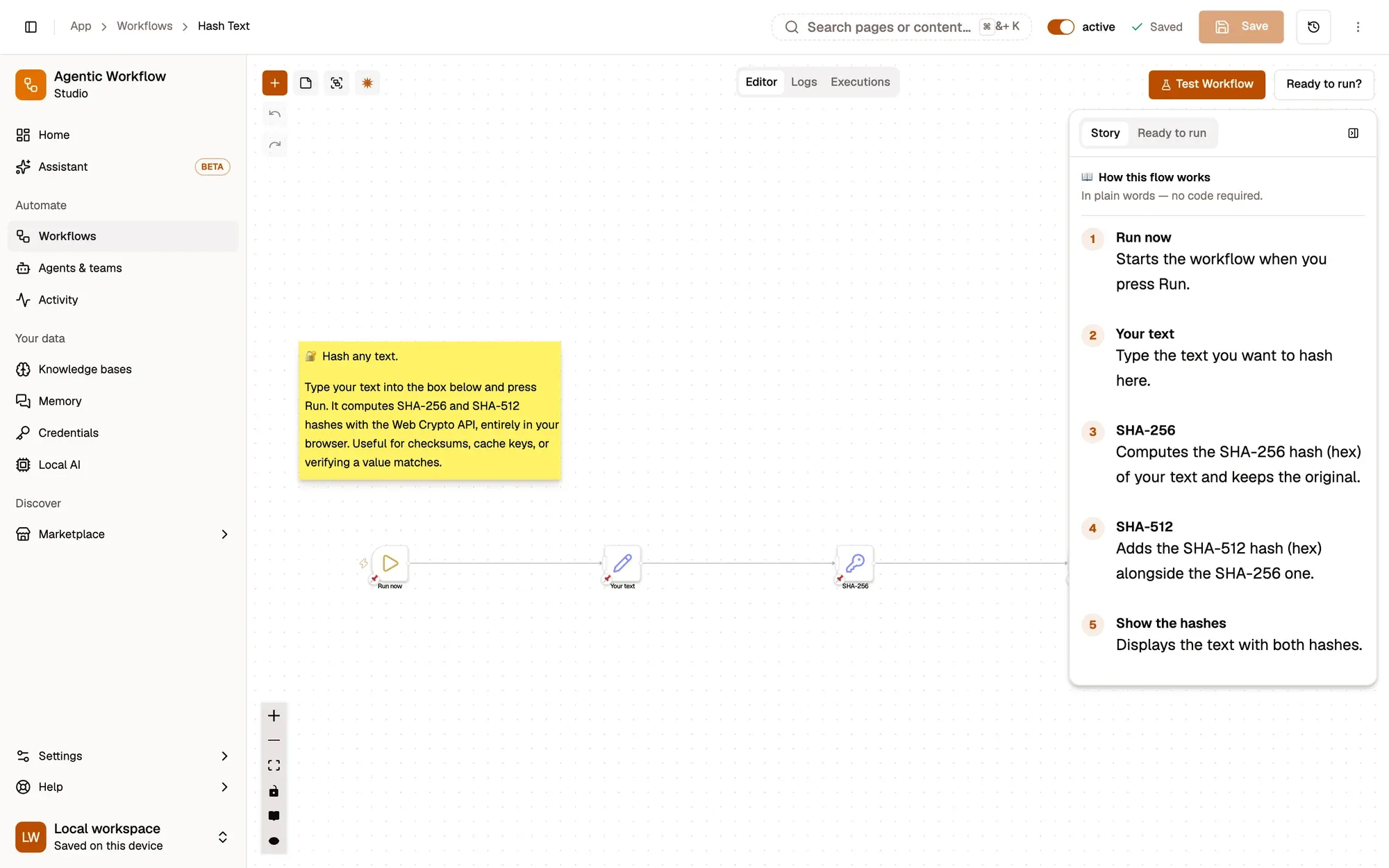
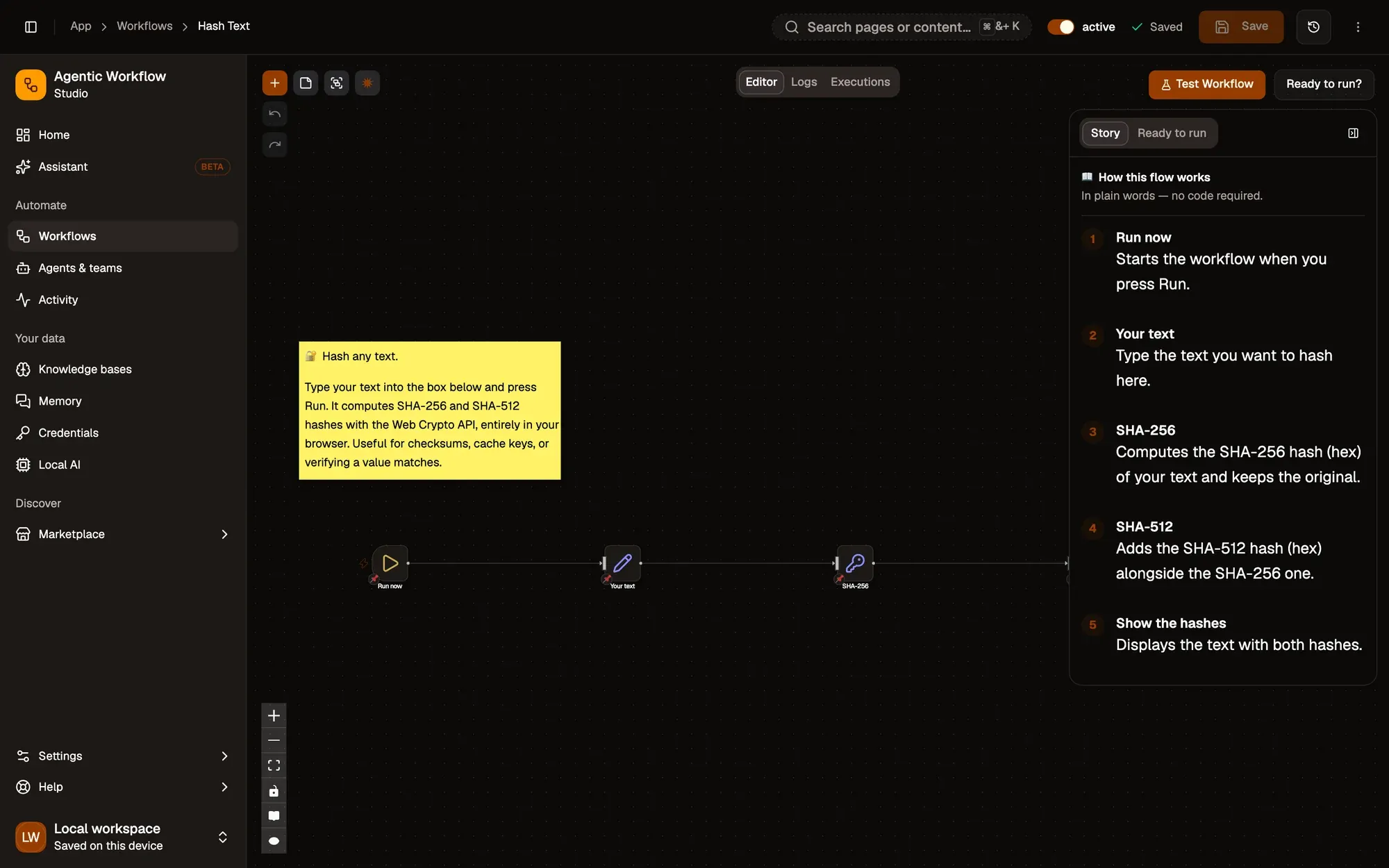
The trigger
What starts a run: a schedule, a right-click, a hotkey, a page that changes, or you pressing Run.
The steps
Nodes that read the page, shape data, make decisions, call AI or talk to your apps. 189 to choose from.
The output
Where the result lands: a Notion page, a Telegram message, a CSV, a filled form, or back on the page itself.
It runs when you say so.
10 triggers
- When StartedYou press Run, manually.
- ScheduleEvery hour, day or custom time.
- Context MenuRight-click on a page or selection.
- HotkeyA keyboard shortcut you choose.
- Page LoadWhen a matching page finishes loading.
- NavigationWhen you go to a matching URL.
- Element ChangeWhen something on a page changes.
- ChatWhen you send a chat message.
- Browser StartupEach time the browser opens.
- ErrorWhen another workflow fails.
Local by default. Cloud when you want it.
Both modes run your workflows in the browser. The difference is whether you sign in — and what that unlocks.
Local mode
Install and go. You stay anonymous and everything lives in your browser.
- Anonymous — no account needed
- Build and run workflows with no limits
- Workflows and credentials stay in your browser
- Chats, agents, memory and knowledge bases stay on your device
Cloud mode
Sign in with the same AWFlow account when you want your work to travel or be shared.
- Sign in with email, Google, GitHub or Hugging Face
- Save workflows and credentials in the cloud, available wherever you sign in
- Install workflows from the Marketplace
- Publish your own to the Marketplace
Either way, workflows execute in your browser. Read what goes where →
The honest answers.
Can't find yours? The docs go deeper on every node and trigger.
Open the docs ↗Do I need to know how to code?
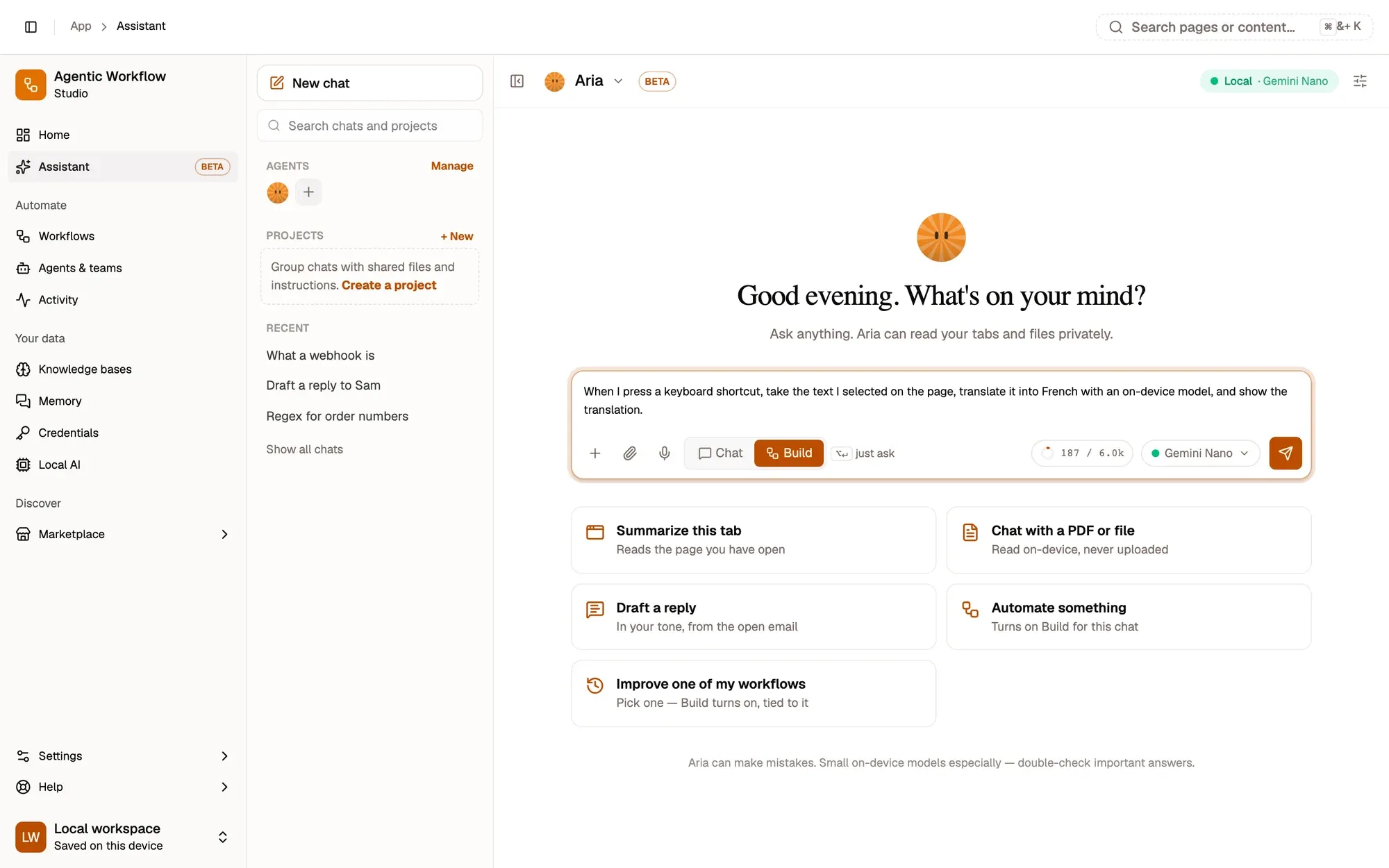
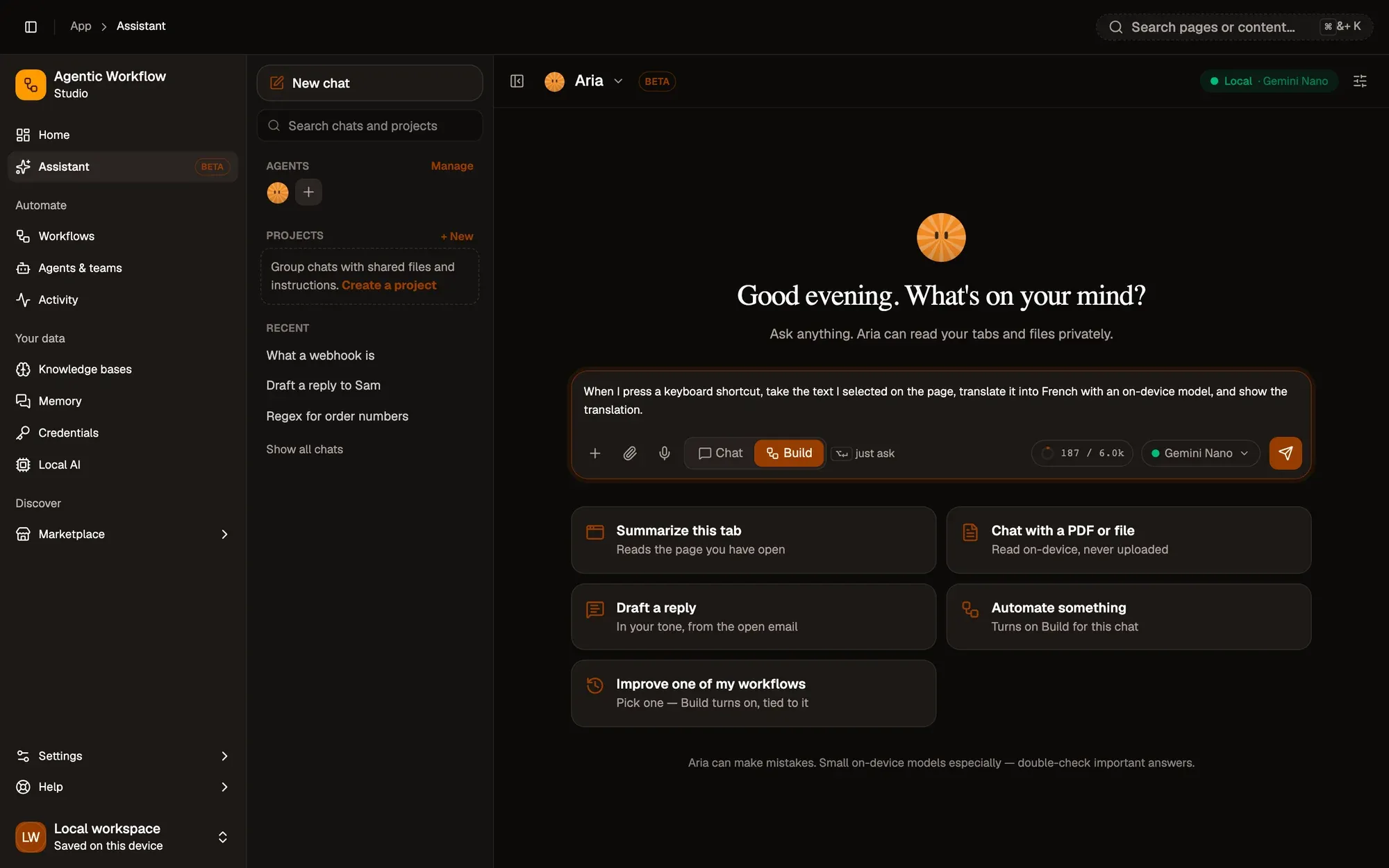
No. Workflows are built by connecting nodes on a canvas, and Aria can draft them from a sentence. If you like code, you can still drop it in exactly where you want it.
Does it work when my browser is closed?
No — AWFlow runs inside your browser, so the browser needs to be open. Long waits are handled, though: a run can pause for up to 30 days and pick up again, even if you closed its tab.
Is it really free?
Yes. Local mode is free with no account. On-device AI is free because it runs on your hardware. If you connect a cloud AI provider with your own key, that provider bills you directly.
Which browsers are supported?
Chrome is recommended and Edge is fully supported. Firefox 140 and later works too, in its sidebar and without the Chrome AI node. Safari is not supported.
How is this different from Zapier or n8n?
Both are excellent at connecting apps on a server. AWFlow lives in your browser, so it can act on the page you are looking at, run AI on your device, and needs no server or account to get started.
Your first workflow takes minutes.
Free, no account, nothing to host. Start from a template or let Aria draft it.