Most AI agents today are built API-first. They connect to databases over REST, read documents from cloud storage, query structured data through GraphQL and write results back through webhooks. It’s a clean, developer-friendly architecture, and it misses most of the real web. The pages your customers use, the tools your team works in every day, the competitor sites you want to watch: few of them offer an API for what you need. If your AI agent has to work in the real world, it needs a browser, not just an API client. That’s a core idea of any true agentic workflow: agents act where the work happens.
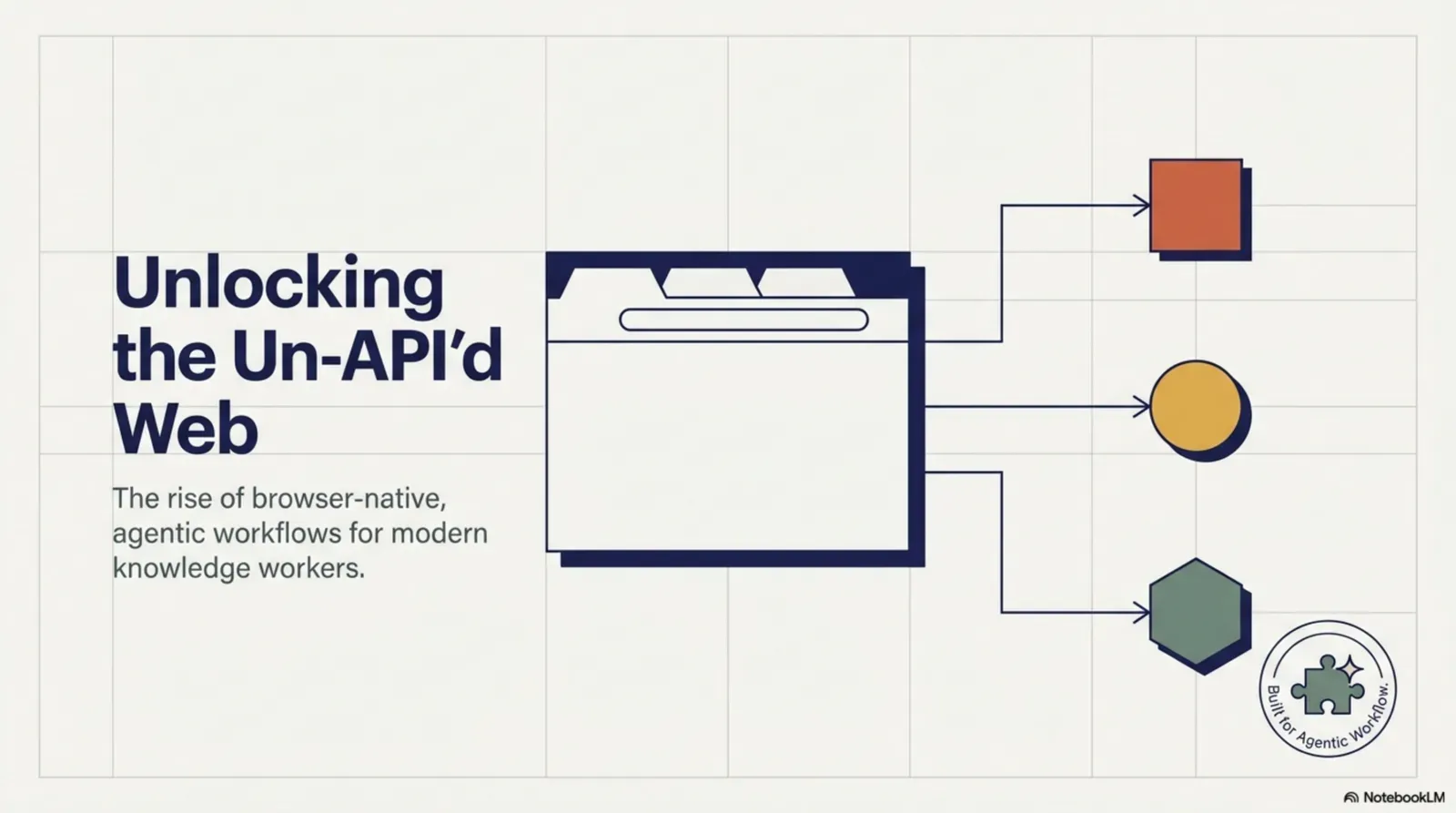
The argument
An agent that only speaks API sees the web through a keyhole.
A browser shows the whole room.Rendered pages, sessions, forms and interactive flows.
Version texte
- The argument: An agent that only speaks API sees the web through a keyhole.
The API-first illusion
When developers talk about connecting AI agents to the web, they usually mean a curated set of integrations: a Salesforce connector, the Slack API, a Google Sheets webhook. Those are powerful, but they’re a small, highly structured slice of what exists on the web.
An API-first agent can’t:
- Read a competitor’s pricing page that has no API
- Fill in a vendor registration form on a partner portal
- Watch a JavaScript-rendered dashboard for changes
- Get data out of a web app behind a login and two-factor authentication
- Work with a legacy internal tool built without API access
As soon as your use case involves a real web page rather than a structured API response, the API-first architecture hits a wall. The answer is to automate websites directly, without relying on an API.
The real web lives in the browser
The web was built for browsers, not API clients. A large share of what’s online is only reachable through a browser: behind JavaScript rendering, sign-in sessions, dynamic loading and interactive flows. Web apps, the tools your team uses all day, are designed to be navigated, clicked and filled in by a person in front of a browser.
An agent with only API access sees the part of the web developers chose to expose. An agent with a browser can see what a person sees.
What a browser-equipped agent does differently
Give an agent a browser and it moves from fetching data to taking part in real workflows. It can navigate (follow links, handle redirects, use your signed-in session), extract (read the rendered page, including single-page apps), interact (click, fill forms, pick from dropdowns), observe (watch pages and act when a condition is met) and act in context (use the whole page, not just one data field, to decide).
Here’s what that looks like when an agent uses a browser tool:
It checks the result.The confirmation is observed before it reports back.
Version texte
- You → AI agent: "Register us on this portal"
- AI agent → Browser tool: read the form
- Browser tool → AI agent: 6 fields, 1 dropdown
- AI agent → You: "OK to fill these values?"
- You → AI agent: approve
- AI agent → Browser tool: fill and submit
- Browser tool → AI agent: confirmation page
You ask
You describe the job: “register us on this partner portal with our company details”.
It reads the page
The agent calls the browser tool to look at the page in your tab.
It sees what you see
The real form, with its six fields and a dropdown: no API needed.
It asks first
Before changing anything on the page, it asks for your approval.
You approve
You stay in control of every action that touches a site.
It acts
It fills the fields and submits the form, in your signed-in session.
It checks
It reads the confirmation page before telling you it’s done.
How browser-native agents work
A browser-native agent runs as part of a browser extension rather than a server process. That gives it access to the tab you allow: the rendered page, your session and the page’s content. In Agentic Workflow, a canvas of nodes defines what the agent does:
- A trigger starts it: a schedule, a page load, a page change, a hotkey or your request.
- Page nodes read content from the current page or pages it opens.
- AI nodes reason over that content and produce structured results; a Tools Agent with the Browser Tool can click, fill, type, select, submit and navigate, with your approval for each action.
- Action nodes send data to other services, fill forms or notify you.
It all runs in the browser, with no server to run. Local models (WebLLM in the browser, or Ollama) keep data on your device; cloud models can take the heavier reasoning.
Browser agents vs API agents
| Capability | API-first agent | Browser-native agent |
|---|---|---|
| Structured API data | Yes | Yes, through HTTP and integrations |
| JavaScript-rendered pages | Only with a headless browser | Yes |
| Filling web forms | Only with a headless browser | Yes, in your tab |
| Watching pages for changes | If there’s an API or feed | Any page you open |
| Using your signed-in session | No | Yes |
| Legacy and no-API tools | No | Yes |
| Running with no server | No | Yes |
| Running 24/7 with the laptop closed | Yes | No: needs the browser open |
| Keeping data on your device | Rarely | Yes, with a local model |
The privacy advantage
Server-side agents have a data-flow problem: to work on what’s in your browser, they ship it off your device, through a server and into a model API. Every page and form the agent processes passes through infrastructure you don’t control.
WebLLM : le modèle est téléchargé une fois et tourne dans votre navigateur.Les poids quantifiés sont chargés dans WebGPU ; l’inférence est locale, sans réseau après le premier téléchargement.
Version texte
- Your browser: Votre navigateur · An agent's server: Serveur d’une entreprise d’IA
- Votre navigateur → Serveur d’une entreprise d’IA: your pages and form data
- Serveur d’une entreprise d’IA → Votre navigateur: the agent's next action
- Aller-retour: ≈ 1,5 s · Quitte votre appareil: oui
- Serveur d’une entreprise d’IA → Your browser · Réseau: aucun · Quitte votre appareil: non · Fonctionne hors ligne: oui
Browser-native agents with local models avoid that: the data stays on your machine. For teams handling customer data, proprietary research or regulated information, that can be the difference between “allowed” and “not allowed”.
Use cases that need a browser
- Competitor intelligence: visit competitors’ pricing pages every day, extract prices and summarise changes in a Slack message
- Lead enrichment: when a new lead arrives, open their company’s site, extract role and company details, and write them back to the CRM
- Form submissions: fill partner registrations, applications or procurement portals from a structured profile, with your approval
- Internal tools: work with legacy web apps never built with an API, removing repetitive data entry
- Content monitoring: watch industry news pages and summarise new articles into a daily briefing
The future: agents that live in your browser
The next AI agents won’t only live on servers; they’ll live in the browser, alongside you. They’ll understand the pages you visit, act for you when you ask, and run on schedules you set. Browser extensions are becoming a natural home for personal agents because the browser is where knowledge workers spend their day. An agent that lives where you work doesn’t need to be handed the data; it can see it, with your permission.
Try it
API-first agents are powerful within their domain, but much of the work on the web happens on pages, forms, dashboards and tools that live in the browser. A browser-native agent can act where a person can act, on any site, without a server, with you in control and your data on your device.
À vous
Let a workflow fill a form for you
Open it in AWFlow: it fills a web form from your saved values and asks before it submits. Add a Tools Agent to make it smarter.
Ouvrir dans AWFlow (s’ouvre dans un nouvel onglet)docs.awflow.io/examples/fill-form-from-json.awfCall to action. Scan the code or click the link.Opens the Fill Form from JSON docs example in AWFlow's import page.
Version texte
- Let a workflow fill a form for you · Open it in AWFlow: it fills a web form from your saved values and asks before it submits. Add a Tools Agent to make it smarter. · https://docs.awflow.io/examples/fill-form-from-json.awf
In short
- APIs show a slice of the web
- A browser lets agents see and act
- With approvals and local models, you stay in control
Three. Safe by design.Per-action approval; on-device inference.
Version texte
- In short
- APIs show a slice of the web
- A browser lets agents see and act
- With approvals and local models, you stay in control