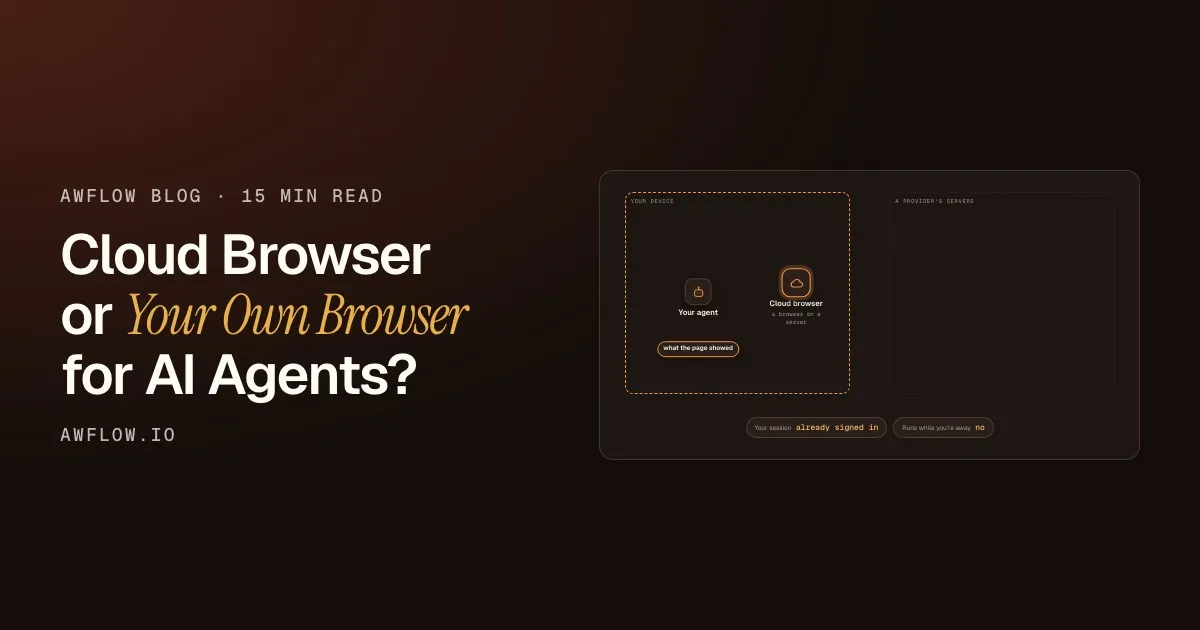
You already know how this works. You put nodes on a canvas, connect a trigger to an action, and watch data flow from one app to another. Zapier, n8n and Make all work this way. The model is familiar: almost everyone who has automated something has used it.
But that model was designed for workflows that live on servers and talk to APIs. It wasn’t designed for where most of your actual work happens: inside your browser. That’s the gap the next generation of node-based tools closes.
Same canvas, new reach
The nodes you know, now running where you work: in the browser.
What changes is where it runs.The workflow engine runs in a browser extension, next to the pages.
Version texte
- Same canvas, new reach: The nodes you know, now running where you work: in the browser.
What node-based workflow automation means
At its core, node-based automation is simple: you build a workflow by connecting nodes on a canvas. Each node does one thing (fetch data, transform it, call an API, send a message), and you chain them visually, without code.
Zapier popularised the idea. n8n made it fair-code and self-hostable. Make added rich branching and data mapping. All three share the same principle:
- SortieUne ligne, un message, un fichier.
- Étape IALire, extraire, décider.
- Actions navigateurOuvrir, cliquer, taper, défiler.
- DéclencheurQuand il démarre : une page, une heure, un clic.
Décortiquez-le : un déclencheur, des actions, une étape IA et une sortie.Nœud déclencheur, nœuds d’action, un nœud LLM et une destination, reliés dans l’ordre.
Version texte
- Sortie / Étape IA / Actions navigateur / Déclencheur
- Sortie: Une ligne, un message, un fichier. · Étape IA: Lire, extraire, décider. · Actions navigateur: Ouvrir, cliquer, taper, défiler. · Déclencheur: Quand il démarre : une page, une heure, un clic.
- A trigger node starts the workflow (a form submission, a webhook, a schedule)
- Action nodes do things (send an email, update a spreadsheet, post to Slack)
- Logic nodes add conditions, loops and branches
It’s a powerful model. Its limit is that it mostly talks to APIs. If the service you want to automate has no API, or you need to work with a live web page rather than a backend endpoint, you’re stuck.
The server-side ceiling
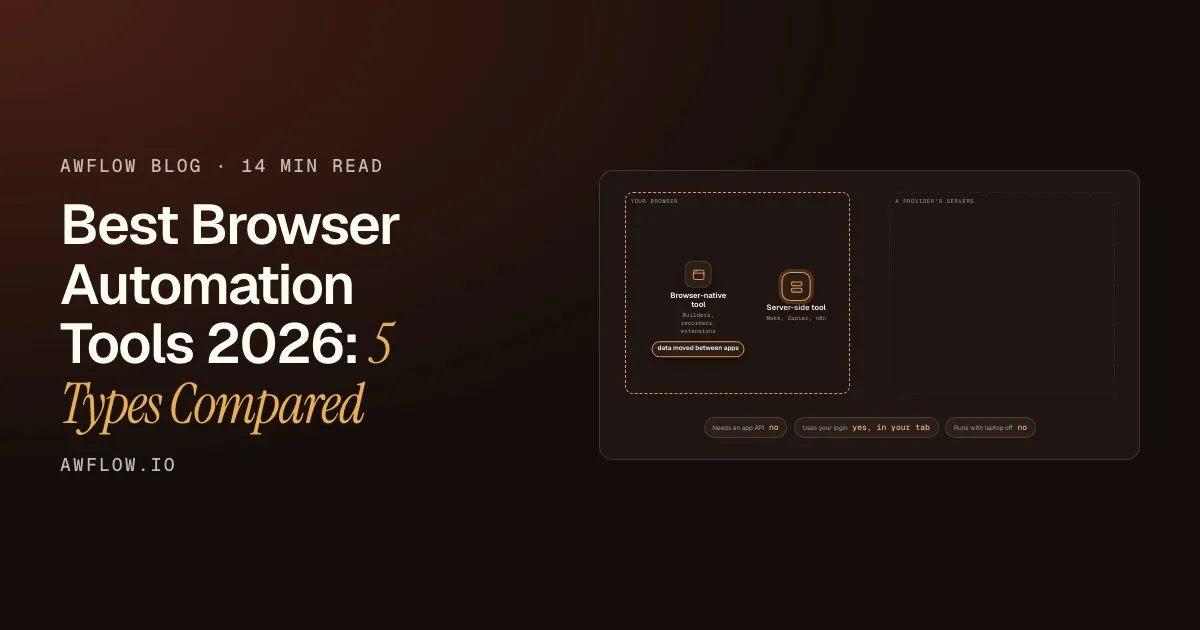
Here’s the constraint: Zapier, n8n and Make run on servers, not in your browser. They can only reach systems that expose an API. Fill out a form on a web page? Click a button in a live app? Extract data from a page behind your login? From a server, that ranges from very difficult to out of scope.
For API-to-API automation (syncing SaaS tools, handling webhooks, notification pipelines), that’s fine, and those tools are excellent at it. But knowledge workers spend much of their day in browser tabs, and the server-side model doesn’t reach them.
How browser-native node automation changes things
When the workflow engine runs inside your browser, the page itself becomes part of your canvas. You can:
- Click buttons on any web page as a workflow step
- Fill in forms, including behind a login
- Extract text, tables and structured data from live pages, with no API
- Trigger workflows from what happens in the browser (a page loads, an element changes, a right-click, a hotkey)
- Show results, like AI summaries, next to the page you’re viewing
The model stays the same: you still add, connect and configure nodes. But now they can reach the rendered page, not just a backend API.
Modèle
Un réglage, c’est quelques choix.Valeurs possibles (enum) d’un champ.
Version texte
- Veille de prix: Page chargée (Déclencheur), Extraire le prix (IA), Le prix a baissé ? (Si), Me prévenir (Action)
- Extraire le prix: Prompt (texte), Modèle (Llama 3.2 · local), Sortie ({ price, was }), Nouvelles tentatives (2)
- Modèle: Llama 3.2 · 1B (0,9 Go), Qwen 2.5 · 3B (2 Go), Phi 3.5 mini (2,2 Go), Modèle cloud (clé requise)
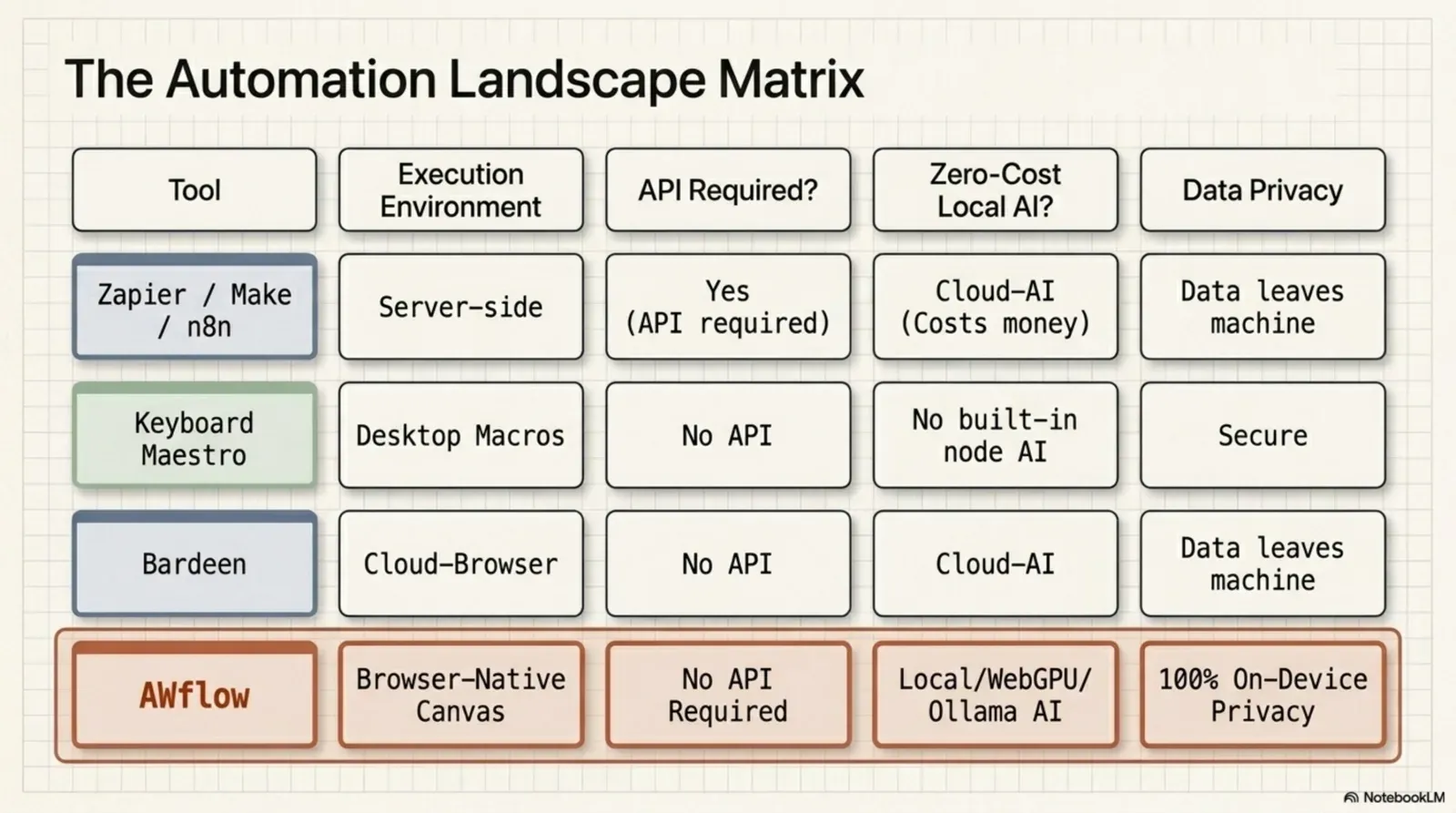
Comparing node-based tools
| Zapier | n8n / Make | Agentic Workflow | |
|---|---|---|---|
| Node-based canvas | Yes | Yes | Yes |
| Trigger → action model | Yes | Yes | Yes |
| App integrations | Thousands (8,000+ apps) | Thousands (n8n 2,300+, Make 3,000+) | Fewer, plus Custom API and HTTP |
| Runs in your browser | No | No | Yes |
| Clicks, fills and reads web pages | No | No | Yes, in your own tab |
| AI nodes | AI steps and agents, in its cloud | Extensive (n8n’s AI agents; Make’s AI modules) | Built in, including models on your device |
| Runs 24/7 with the laptop closed | Yes | Yes | No: needs the browser open |
| Needs a server or account to start | Account | Server or cloud account | Neither |
Details reflect each tool’s public pages as of October 2026; see our Zapier, n8n and Make comparisons for sources.
What AI nodes add
Running in the browser is half the story. The other half is AI as a first-class node in the graph. When AI nodes are part of the engine and can run on your own device, you get:
- An LLM chain that processes text read from a live page in the same workflow
- A text classifier that sends items down different branches based on the AI’s reading
- A summariser that condenses a page before the next step
- An information extractor that pulls structured fields out of messy text
| Message |
|---|
| Charged twice in May |
| Can I add a seat? |
| Login link expired |
| Invoice for March? |
| Message | Branch |
|---|---|
| Charged twice in May | Billing |
| Can I add a seat? | Sales |
| Login link expired | Support |
| Invoice for March? | Billing |
Each gets a branch, and the workflow routes it.One output per category: the next nodes differ per branch.
Version texte
- Message: Charged twice in May · Can I add a seat? · Login link expired · Invoice for March?
- Text Classifier
- Message | Branch: Charged twice in May | Billing · Can I add a seat? | Sales · Login link expired | Support · Invoice for March? | Billing
Combine that with running in the browser, and a single graph can visit a page, read it, reason about it with AI and act, all built without code.
A practical example: research before a sales call
A sales rep checks a prospect’s website before every call. By hand: open a tab, read the homepage, copy text, paste it into a chatbot, get a summary, copy it into the CRM. Four minutes, every prospect.
A briefing appears in seconds.Display Markdown in the side panel. Add an HTTP Request to send it to your CRM.
Version texte
- A prospect's website: opened before the call
- Hotkey: you press it on the page
- Get All Text: the homepage, as text
- Basic LLM Chain: size, product focus, news
- Display Markdown: a briefing beside the page
Under ten seconds, no tab switching, no copy-paste, no prompt to retype.
Where Agentic Workflow fits
Agentic Workflow is a node-based workflow tool built as a Chrome extension. The canvas, triggers and actions are familiar from n8n and Zapier. The difference: the engine runs in your browser, and AI nodes are built in. You can build workflows that work with any web page without an API, use AI at any step (Ollama, OpenAI, Anthropic, WebLLM or Chrome’s built-in AI), start without a server or account, and trigger on browser events, not just webhooks and schedules.
If you’ve used n8n or Zapier, you already know the model. The canvas just reaches further. More: DOM automation without code and how to use Ollama in a workflow automation tool.
À vous
Try a browser-native node graph
Open it in AWFlow: a trigger, a page node, an AI chain and an output, running in your browser.
Ouvrir dans AWFlow (s’ouvre dans un nouvel onglet)docs.awflow.io/examples/summarize-page-llm-chain.awfCall to action. Scan the code or click the link.Opens the Summarize page (LLM chain) docs example in AWFlow's import page.
Version texte
- Try a browser-native node graph · Open it in AWFlow: a trigger, a page node, an AI chain and an output, running in your browser. · https://docs.awflow.io/examples/summarize-page-llm-chain.awf
In short
- Same node model you know
- Now it reaches the page itself
- AI nodes built in, even on-device
Three. AI as a node, not an add-on.LLM, classifier, summariser, extractor; local or cloud.
Version texte
- In short
- Same node model you know
- Now it reaches the page itself
- AI nodes built in, even on-device