Tables and lists, tidy in one run.
Turn the table on a page into clean CSV. Copy it, or send the rows to a Sheet.

Copy-paste breaks the data.
Tables paste as a mess, lists lose their structure, and writing a scraper for a one-off job is overkill. The data is right there on the page, and getting it out shouldn't take an afternoon.
Three steps. Clean rows out.
Open the page
Open the page with the table in a normal tab
Run the recipe
Get Structured Data reads the first table on the page, using its first row as the column names. A CSV step turns it into tidy rows.
Paste or send on
The CSV lands on your clipboard, ready to paste into a spreadsheet. Swap the last step for Google Sheets or Airtable to send rows there instead.
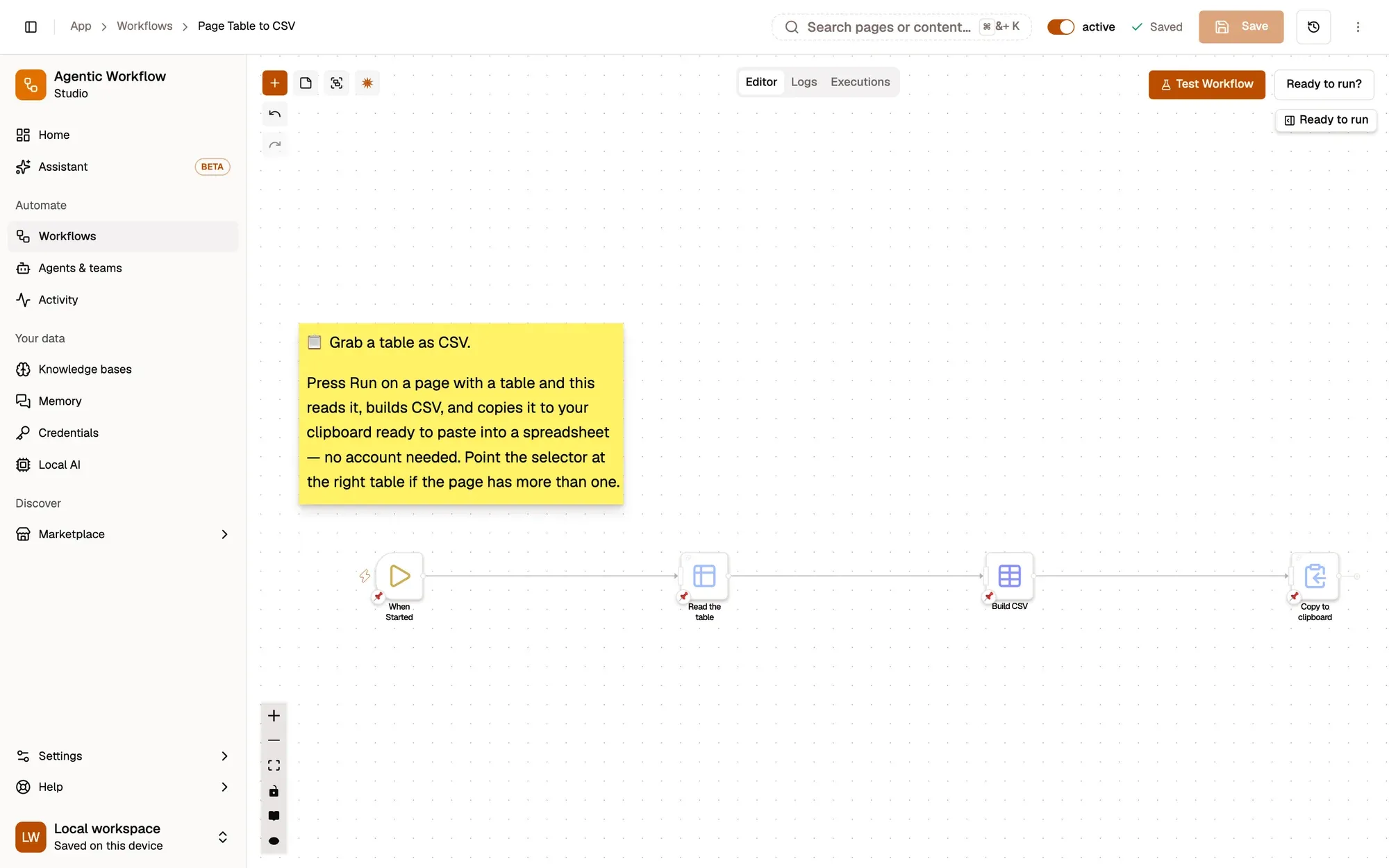
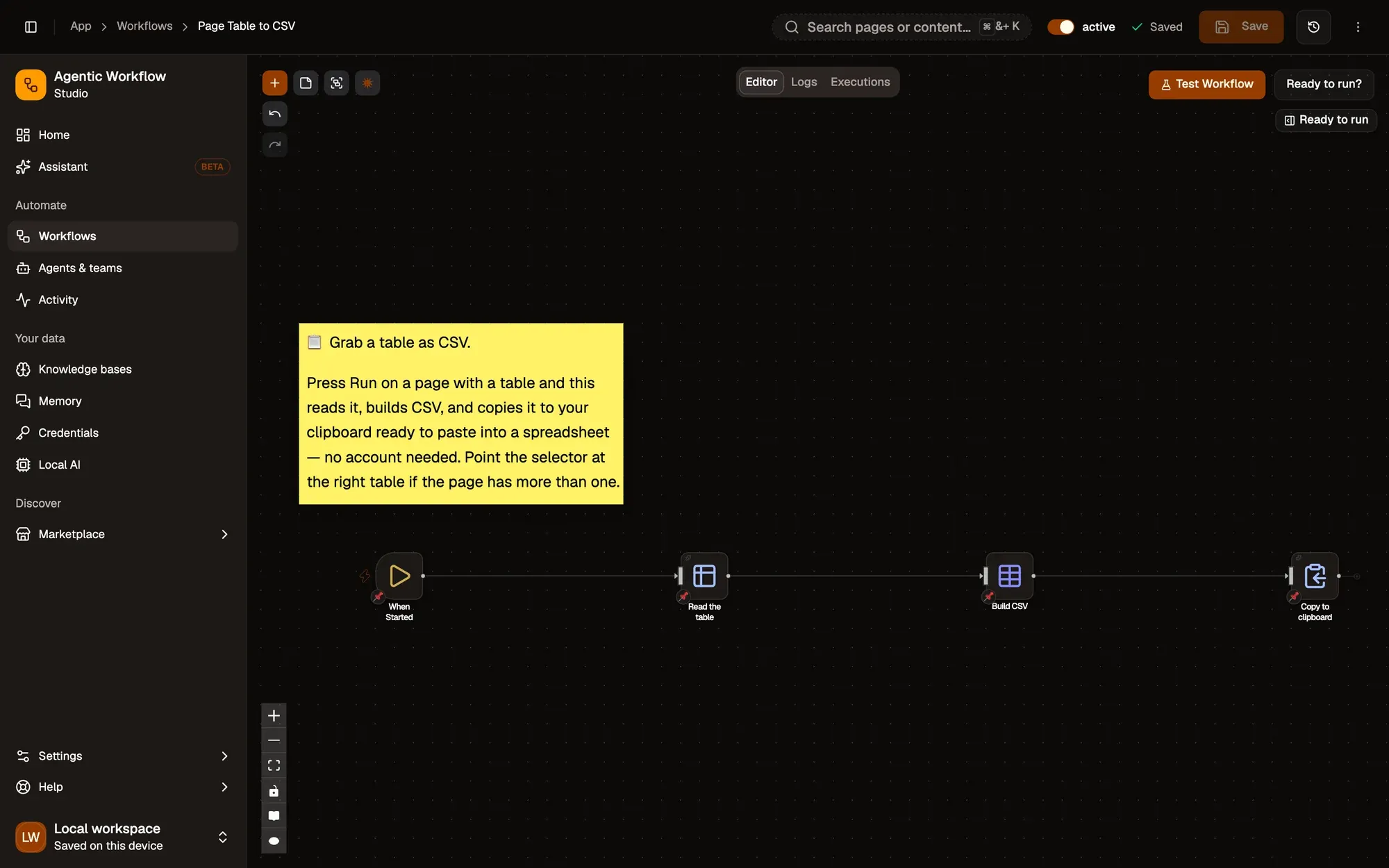
Start from a data recipe.
Page Table to CSV
Turn a table on any page into CSV you can paste straight into a spreadsheet.
CaptureRuns in your browser AWFlow teamFree
Log Page to Google Sheets
Right-click a page to add its title
CaptureTouches Google SheetsAWFlow teamFree
Extract Invoice Fields
Choose an invoice PDF and pull out the invoice number, date, total and vendor with an on-device model.
AIOn-device modelAWFlow teamFree
Nothing to host.
- RequiredThe AWFlow extensionChrome, Edge, Brave or another Chromium browser; Firefox 140 or later also works.
- OptionalA connected SheetGoogle Sheets or Airtable if you want rows sent there instead of copied.
- OptionalAn accountLocal workspaces need no login. Installing from the Marketplace needs you to be signed in; the docs recipe can be imported as a file.
Same idea, other shapes.
- Lists
Lists to structured data
Pull each item's title and link from a list on a page into clean data.
- Invoices
Extract invoice fields
Pick out totals and dates from an invoice PDF with an on-device AI step.
- Pages
Many pages at once
Add a Loop to go through several items in one run.
Data questions.
Is the data uploaded anywhere?
The Table to CSV recipe reads the page in your browser and copies the result to your clipboard. Data only goes elsewhere if you add a step that sends it, such as your Sheet.
What formats can I get?
CSV on the clipboard, or rows sent to Google Sheets or Airtable by swapping the last step.
Do I need to write code?
No. The recipe works as it is; code steps are there only if you want them.
Get the data out. In one run.
Free to start. Build in a local workspace with no login; installing from the Marketplace needs you to sign in. No scraper to maintain.