Read more. Send nothing.
Summaries and plain-language explanations from a model running on your own device. No API key, and the model runs in your browser.

Too many tabs, not enough hours.
Reports, threads and docs pile up faster than you can read them. Pasting them into a cloud chatbot is quick, but it means sending work documents somewhere you don't control.
Three steps. All on your machine.
Install a model once
The Local AI page shows each model's size and its device fit before anything downloads. Chrome's built-in AI, in Chrome only, needs no download.
Run it on the page
Open the page and run Summarize This Page. Or run Explain This Page Simply for a plain-language version.
Keep what matters
Read the summary in the panel next to the page
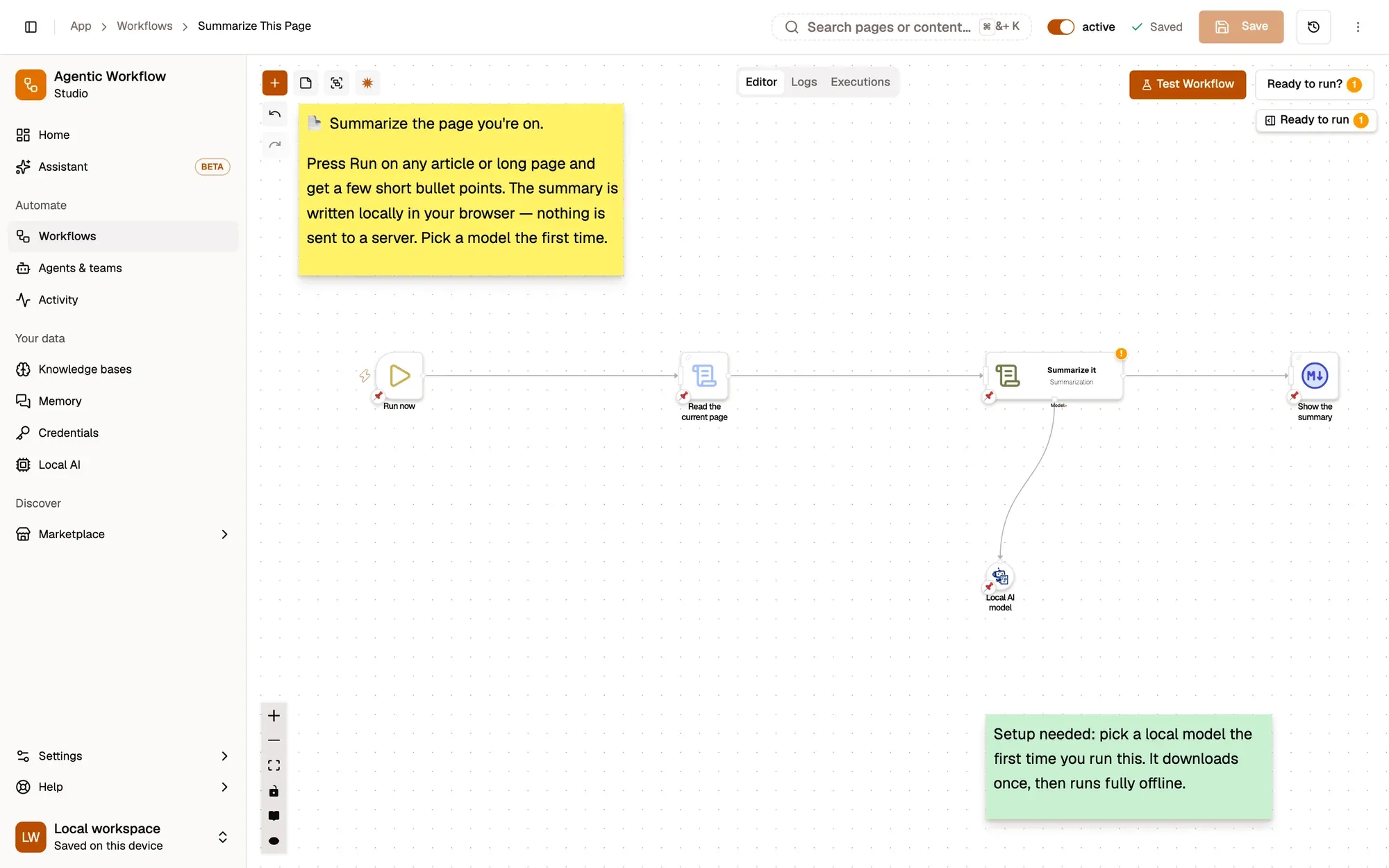
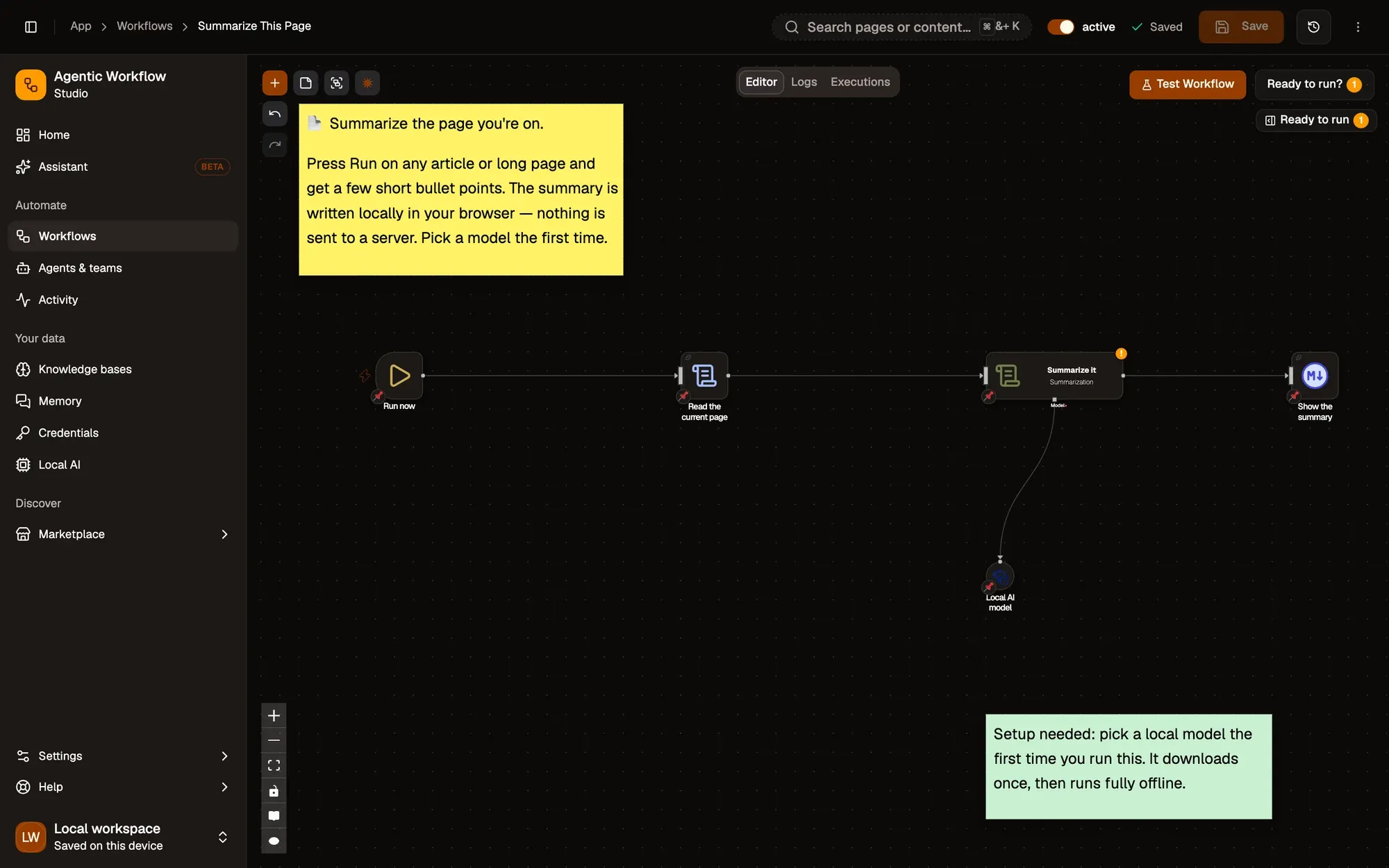
Start from a private recipe.

Summarize This Page
A short, skimmable summary of the page you're on, written by a model on your device.
On-deviceAI AWFlow teamFree
Explain This Page Simply
Turn the page you're on into a plain-language explanation anyone can follow.
On-deviceAIAWFlow teamFreeLocal Research Agent
Ask a question; a local agent checks Wikipedia and the web and does the math.
On-device modelAgentAWFlow teamFree
Your device is enough.
- RequiredThe AWFlow extensionChrome, Edge, Brave or another Chromium browser; Firefox 140 or later also works.
- RecommendedWebGPUWebLLM chat models run on WebGPU. Where your browser or graphics card can't, the model shows Not supported here and you can pick another engine.
- Not neededAn API keyOn-device models are free to use and need no key.
Same model, other jobs.
- Explain
Explain it simply
Turn jargon into plain words on a page or a selection.
- Rewrite
Rewrite professionally
Polish rough text in a professional tone with the Rewrite Professionally template.
- Chat
Chat with this page
Ask follow-up questions about what you are reading.
Fair questions.
Do I need an API key?
Not for on-device models: they run on your hardware for free. You can still add a cloud provider with your own key for bigger jobs; your prompt then goes to that provider.
Is it as good as a cloud model?
Smaller on-device models handle summaries, explanations and rewrites well. For longer or harder tasks, a cloud model with your own key may give better answers.
What if my computer can't run it?
Each model card shows its size and device fit before you install. Chrome's built-in AI is an option in Chrome that needs no download.
Your reading list, finally readable.
Free to start, no key needed. Your first on-device summary takes minutes plus a one-time model download.