New posts, without the refresh.
Point AWFlow at a careers page. When its job list changes, it sends a push notification to your phone.

The best posts go fast.
Careers pages rarely send alerts, and board alerts arrive late or miss niche searches. Refreshing a dozen tabs a day is the only way to be first, and nobody has time for that.
Three steps. Then wait for the ping.
Open the page
Open the careers page you care about in a normal tab.
Pick the list
Use the element picker to select the list of posts. An Element Change trigger watches it from now on.
Get the alert
When the list changes, AWFlow sends a push notification through ntfy or Pushover. You can swap in Telegram or Slack instead.
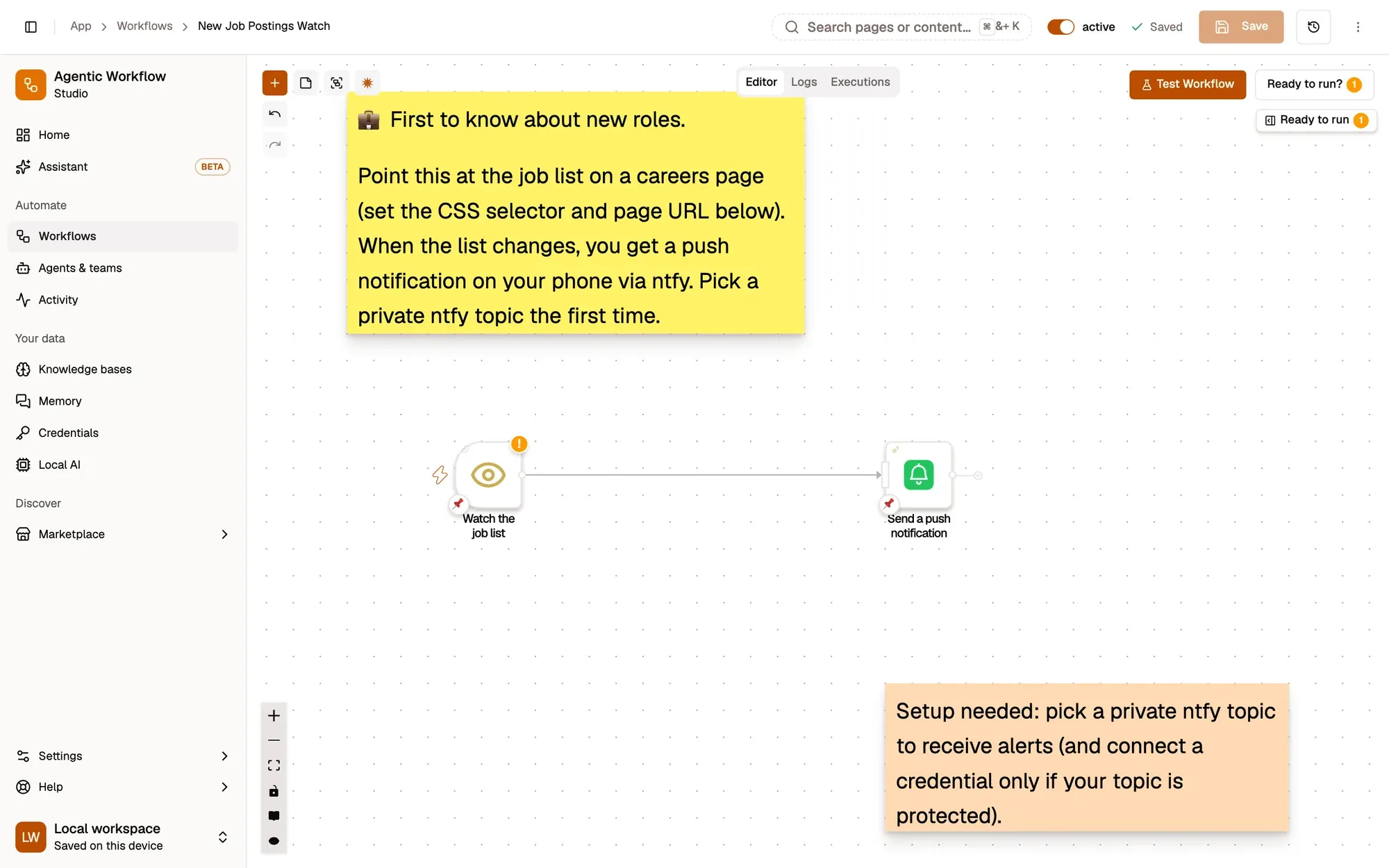
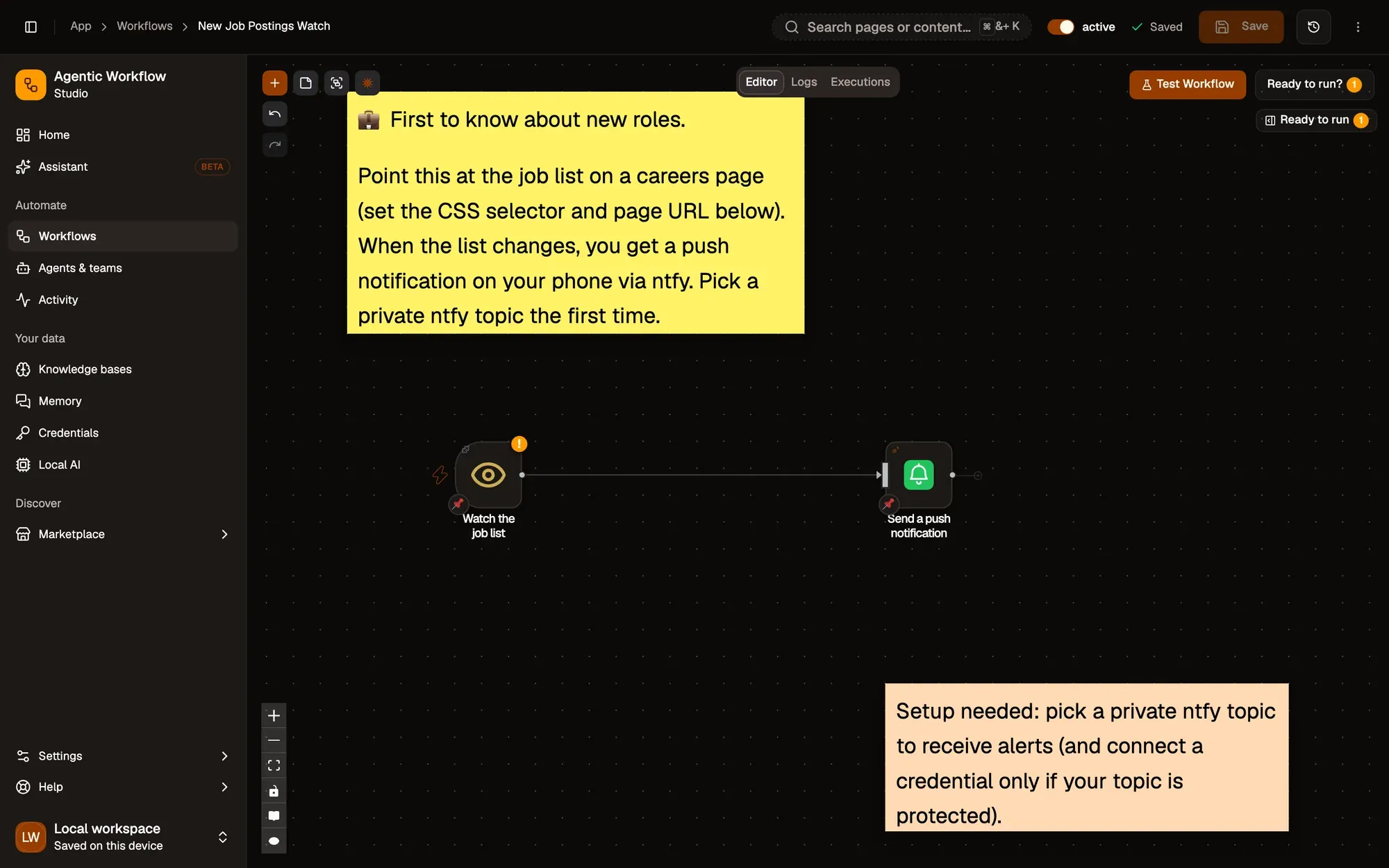
Start from a working watcher.
 AWFlow team
Little to set up.
- RequiredThe AWFlow extensionChrome, Edge, Brave or another Chromium browser; Firefox 140 or later also works.
- RequiredA push connectionntfy or Pushover for phone alerts. You choose the topic when you set it up.
- OptionalAn accountLocal workspaces need no login. Installing from the Marketplace needs you to be signed in; the docs recipe can be imported as a file.
Same watcher, more value.
- Sheet
Log every post
Right-click a posting to add it to a Google Sheet.
- AI
Summarise new posts
Add an on-device AI step to sum up each post.
- Boards
Watch several boards
Run one watcher per page you care about.
Good to know.
Does the page need to stay open?
Yes. The Element Change trigger watches pages that are open in a tab, so pin the tab and leave it in the background.
Can it filter by keyword?
Yes. Add an If step that only continues when the new post matches your words.
Will sites mind?
AWFlow reads the page you already have open, at your pace. Please respect each site's terms of use.
Be first. Without the refresh.
Free to start. Build in a local workspace with no login; installing from the Marketplace needs you to sign in. Your first job watcher takes a few minutes.