Lesson 2 4 min
Compare models side by side
Put two or three models of the same task side by side and measure them on your own hardware.
Start a comparison
On Local AI, tick the compare checkbox on a model card, then tick one or two more of the same task. The first model sets the task, so models of other tasks are disabled. Click Compare (N) in the bar at the bottom: it stays disabled until you pick at least two.
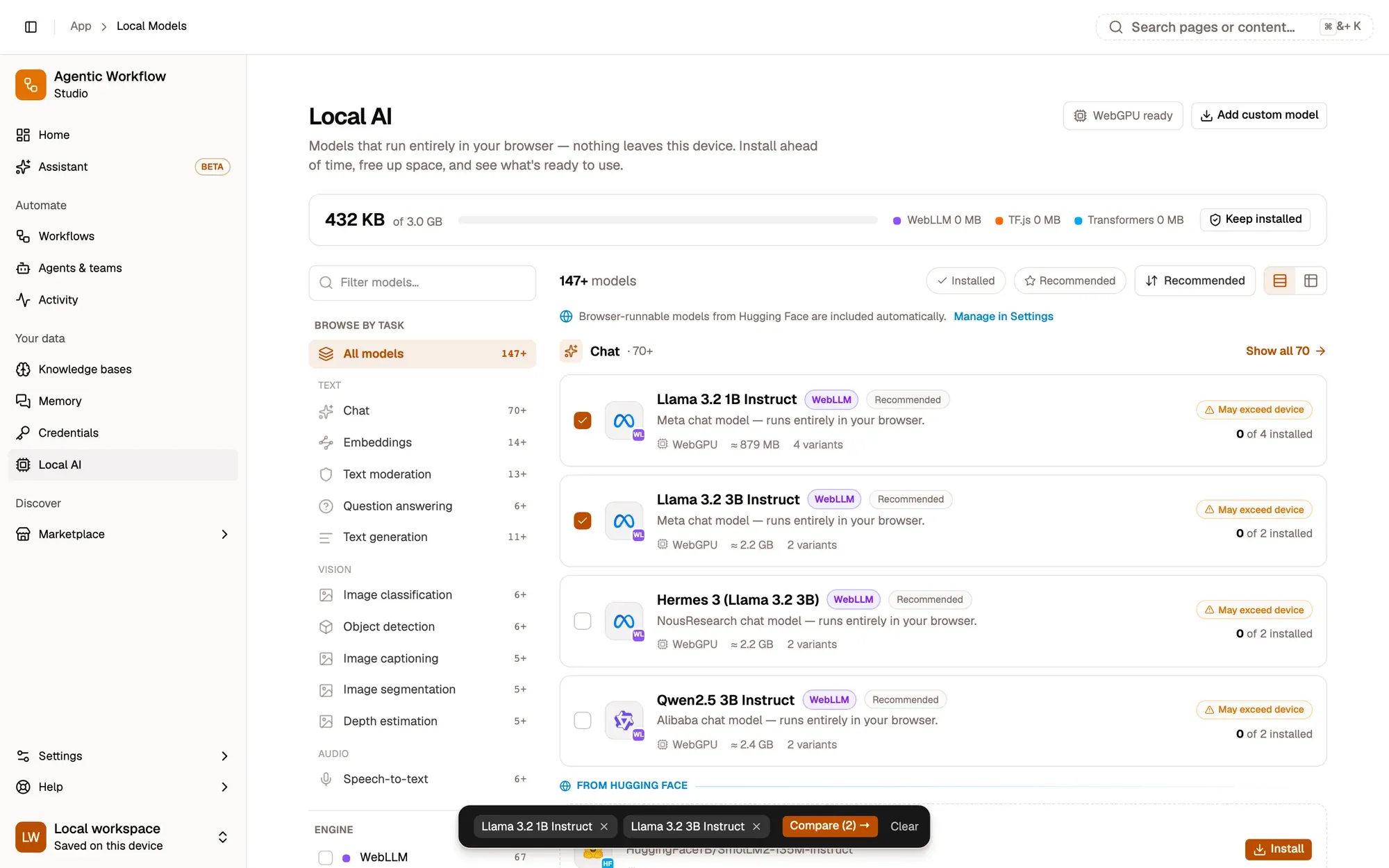
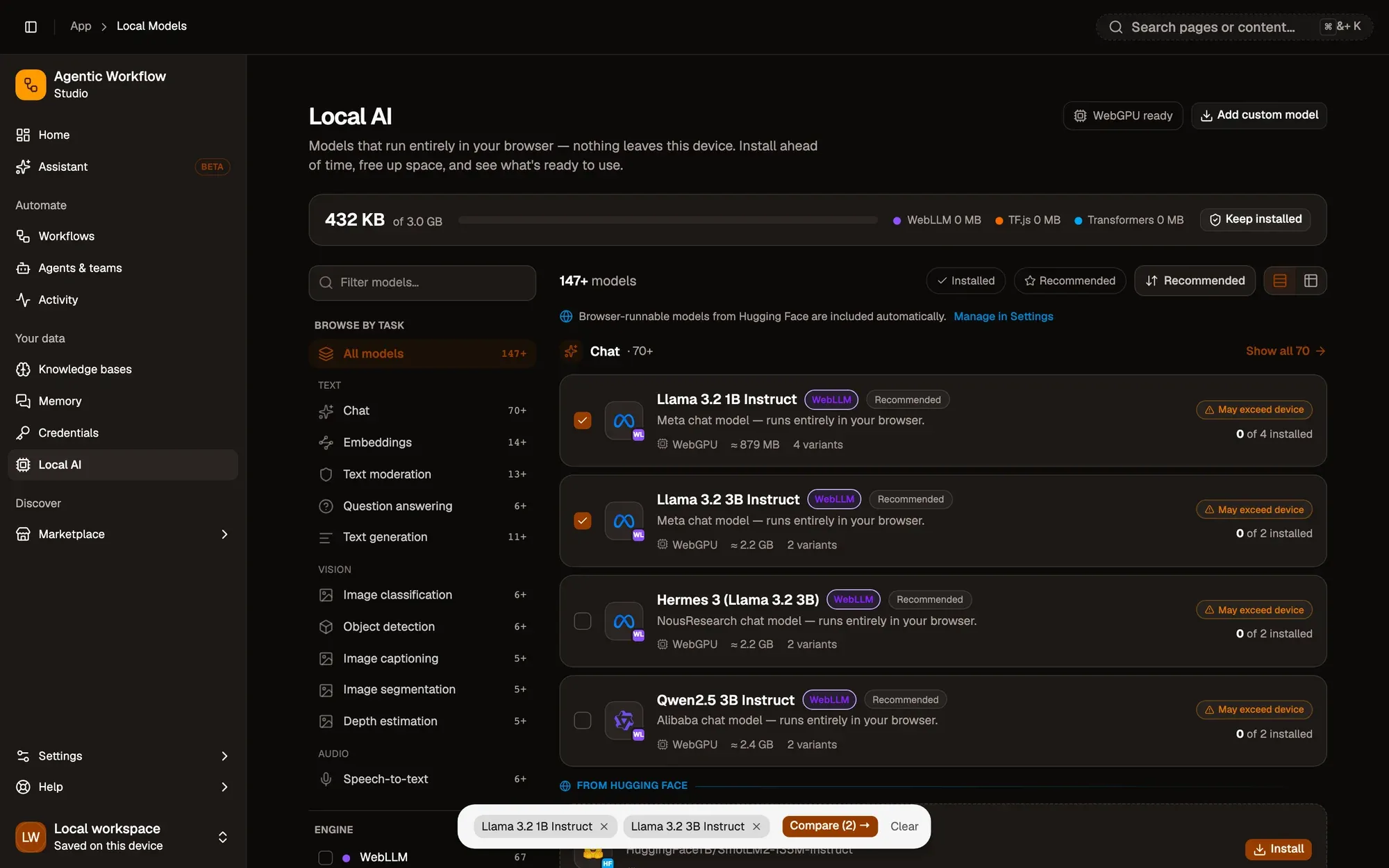
The comparison has its own link, so you can bookmark it or send it to someone with the same models.
Read it
Each model gets a column, grouped into sections:
- Overview: task, engine, backend, context size, parameters and whether it supports tools natively.
- Storage & device fit: approximate size, whether it fits your device’s memory, and how many variants are installed.
- Performance on this device: the measurement below.
- Actions: Install or Set default, and Open details.
Highlight best (on by default) marks the winning value in each row: the largest context, the smallest size, the best device fit and the fastest ready time.
Measure on your machine
Numbers from elsewhere don’t tell you how a model behaves on your hardware. Click Measure on this device under a model, or Measure all. You get Ready in (how long it takes to load and warm up) and, where the engine supports it, Speed in tokens per second. If a model has an installed variant, that one is measured; otherwise the smallest variant is.
Results last only while the page is open. They are not saved.
Key takeaways
- Compare up to three models of the same task.
- Measure on this device gives real load times and, where the engine supports it, speed.
- Results are kept only while the page is open.