Lesson 1 5 min
Describe an agent to Aria
Write one sentence about the job, let Aria draft the agent, and adjust what it got wrong.
Try it in AWFlow
Opens Aria in AWFlow with this request filled in. Nothing is sent until you send it.
One sentence
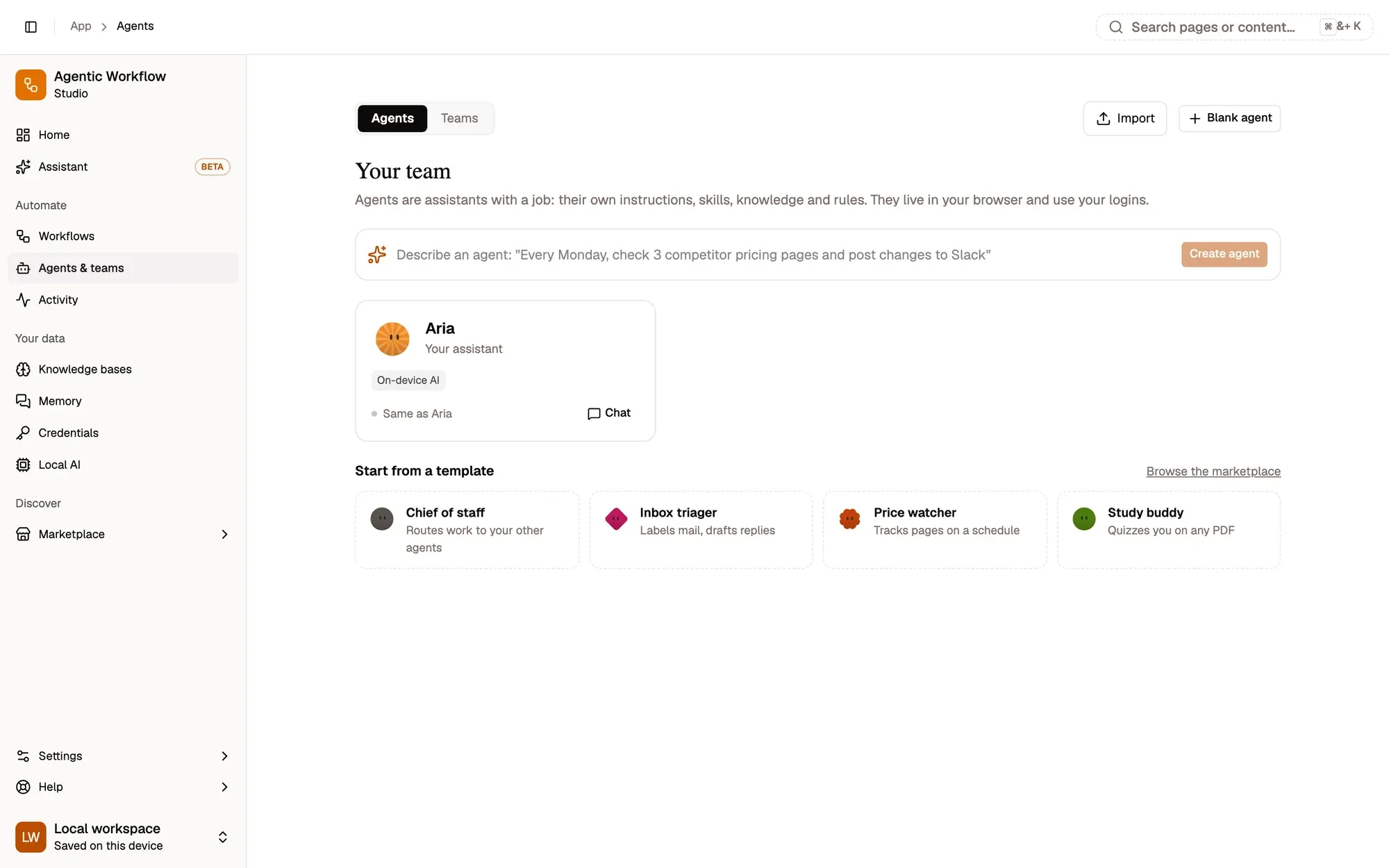
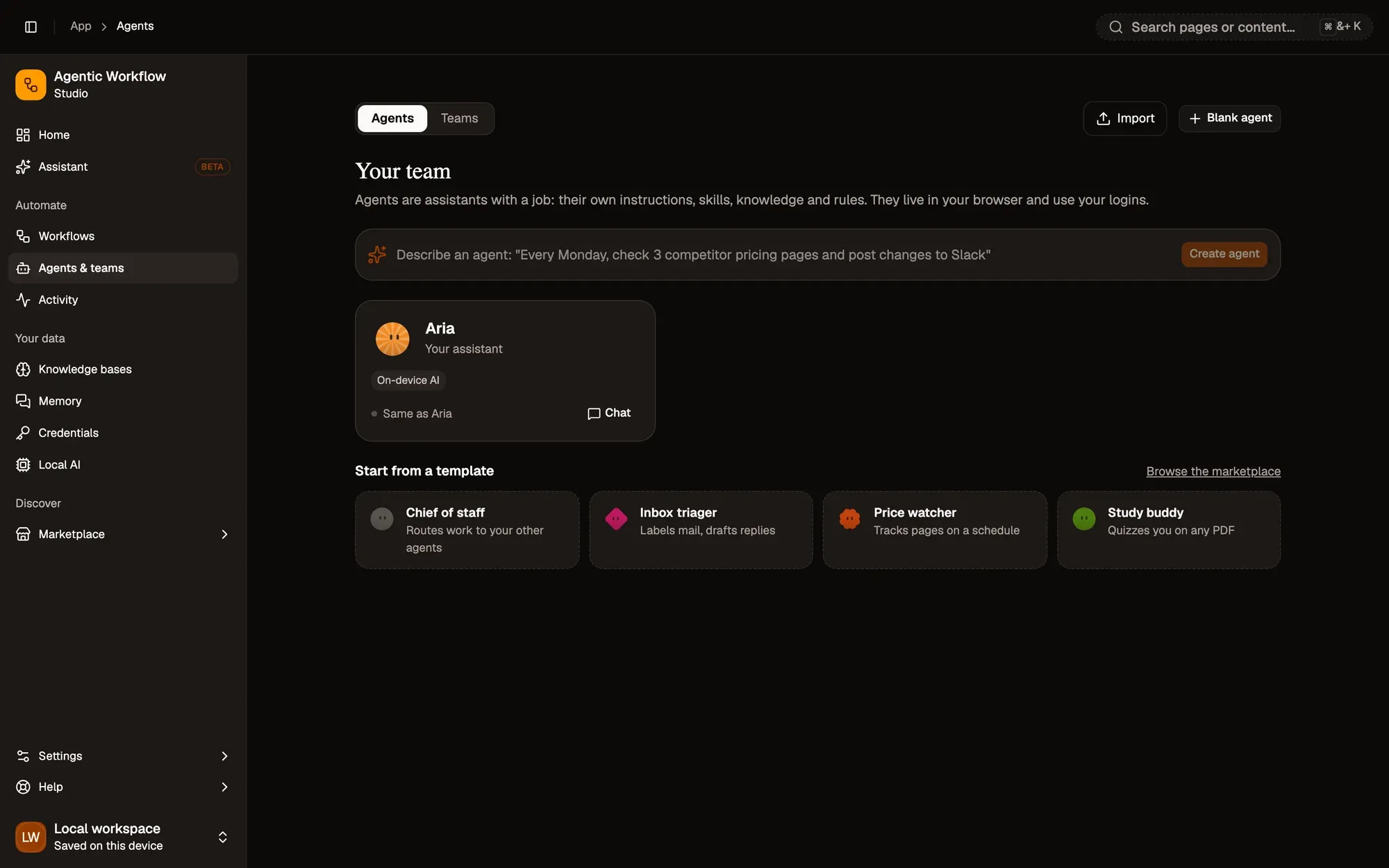
An agent is an assistant with a job: its own instructions, model, skills, knowledge and rules. Open Agents in the sidebar. In Describe an agent, write the job in one sentence, for example: “Every Monday, check 3 competitor pricing pages and post changes to Slack”. Click Create agent: Aria drafts it for you to adjust.
Other ways to start
- Templates: Chief of staff, Inbox triager, Price watcher, Study buddy and more.
- Blank agent, or Import an agent or team file.
- Community agents and teams in Marketplace › Agents & teams.
New agents get a look that suits their job; press Try another look before creating one if you’d like a different one.
Check the draft
Open the agent to reach its builder tabs: Identity, Instructions, Model, Skills, Knowledge, Memory, Rules and Routines. Changes save automatically. Read its Instructions, check the Model, and switch off any Skills it doesn’t need. Then chat with it in Try it on the right, which runs the real agent.
Key takeaways
- Describe an agent turns one sentence into a draft agent.
- Templates, a blank agent or an imported file are other ways to start.
- Review its instructions, model and skills before you rely on it.