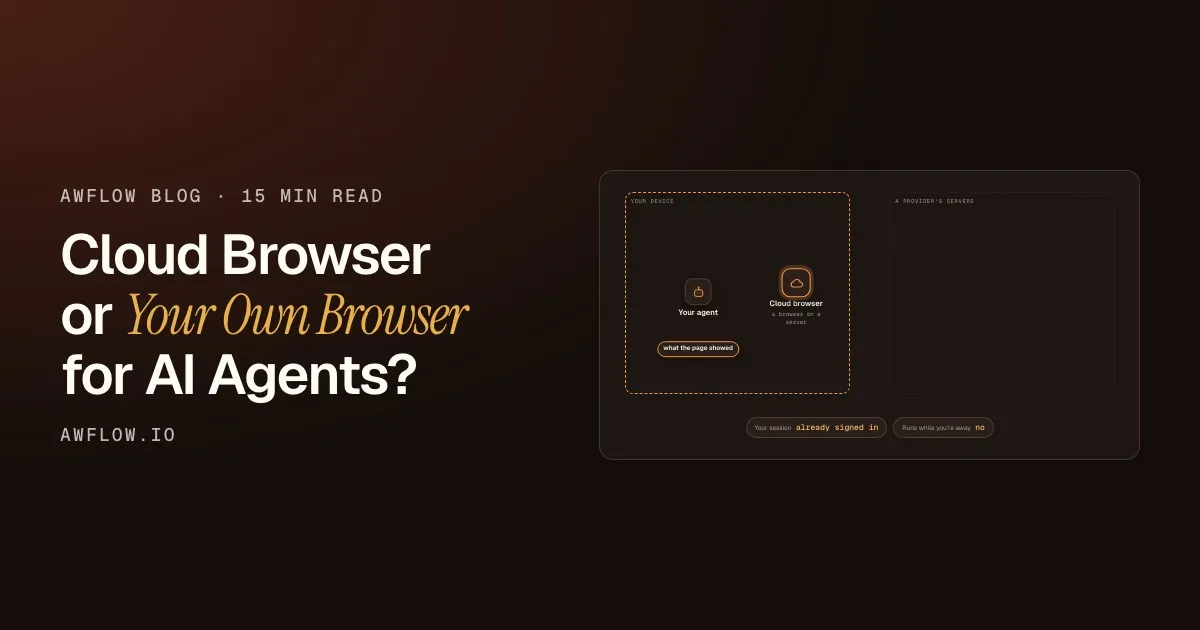
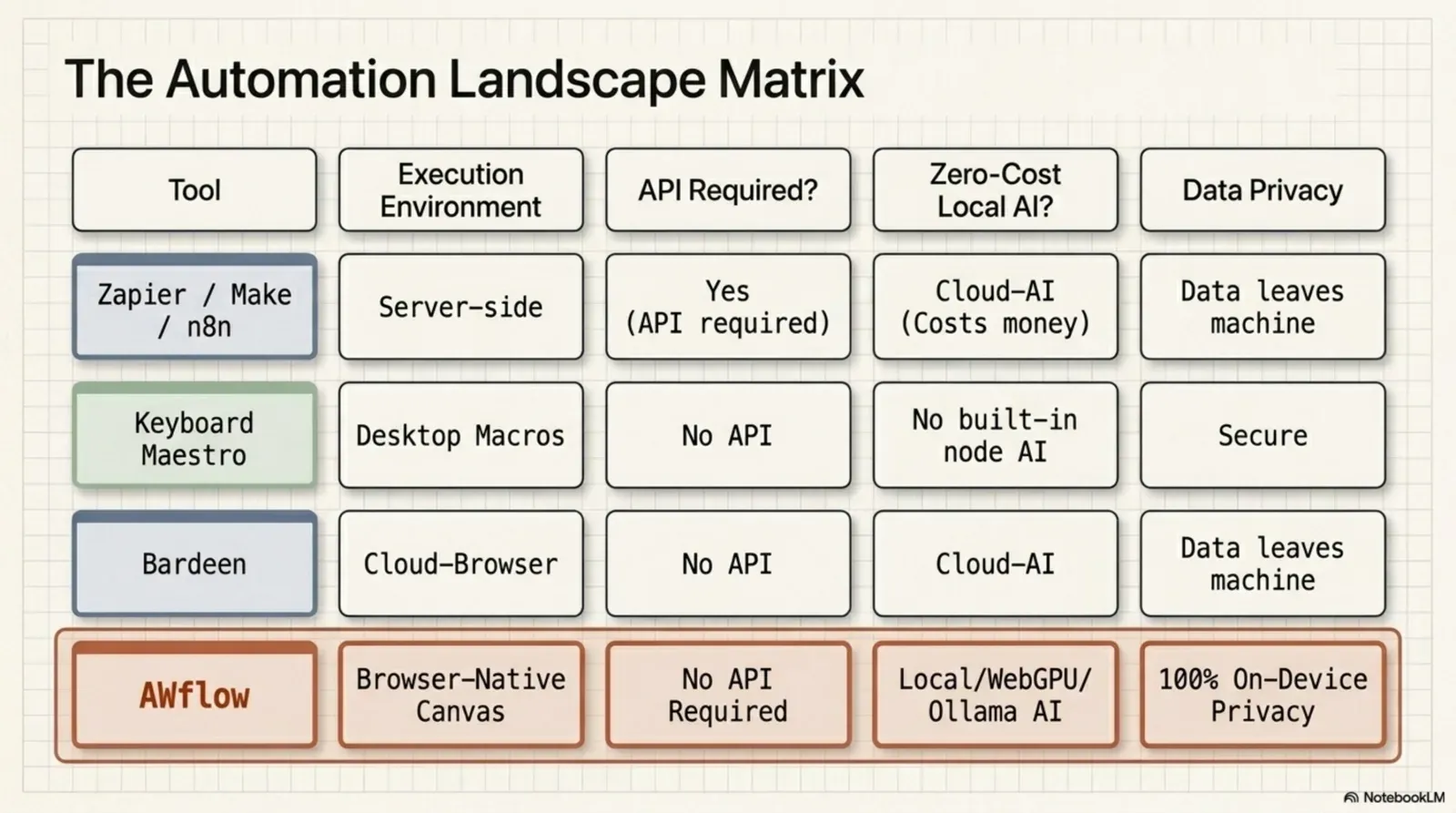
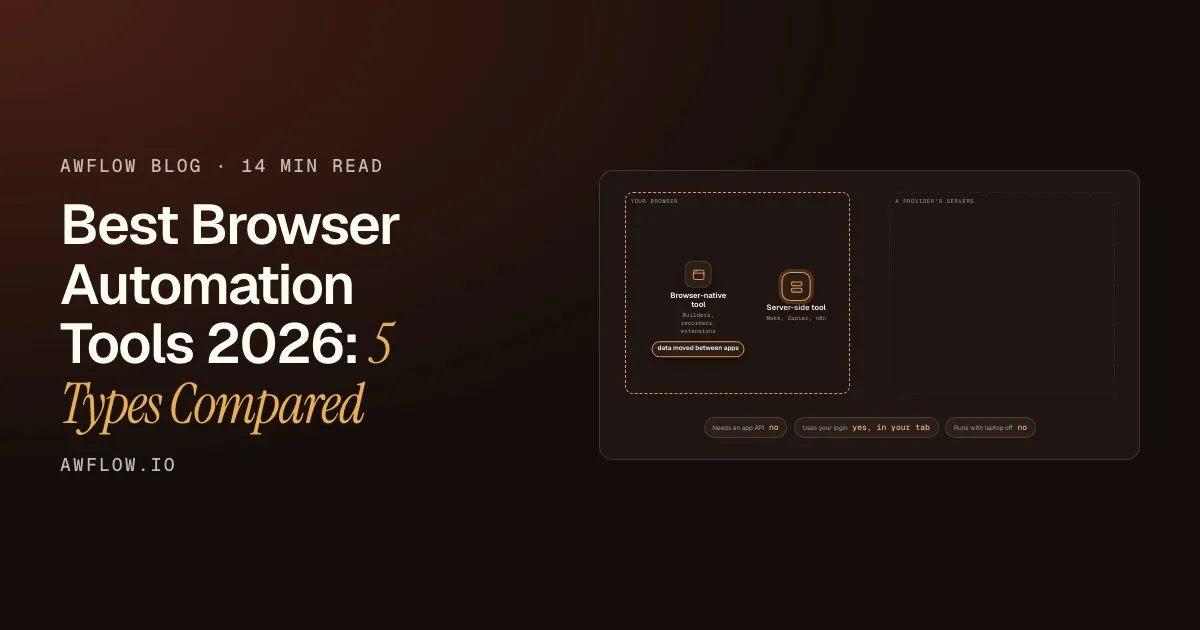
Automation has traditionally meant servers, APIs and cloud infrastructure. Tools like n8n, Zapier and Make made it possible to connect SaaS applications and automate backend processes without writing much code.
But a new category is emerging: browser-native automation.
If you’re evaluating automation tools, understanding the architectural difference between server automation and browser automation is essential. They solve different problems. Let’s break it down precisely.
How server-based automation works
Server automation platforms run in the cloud. Their execution model typically looks like this:
The result lands in another system.Everything happened server-side, with no browser involved.
Text version
- Something happens: a new order in your shop
- The platform hears it: webhook or polling
- The workflow runs: on remote servers
- It calls APIs: CRM, email, accounting
- Another system updates: order synced, email sent
Everything happens in a backend environment. These systems are powerful because they run 24/7 without you, scale automatically, integrate deeply with SaaS APIs and handle infrastructure-level workflows. They are ideal for:
- Syncing CRM data between tools
- Processing payments
- Sending transactional emails
- Triggering backend jobs
- Managing internal business logic
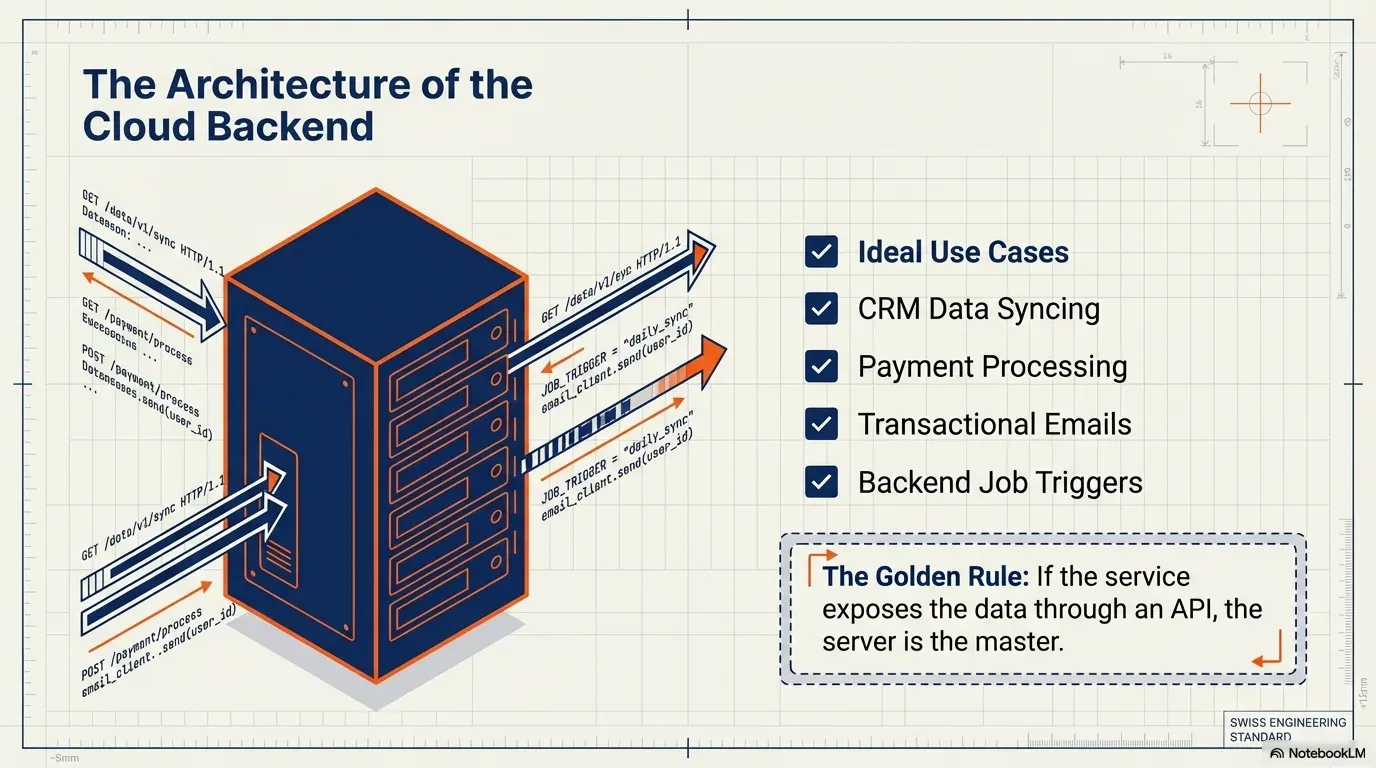
However, they rely almost entirely on APIs. If a service doesn’t expose the data or action you need through an API, server-based automation can’t reach it. And they can’t work with what is happening inside your browser session.
What browser-native automation changes
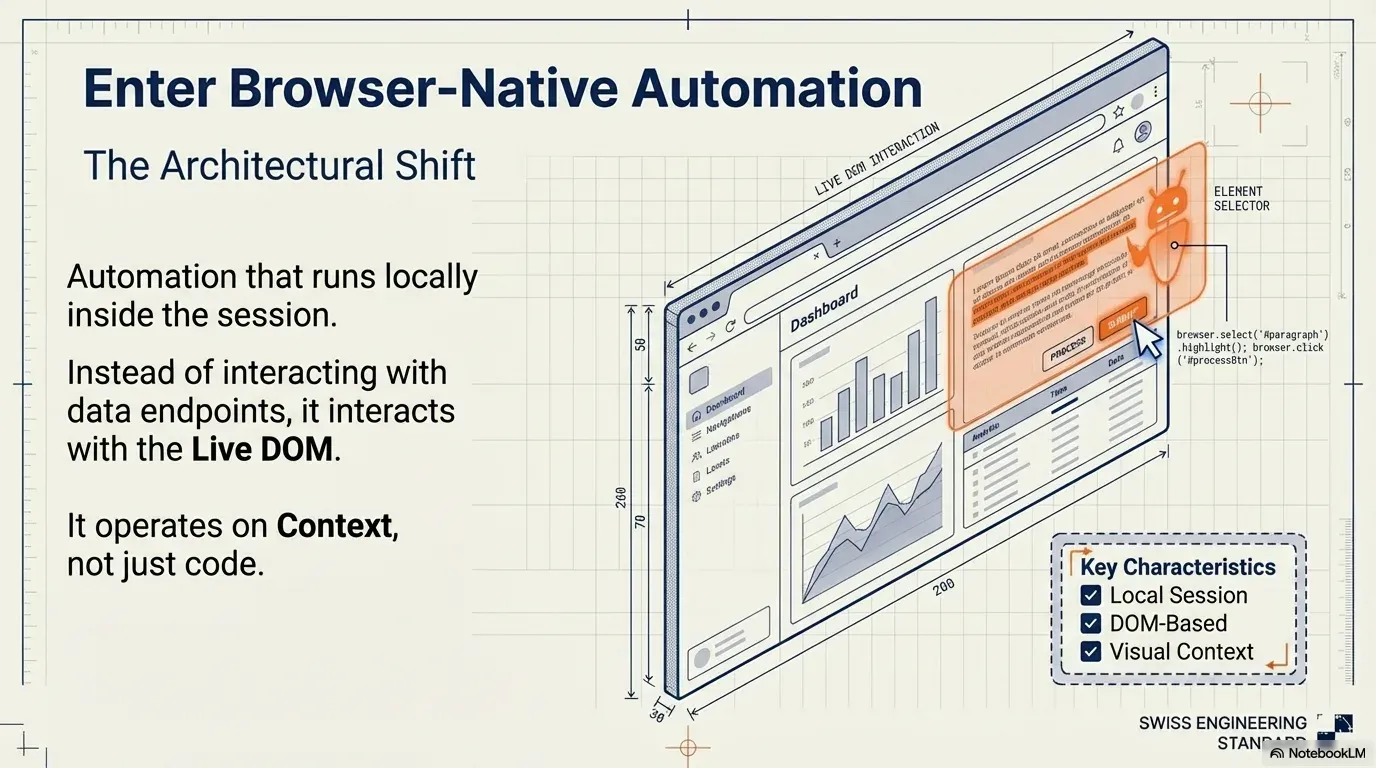
Browser automation runs locally, inside your browser. Instead of talking only to APIs, it works directly with the live page you are viewing (its DOM, the tree of elements a page is made of).
- html
- head
- title
- body
- nav
- main
- h1
- div.price
- button
- footer
Address of the price
A selector is this path written down: main .price
The path to it is how a workflow finds the price.CSS selector resolves the path; querySelector returns the node.
Text version
- html
- head, body
- title, nav, main, footer
- h1, div.price, button
- Address of the price: html › body › main › div.price
That shift changes a lot. A browser-native automation engine can:
- Read the text you selected
- Read the full page content
- Parse the complete HTML
- Extract links and images
- Change or add content on the page
- React to what you are currently seeing
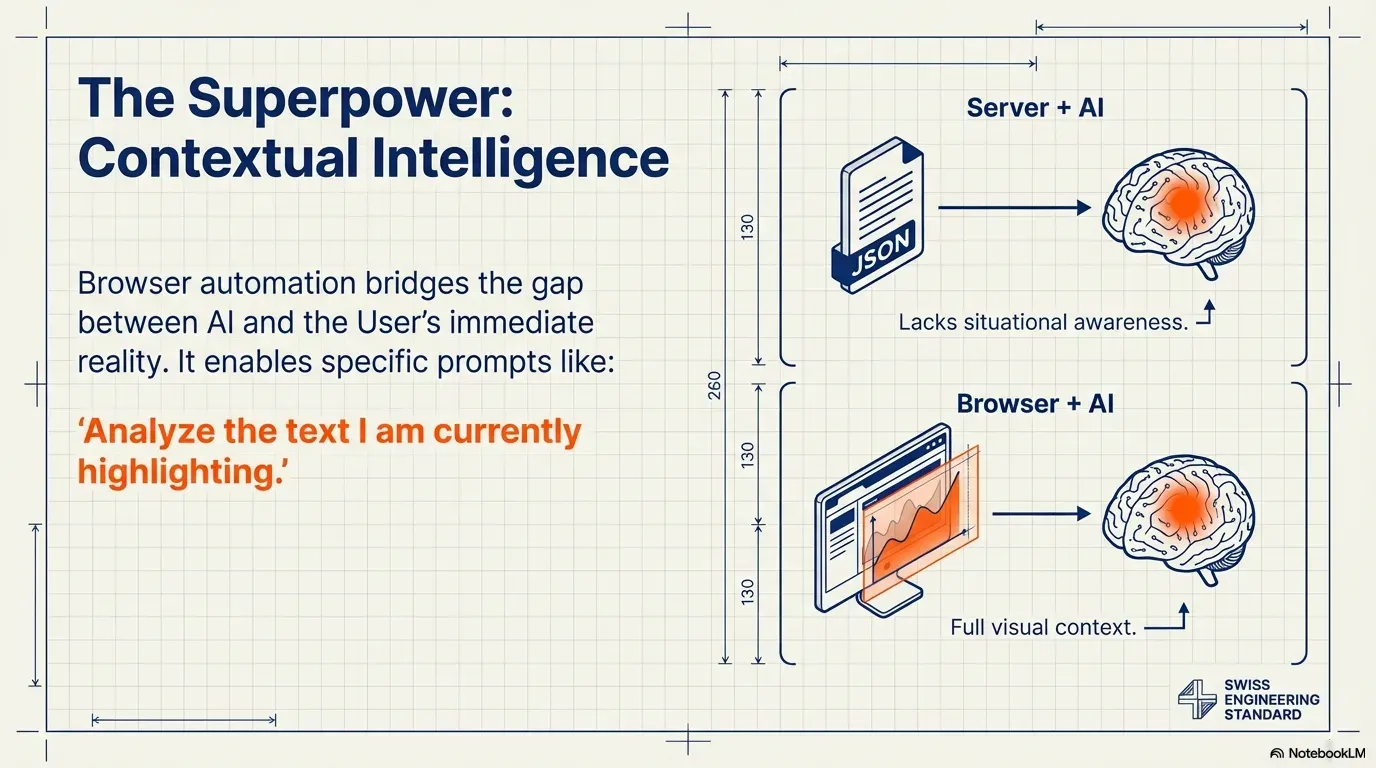
In other words, it works on context, not just data endpoints. That enables workflows a purely server-based system can’t do: highlight a paragraph and send it to an AI model; collect all product links from a marketplace page without an official API; rewrite page content as you read; collect structured data straight from rendered pages. The automation happens where the information lives: in the browser.
Architectural differences
The distinction isn’t about which model is “better”. It’s about the execution environment.
| Feature | AWFlow | Server automation |
|---|---|---|
| Where it runs | Locally, in your browser | In the cloud |
| What it works with | Rendered pages, as you see them | APIs and webhooks |
| Runs without you | No: the browser must be open | Yes, 24/7 |
| Pages with no API | Yes | No |
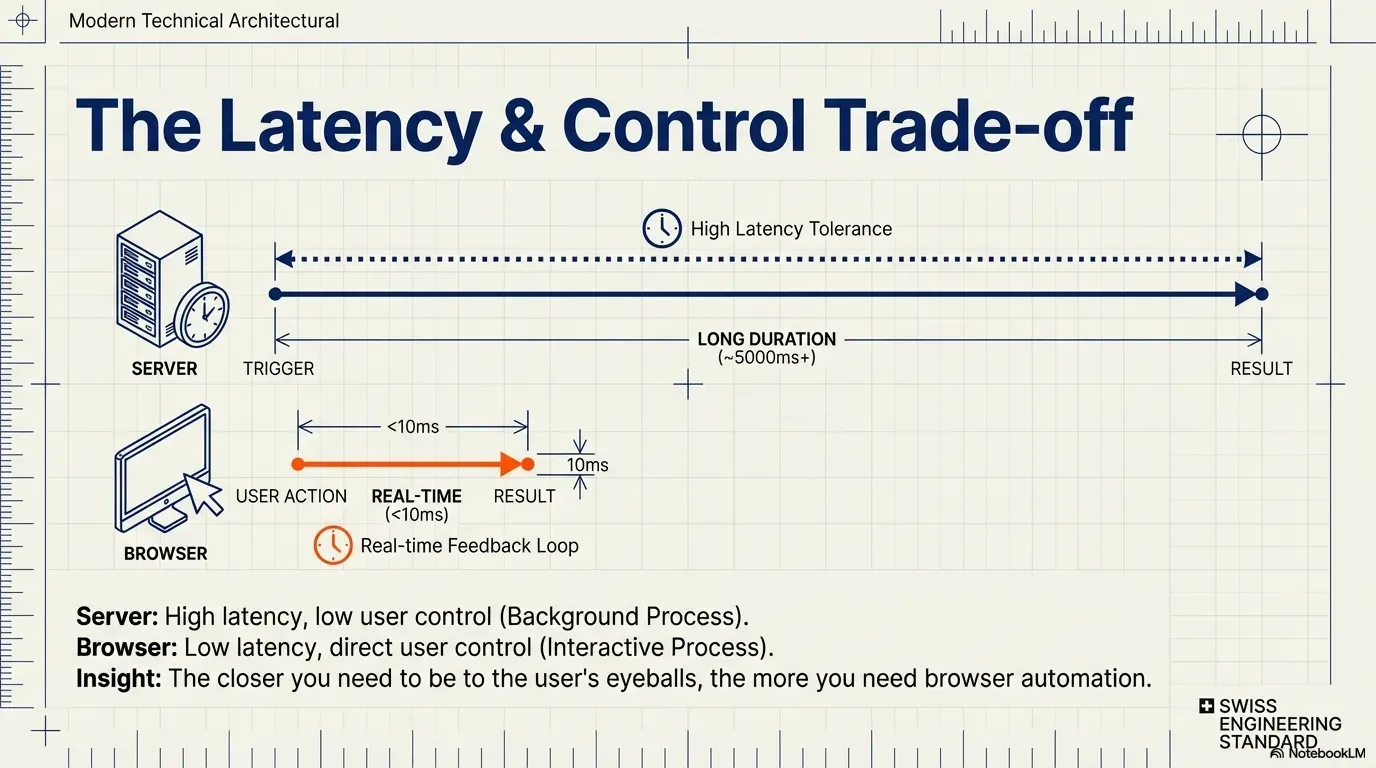
| Feedback | Immediate, on the page you are on | In the background, seconds later |
| Designed for | Contextual, on-screen work | System-to-system integration |
Different jobs, not better or worse.Contextual automation vs integration.
Text version
- Where it runs: AWFlow: Locally, in your browser; Server automation: In the cloud
- What it works with: AWFlow: Rendered pages, as you see them; Server automation: APIs and webhooks
- Runs without you: AWFlow: No: the browser must be open; Server automation: Yes, 24/7
- Pages with no API: AWFlow: Yes; Server automation: No
- Feedback: AWFlow: Immediate, on the page you are on; Server automation: In the background, seconds later
- Designed for: AWFlow: Contextual, on-screen work; Server automation: System-to-system integration
Where it runs
Server automation executes in the cloud. Browser automation executes locally, in the browser you have open.
What it works with
Servers talk to APIs and webhooks. The browser works with rendered pages, exactly as you see them.
Running without you
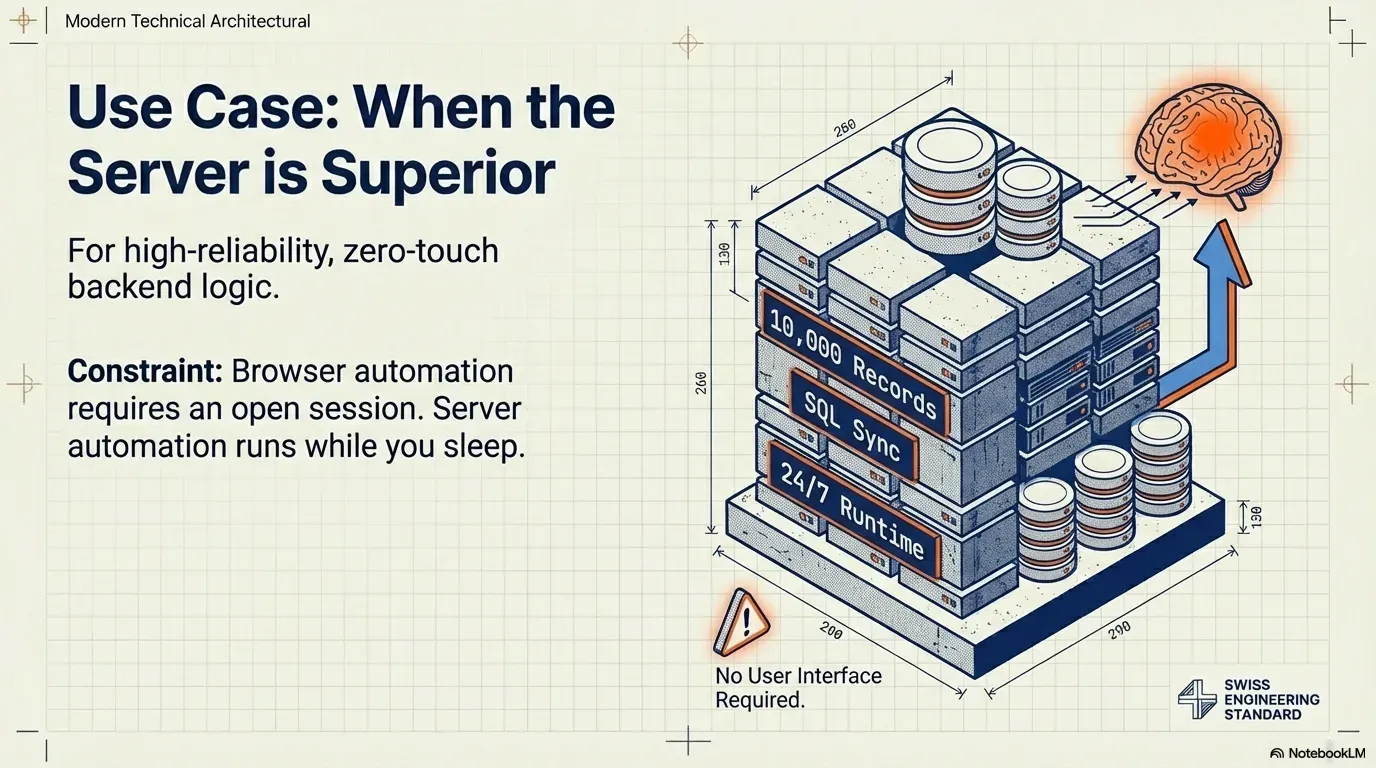
Here the server wins: it runs continuously. Browser workflows need an active browser session; there is no always-on cloud runtime unless you deliberately build one.
Pages with no API
The browser can still read and act on them. The server can’t.
Feedback
That constraint is also a strength: lower latency, immediate feedback and direct control over what happens.
Different jobs
One is designed for system-to-system integration, the other for contextual, on-screen automation.
When server automation is the right choice
Server-based automation is ideal when you need 24/7 reliability without anyone present, you are automating backend business systems, you rely on official APIs, or you need enterprise-grade scale. Syncing thousands of records between databases is a server-side problem. Infrastructure logic belongs in the cloud.
When browser automation is better
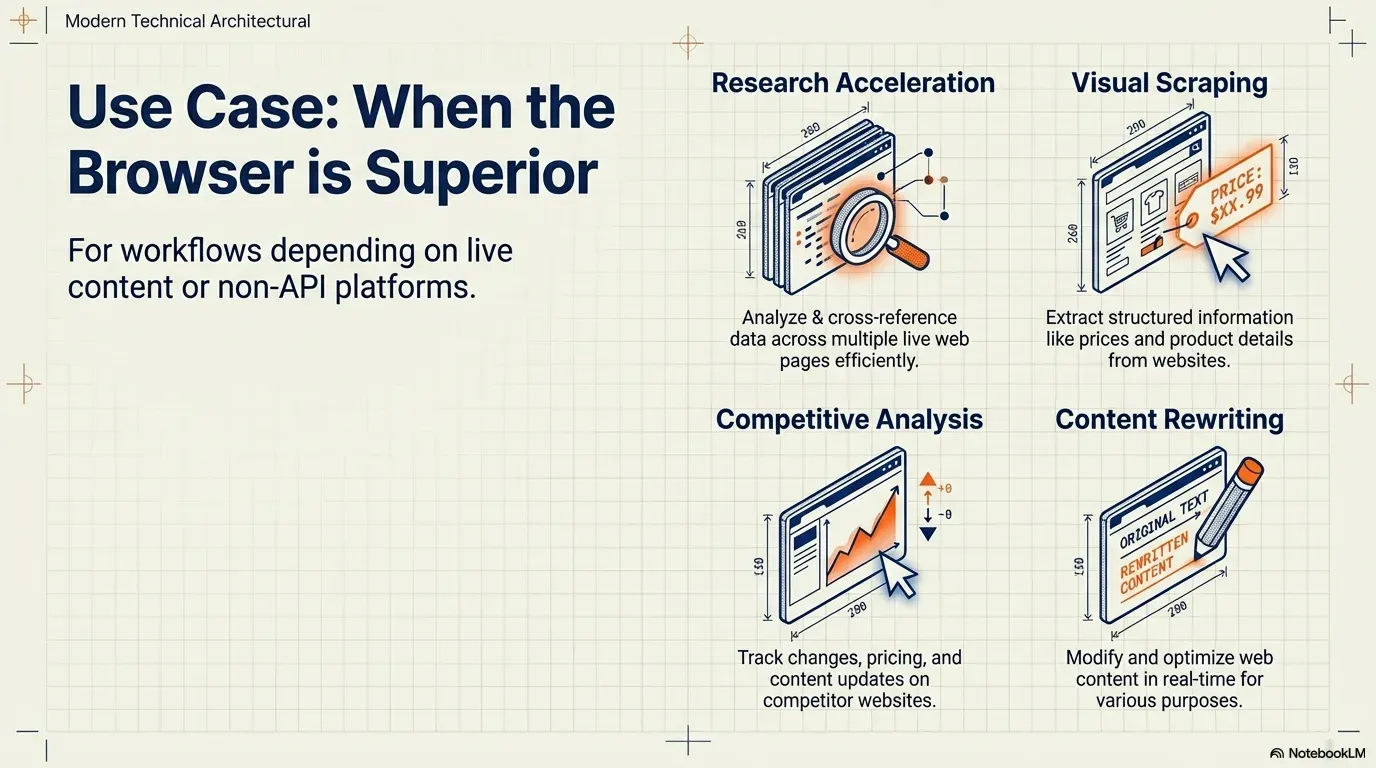
Browser automation becomes the better option when your workflow depends on live page content, you need data from rendered pages, the platform has no API, you want to automate research or repetitive browsing, or you want AI to work on what you are currently seeing.
Traditional automation tools can’t read the text you selected, change a page you are browsing or react to page changes in real time. Browser-native systems can. That opens up research, competitive analysis, marketplace data extraction, AI-assisted browsing, context-aware rewriting and visual scraping.
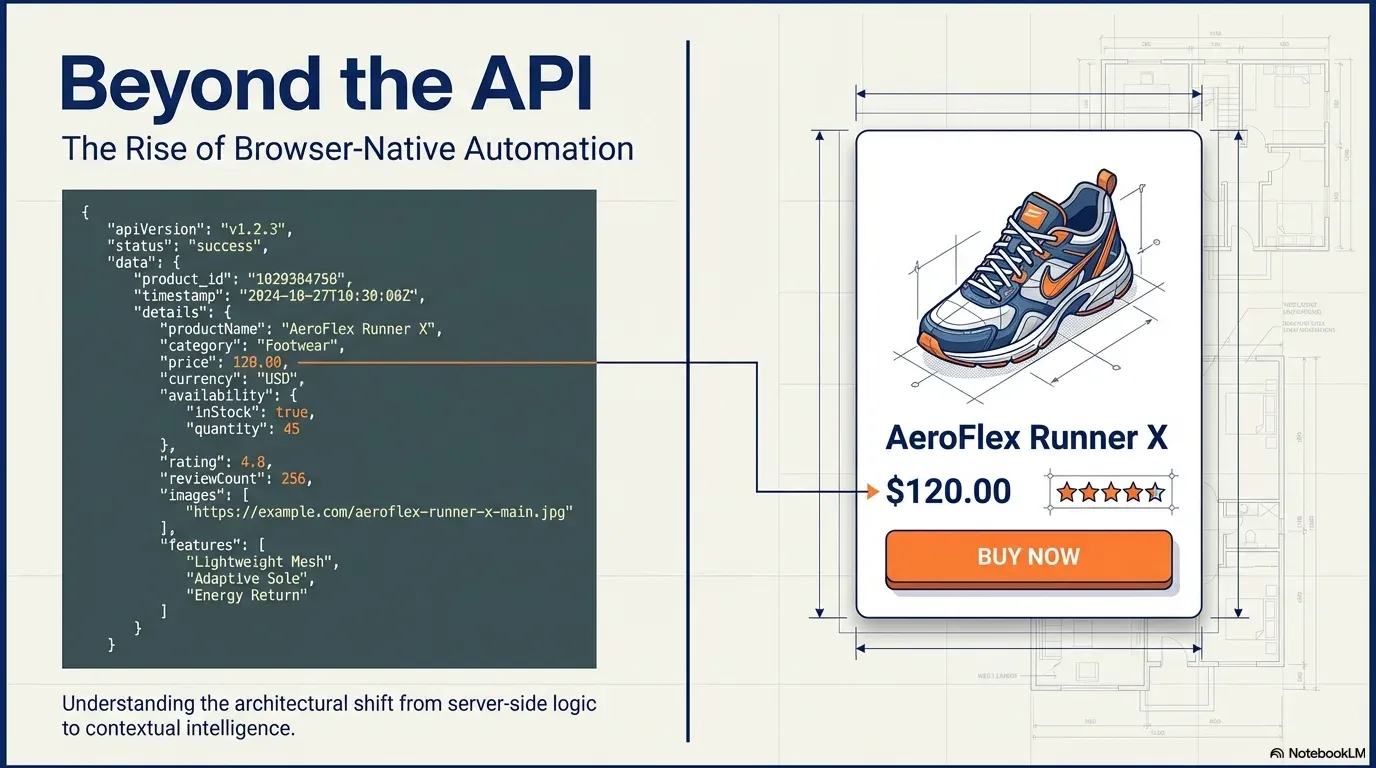
The API limitation problem
Server automation depends on APIs, and APIs expose only what the service chooses to expose.
If a site has no API, its data can't be automated.
The page itself still shows the data. Browser automation works at that layer, where the data is visible.
Flip it. The rendered page has the data.Browser automation operates at the presentation layer, which greatly widens what can be automated.
Text version
- If a site has no API, its data can't be automated.
- The page itself still shows the data. Browser automation works at that layer, where the data is visible.
Many websites limit API access, restrict endpoints, have no public API at all, or gate features behind paid plans. The page itself still contains the rendered data, and that dramatically expands what can be automated.
The rise of contextual automation
As AI moves into workflows, context becomes critical. Sending raw text to a language model is useful. Sending the text you selected on a live page is more powerful. Sending structured data extracted from the rendered page is better still. Browser automation lets AI work with awareness of what you are looking at: a shift from backend integration to contextual intelligence.
Can browser automation replace server automation?
Sometimes. If your workflows are centred on web interaction, scraping, AI-assisted browsing or editing live content, browser-native automation can fully replace server tools. It can’t replace always-on backend infrastructure: if automation must run with no browser open, server platforms remain necessary.
In practice, the future is hybrid. Server automation handles system-level processes; browser automation handles contextual, user-side work. Together they form a more complete stack:
The result comes back to the page you are on.The webhook response is shown in the browser.
Text version
- Your browser → A server workflow: data read from the page
- A server workflow → Your apps: update the records
- Your apps → A server workflow: done
- A server workflow → Your browser: result to show on the page
Final perspective
Server automation connected applications. Browser automation connects intelligence to context. They aren’t competitors in every case: they are different layers solving different problems. Understanding that distinction lets you choose the right execution model for each workflow, and often combine both.
Your turn
Try browser-native extraction
Open it in AWFlow: it reads a page and pulls out a list of items as structured data, no API needed.
Open in AWFlow (opens in a new tab)docs.awflow.io/examples/web-scrape-to-json.awfCall to action. Scan the code or click the link.Opens the Web scrape to JSON docs example in AWFlow's import page.
Text version
- Try browser-native extraction · Open it in AWFlow: it reads a page and pulls out a list of items as structured data, no API needed. · https://docs.awflow.io/examples/web-scrape-to-json.awf
In short
- Servers connect apps through APIs
- Browsers work on the page you see
- The future is hybrid
Three. Use both layers.Browser extracts context; server runs system logic.
Text version
- In short
- Servers connect apps through APIs
- Browsers work on the page you see
- The future is hybrid