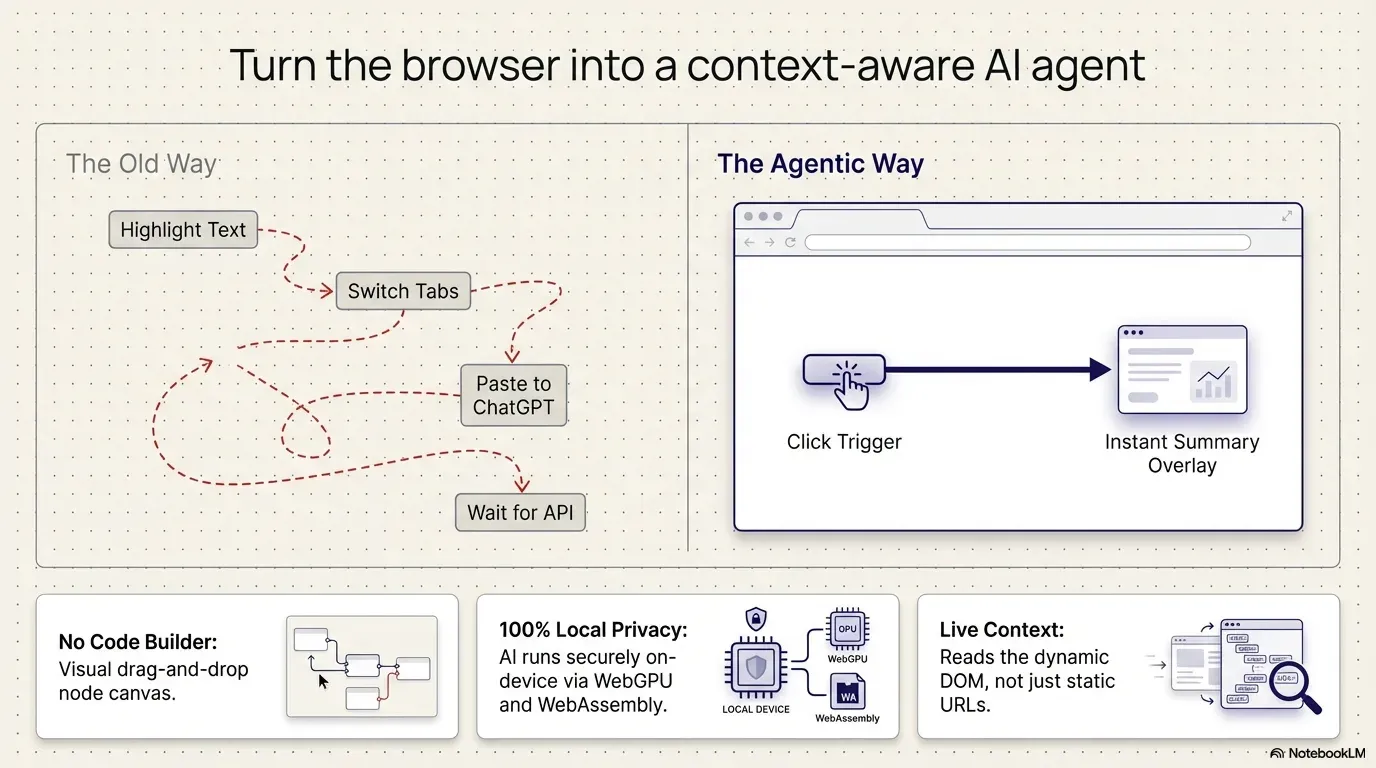
Are you still copying text from a web page, opening a new tab and pasting it into an AI tool just to get a summary? That “assisted copy-paste” breaks your context and adds friction. It’s time to make your browser an AI layer on the page.
The fix
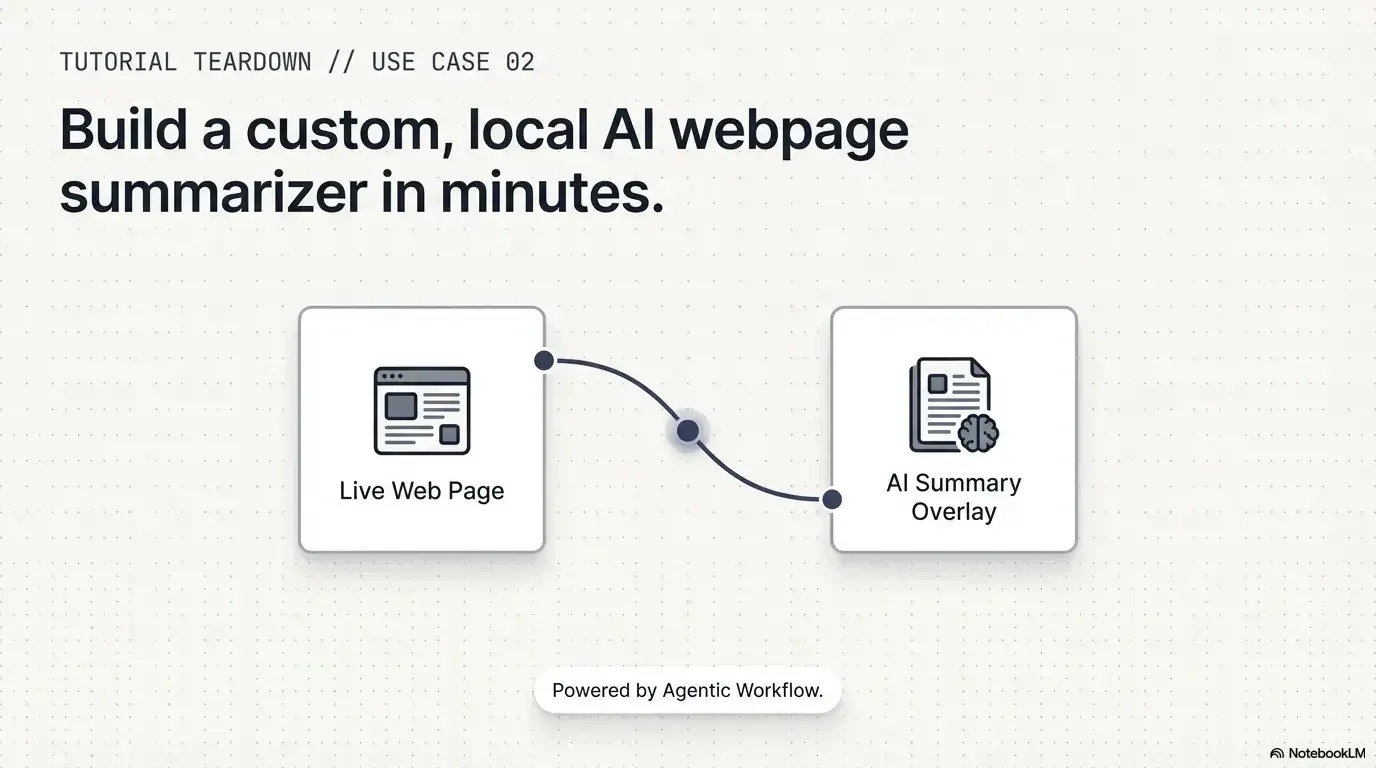
Don't take the page to the AI. Bring the AI to the page.
The AI comes to you, on the page you're reading.Page text in, summary shown on the page.
Text version
- The fix: Don't take the page to the AI. Bring the AI to the page.
In our video tutorial, “Build an AI Webpage Summarizer (Step-by-Step Tutorial)”, we show how to build an automation that summarises any content right on the page you’re viewing.
Watch the tutorial
What the tutorial covers
It walks you through a workflow that reads the text of a live website and processes it with a large language model (LLM). Unlike AI tools that work in isolation, this workflow is context-centric: the AI works directly on what you’re looking at in your browser.
What you’ll build, step by step
The same four-node workflow is in our docs as Summarize page (LLM chain). Here it is, running:
Summarise this page in 3 bullets
Run it on any page, any time.Outputs per node (example values).
Text version
- summarize-page-llm-chain.awf
- started on this page
- the article's text
- 3 short bullets
- a summary card on the page
The trigger
Start the workflow with one click with When Started.
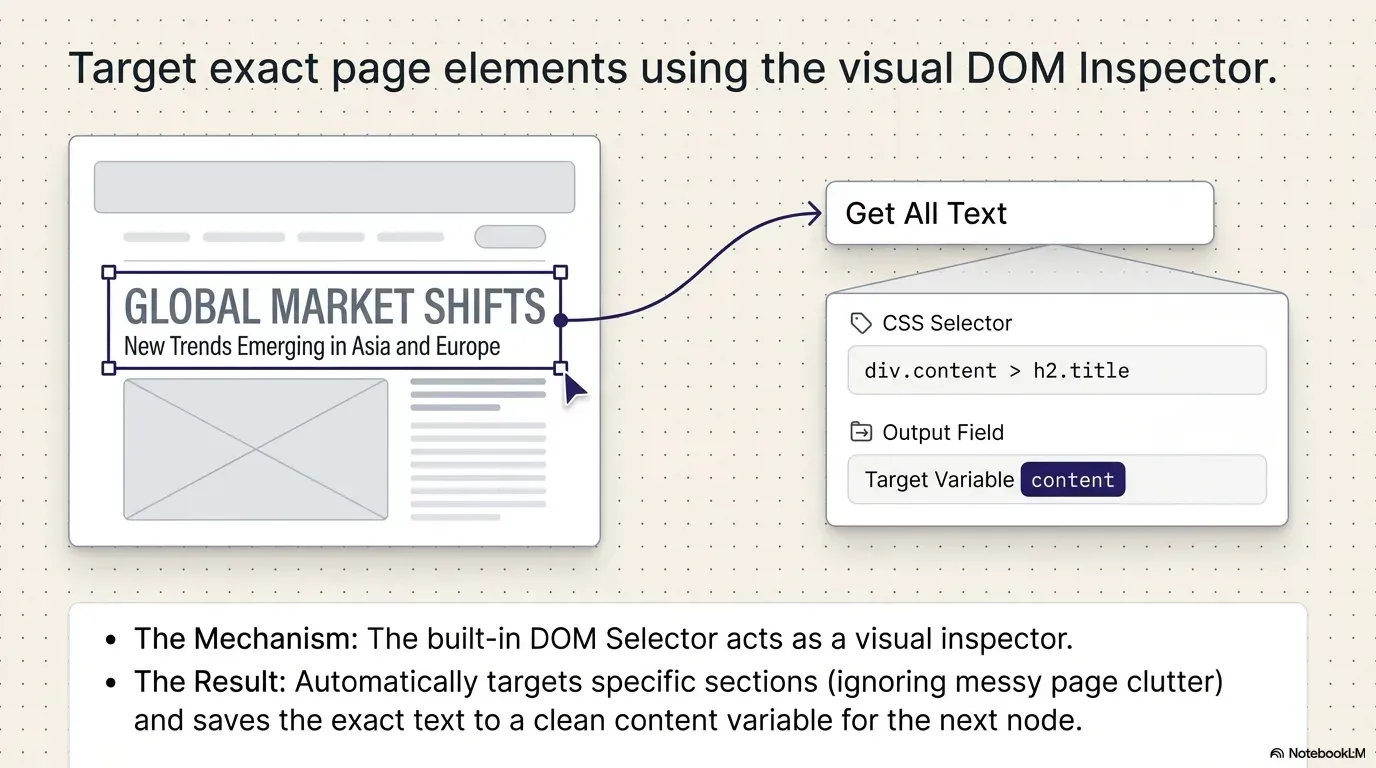
Pick the content with the visual inspector
In Get All Text, use the visual picker: click a section of the page (a heading, the article body) and it fills in a precise CSS selector for the text you want summarised.
The AI step
A Basic LLM Chain sends your prompt to the model. Tip from the video: drag and drop the extracted content into your prompt to make it a dynamic expression.
Show it on the page
Display Markdown shows the summary in a card on the page. Expand it, minimise it or copy it, without switching tabs.
Run it anywhere
Save it, and it’s a reusable tool you can trigger on any website.
In the video, the model is Ollama running Granite 3 Dense on the computer; the docs example uses Web LLM, which runs a model inside the browser. Either way, the page text stays on your device. Here’s where each piece lives on the canvas:
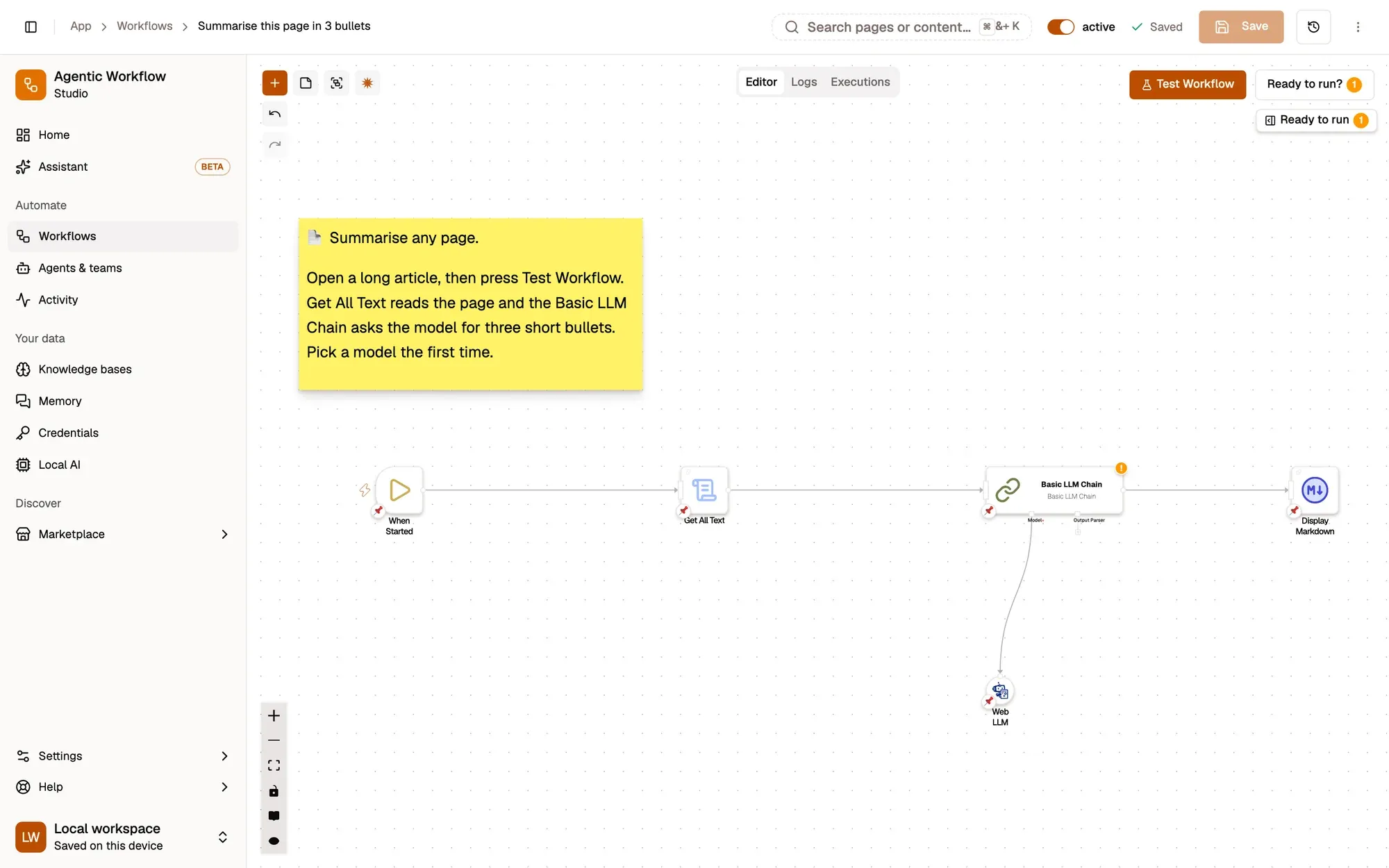
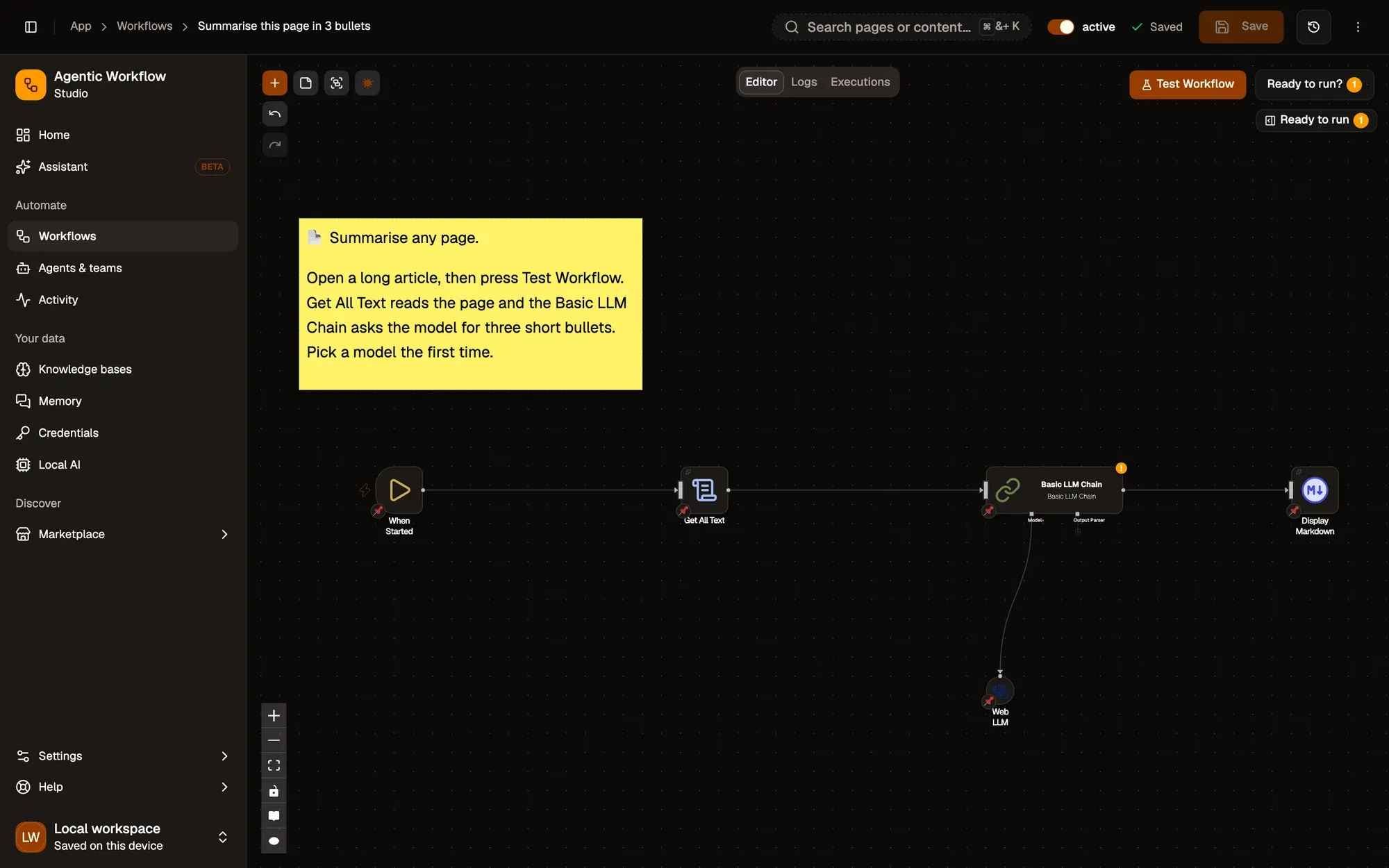
Four nodes. That's the whole summariser.Press Test Workflow to try it.
Text version
- 1. Read the page: Get All Text, right after the trigger.
- 2. Ask the AI: Your prompt, with the page text dragged in.
- 3. Choose the model: Web LLM in the browser, or Ollama on your computer.
- 4. Show the summary: A card on the page you're reading.
Why browser-native AI changes things
Building this summariser takes you from simple automation to agentic workflows: AI that works with what’s in front of you.
| Feature | AWFlow | Copy into a chatbot |
|---|---|---|
| Steps per summary | One click | Copy, switch tab, paste, prompt, switch back |
| What the AI sees | The part of the page you picked | Whatever you pasted |
| Where the text goes | Stays on your device with a local model | To the chatbot's servers |
| Pages without an API | Yes: it reads the rendered page | Yes, if you copy by hand |
| Free-form follow-up questions | Change the prompt, or use the assistant | Built for back-and-forth chat |
Chat wins for open-ended conversation.Be fair: chat apps are built for follow-ups.
Text version
- Steps per summary: AWFlow: One click; Copy into a chatbot: Copy, switch tab, paste, prompt, switch back
- What the AI sees: AWFlow: The part of the page you picked; Copy into a chatbot: Whatever you pasted
- Where the text goes: AWFlow: Stays on your device with a local model; Copy into a chatbot: To the chatbot's servers
- Pages without an API: AWFlow: Yes: it reads the rendered page; Copy into a chatbot: Yes, if you copy by hand
- Free-form follow-up questions: AWFlow: Change the prompt, or use the assistant; Copy into a chatbot: Built for back-and-forth chat
- Privacy and control: with local models (WebLLM or Ollama), content from your browsing is processed on your device, not on outside servers.
- Fast feedback: the workflow runs where you are; with a local model there’s no network round trip.
- Works anywhere: on any website, even without an API, because it reads the rendered page.
Ready to start?
Stop losing time to manual research. By the end of the tutorial, you’ll have a reusable AI tool you can run on any website in one click.
Your turn
Get the summariser workflow
Open it in AWFlow, pick the part of the page to read, and run it on any website.
Open in AWFlow (opens in a new tab)docs.awflow.io/examples/summarize-page-llm-chain.awfCall to action. Scan the code or click the link.Opens the Summarize page (LLM chain) docs example in AWFlow's import page.
Text version
- Get the summariser workflow · Open it in AWFlow, pick the part of the page to read, and run it on any website. · https://docs.awflow.io/examples/summarize-page-llm-chain.awf
In short
- Bring the AI to the page
- Trigger, read, ask, show
- Local models keep it private
Three. Web LLM or Ollama.On-device inference.
Text version
- In short
- Bring the AI to the page
- Trigger, read, ask, show
- Local models keep it private