Fun fact
There can be a full database running inside one browser tab.
The hook. Say it before anything else.A 3-second opener before the first chapter.
Text version
- Fun fact: There can be a full database running inside one browser tab.
For most of the web’s history, a page could run one language, JavaScript, and serious software lived on servers. Databases, Python scripts and AI models were things a website called, never things it contained.
That has quietly changed. A single tab can now host a real database, a Python interpreter and AI models, all running on your own machine. The technology that made it possible has a slightly dull name, WebAssembly, and it is worth understanding, because it is also what lets software keep your data on your device.
What WebAssembly is
The database ships as WebAssembly, so it runs inside the page instead of on a server.
A compact program format every modern browser can run safely, at close to the speed of an app installed on your computer.
A portable binary instruction format, validated and compiled by the browser engine, run in the page's sandbox and called from JavaScript. Often shortened to Wasm.
What it means: a safe, compact, fast program format.Binary modules, validated and compiled to machine code by the engine.
Text version
- The database ships as WebAssembly, so it runs inside the page instead of on a server.
- WebAssembly: A compact program format every modern browser can run safely, at close to the speed of an app installed on your computer. A portable binary instruction format, validated and compiled by the browser engine, run in the page's sandbox and called from JavaScript. Often shortened to Wasm. (Wasm, JavaScript, Rust)
The trick is where the program comes from. Developers write it in a language built for speed, such as Rust or C++, and a compiler turns it into a small .wasm file. Your browser downloads that file like an image and runs it.
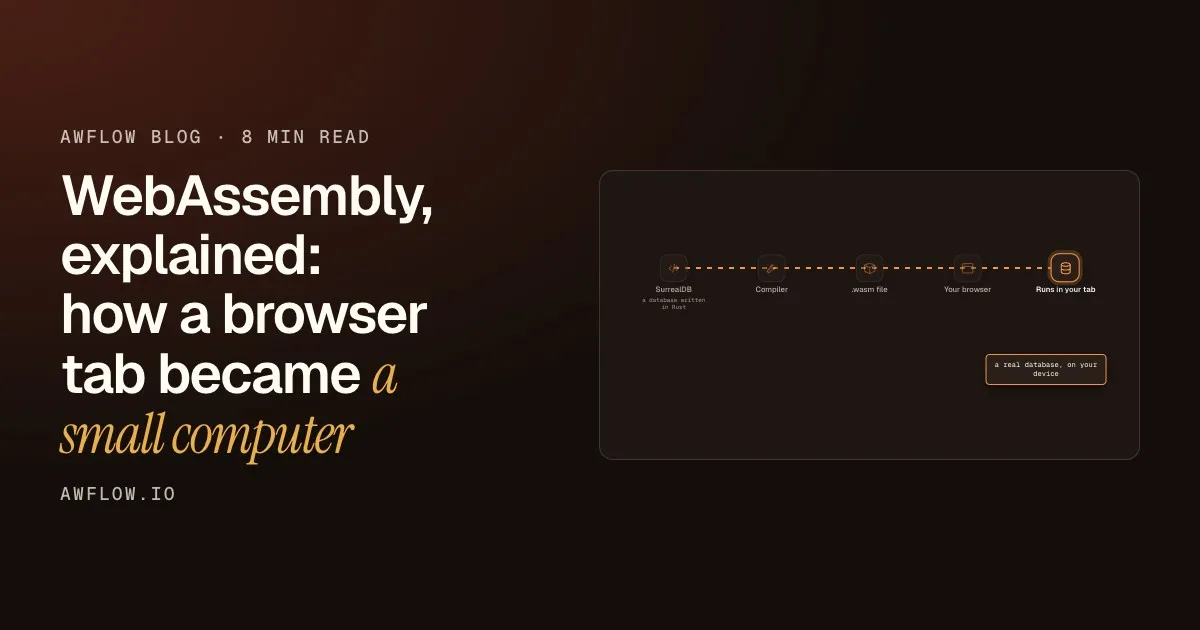
A concrete example: SurrealDB is a database written in Rust. Compiled to WebAssembly, the same database runs inside a browser tab.
Now the database lives in your tab.Queries run locally, against storage on your device.
Text version
- SurrealDB: Rust source code
- Compiler: targets WebAssembly
- .wasm file: a compact binary module
- Your browser: checks it, then compiles it
- Runs in your tab: a real database, on your device
A database written for servers
SurrealDB was written in Rust, a language normally used for software that runs on servers and desktops.
Compiled to WebAssembly
The same source code is compiled to a different target: WebAssembly instead of a particular processor.
Shipped as a file
What comes out is a .wasm file: compact, and downloaded like any other web asset.
Checked by the browser
Before running it, the browser validates the module. Code that breaks the rules is refused.
Running next to you
The database now runs in your tab, on your machine, with your data stored locally.
Fast and safe, with one rule
Two properties make WebAssembly useful. It is safe: a module runs inside the same sandbox as the page, and cannot reach your files or other tabs. And it is fast at heavy computation, close to the speed of an installed app.
There is one rule people miss. WebAssembly cannot touch the page directly. It does the heavy work, and JavaScript, which runs the page, asks for results and draws them:
JavaScript draws it. Wasm never touched the screen.Wasm has no direct DOM access; rendering stays in JavaScript.
Text version
- JavaScript → Database: find workflows named "price"
- Database → JavaScript: 3 matching rows
- JavaScript → The screen: draws the list
WebAssembly is going to replace JavaScript.
They are a team. JavaScript runs the page; WebAssembly does the heavy work it is handed.
The fact. Each does what it is good at.Gains are largest on computation-heavy code and small on DOM-heavy work.
Text version
- WebAssembly is going to replace JavaScript.
- They are a team. JavaScript runs the page; WebAssembly does the heavy work it is handed.
It has a cost too: the .wasm file must be downloaded before it runs, and some are large. That is why tools built on it can feel slow the very first time and quick after.
Where it shows up in AWFlow
AWFlow is a browser extension, yet it does things that used to need a server. WebAssembly is a large part of why. Zoom into an AWFlow tab:
Your local data
Your local data is a real database, in the browser.In a local workspace, workflows, runs, credentials, chats, memory and knowledge bases are stored in the in-browser database.
Text version
- An AWFlow tab: The canvas (JavaScript), Your local data (WebAssembly), On-device models (WebGPU or Wasm), Python steps (WebAssembly)
- Your local data: Workflows (and their runs), Credentials (encrypted), Chats and memory (for the assistant), Knowledge bases (text and vectors)
That database is what makes a local workspace possible: no account, and everything saved on your device. It also holds your knowledge bases, the documents an agent can search, together with the vectors used to find passages by meaning. The search engine that creates those vectors is a small model that runs on your device too:
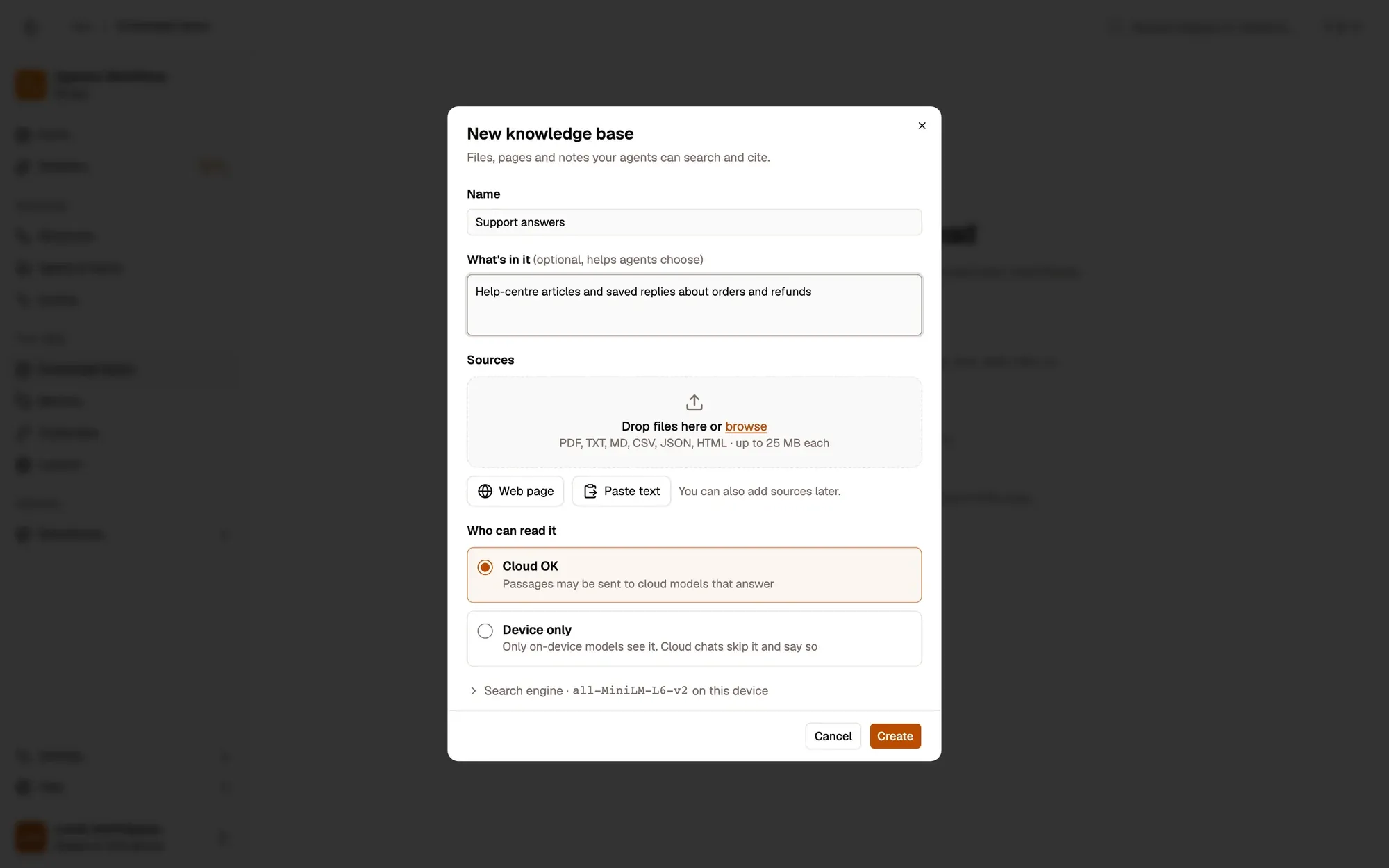
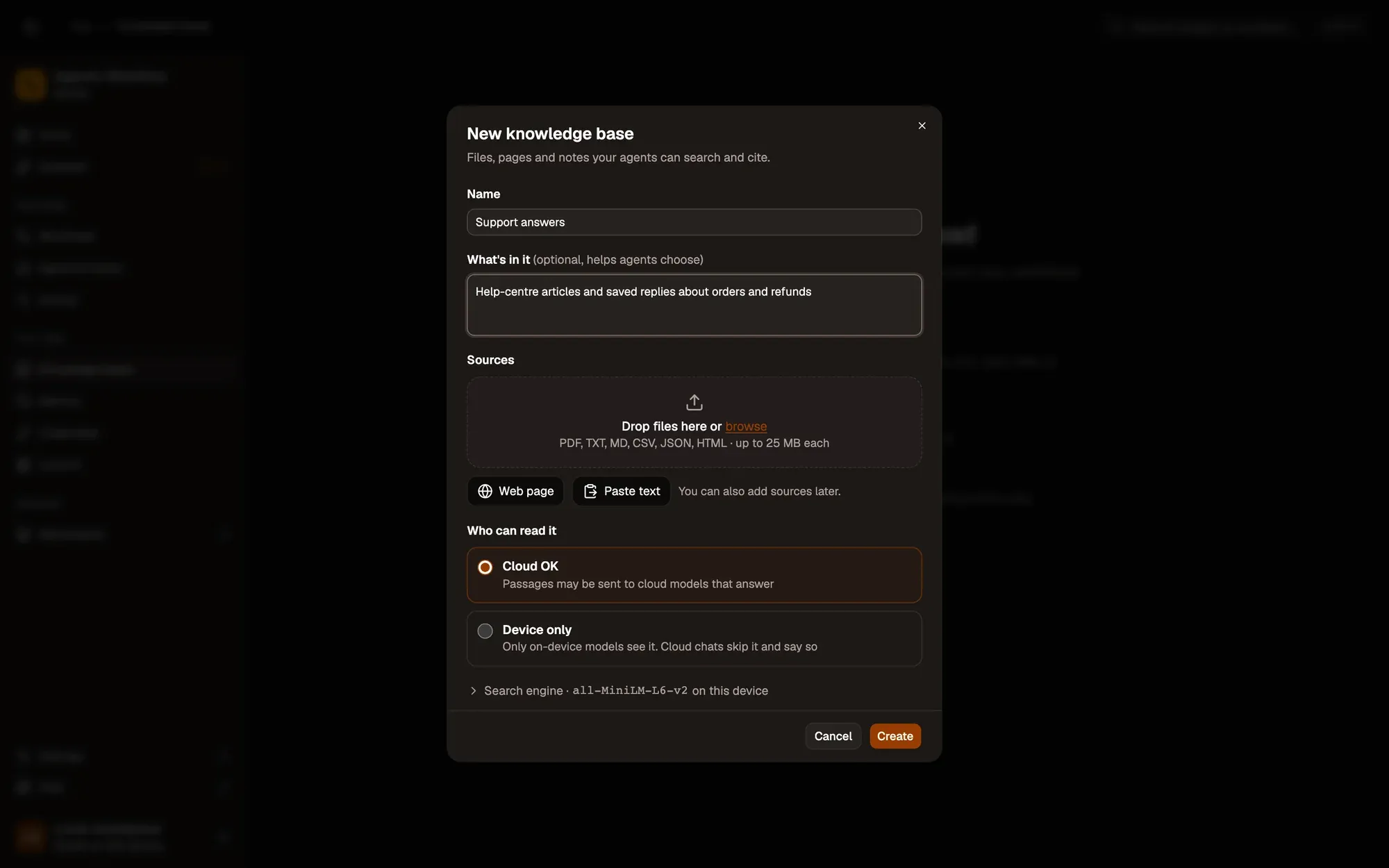
Your documents, indexed and searched in your browser.Passages and vectors are stored locally.
Text version
- 1. Search engine: A small model, on this device.
- 2. Who can read it: Cloud OK, or Device only.
The Python steps work the same way. AWFlow’s Code node runs Python 3 with its standard library, in the browser, with nothing to install, because Python itself has been compiled to WebAssembly by the open-source Pyodide project.
See it yourself
You can spot WebAssembly on any site in a minute. Open Chrome DevTools, go to the Network tab, reload the page and click the Wasm filter. You will see each .wasm file the page downloaded and how large it is.
The takeaway
WebAssembly turned the browser tab into a small computer.
A small computer: a database, Python and AI, all local.Server software, shipped as modules that run on the client.
Text version
- The takeaway: WebAssembly turned the browser tab into a small computer.
For you, the practical result is simple: software that used to need a server, and your data on that server, can now run where you are. Here is the easiest way to see it in AWFlow: start in a local workspace, with no account at all.
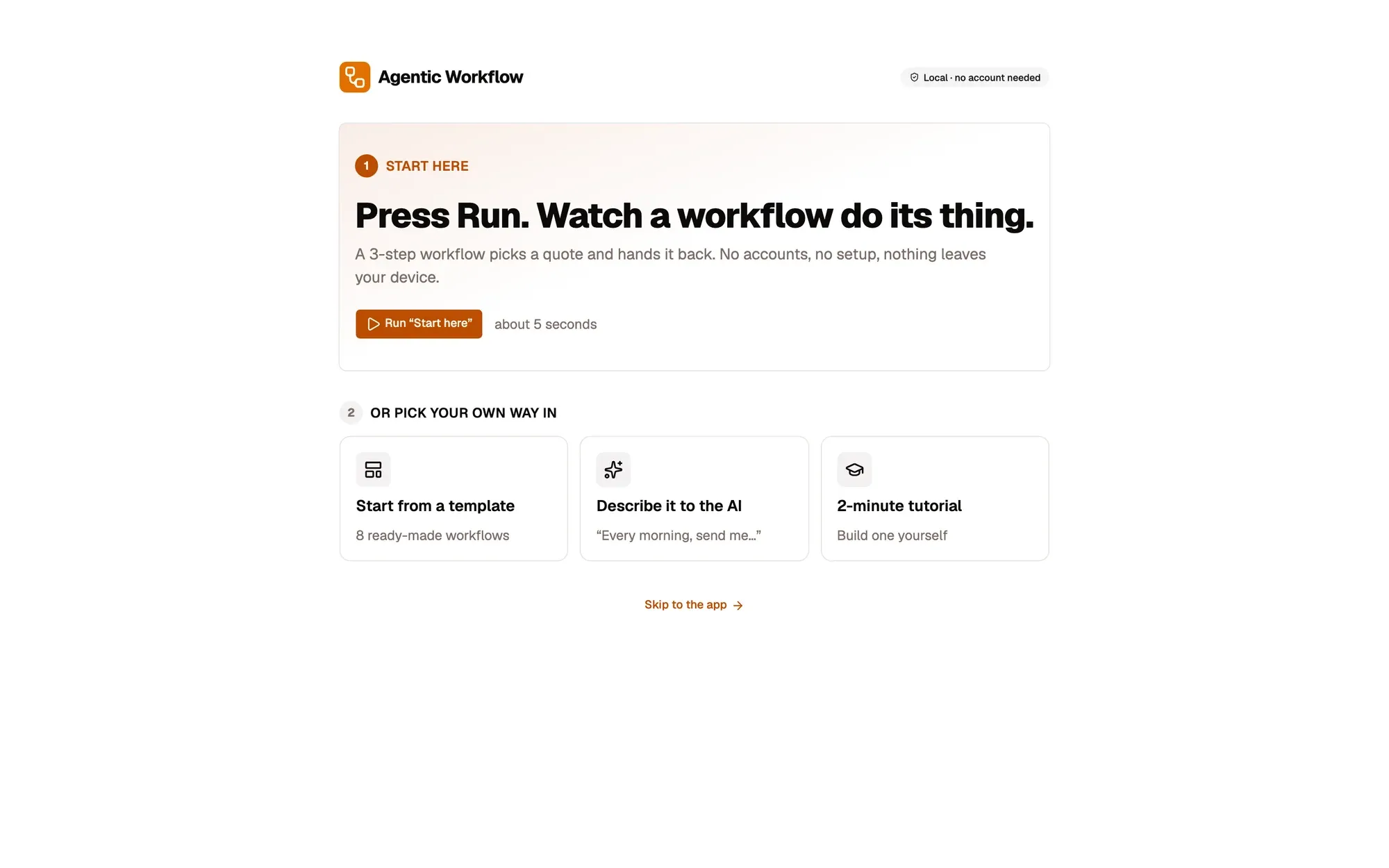
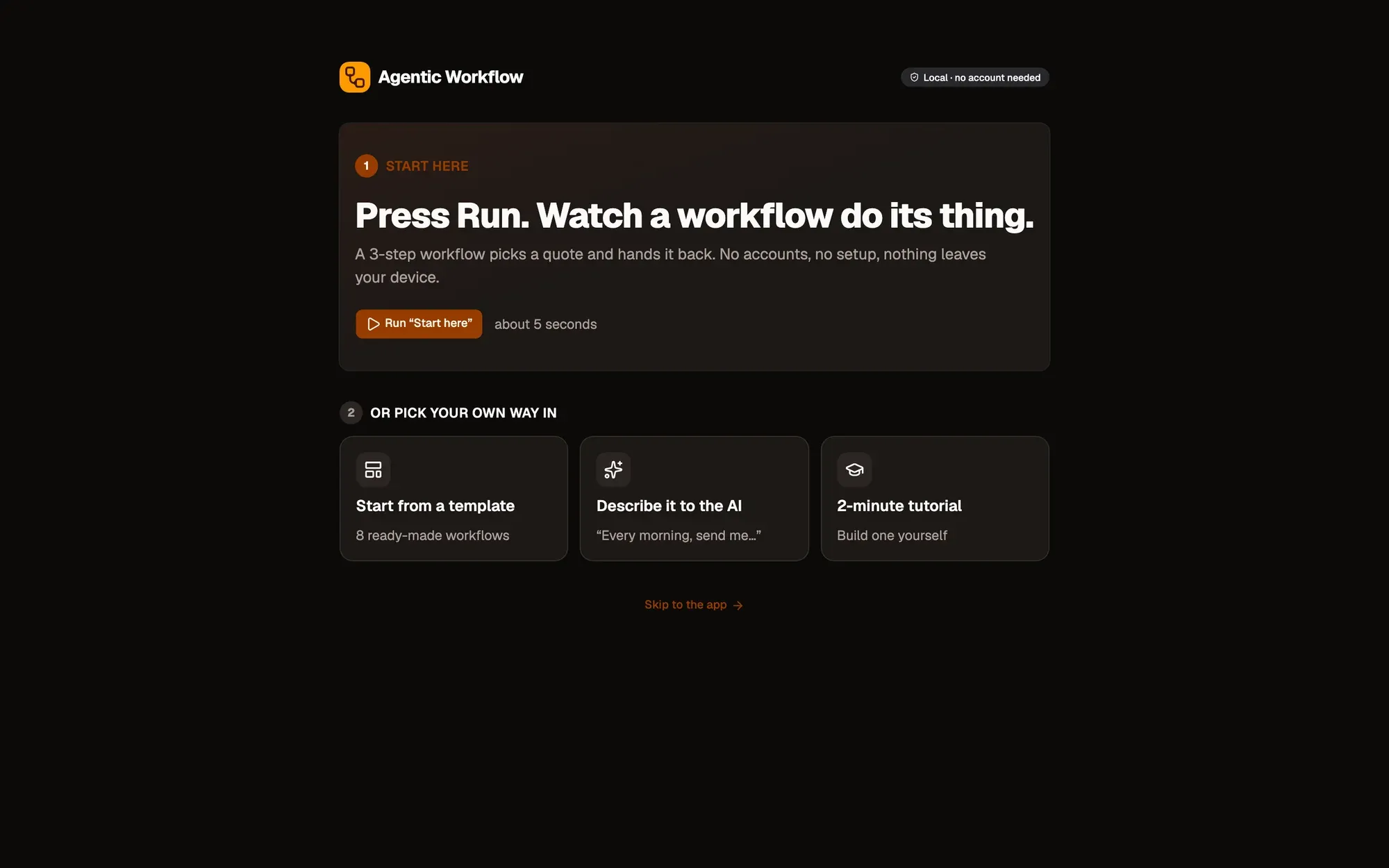
That is all local, from the first click.No account and no server round trip for local workflows.
Text version
- 1. No account needed: Everything is saved on this device.
- 2. Press Run: Watch a first workflow run.
What we covered
- Wasm is a safe, fast program format
- JavaScript draws, Wasm does the heavy work
- It is why your data can stay local
Three. A database, Python and models, in your tab.SurrealDB, Pyodide and on-device models in AWFlow.
Text version
- What we covered
- Wasm is a safe, fast program format
- JavaScript draws, Wasm does the heavy work
- It is why your data can stay local