Lesson 4 5 min
Give it skills
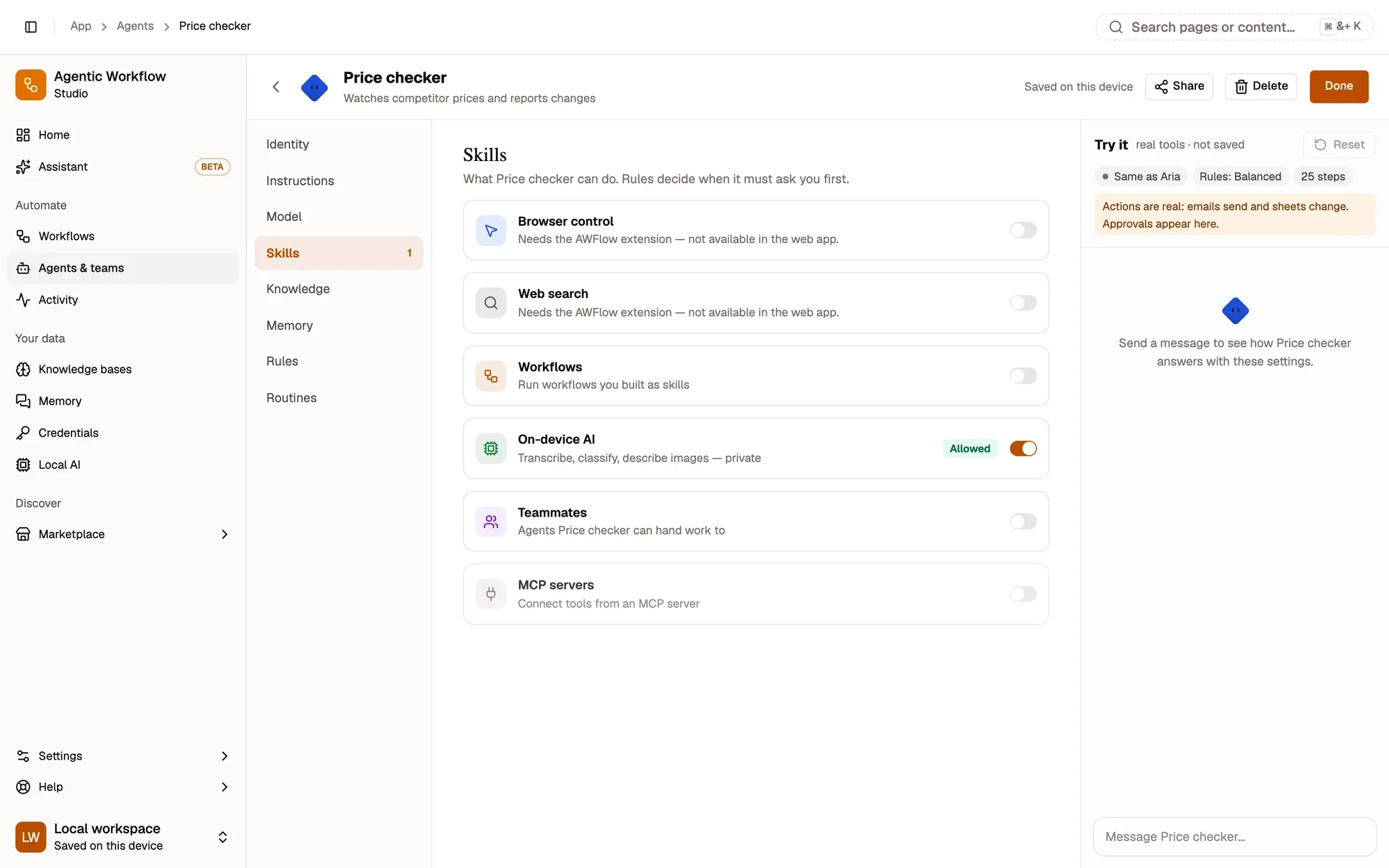
Skills are what an agent can do. Turn on only what its job needs, with a model that can call tools.
The six skills
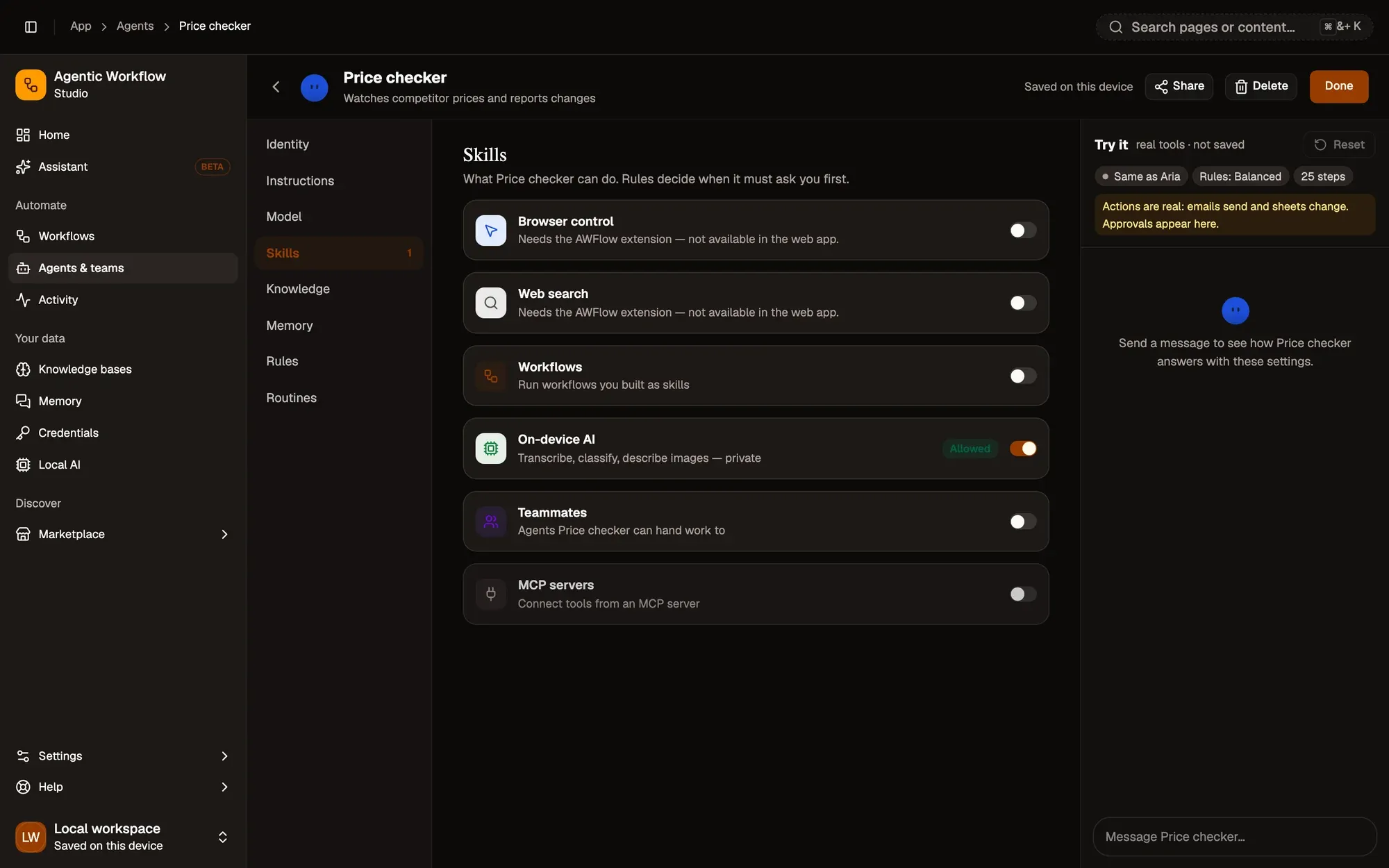
Turn skills on in the agent builder’s Skills tab.
| Skill | What the agent gets |
|---|---|
| Browser control | Its own tab group to read, click and type in. Needs the extension. |
| Web search | Searches the web in a background tab and reads the results. Needs the extension. |
| Workflows | Each chosen workflow becomes a tool. The agent passes it some text and gets back what its last steps produced. |
| On-device AI | Image, text and audio models that run on your device. |
| Teammates | Can ask the teammates you pick to do part of the work, each with its own model, skills and rules. |
| MCP | The tools of each MCP server you add. For a server that needs a login, pick a saved credential; only a reference to it is stored on the agent. Each MCP call follows the MCP rule, with a row per server on the Rules tab. |
A workflow that pauses for an approval or a wait can’t finish inside the call, so the agent is told it failed. Teammates don’t see the chat, so the agent gives them a complete task.
The model matters
Skills need a model that can call tools. Chrome’s built-in Gemini Nano handles a few simple skills (up to 8 tools at a time, no browser control); with a chat-only model, such as some Ollama models, the agent’s skills are off. When a skill can’t be used (no extension, a deleted workflow, an MCP server that doesn’t answer), a banner above the composer says so, with a fix.
Limits that protect you
- What a tool brings back from outside is given to the model as data to read, never as instructions.
- Each tool call has a time limit: 60 seconds, or 2 minutes for a workflow. The clock pauses while the agent waits for your approval.
- Very long results are trimmed, and exactly the same call repeated is skipped.
Key takeaways
- Browser control and Web search need the AWFlow extension.
- Each workflow you choose becomes a tool the agent can call with some text.
- Skills need a tool-calling model; Gemini Nano handles a few simple ones.