Lesson 10 4 min
What AWFlow remembers
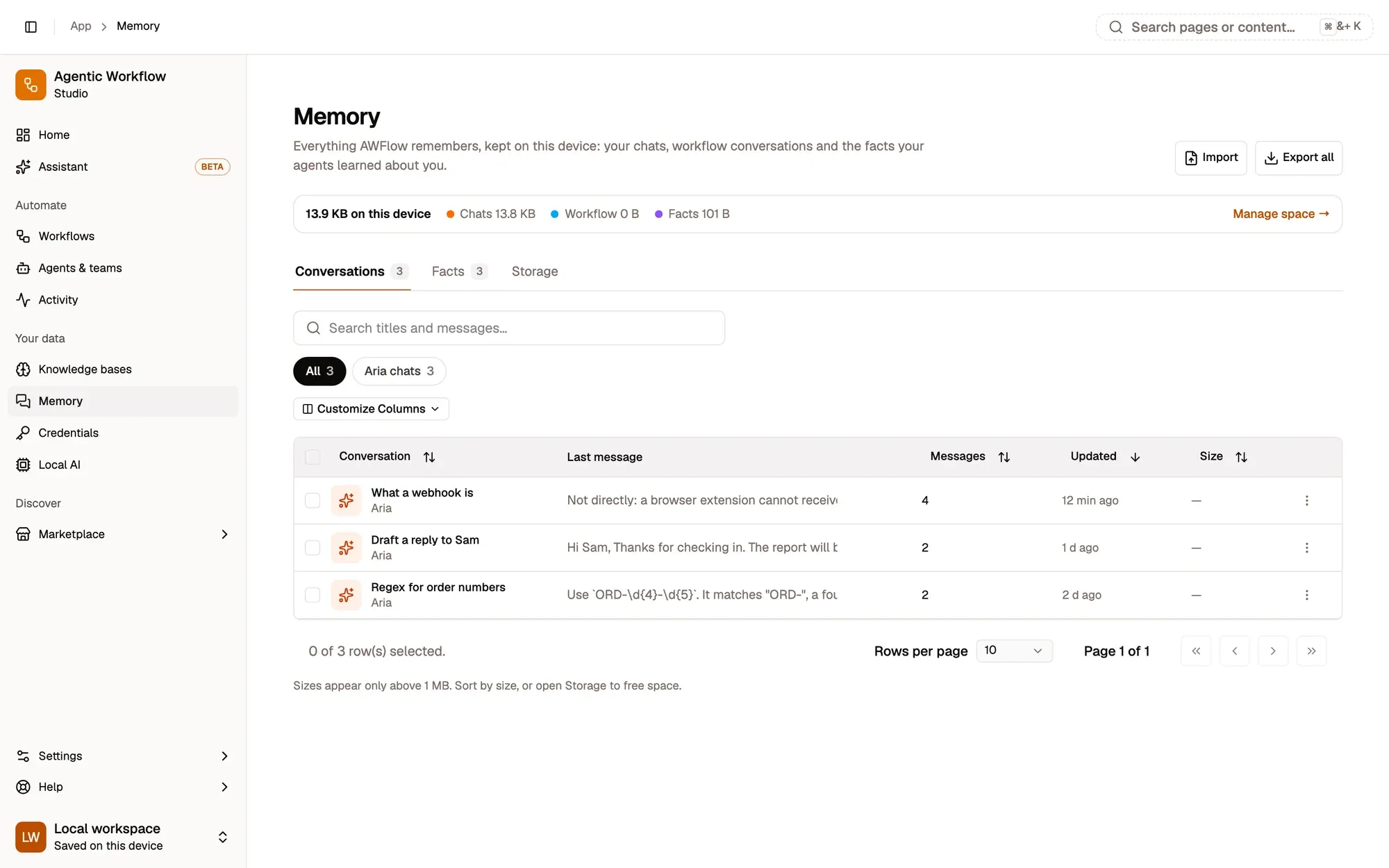
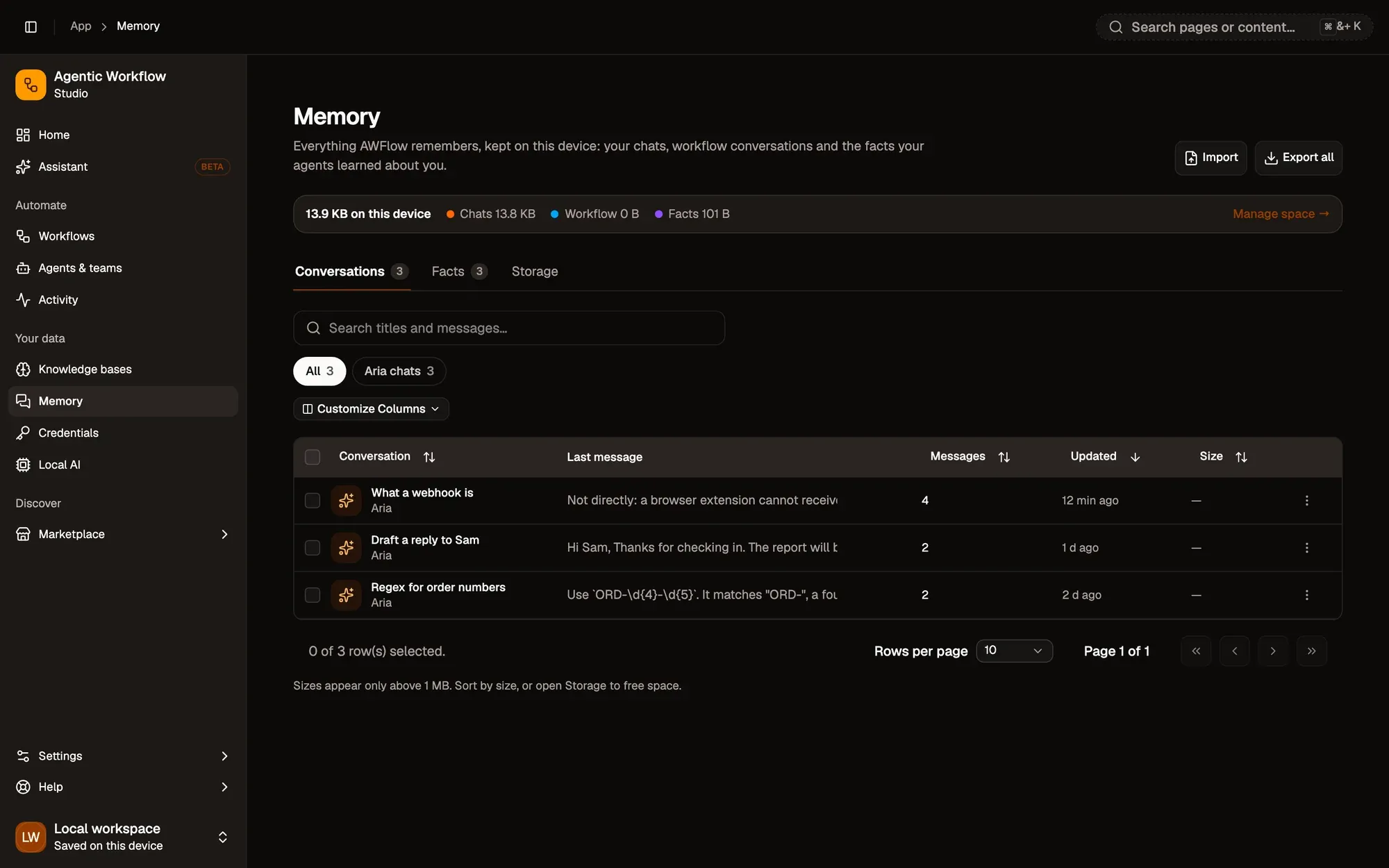
The Memory page shows everything AWFlow remembers on this device, in one place, with search and export.
Three kinds of memory
Open Your data › Memory in the sidebar.
| What | Where it comes from |
|---|---|
| Chats | Your conversations with Aria, your agents and your teams |
| Workflow conversations | Workflows that use a Chat Memory node, such as a chatbot built with a Chat Trigger |
| Facts | Short things your assistant and agents learned about you, such as “Prefers short answers”, or that you added yourself |
A storage strip shows how much space each kind takes, and the page has Conversations, Facts and Storage tabs. Search looks in titles and in the messages themselves.
Your data
Memory is stored only in this browser and is never uploaded. It isn’t limited by your plan: the only limit is the space your browser allows. Clearing the browser’s site data removes it, so use Export all to save an .awmem file (tick Protect with a passphrase to encrypt it), and Import to bring it into another browser. Import never overwrites anything: conversations are added as copies and facts you already have are skipped.
Key takeaways
- Memory holds chats, workflow conversations and facts.
- It is stored only in this browser and never uploaded.
- Export all saves an .awmem file you can import in another browser.