Lesson 2 5 min
Site access and Safe mode
A workflow asks before it contacts a website or uses a connected app. Review, switch off or remove what you allowed.
The prompt
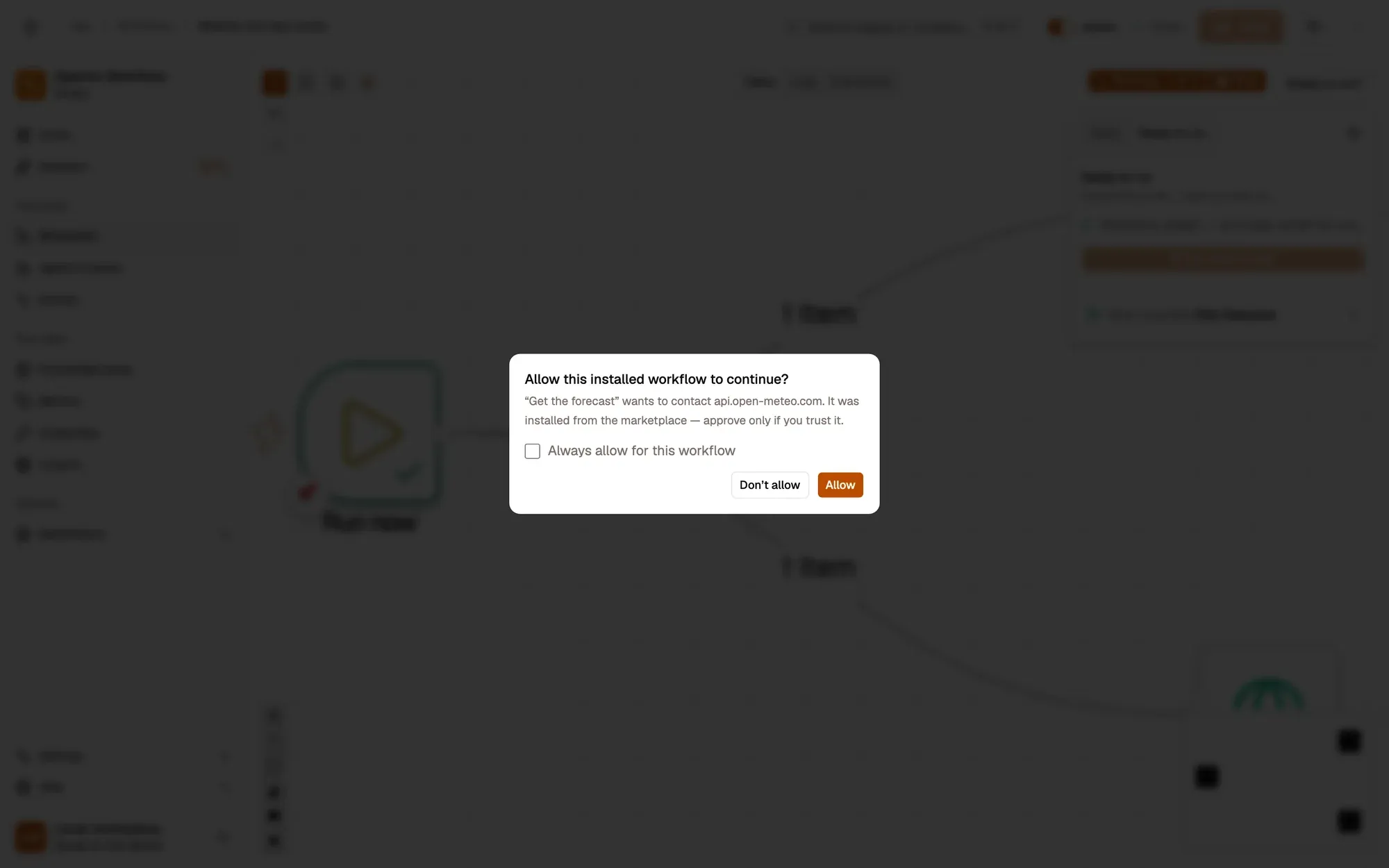
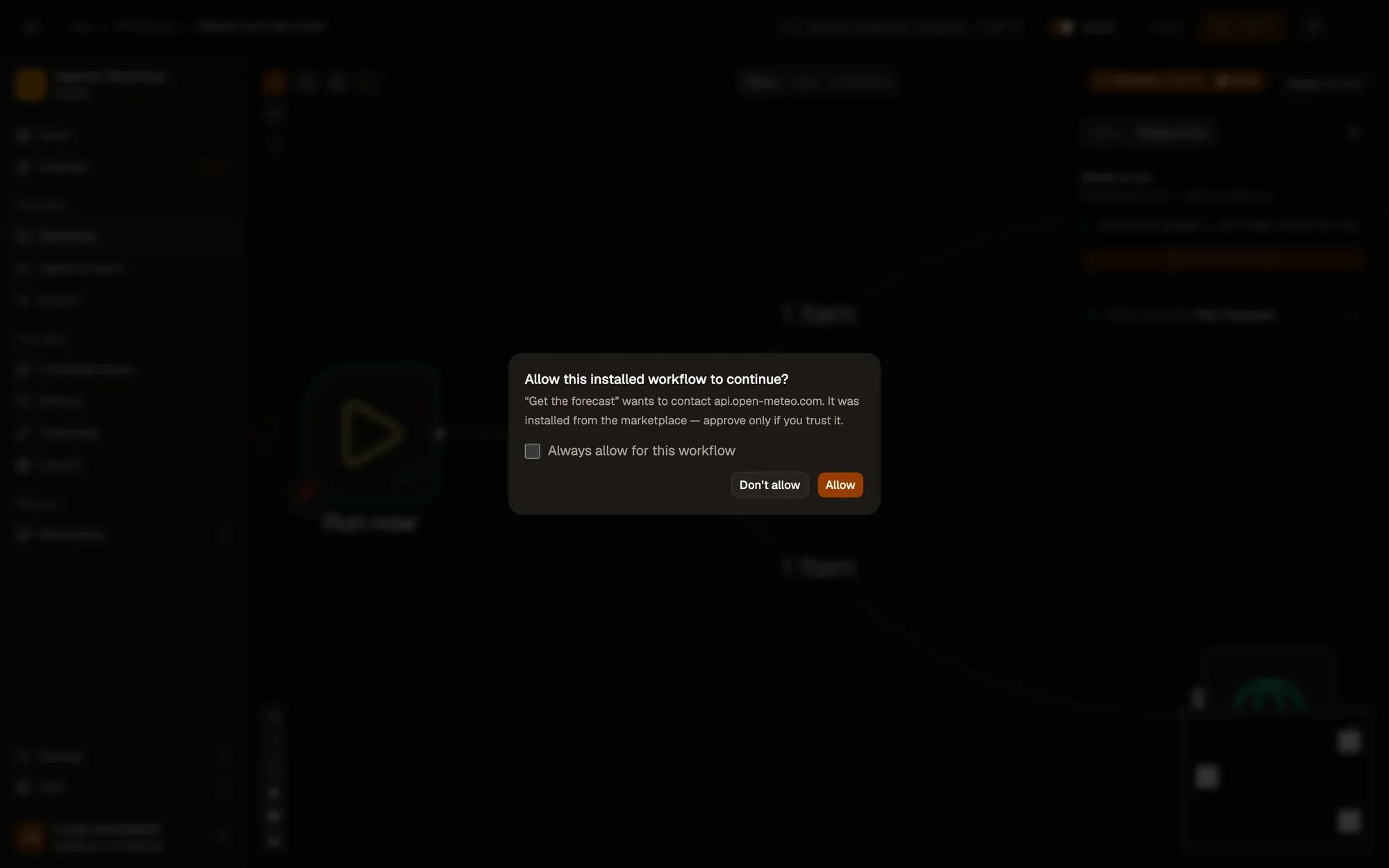
When a step is about to contact a website that isn’t allowed yet, the run pauses and names the step and the site, for example “Get the forecast” wants to contact api.open-meteo.com. Tick Always allow for this workflow and click Allow to save the permission. Without the tick, the answer lasts for this run only; Don’t allow stops the step.
Who asks
Workflows you install from the Marketplace or import always ask before they contact a website for the first time, use a connected app, or do something sensitive such as running code.
For workflows you created, Settings › Security has one switch, Safe mode for my workflows. Off (Trusted) is the default: your workflows run without asking. On, they must be allowed each website before steps such as HTTP Request contact it. Safe mode is saved on this device only.
Review it
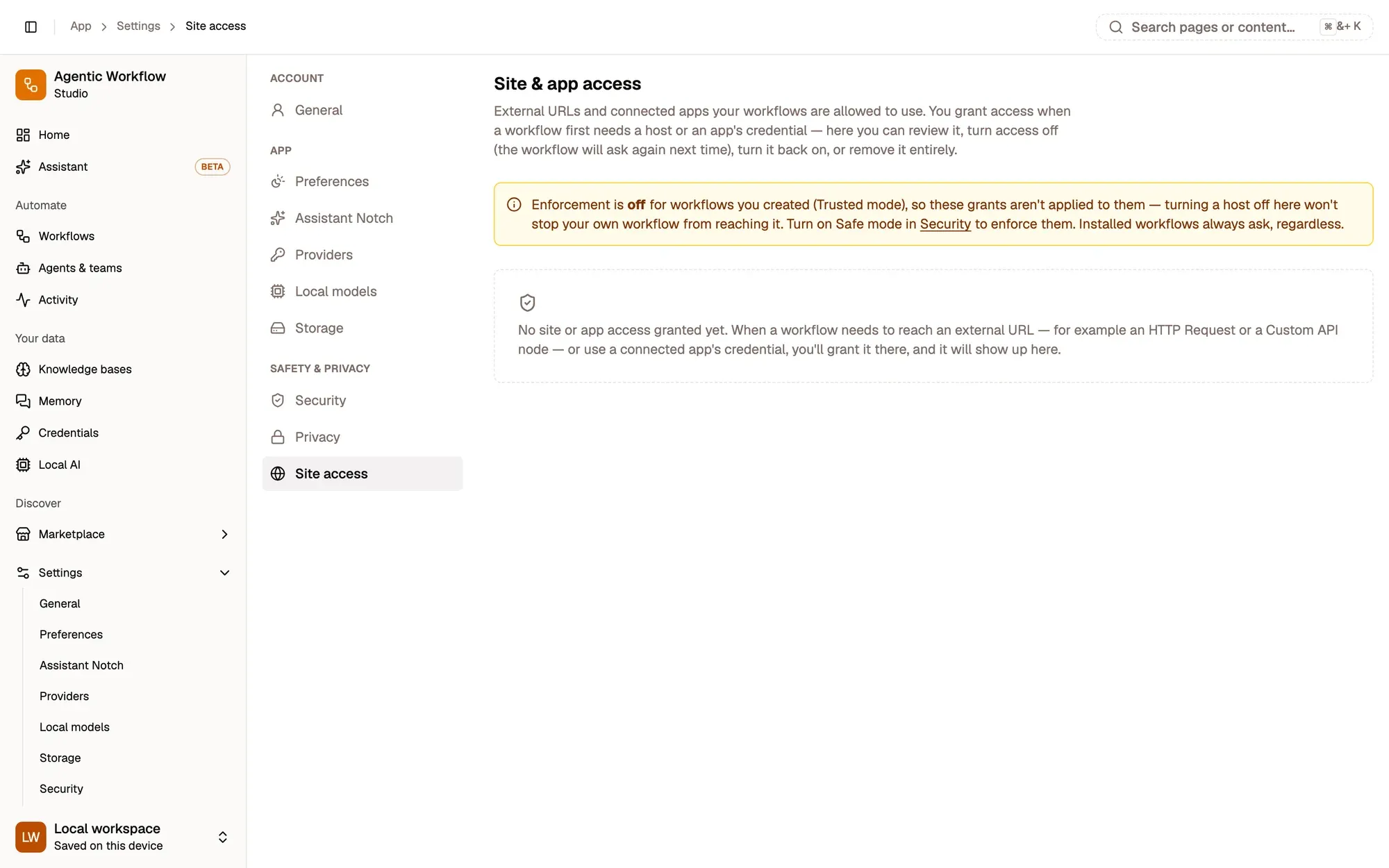
Open Settings › Site access. You don’t add entries here: each workflow you allowed has a card with its websites and, under Apps, its apps. Switch a host off (the workflow asks again next time), remove it with the trash button, or Remove all for that workflow. Permissions are saved on this device only.
Before you install
On a Marketplace listing, Install first shows everything the workflow can do: the pages it reads or changes, the sites it reaches and the connections it uses. You confirm it once.
Key takeaways
- Installed and imported workflows always ask; your own ask only when Safe mode is on.
- Always allow for this workflow saves the permission on this device.
- Settings › Site access lists every permission, to switch off or remove.