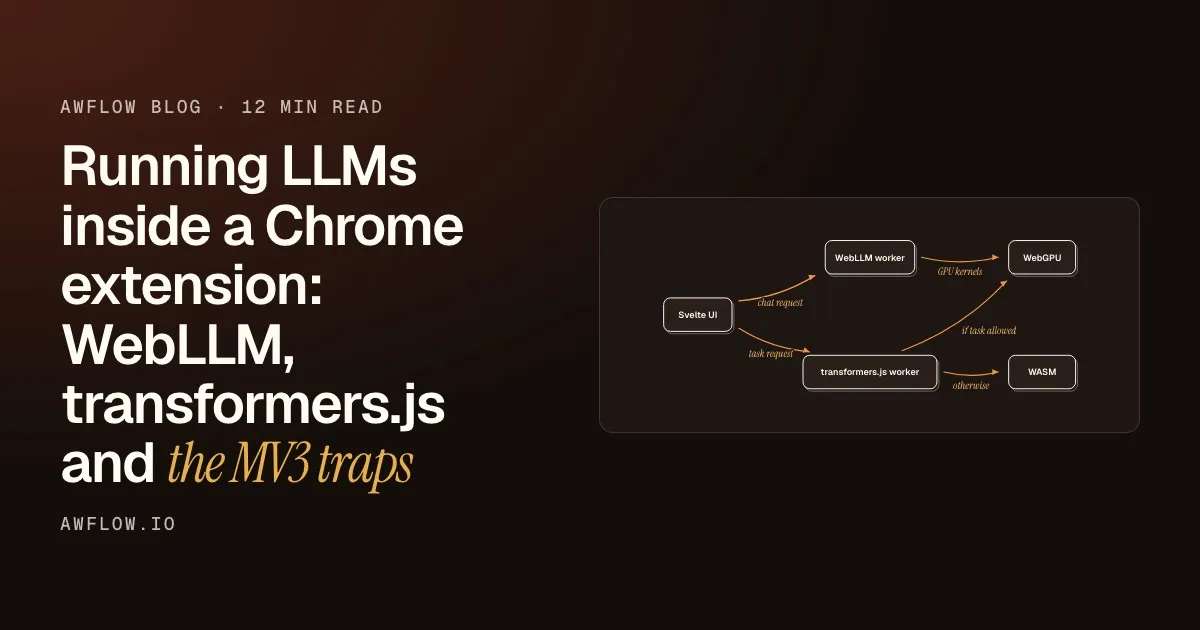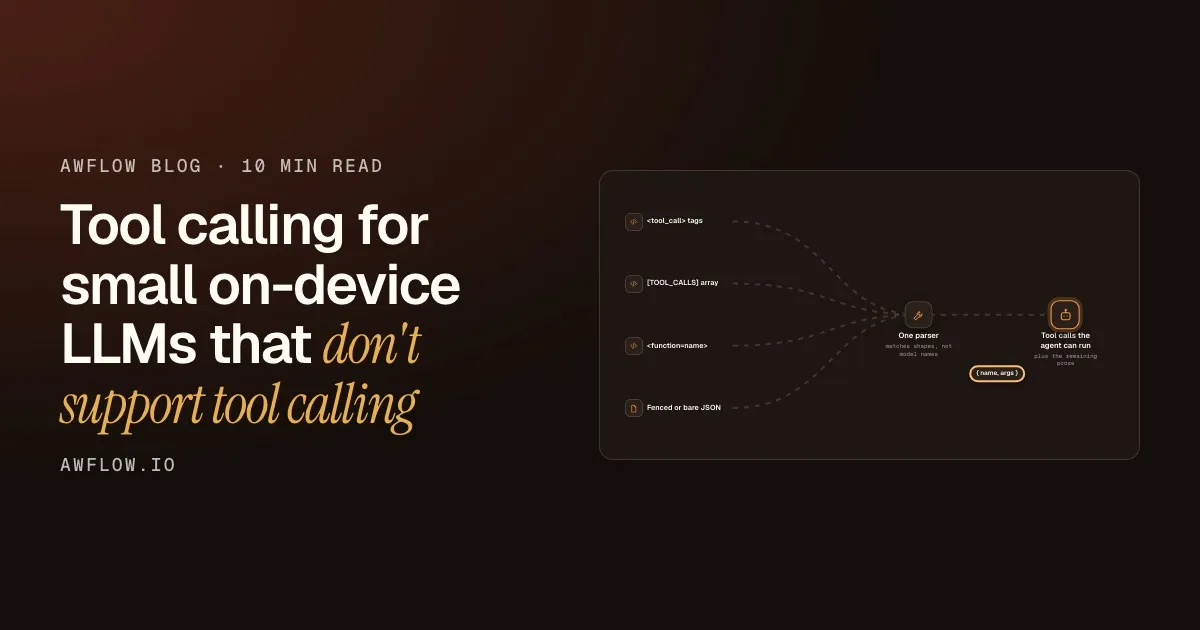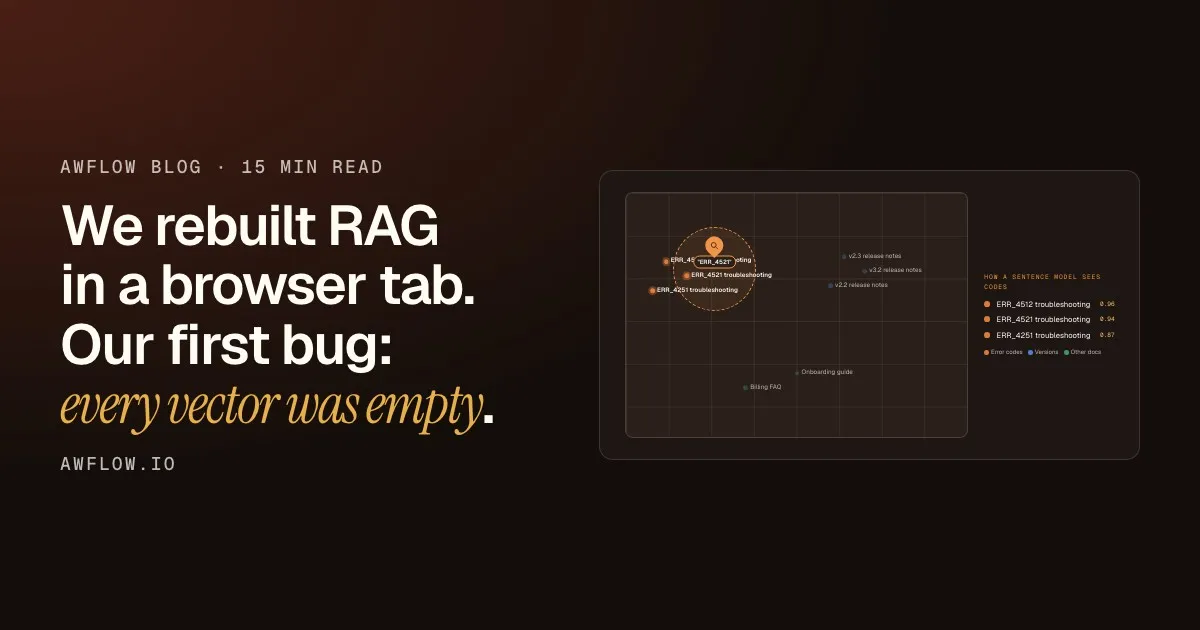
A goal
One interface. Three engines. Any job. Zero API bill.
The goal. Say it slowly.A 3-second opener before the first chapter.
Text version
- A goal: One interface. Three engines. Any job. Zero API bill.
When OpenRouter launched, switching between cloud AI models went from a migration to a one-line change. You described a job and the router sent it to the right model. The engine was invisible.
AI that runs in your browser needs the same thing, and does not have it yet. Three excellent open-source engines power most in-browser AI today. They share no model format, no install path and no common interface. Picking one means committing to one ecosystem—and rebuilding if you want to change.
AWFlow wants to fix that. This post explains why the problem exists, what a router for browser AI must do, and where we are.
Three engines, three islands
The engines that run AI inside a browser—WebLLM, TensorFlow.js and transformers.js—each expect a different model format. A model prepared for WebLLM will not load in transformers.js. A Hugging Face ONNX model will not load in WebLLM.
Locked in. Pick an engine, it controls your models.A model prepared for one engine will not load in another.
Text version
- Electrical plugs: UK, EU, US plug shapes ≈ Browser AI engines: MLC build, model.json, ONNX
- Electrical plugs: Same electricity inside ≈ Browser AI engines: Same AI inference inside
- Electrical plugs: Need adapters to cross countries ≈ Browser AI engines: Need different engines to cross formats
- Electrical plugs: Buy once, locked to that socket ≈ Browser AI engines: Train once, locked to that engine
The result is three islands. If you add a new feature that needs a different capability—say, speech-to-text when you only installed a chat model—you add a new engine, a new format, a new download, a new API.
A router hides this behind one interface.Caller describes a task; the router picks the engine and model.
Text version
- Three tasks, three engines → Your app or extension
- WebLLM: summarise · TensorFlow.js: label image · transformers.js: transcribe
- WebLLM → text · TensorFlow.js → label · transformers.js → transcript
- Three integration surfaces
What a browser AI router has to do
A cloud router forwards your prompt. An on-device router cannot forward anything: the model must run on your machine. That means it has to do the jobs a cloud router never thinks about.
Router responsibilities
What routing in-browser AI requires
- Know what each task needs (done)must do
- Know what your hardware can run (done)must do
- Download the right format for the right engine (done)must do
- Route by job, whichever engine holds the model (done)must do
- Let you swap the model without rewriting the workflow (done)must do
Swap the model without rewriting anything.If the model is a dependency node, changing it is a one-step edit.
Text version
- What routing in-browser AI requires
- Know what each task needs
- Know what your hardware can run
- Download the right format for the right engine
- Route by job, whichever engine holds the model
- Let you swap the model without rewriting the workflow
The last item is the heart of the analogy with OpenRouter. When you switch models on OpenRouter, your application code does not change. The same should be true for a browser AI router: you describe a job, you pick which installed model does it, and the workflow stays the same.
How AWFlow approaches it today
AWFlow’s Local AI page is the current expression of this. You see every installed model grouped by task. You install from a curated list or add a Hugging Face model in any of the three formats. The engine selection is automatic: you never specify WebLLM, TensorFlow.js or transformers.js by name.
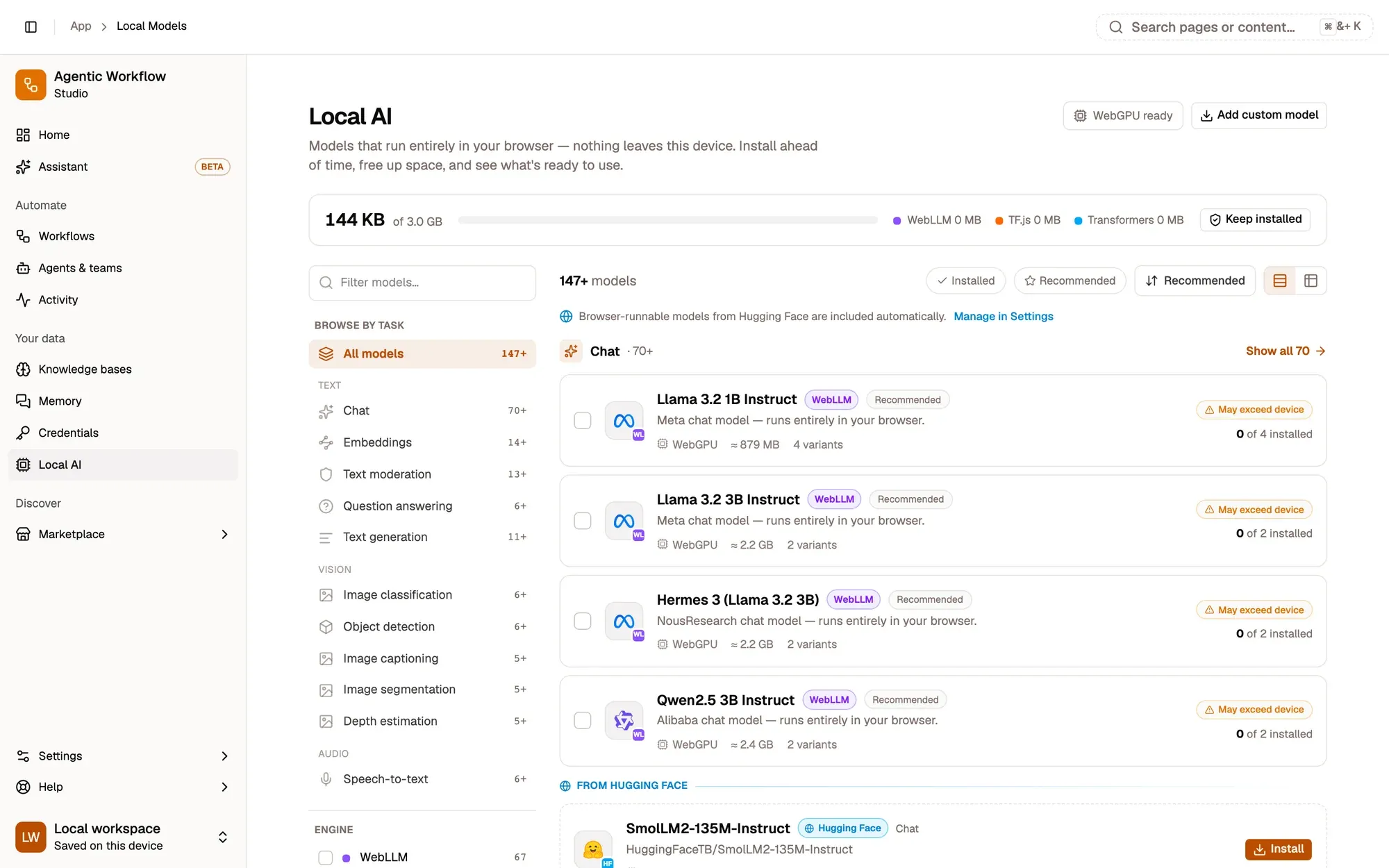
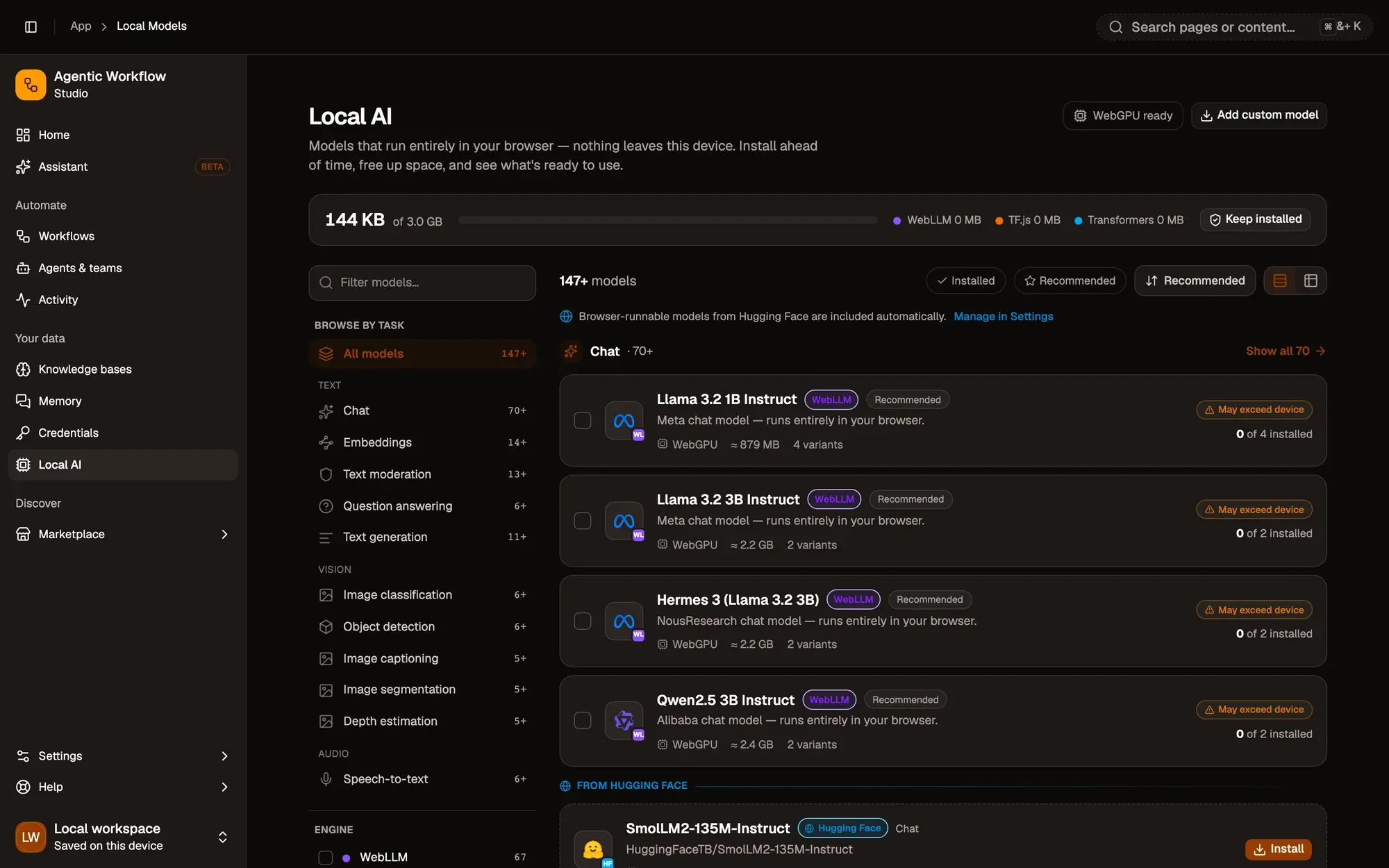
This is the router made visible.The page is the interface between you and the three engine layers beneath.
Text version
- 1. Grouped by task: Chat, embeddings, vision, speech-to-text.
- 2. One card per model: Engine, size and device fit.
- 3. Shared storage: One download, used everywhere.
When a model is installed, it becomes the default for every feature that needs that task. Change the default model and every feature updates.
Swap the model and the job still works.The resolution layer finds the new model; the workflow node stays the same.
Text version
- AWFlow: A chat or agent job · Engine layer: WebLLM / TF.js / transformers.js
- A chat or agent job → WebLLM / TF.js / transformers.js: task + text
- WebLLM / TF.js / transformers.js → A chat or agent job: result
- Engine visible to you: no · Network call: none
The first screen you see when you open the AWFlow assistant presents this choice directly:
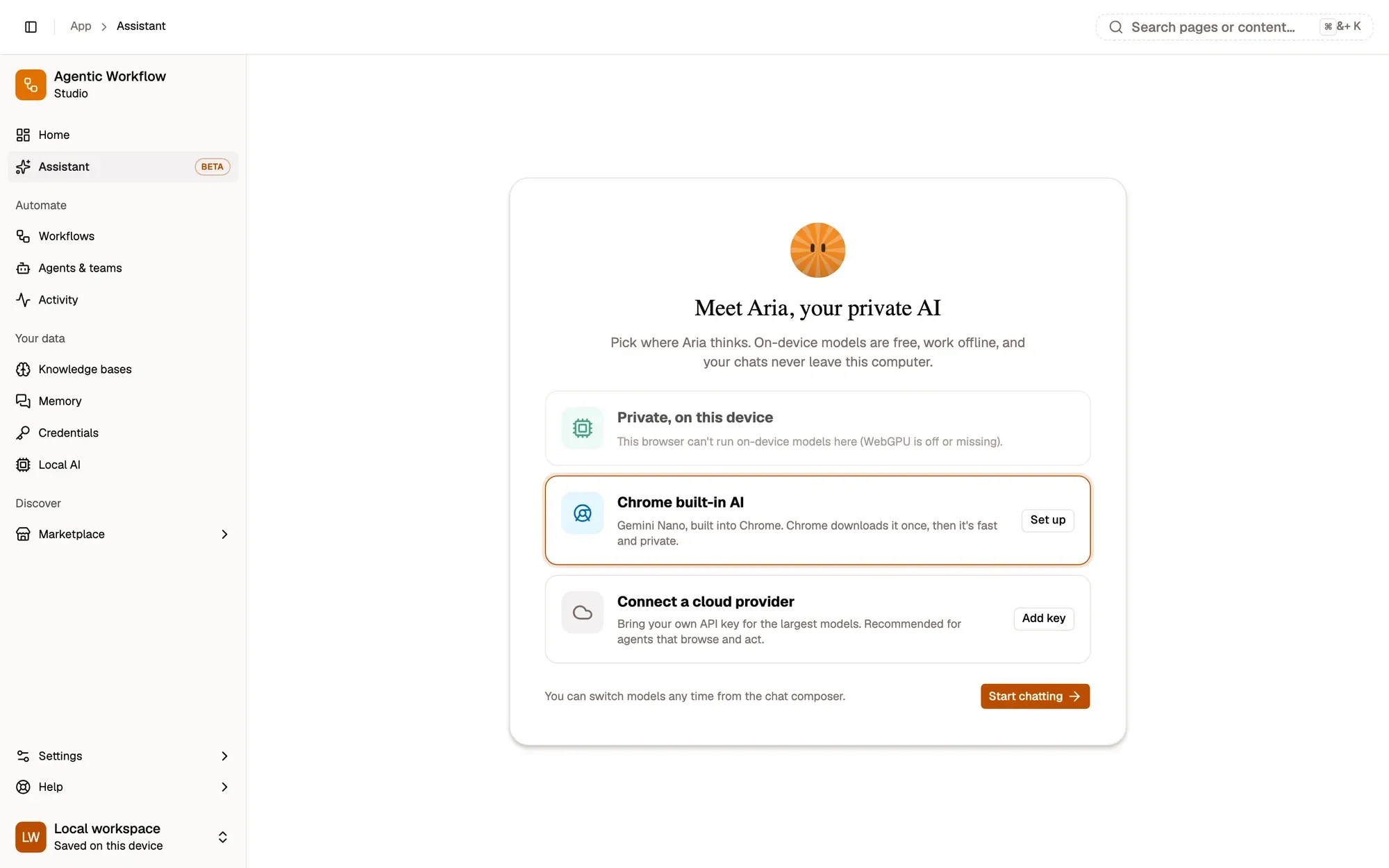
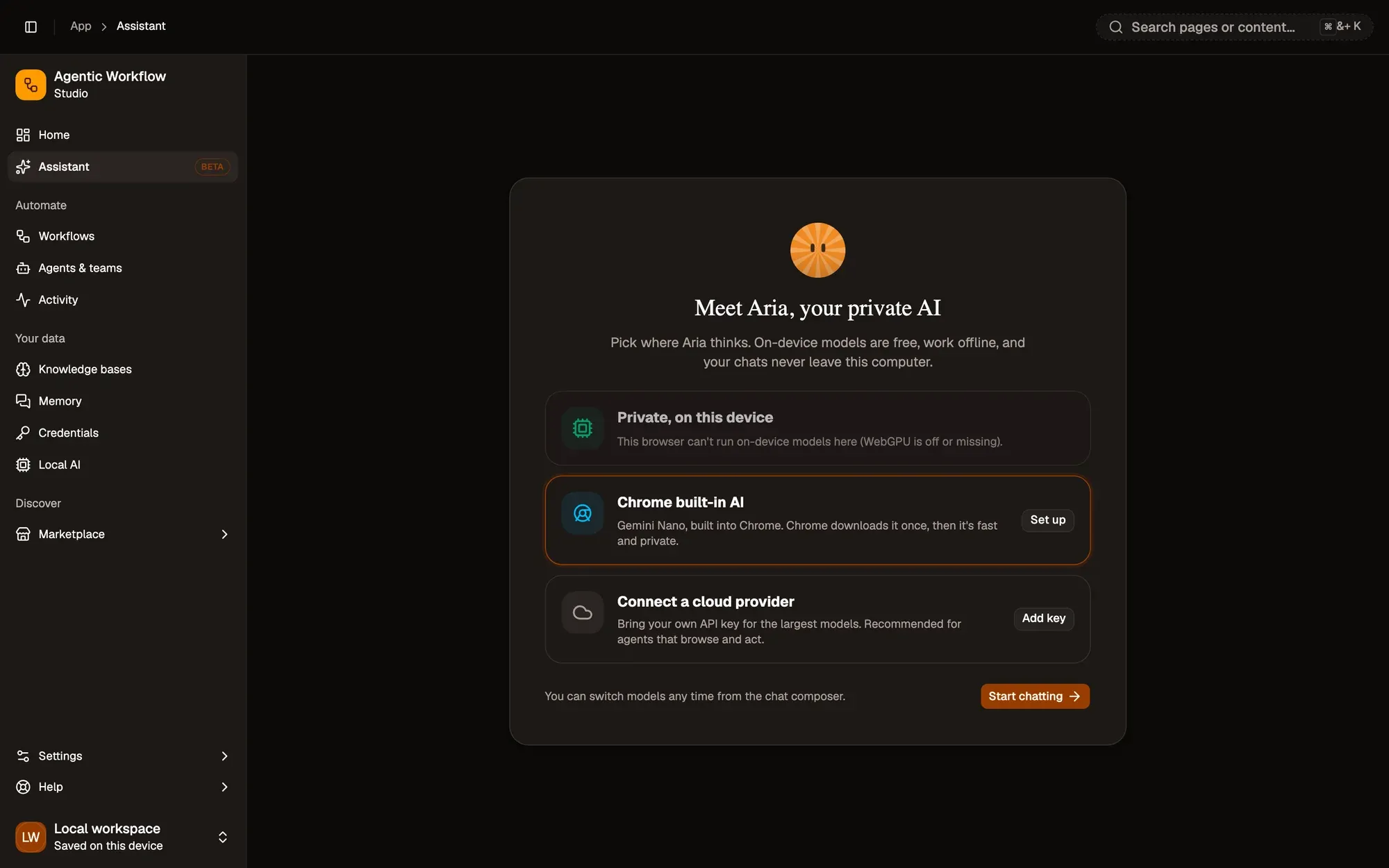
The choice is yours from the first screen.Users are not locked to a model or an engine at sign-up.
Text version
- 1. On this device: Free, private, offline once installed.
- 2. Or a cloud provider: Your own key if a job needs more power.
- 3. Start chatting: Same interface either way.
What is still missing
Being honest about what we have not solved matters here. Two problems exist above any single product.
Install a model once and every browser AI tool can use it.
Browser storage is per origin. The same 900 MB can sit in your browser five times, once per tool.
The fact. Each website or extension keeps its own copy.Cache Storage and IndexedDB are partitioned by origin; no cross-origin model registry.
Text version
- Install a model once and every browser AI tool can use it.
- Browser storage is per origin. The same 900 MB can sit in your browser five times, once per tool.
The second problem is format. Until the browser AI ecosystem agrees on a shared model format, or a router can convert between them at install time, “which model?” will keep meaning “which engine?” in disguise. Neither problem is solved. WebGPU makes in-browser AI faster each month; a shared format or a browser model registry may follow the same path.
The trajectory
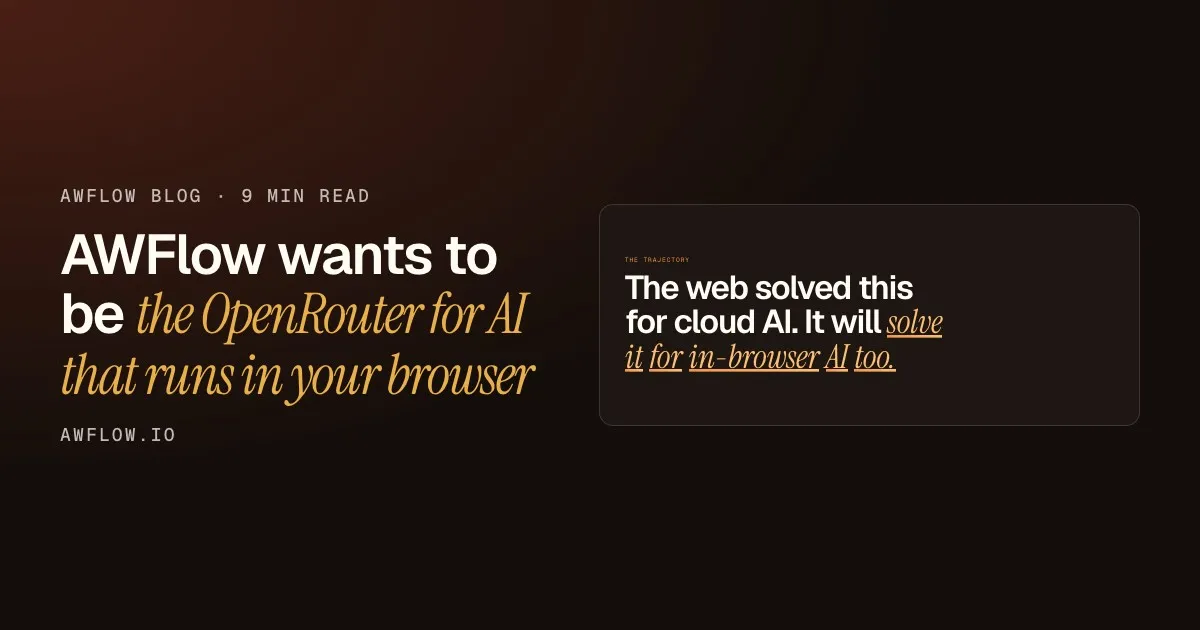
The web solved this for cloud AI. It will solve it for in-browser AI too.
In-browser AI is at the same stage. The path is clear.Three islands, no common format — the same shape cloud AI had in 2022.
Text version
- The trajectory: The web solved this for cloud AI. It will solve it for in-browser AI too.
Where you can start today
If you want to try what exists, the Local AI guide walks through installing a model and setting it as default. For choosing between variants—what the 4-bit label means, which size fits your laptop—the model picking guide covers it step by step.
And if you have used a cloud router and want the same experience for in-browser models, tell us. The direction is clear; the specific features to build next are not.
Quick poll
Which in-browser AI task matters most to you?
Example resultsSummaries lead. Chat close behind. (Example results.)Example only.
Text version
- Which in-browser AI task matters most to you?
- Summarising pages: 41% · Chat and agents: 33% · Image labelling: 14% · Voice transcription: 12%
What we covered
- Three browser AI engines, three model formats, no common interface
- AWFlow routes by job, not by engine name
- Shared storage and shared formats are still open problems
Three. The hard problems are above any single product.Per-origin storage and engine-specific formats must be solved at the web platform level.
Text version
- What we covered
- Three browser AI engines, three model formats, no common interface
- AWFlow routes by job, not by engine name
- Shared storage and shared formats are still open problems