On this page
Before you start
Install the recipe
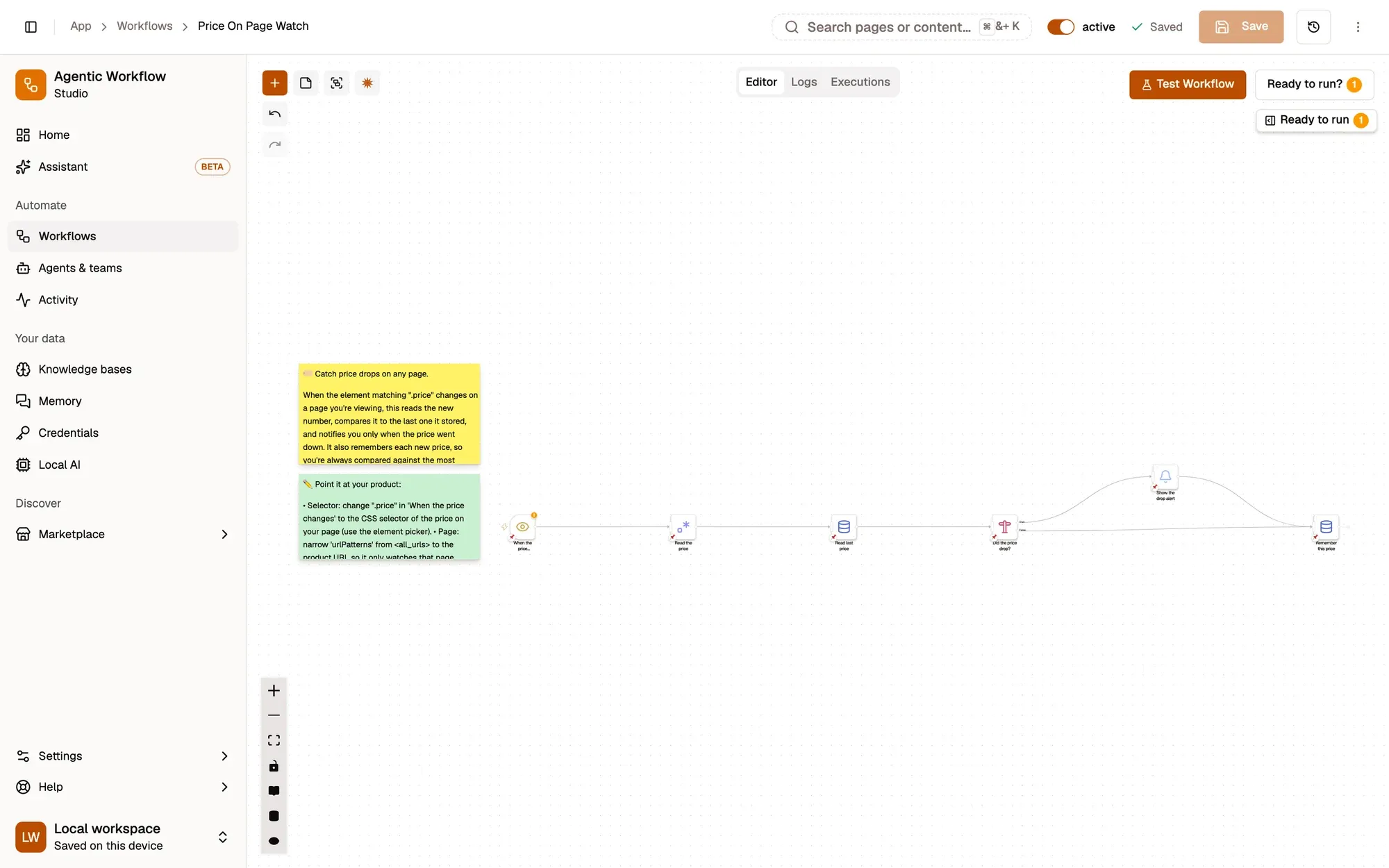
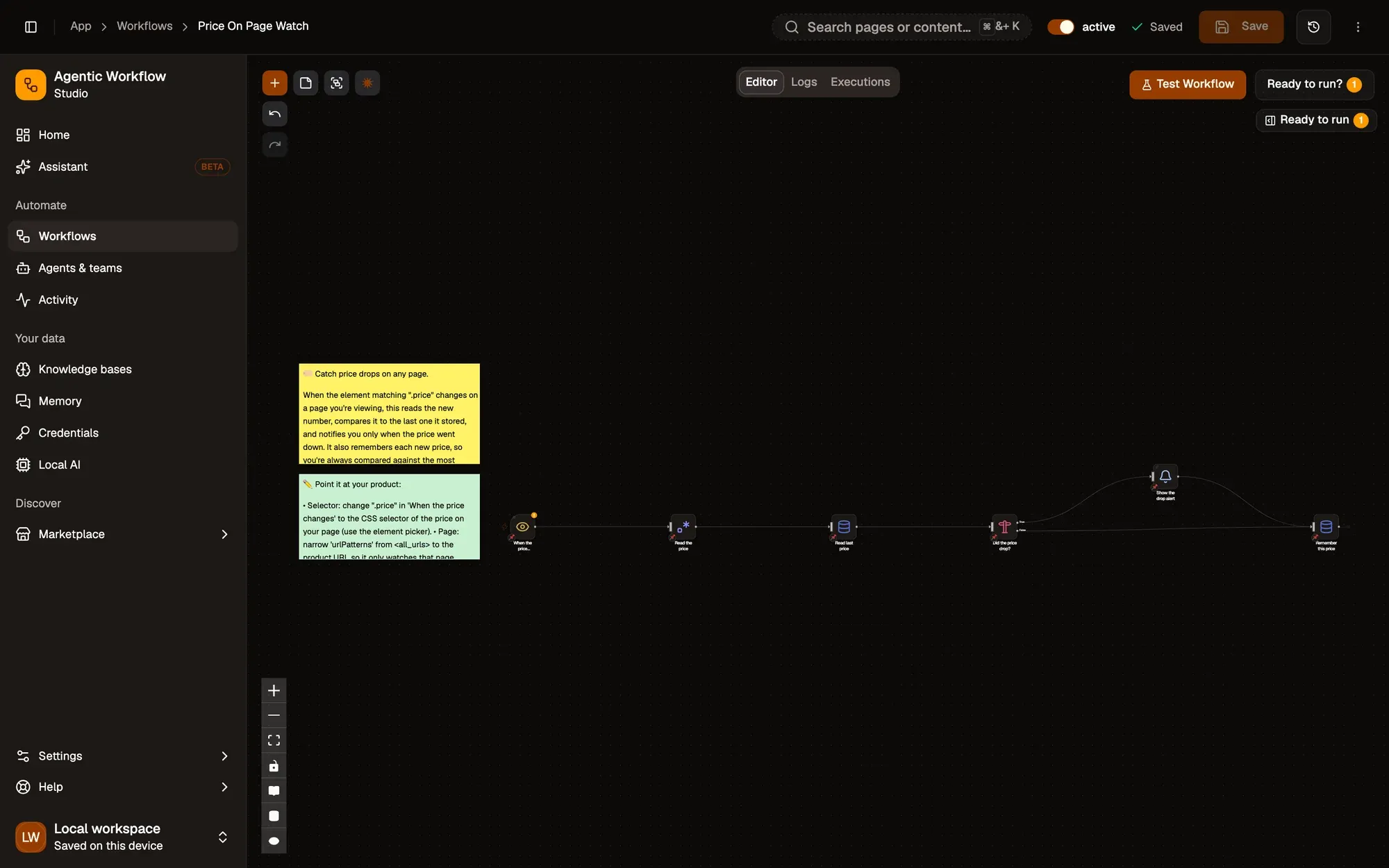
Install the recipe, open When the price changes, and pick the price element on your product page with the crosshair. Set URL Patterns to that site. To import the file yourself, use Add Workflow › Import, choose the .awf and click Create & open. Then click Make it mine at the bottom of the canvas, tick the box and confirm, so you can edit it.
Watch the price element
Node: Element Change
Element Change watches the element matching .price on every page (URL Patterns <all_urls>) and fires when its text changes, after 500 ms of quiet.
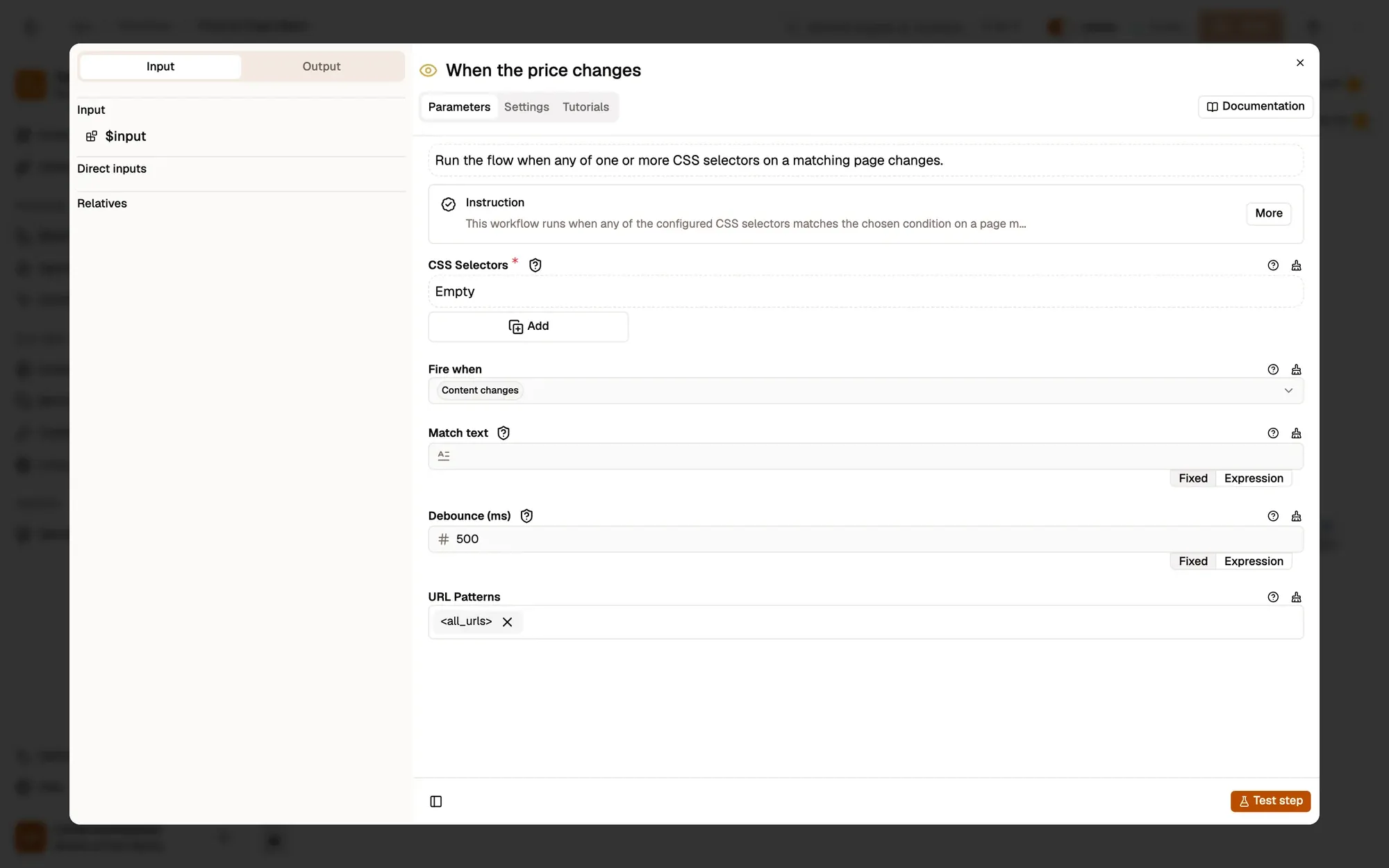
https://shop.example.com/product/*.Read the number
Node: Regex
Regex Match finds the first number (such as 79.99) in the changed text and puts it in priceMatch.
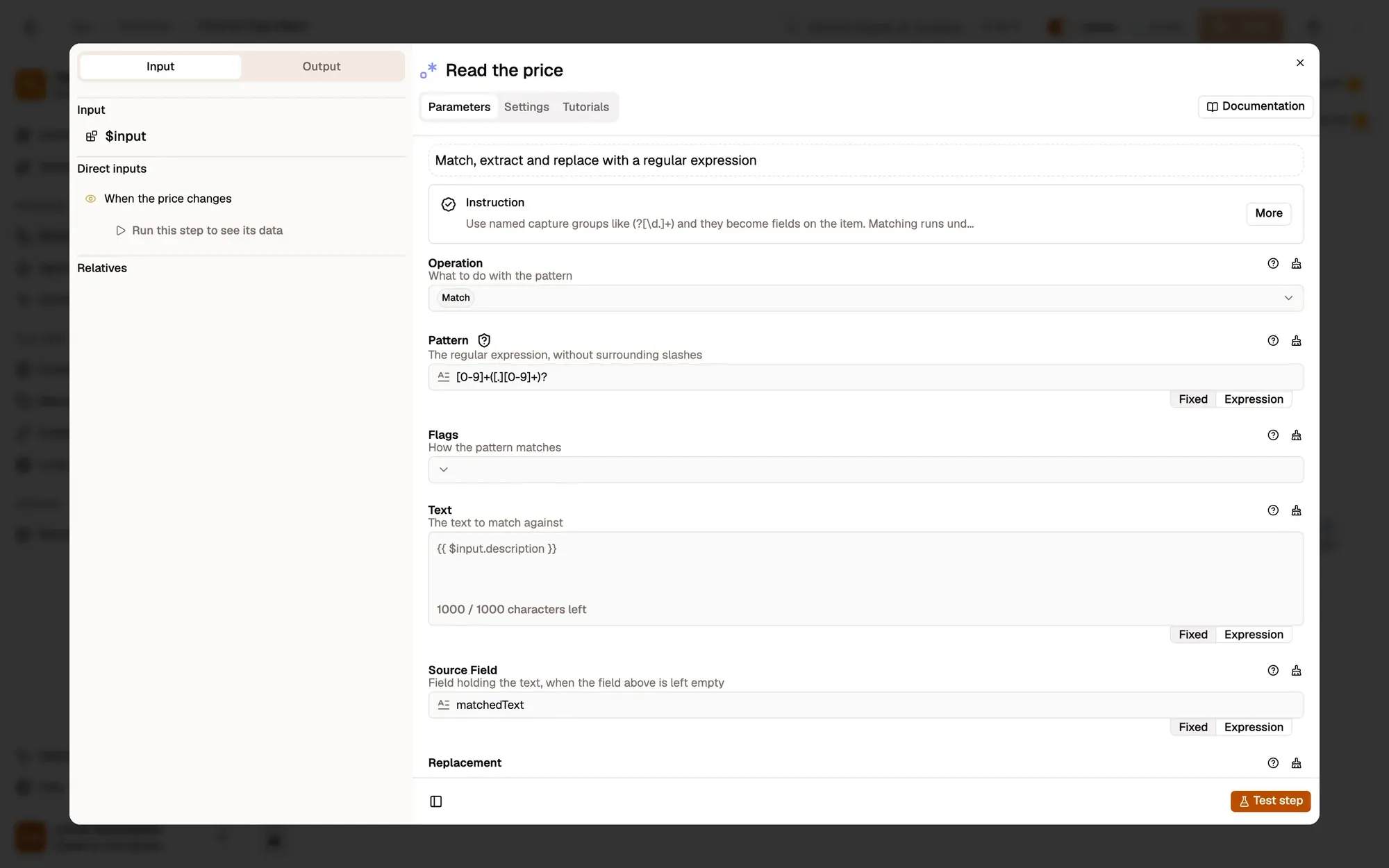
1.299,00, change Pattern to match your format.Look up the last price
Node: Data Store
Data Store Get reads last-price, saved by earlier runs of this workflow.
Did it drop?
Node: IF
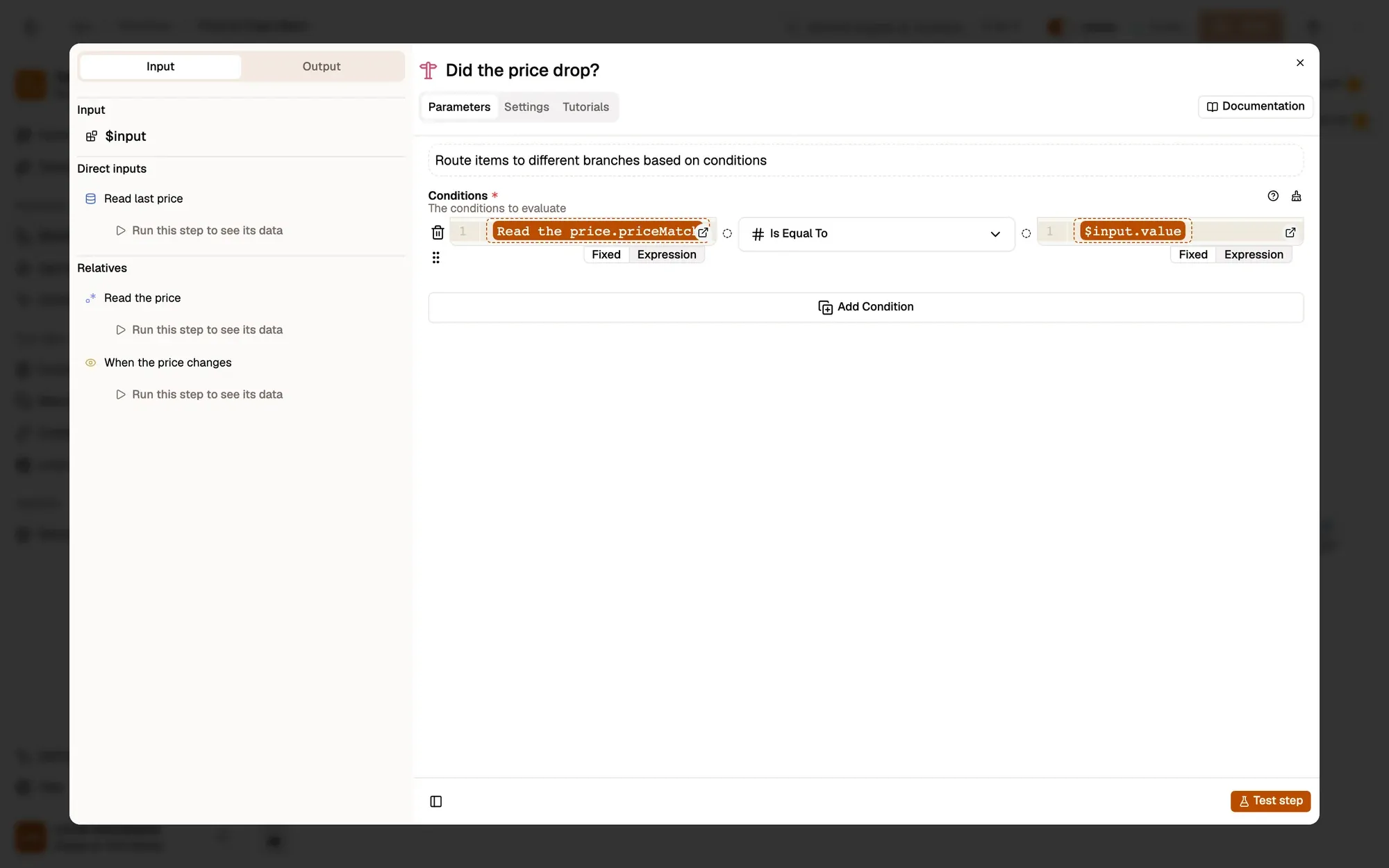
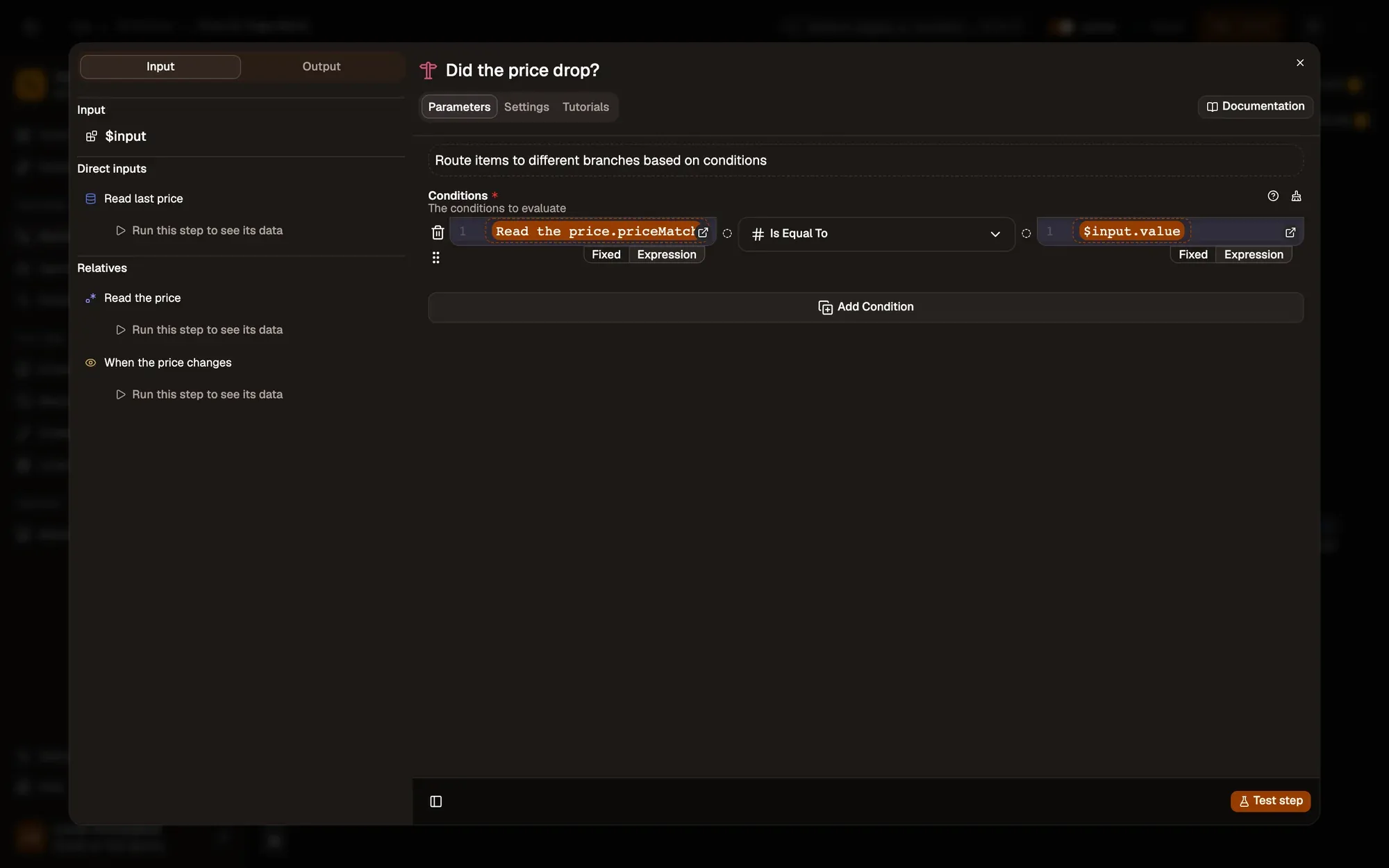
IF compares the new number with the stored one (less than). The true branch notifies, both branches go on to save it.
50, to be told only below your price.Show the alert
Node: Show Notification
Show Notification posts Price dropped! with the new and old price. Require Interaction keeps it on screen until you close it.
Remember this price
Node: Data Store
Data Store Set saves the new number as last-price for the next change.
Run it and check the result
Save and activate the workflow. Keep the product page open. Element Change only watches pages that are open in the browser. To try it without waiting for a sale, open the page's developer tools and edit the price text to a lower number. A Price dropped! notification appears.
Common problems
It never fires
The selector doesn't match the price, or the page isn't open. Re-pick the element with the crosshair and check URL Patterns.
The first change never alerts
There's no stored price yet, so the comparison fails once. The second change works.
The number is wrong
The element holds more than the price (such as "Was 99, now 79"). Pick a tighter element, or adjust the Regex Pattern.
Collect only what you need, keep the run rate reasonable, and respect each site's terms of use.
Learn this properly: build it from scratch.
Short lessons with a quiz at the end of each module.