On this page
Before you start
Install the recipe
Install the recipe and open it on the canvas. To import the file yourself, use Add Workflow › Import, choose the .awf and click Create & open. Then click Make it mine at the bottom of the canvas, tick the box and confirm, so you can edit it.
Run it
Node: When Started
When Started has no settings. Click Test Workflow on the canvas.
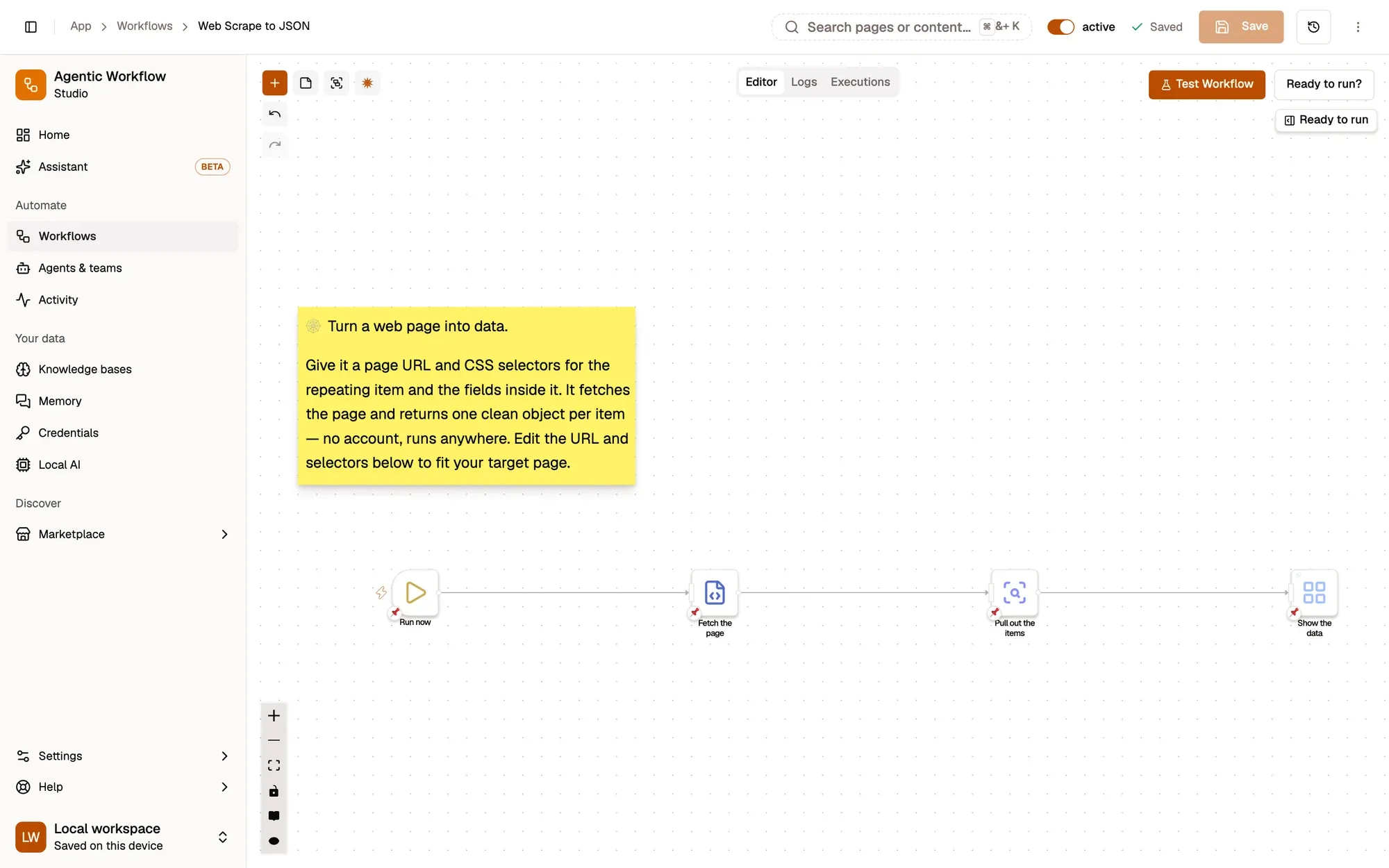
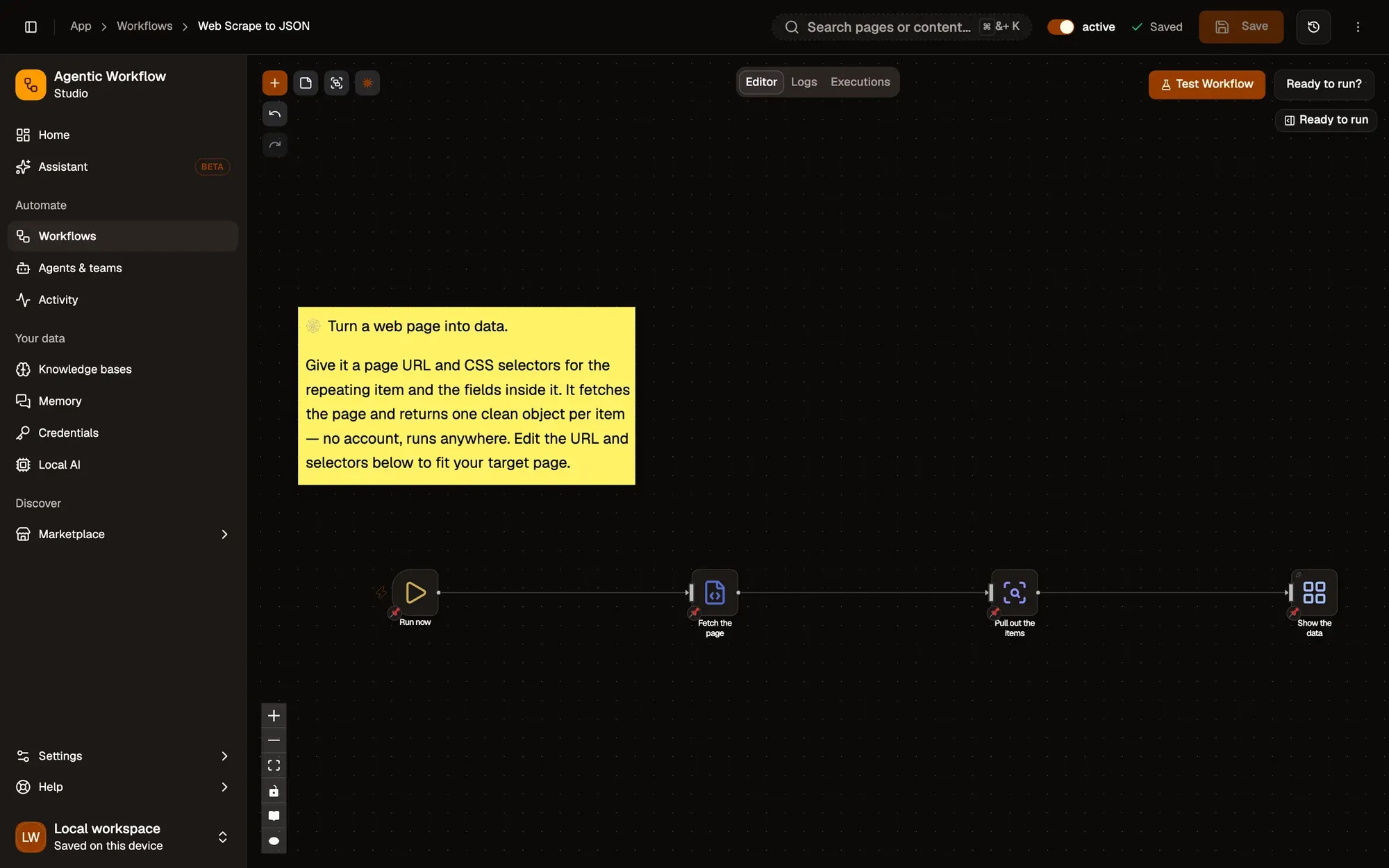
Fetch the page
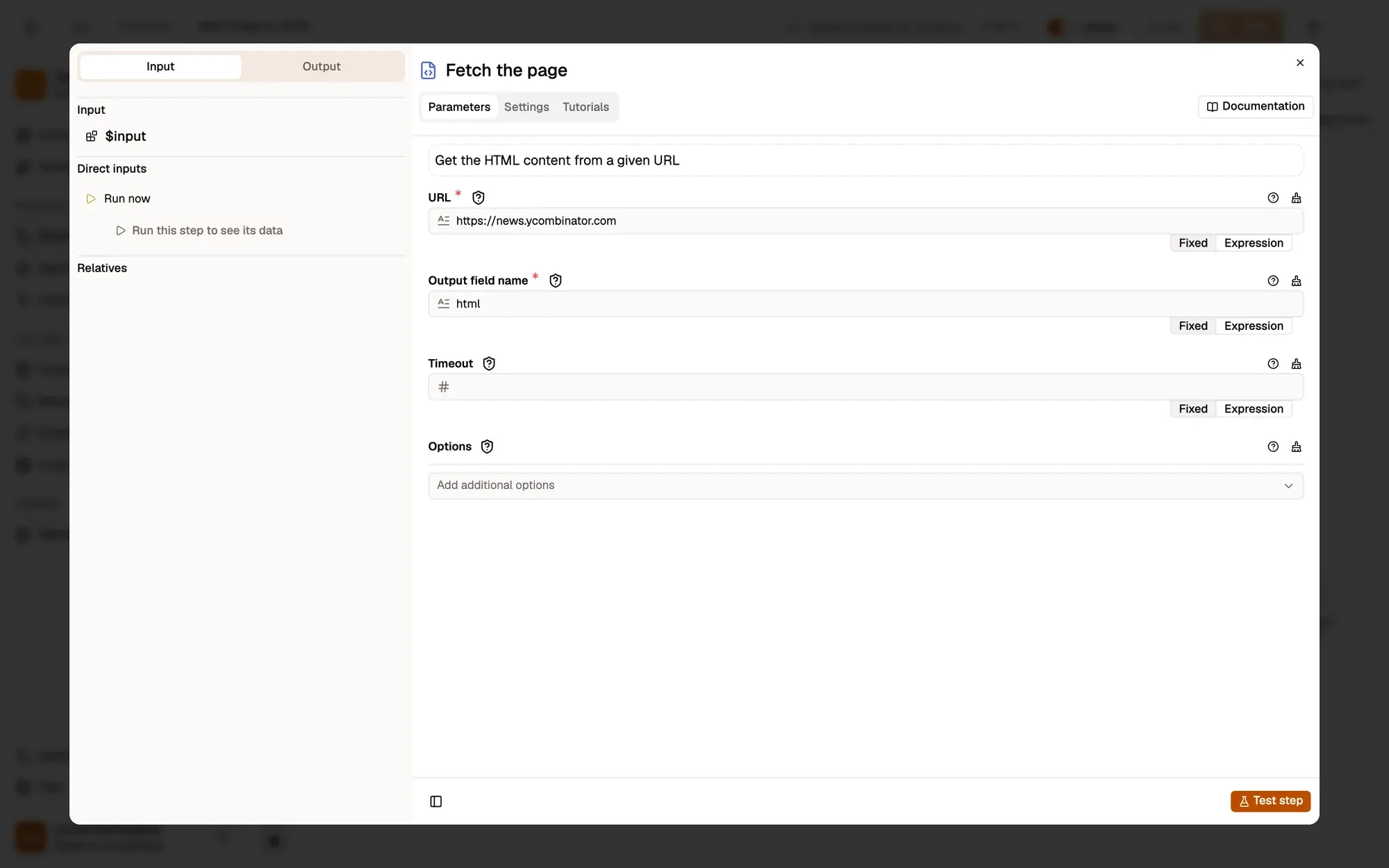
Node: Get HTML from Link
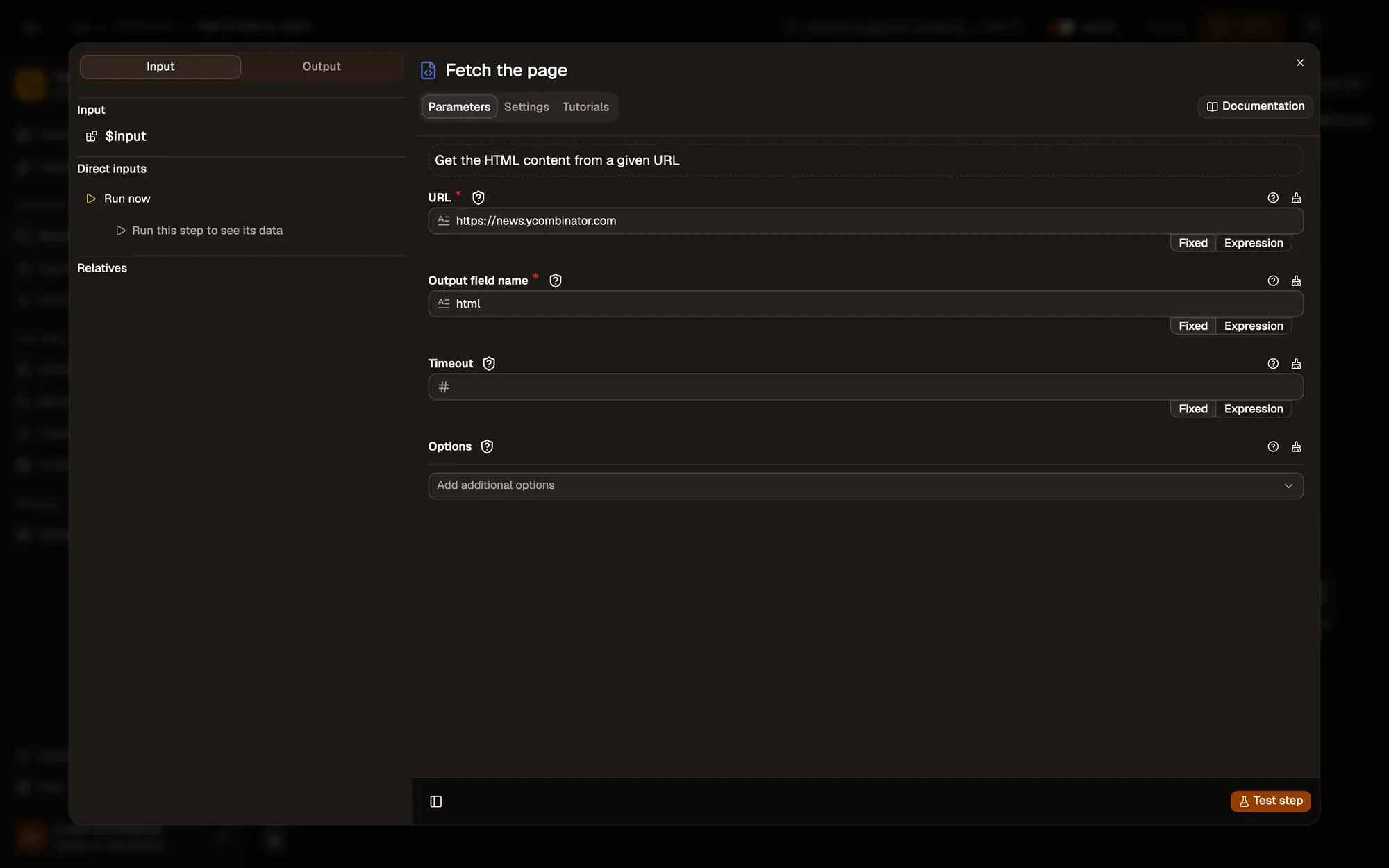
Get HTML from Link downloads https://news.ycombinator.com and puts its HTML in html. The page doesn't need to be open.
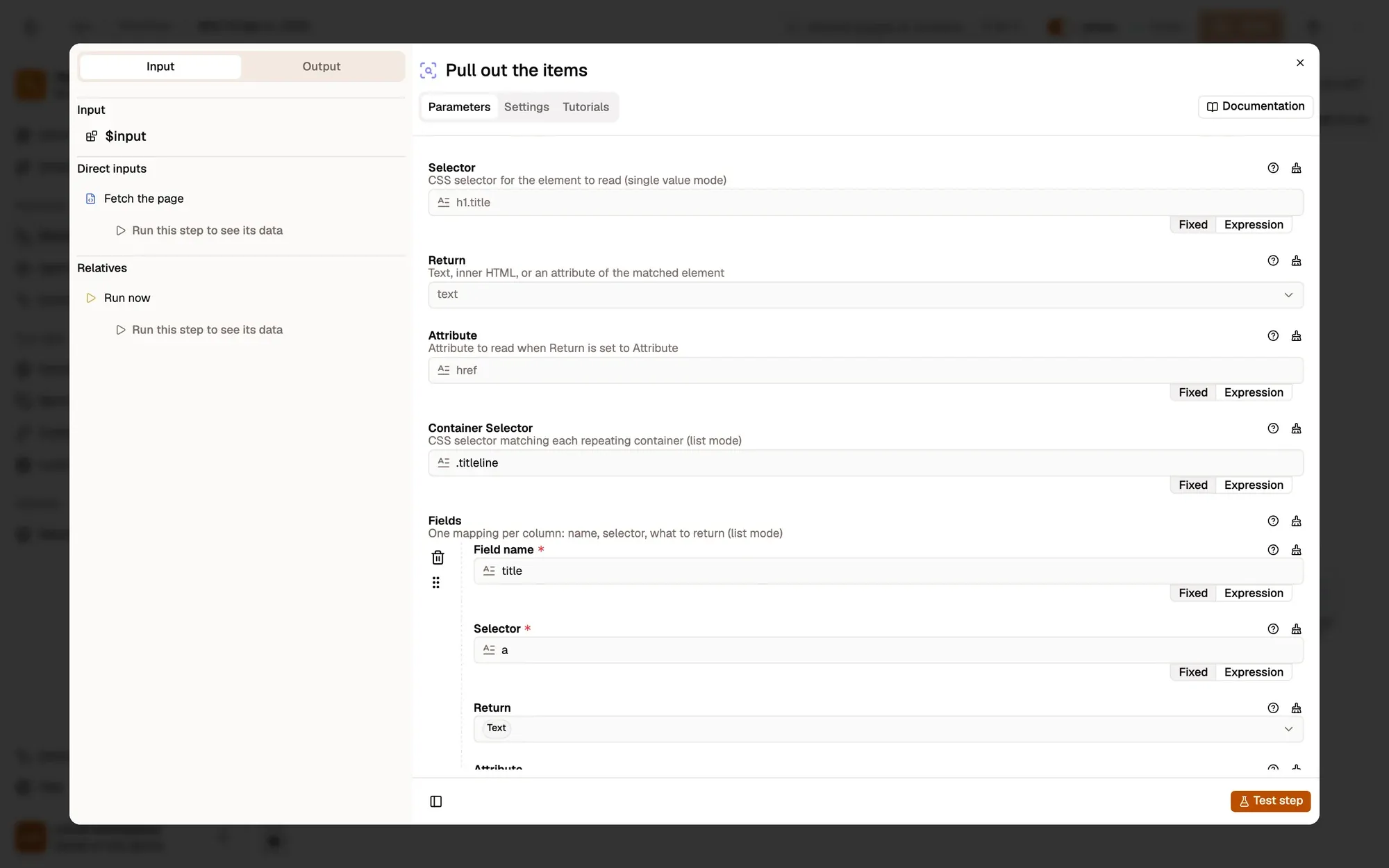
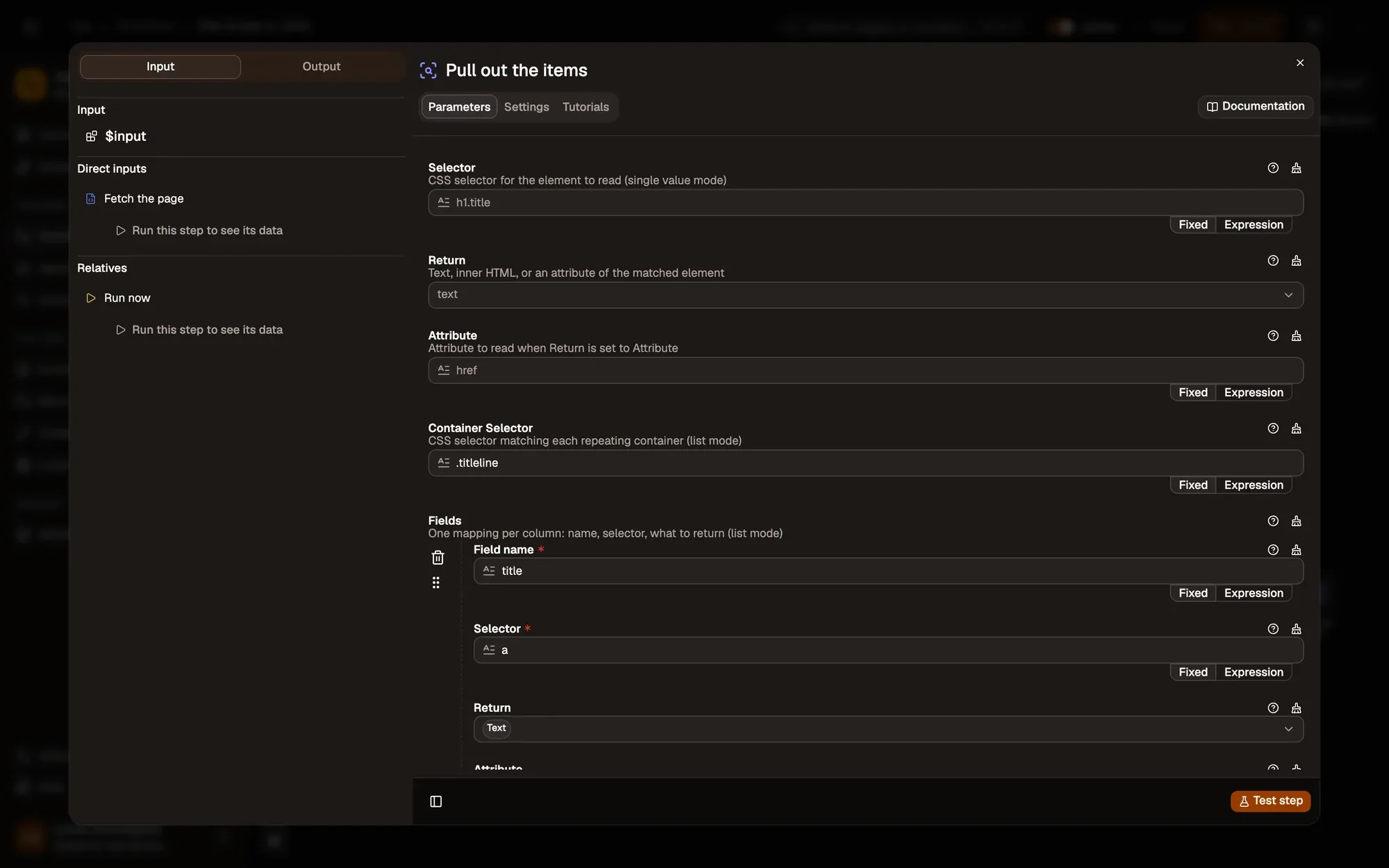
Pull out the items
Node: HTML Extract
HTML Extract in list mode finds every .titleline and, inside each, reads the link text as title and its href as link.
Show the data
Node: Display Object
Display Object shows the items as a tree you can expand.
Run it and check the result
Click Test Workflow. Open Show the data in the run results: you see about 30 items, each with a title and a link from the Hacker News front page.
Common problems
The list is empty
The site renders its list with JavaScript, so the fetched HTML has no items. Open the page and use Get All HTML instead.
Links are relative (/item?id=…)
The site writes them that way. Prefix them with the site address in an Edit Fields step.
The fetch fails in the web app
Some sites block requests from other origins; run it in the extension. See browser compatibility.
Collect only what you need, keep the run rate reasonable, and respect each site's terms of use.
Learn this properly: build it from scratch.
Short lessons with a quiz at the end of each module.