Lesson 15 4 min
Team rules and limits
Team rules make every member stricter at once, and per-thread limits stop runaway loops and keep cloud use predictable.
Try it in AWFlow
Opens Aria in AWFlow with this request filled in. Nothing is sent until you send it.
Rules on top of rules
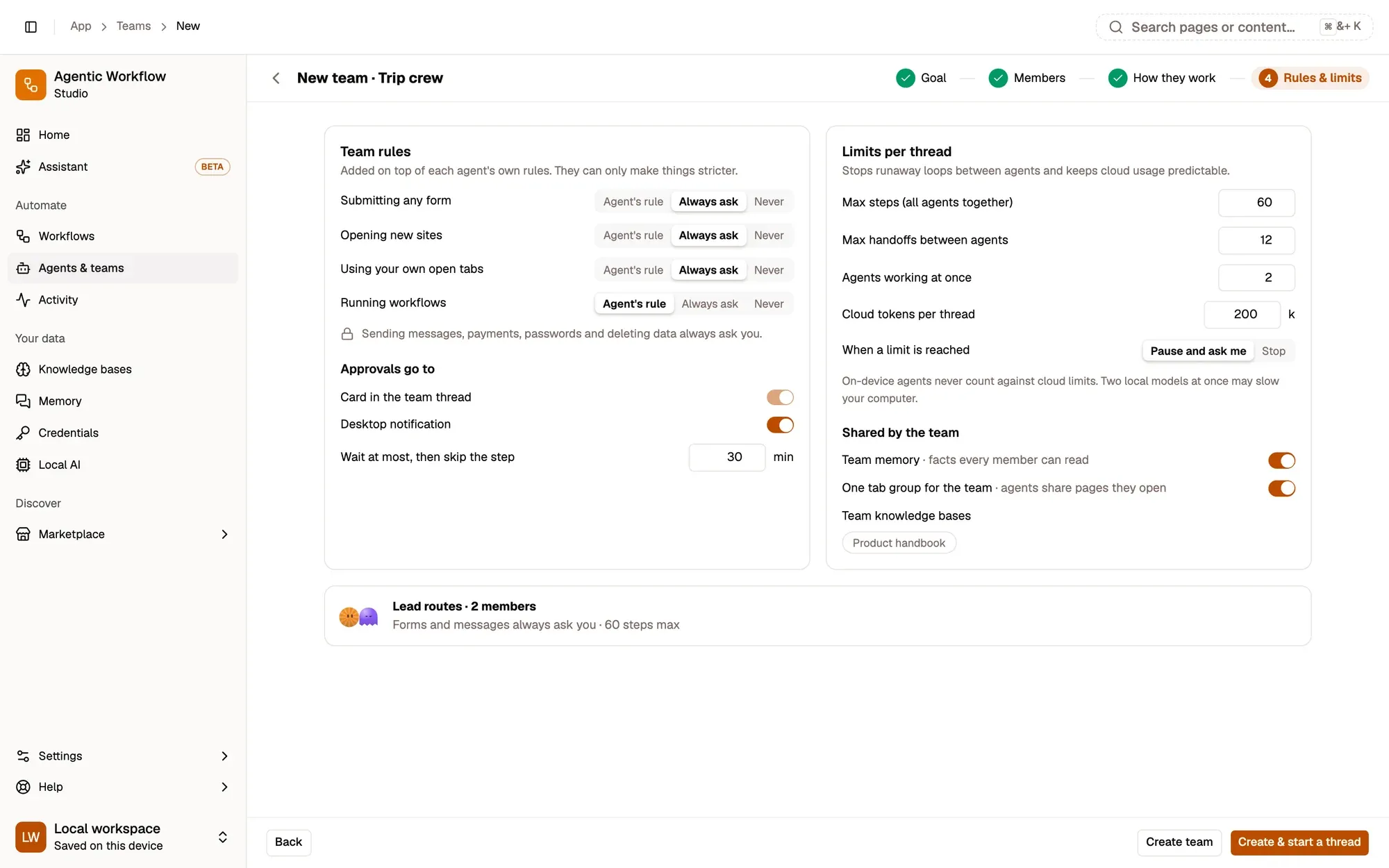
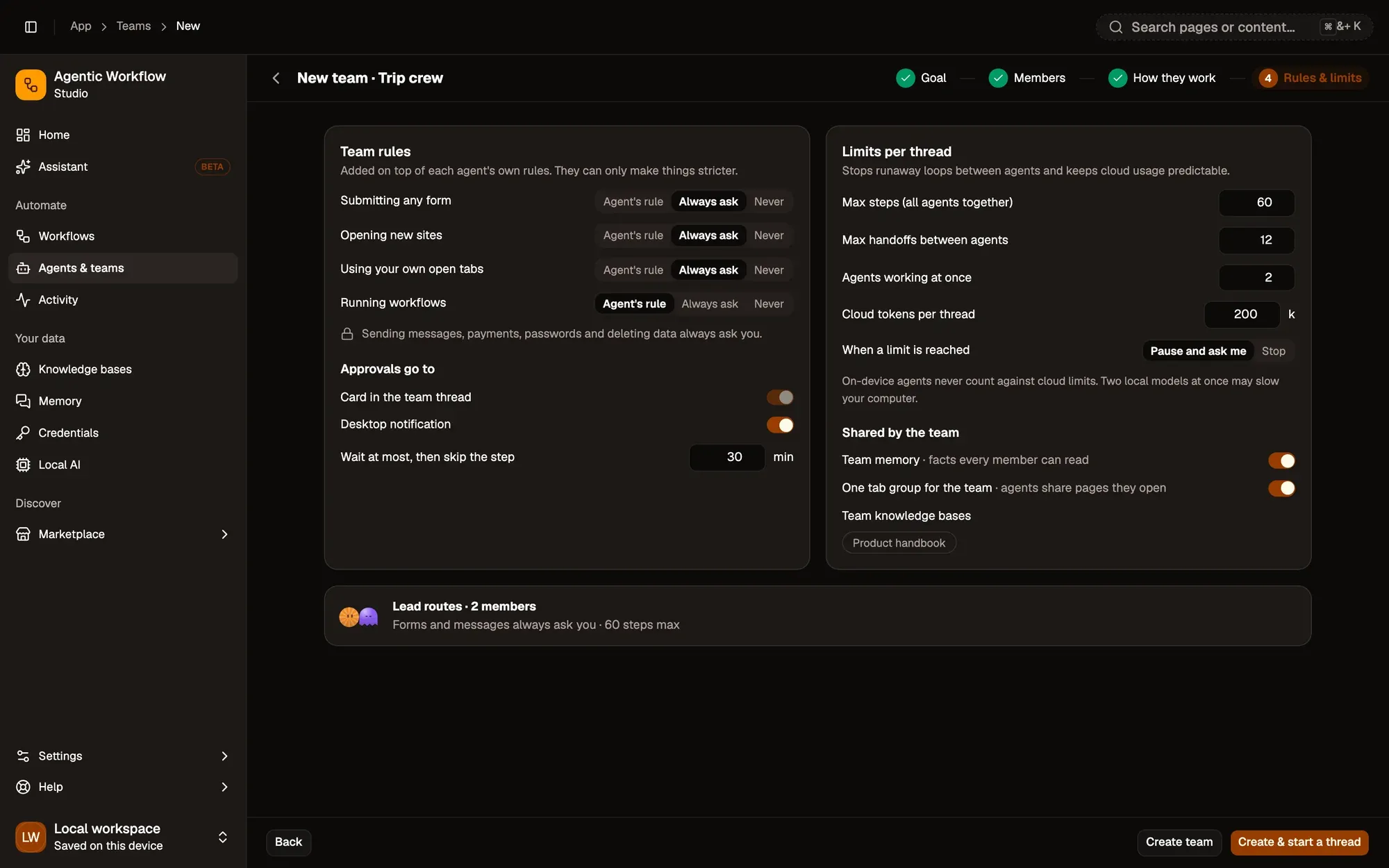
Team rules sit on top of each agent’s own rules and can only make them stricter: for submitting forms, opening new sites, using your own tabs and running workflows, choose Agent’s rule, Always ask or Never. Payments, passwords, sending messages as you and deleting data always ask, whatever the rules say.
Approvals
Approvals appear as a card in the team thread and as a desktop notification. If nobody answers within the wait time, 30 minutes by default, the step is skipped, and the member tells the lead it needs you.
Limits per thread
- Max steps for all agents together (default 60)
- Max handoffs between agents (12)
- Cloud tokens per thread (200k); on-device agents never count
- Agents working at once (2)
When a limit is reached, the thread pauses and asks you, or stops. A paused thread shows a Not done yet card with Continue · 30 more steps and Change the limit.
Start a thread
Open a team and type a job, or start a thread from anywhere: type @trip-crew 3 days in Rome in March in any chat, use aw @trip-crew … in the address bar, or right-click a page and choose Send to a team…. Each run of a team routine is a new thread too.
Key takeaways
- Team rules can only make each member's own rules stricter.
- An approval nobody answers within the wait time (30 minutes by default) skips its step.
- Default limits are 60 steps, 12 handoffs, 200k cloud tokens and 2 agents at once.