Lesson 15 4 min
Chat mode and Build mode
Aria is AWFlow's built-in assistant. Pick its model, then learn the difference between asking it something and having it build.
Try it in AWFlow
Opens Aria in AWFlow with this request filled in. Nothing is sent until you send it.
Meet Aria
Click Assistant in the sidebar. The first time, Meet Aria, your private AI asks which model to use:
- Private, on this device (Recommended): a free model downloads once and runs in your browser; nothing leaves your device. It needs WebGPU; without it, the card says this browser can’t run on-device models.
- Chrome built-in AI (in Chrome): Gemini Nano, downloaded once by Chrome.
- Connect a cloud provider: Add key opens AI providers. Larger cloud models build complex workflows more reliably.
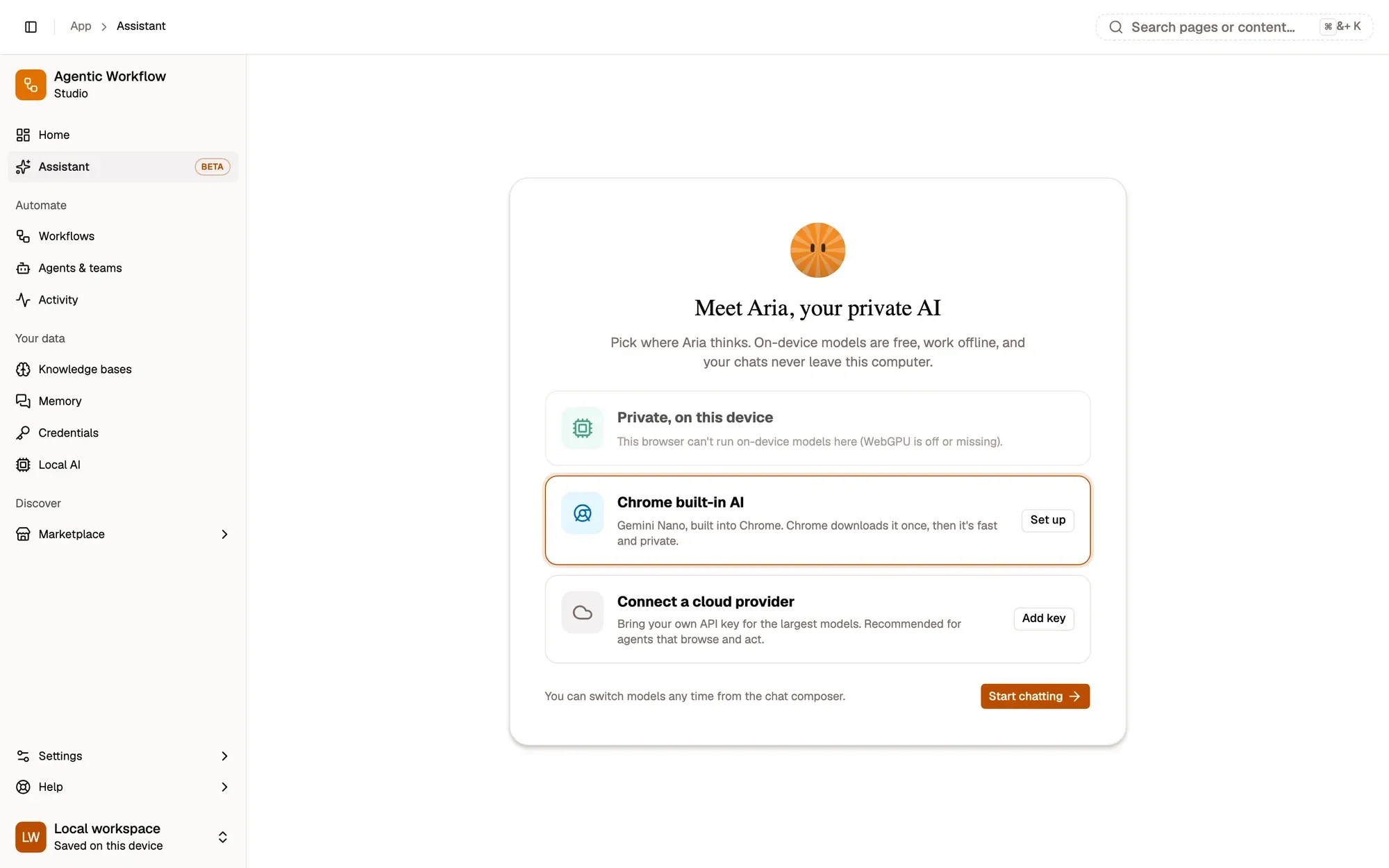
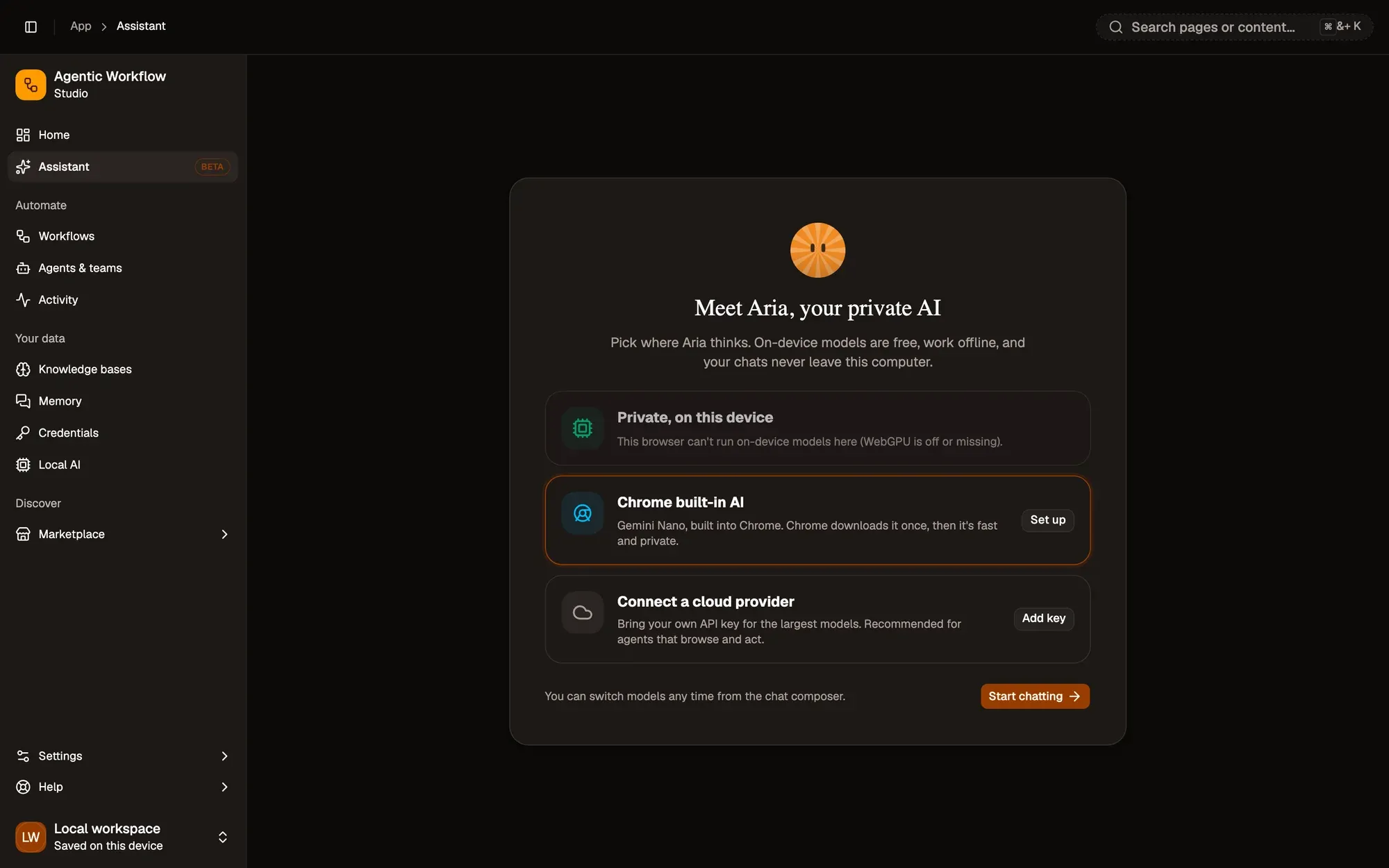
Click Start chatting. You can switch models any time from the composer’s model picker.
Chat or Build
Under the message box, the Chat | Build switch decides what a message does. In Chat, Aria answers: explain, write, summarise, translate. Nothing is built. In Build, every message changes a workflow: Aria picks the nodes, wires them and fills in their settings.
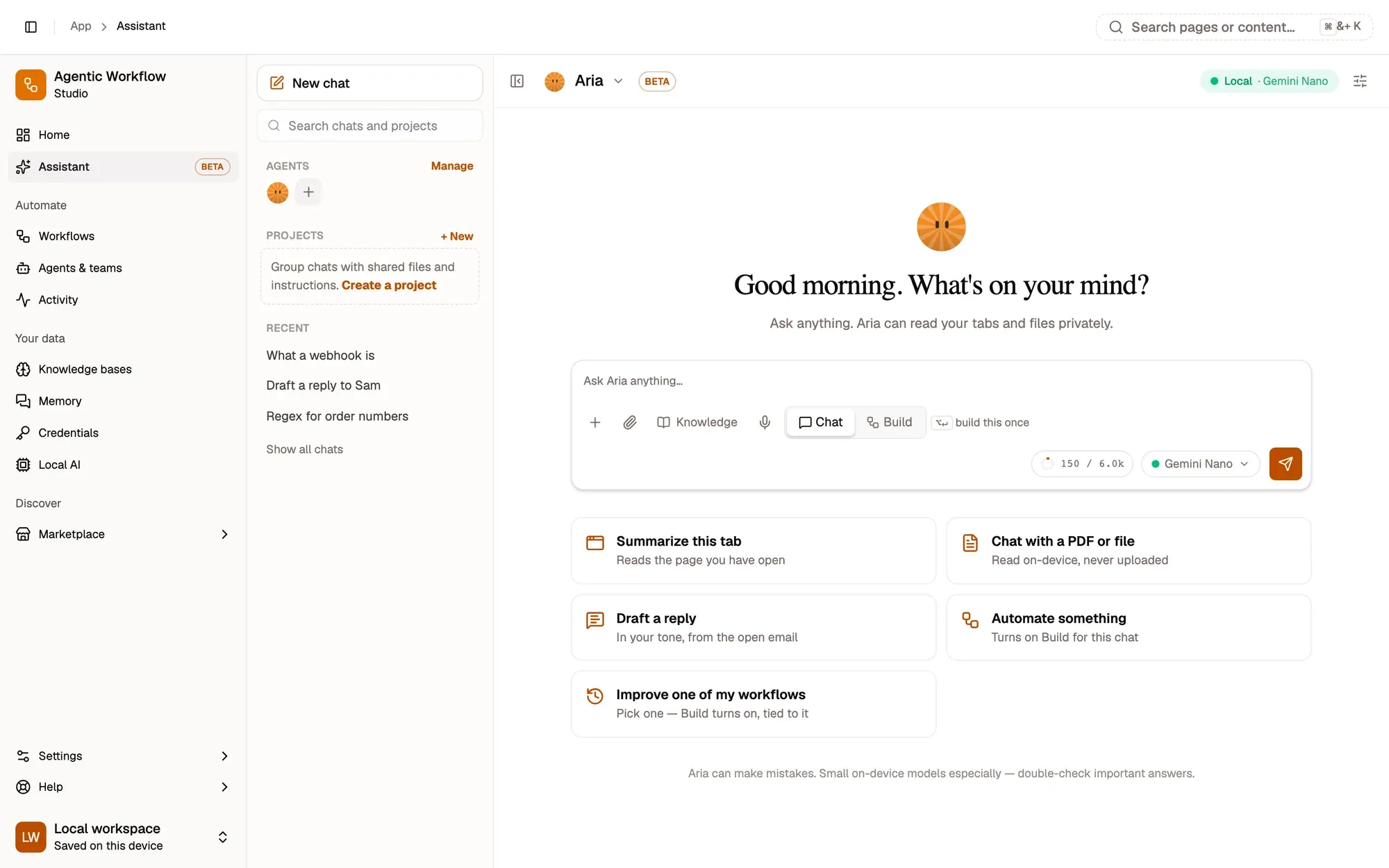
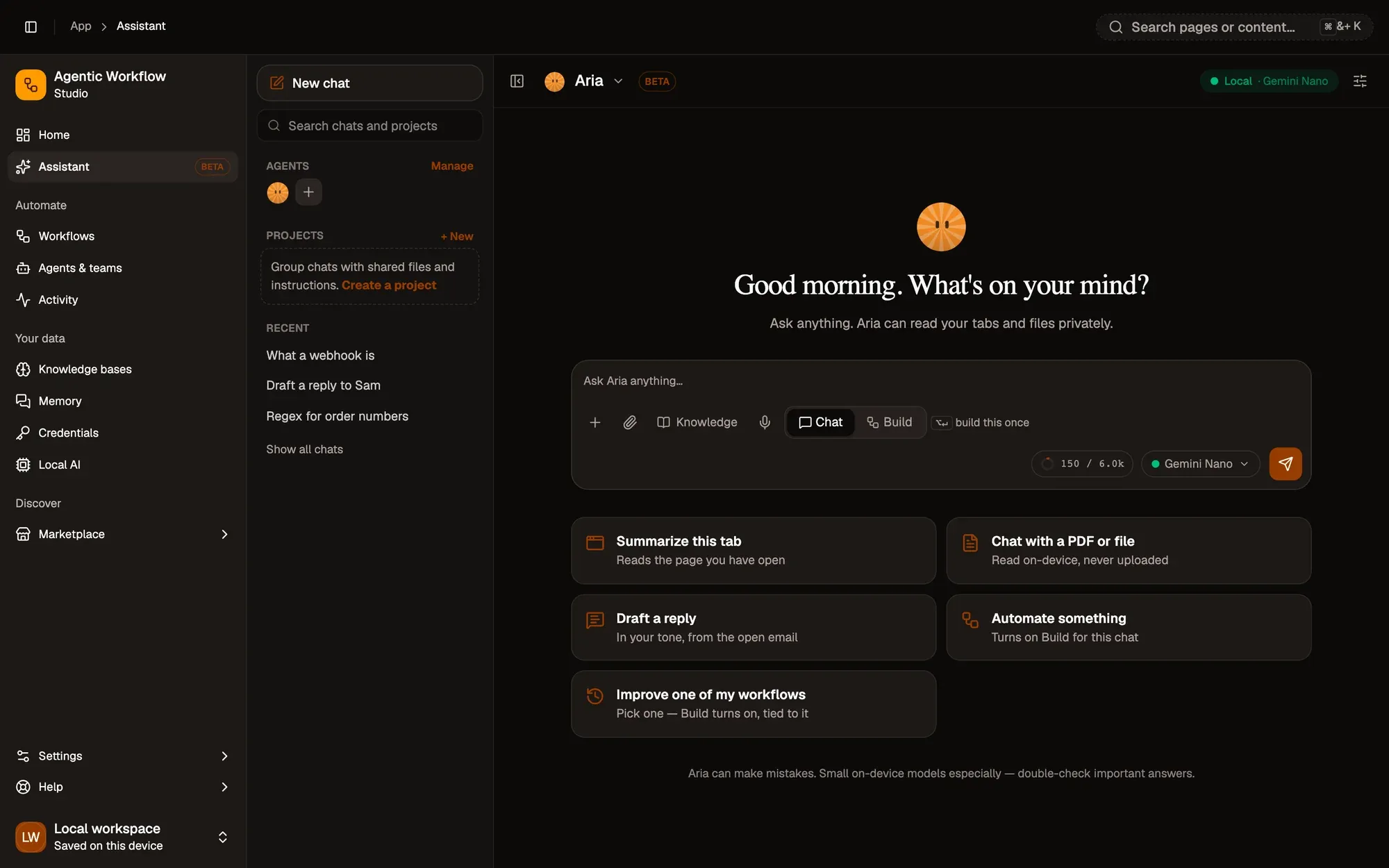
Ways to open Aria
| Where | How |
|---|---|
| Right-click | Ask Aria about selection, Explain simply, Summarize page |
| Keyboard | CtrlShiftK (⌘ShiftK on Mac, AltShiftK in Firefox) |
| Address bar | aw, a space, then your question |
| Side panel | Assistant, with the same Chat or Build switch |
You can change the keyboard shortcut on your browser’s extension shortcuts page.
Key takeaways
- The first time, choose an on-device model, Chrome built-in AI or a cloud provider.
- Chat answers; Build turns each message into a change to a workflow.
- Ctrl/⌘ + Shift + K opens quick chat over any page.