Lesson 16 5 min
Describe it, then read the draft
Describe a workflow in plain words with the trigger, the steps and the result, and read what Aria builds before you trust it.
Try it in AWFlow
Opens Aria in AWFlow with this request filled in. Nothing is sent until you send it.
Describe the workflow
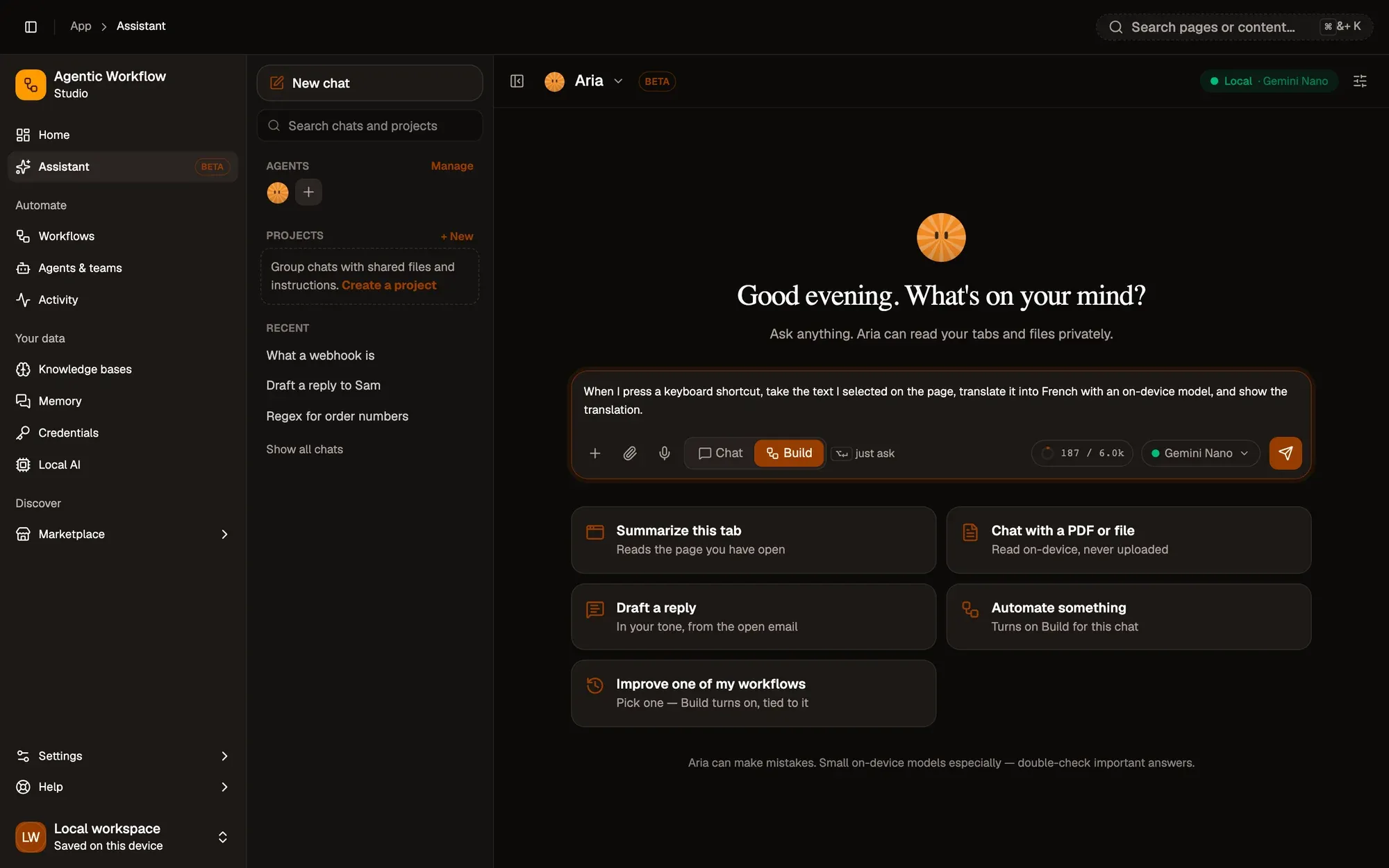
Switch the composer to Build and describe what to automate, with the trigger, the steps and the result:
When I press a keyboard shortcut, take the text I selected on the page,
translate it into French with an on-device model, and show the translation.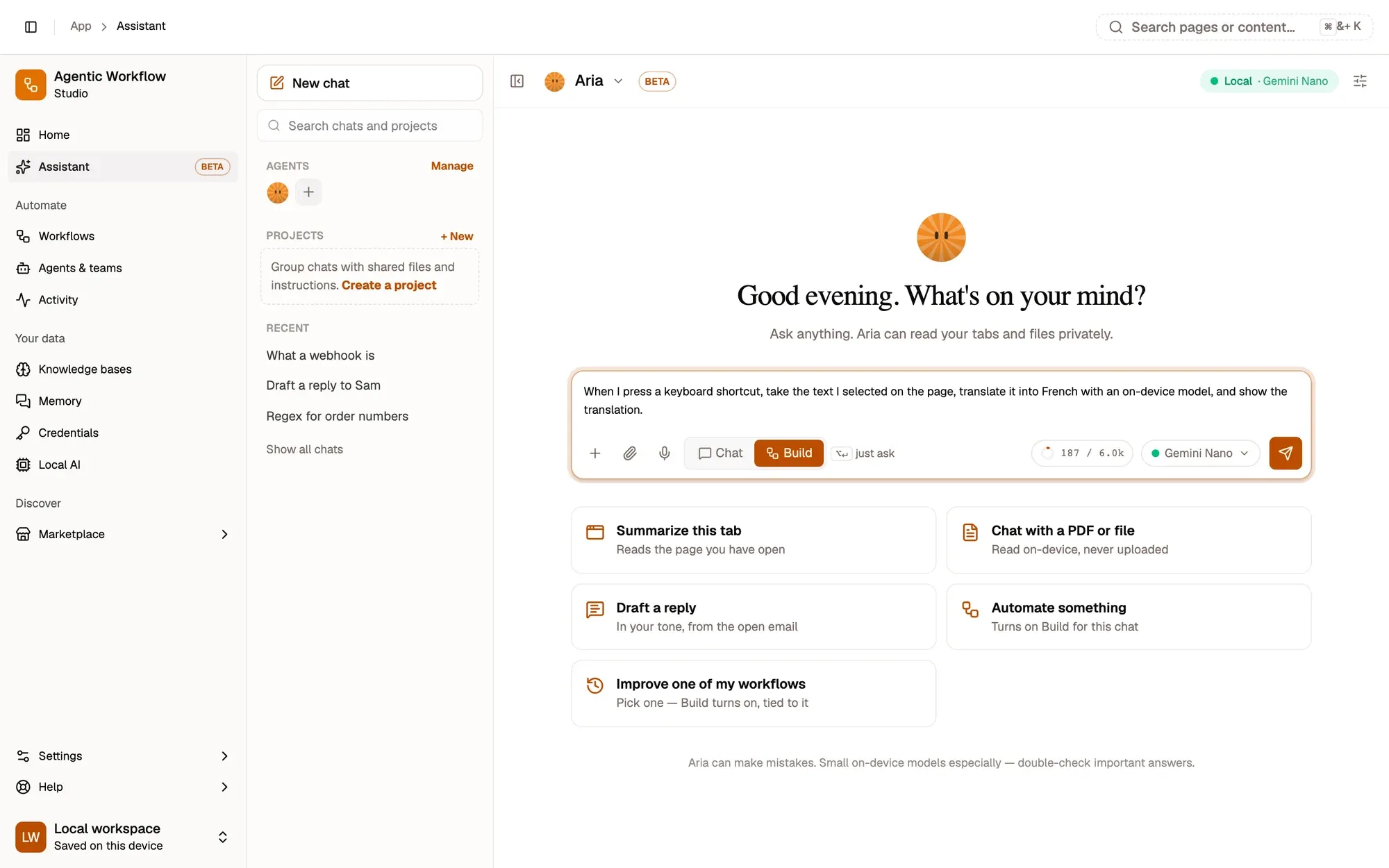
A Building your workflow card shows each stage as it runs: Understand your request, Look for similar workflows, Choose an approach, Write the workflow and Check it’s valid. The preview draws the workflow as it is written.
Read the preview
Read the Workflow preview from left to right. You should recognise every piece from earlier lessons: a Hotkey trigger, Get Selected Text, a chain with a model in its Model slot, and a display step.
Settings to check
When the workflow needs something from you before it can run, a card lists settings to check before it runs, one row per step. Click each row to see what Aria needs from you, such as a model to pick, and fill it in.
Key takeaways
- A good request names the trigger, the steps and the result.
- Read the Workflow preview left to right; you know every node now.
- Rows under settings to check are what Aria needs from you.