Lesson 4 4 min
Nodes, edges and runs
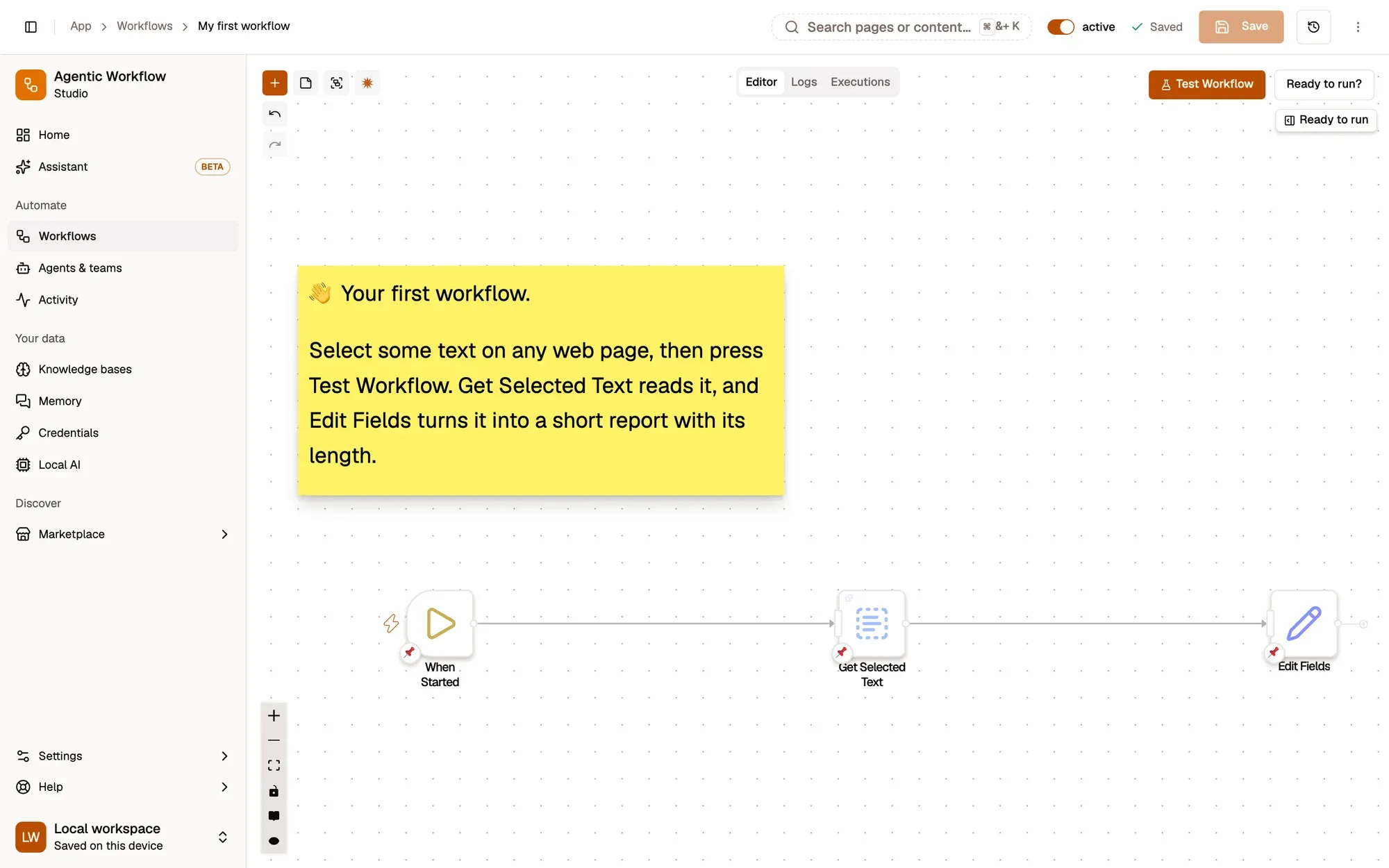
A workflow is a chain of steps called nodes. A trigger starts it, and each node passes its output to the next one along a line.
Nodes
Nodes are the steps in your workflow. Each node does one thing: read text from the page, click a button, reshape data, call an AI model, or wait. A trigger is the node that starts the workflow; every other node runs after it.
Lines carry data
You connect nodes by dragging from the small dot on the right side of one node onto the dot on the left side of the next. The line tells the workflow what to run next and what data to pass along: items, each one a record with named fields such as text or title. After a run, a line shows how many items passed along it.
Runs
Test Workflow at the top of the canvas runs the whole workflow once. Then open any node: its Output tab shows what it produced on the last run, under Actual. Every saved run is listed in the workflow’s Executions tab.
Key takeaways
- Each node does one thing; a trigger node starts the run.
- Lines carry a node's output, items with named fields, to the next node.
- After a run, every node's Output tab shows what it produced, under Actual.