Lesson 1 3 min
Install AWFlow and pin it
AWFlow is a browser extension. It runs in your browser, next to the page you're on, so it can read and act on that page. You don't need an account or a server.
Add the extension
AWFlow runs in Chrome, Edge, Brave and other Chromium browsers, and in Firefox 140 or later, on a computer.
In Chrome, Edge or Brave, open AWFlow on the Chrome Web Store from the download page and click Add to Chrome, then Add extension. Other Chromium browsers install it from the same store.
In Firefox 140 or later, install it from Firefox Add-ons once the listing is live — the download page has the current link. Safari isn’t supported.
Check: an “Agentic Workflow” welcome tab opens.
Pin it to the toolbar
Click the puzzle-piece Extensions icon in the toolbar, then the pin next to Agentic Workflow.
In Firefox, open the Extensions menu and choose Pin to Toolbar. Page steps need access to the sites you visit, so keep Access your data for all websites on in about:addons › Agentic Workflow › Permissions. If it’s off, the app shows an Allow access card.
Run “Start here”
On the welcome page, click Run “Start here”. A ready-made three-step workflow runs on your device: the steps light up one after the other and a quote appears in about five seconds. Nothing leaves your browser.
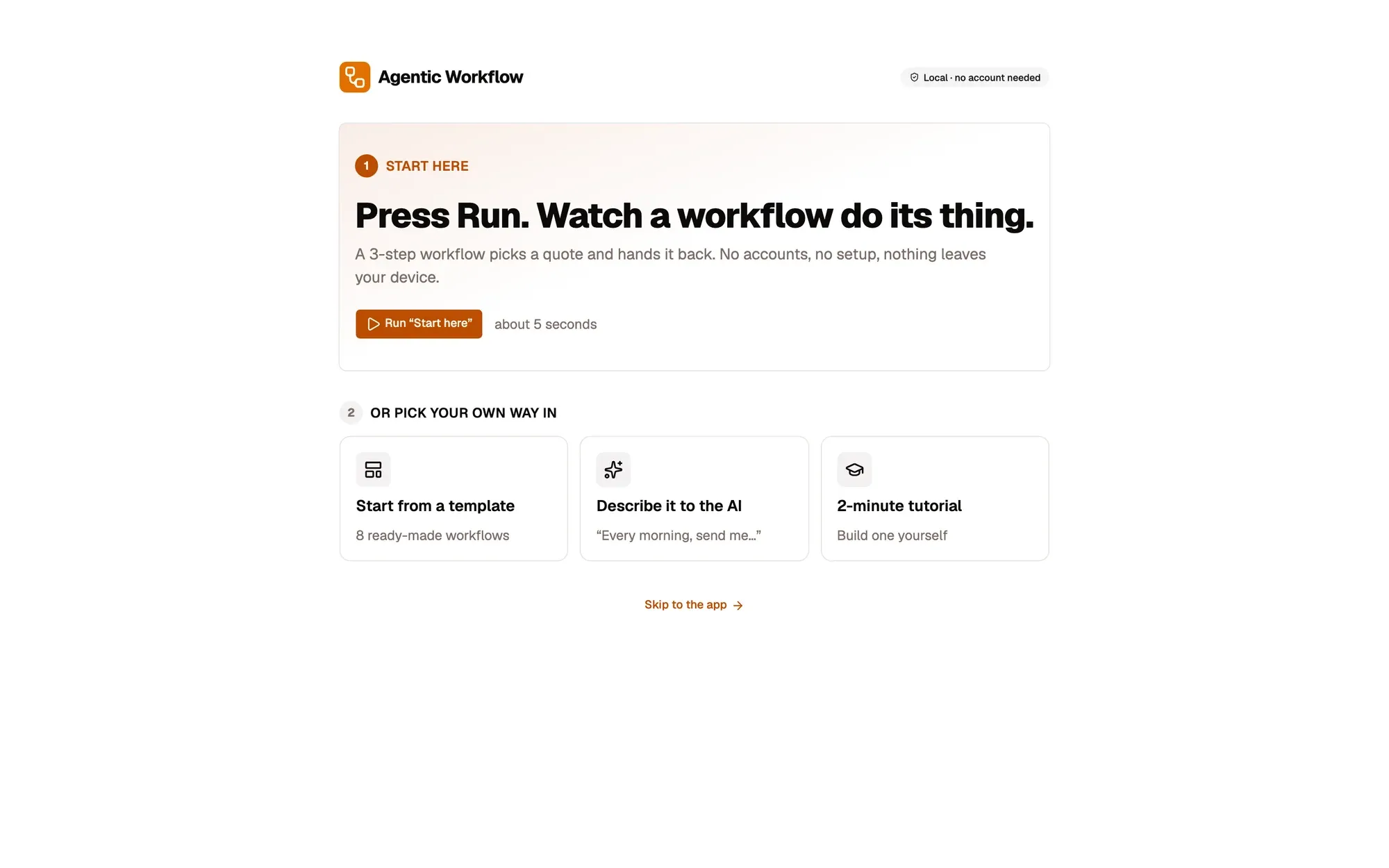
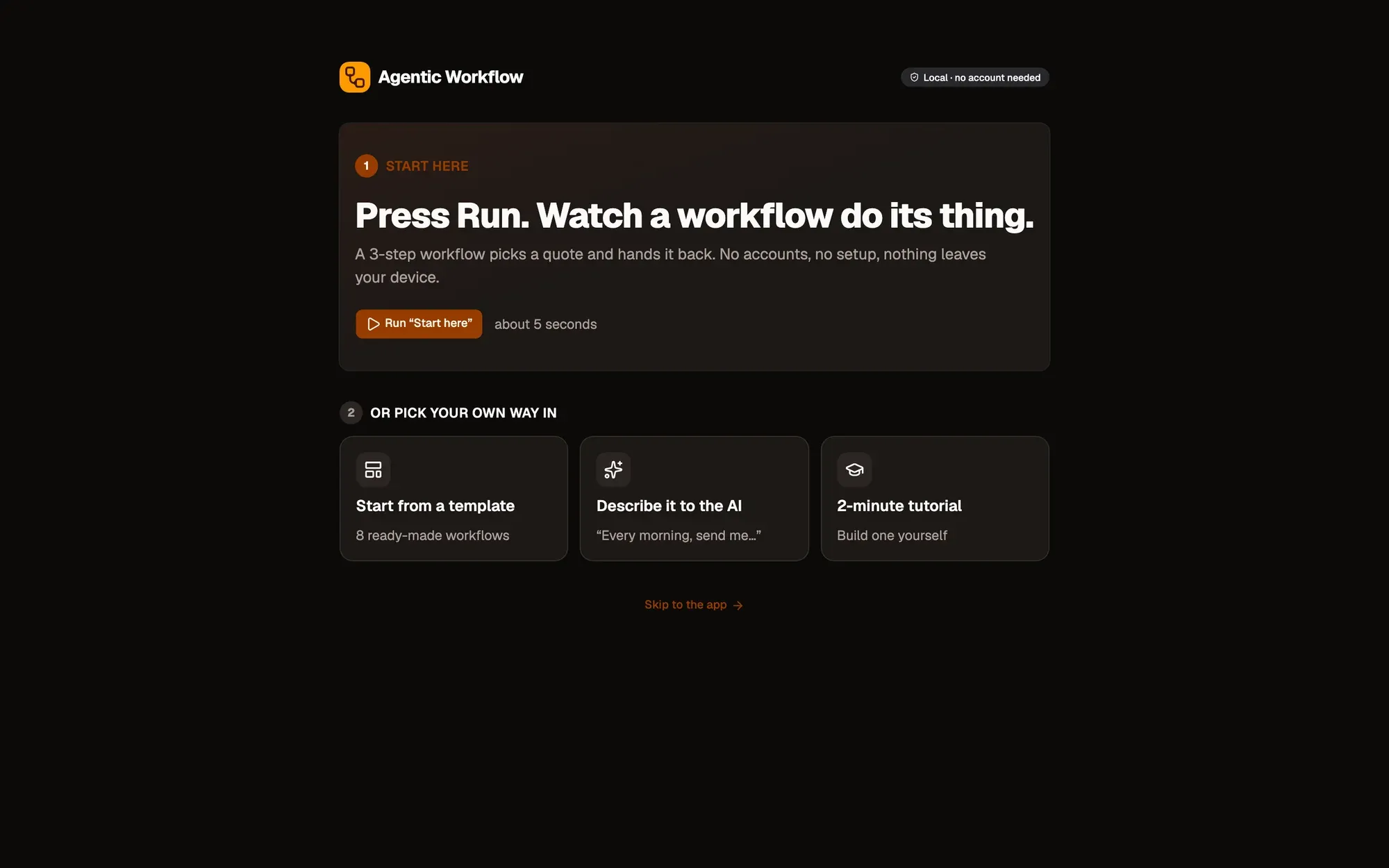
The same page also offers Start from a template, Describe it to the AI and the 2-minute tutorial. You’ll do all of these later, so you can leave them for now.
Key takeaways
- AWFlow runs in your browser on a computer, next to the page you're reading.
- Pin the toolbar icon so the app is always one click away.
- The Start here workflow proves everything works on your own device.