Lesson 9 5 min
Pick an on-device model that fits
On-device models run entirely in your browser, free and private, and work offline once installed. Choose one your device can handle.
Open Local AI
In the sidebar, open Local AI (or Settings › Local models). Models are grouped by task (Chat, Image classification, Speech-to-text, Embeddings…), with a search box and a filter for the engine: WebLLM, TensorFlow.js or transformers.js. You pick a model; AWFlow picks the engine.
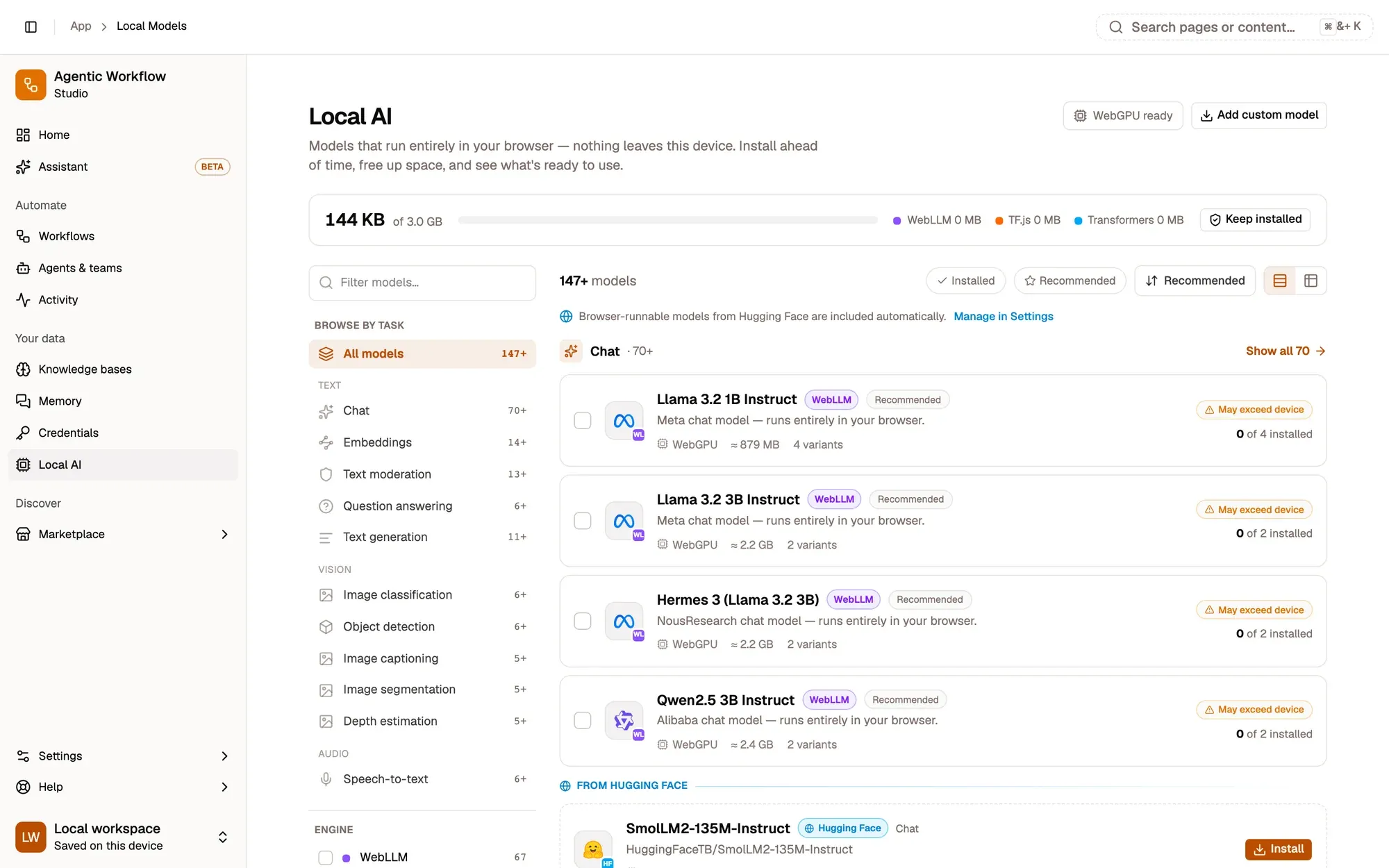
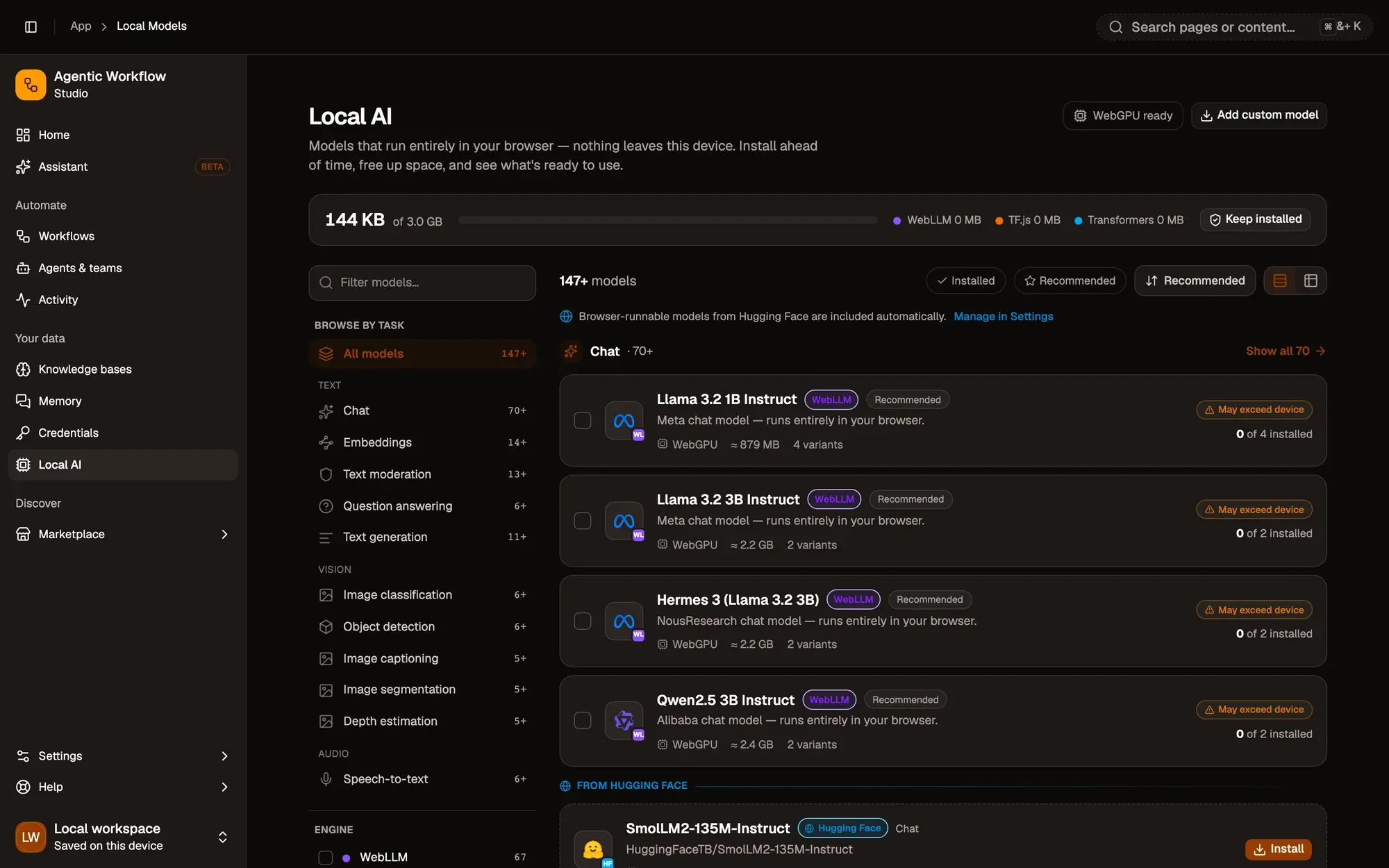
Once a model is installed it works offline, costs nothing per use, and no text, image or audio leaves your device.
Read the device fit
Open a chat model, for example Llama 3.2 1B Instruct. Its variants are the same model at different precisions. Each variant shows an estimated size and a device fit: Fits comfortably, Tight fit or Exceeds memory, worked out from your device’s estimated memory and hardware support. A smaller variant trades a little quality for less memory and a faster load.
Install and test
Click Install on a variant. Downloads run in the background, one at a time, so you can keep working. When it’s done, click Test to confirm it works on this device. For a chat model, click Set default: the assistant prefers it, and new Web LLM nodes are pre-filled with it.
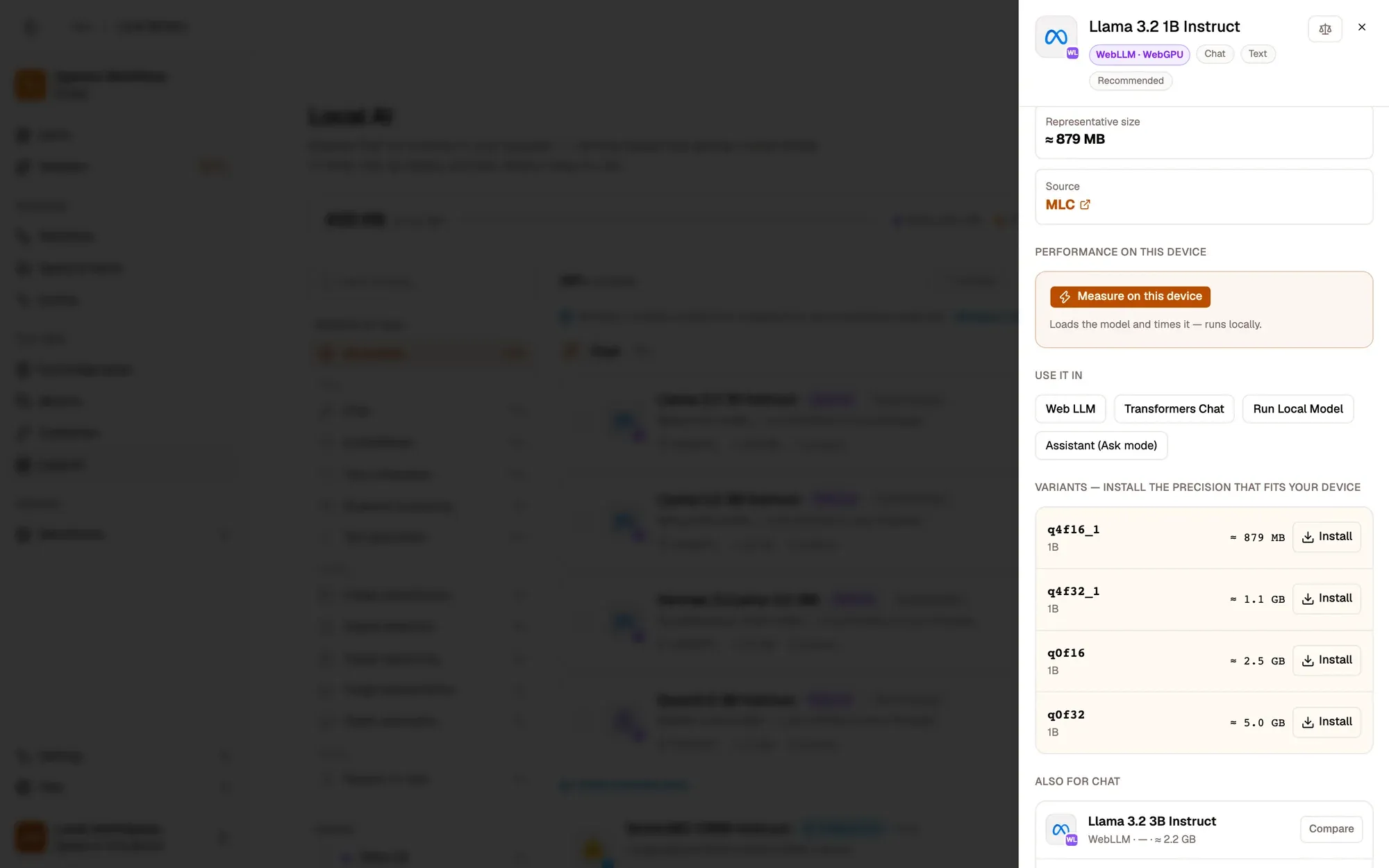
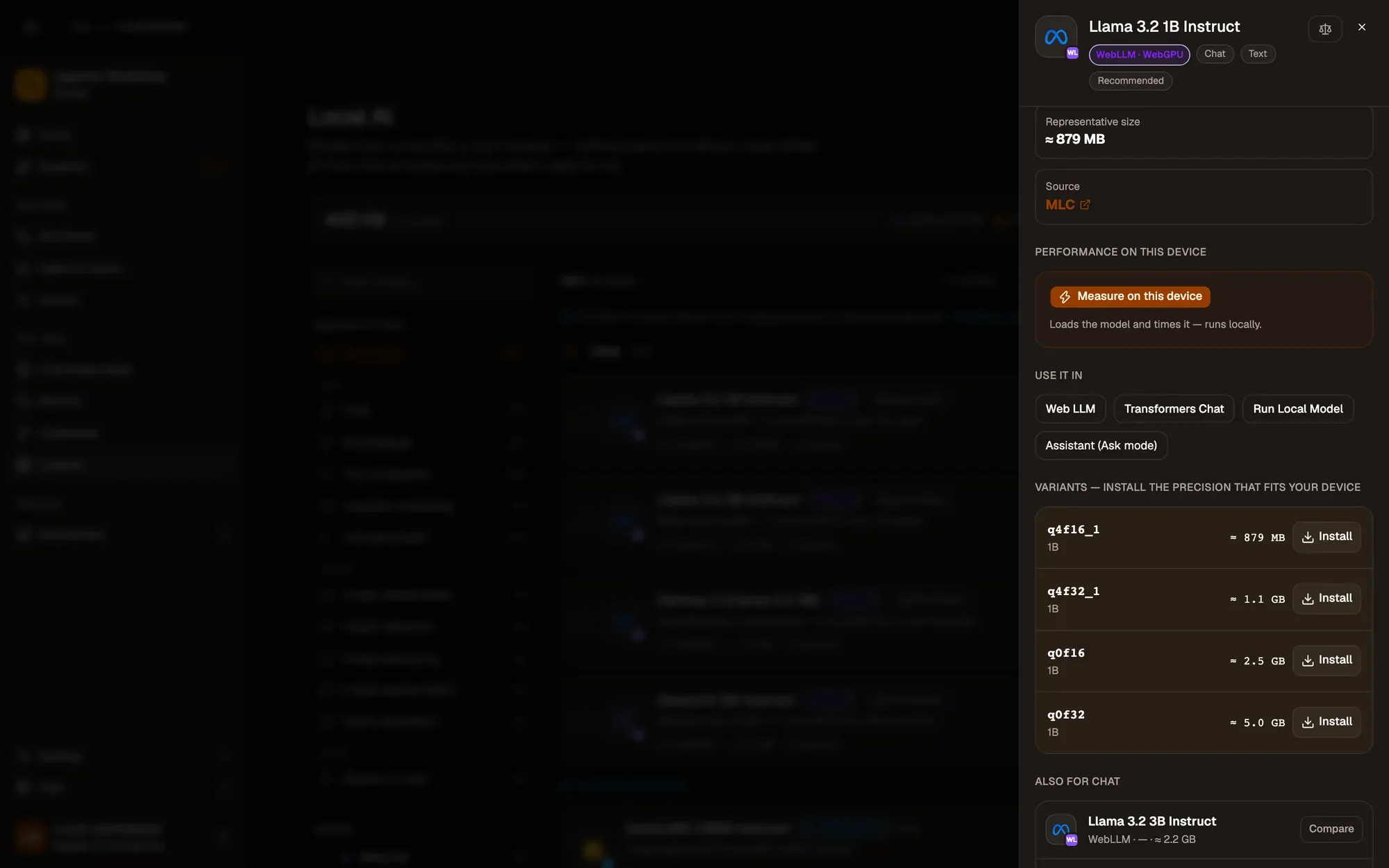
If the test fails, try a smaller variant: hardware support varies between machines.
Key takeaways
- Local AI lists models by task, with an estimated size and a device fit for each variant.
- Smaller variants load faster and need less memory.
- Set default makes a chat model the one new Web LLM nodes are pre-filled with.