Lesson 10 8 min
Summarise this page privately
Read a whole page, send it to a model running on your device, and show three bullets. Nothing leaves your browser.
Try it in AWFlow
Opens this lesson's workflow in AWFlow. You review it before anything is saved.
Read the page
AI in a workflow takes two nodes: a chain that holds the prompt, and a model plugged into the chain’s Model slot.
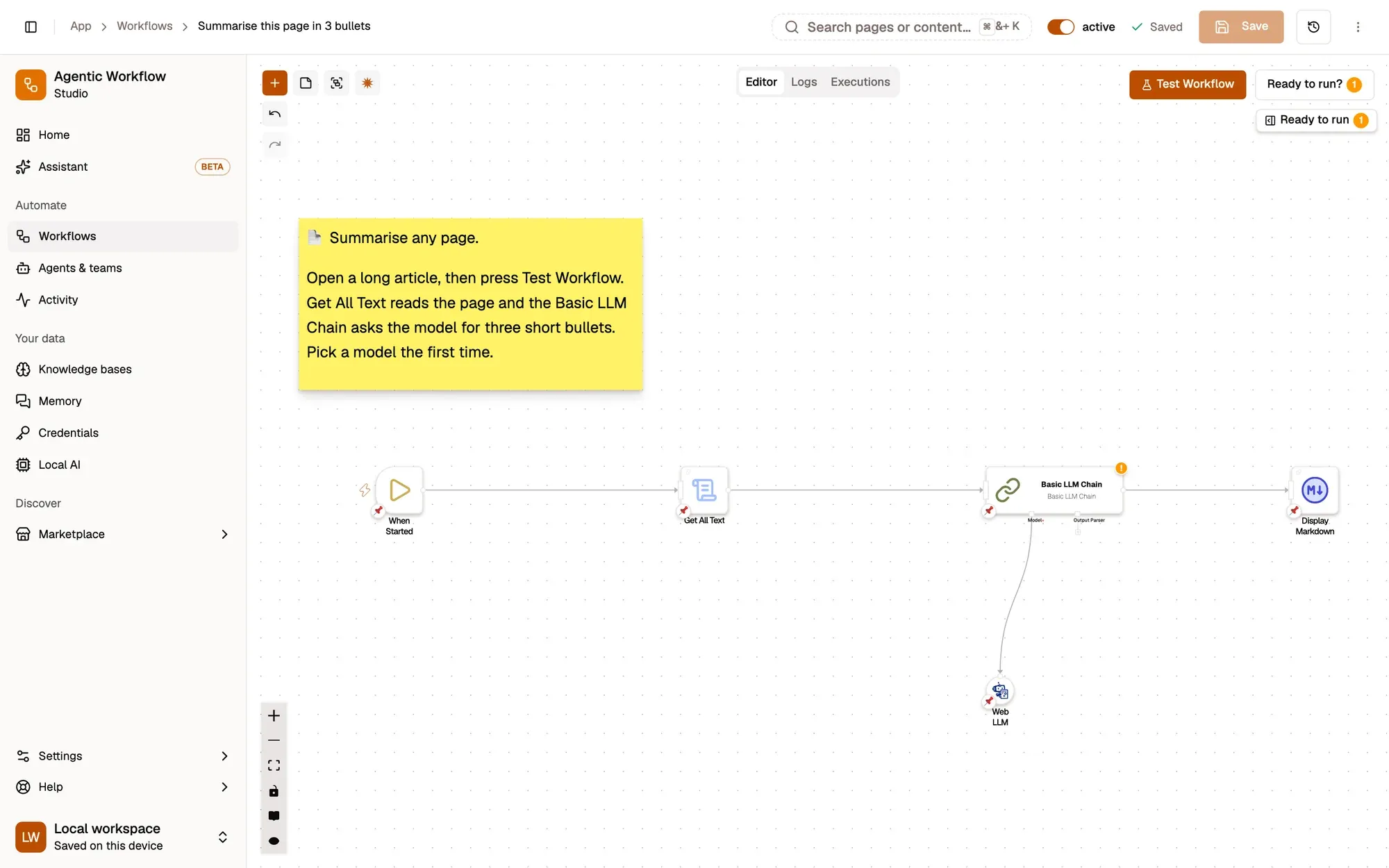
Create a new Blank canvas workflow named Summarise this page. Add the When Started trigger, then Get All Text, and set its Output field name to text.
Add the chain and the model
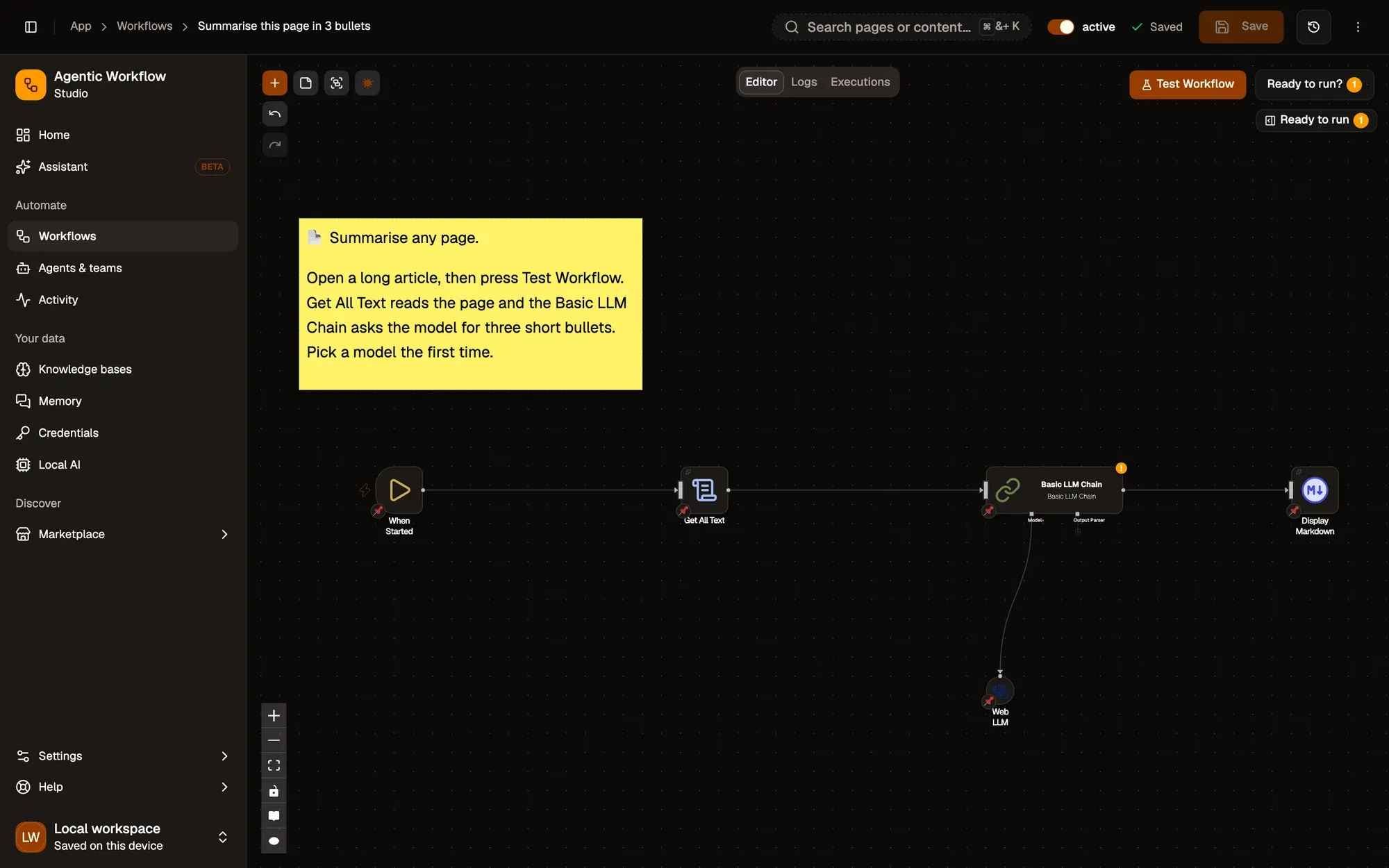
Click the + on the right of Get All Text, type LLM and pick Basic LLM Chain. Its Model slot sits under the node, with its own +: click it and pick Web LLM, then choose a model in Model, such as the one you installed. Web LLM runs the model in your browser, so the page text stays on your device.
Write the prompt
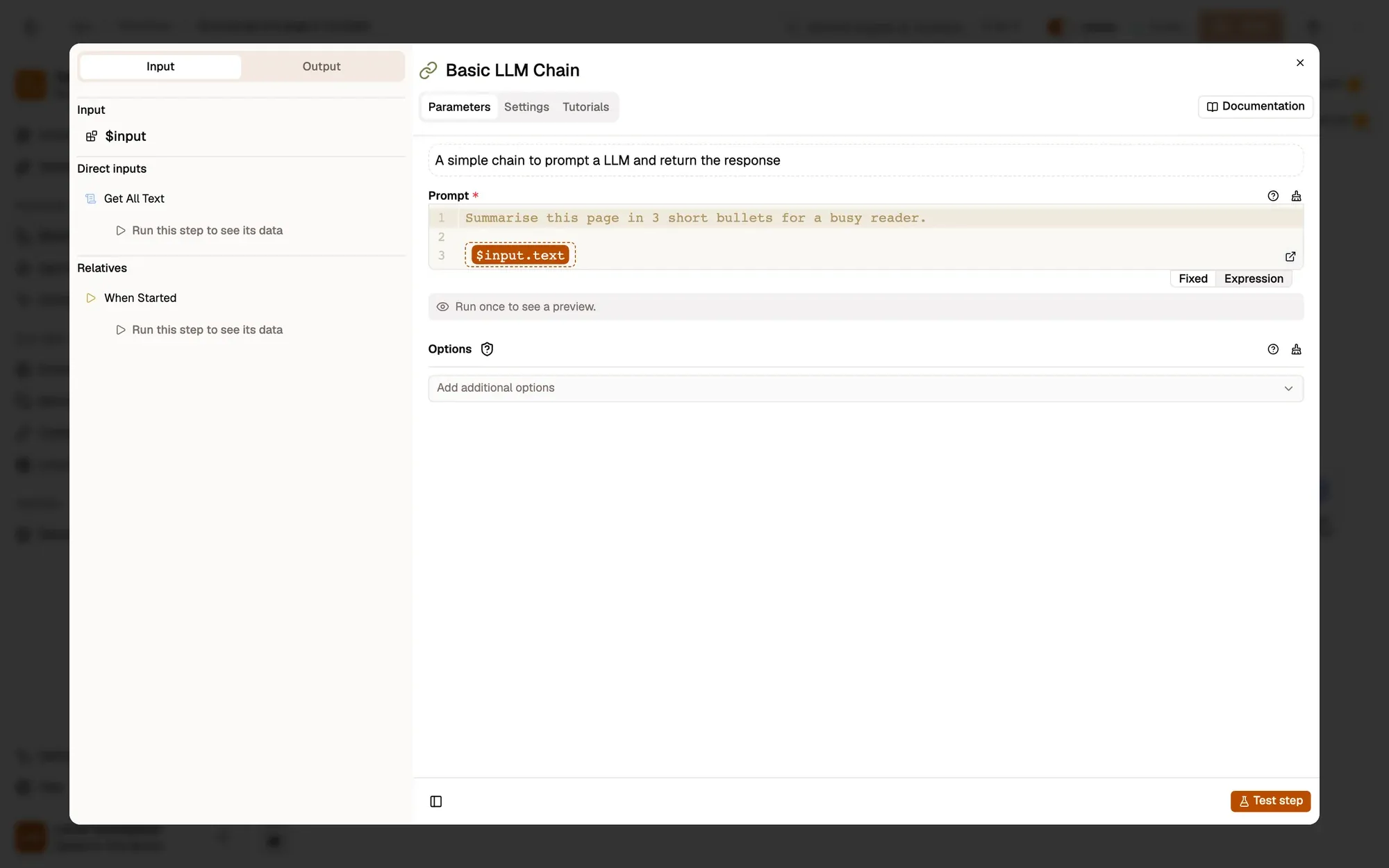
Open Basic LLM Chain and paste this into Prompt:
Summarise this page in 3 short bullets for a busy reader.

{{ $input.text }}
{{ $input.text }} is replaced by the page text from Get All Text when the workflow runs.
Show the result
Click the + on the right of Basic LLM Chain and add Display Markdown. Set Title to Page summary and Content to {{ $input.response }}: the chain puts the model’s answer in a field called response.
Run it
Switch to a tab with an article, come back to the panel and click Test Workflow. The first on-device run waits for the model download; later runs take a few seconds. Basic LLM Chain › Output › Actual shows a response with three bullets. Click Save when it works.
Key takeaways
- AI takes two nodes, a chain with the prompt and a model in its Model slot.
- {{ $input.text }} puts the page text into the prompt.
- The chain's answer is in the response field.