Lesson 8 5 min
Run it and read the result
Reshape what you read with Edit Fields and an expression, test one step at a time, and save.
Try it in AWFlow
Opens this lesson's workflow in AWFlow. You review it before anything is saved.
Reshape it with Edit Fields
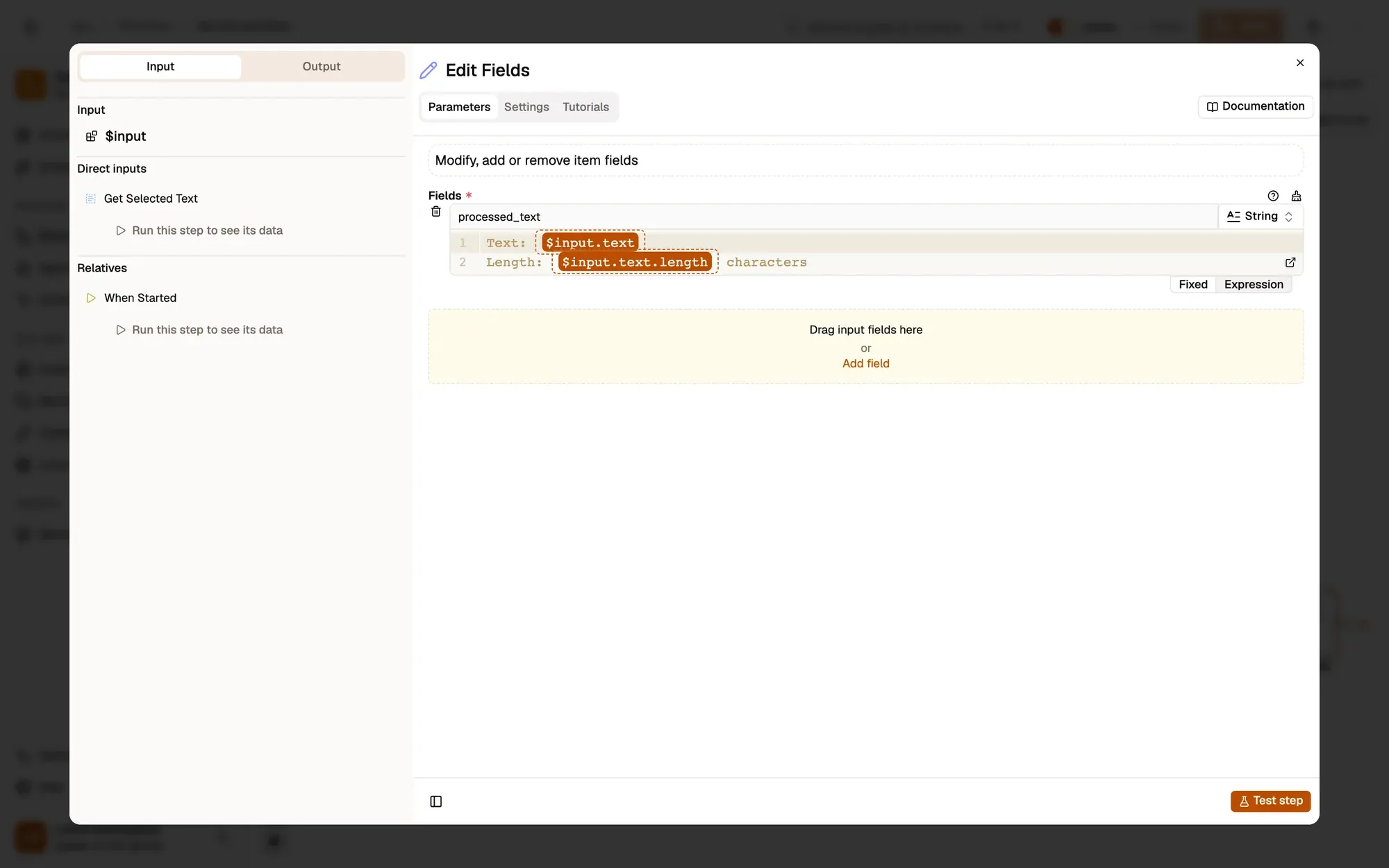
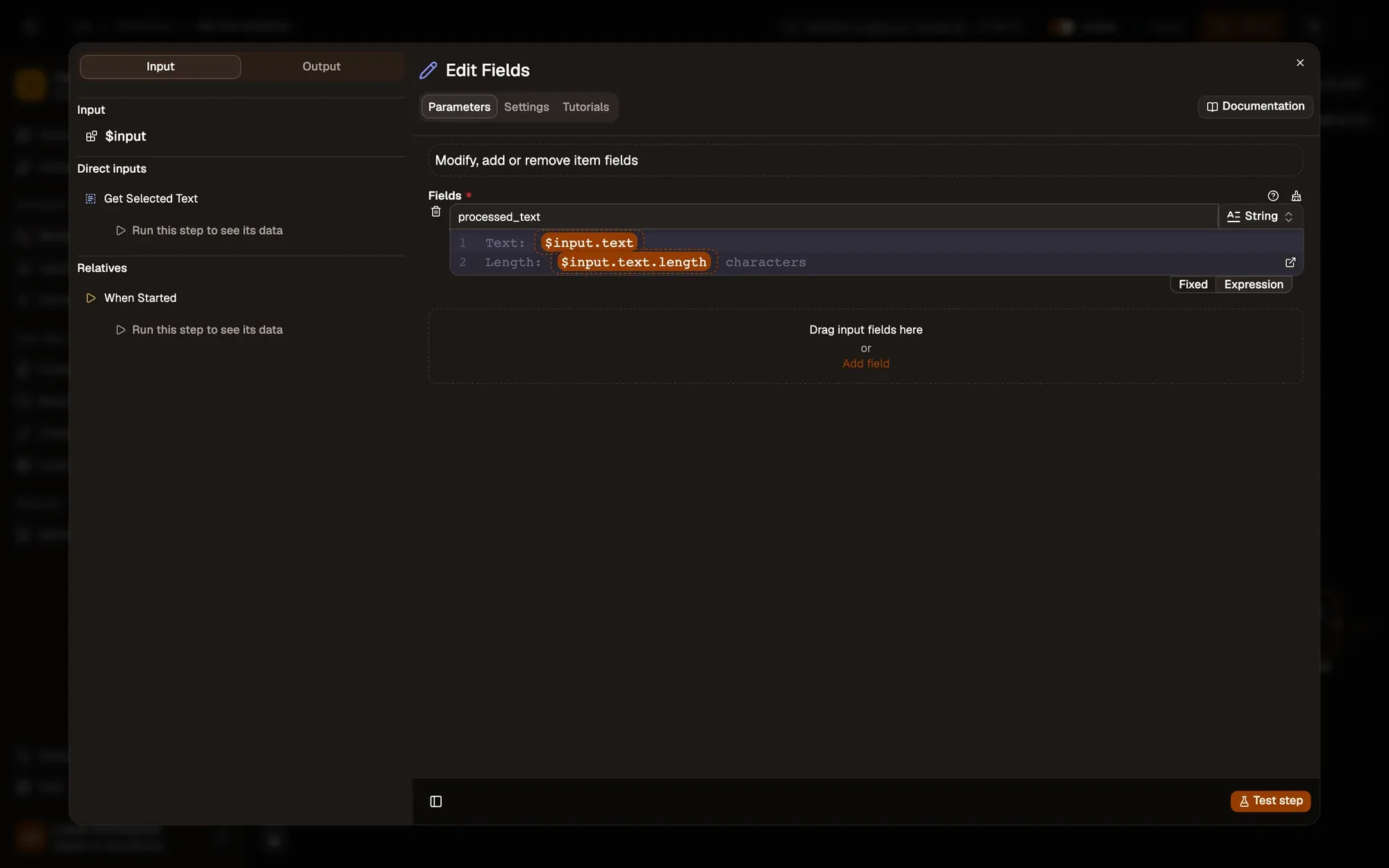
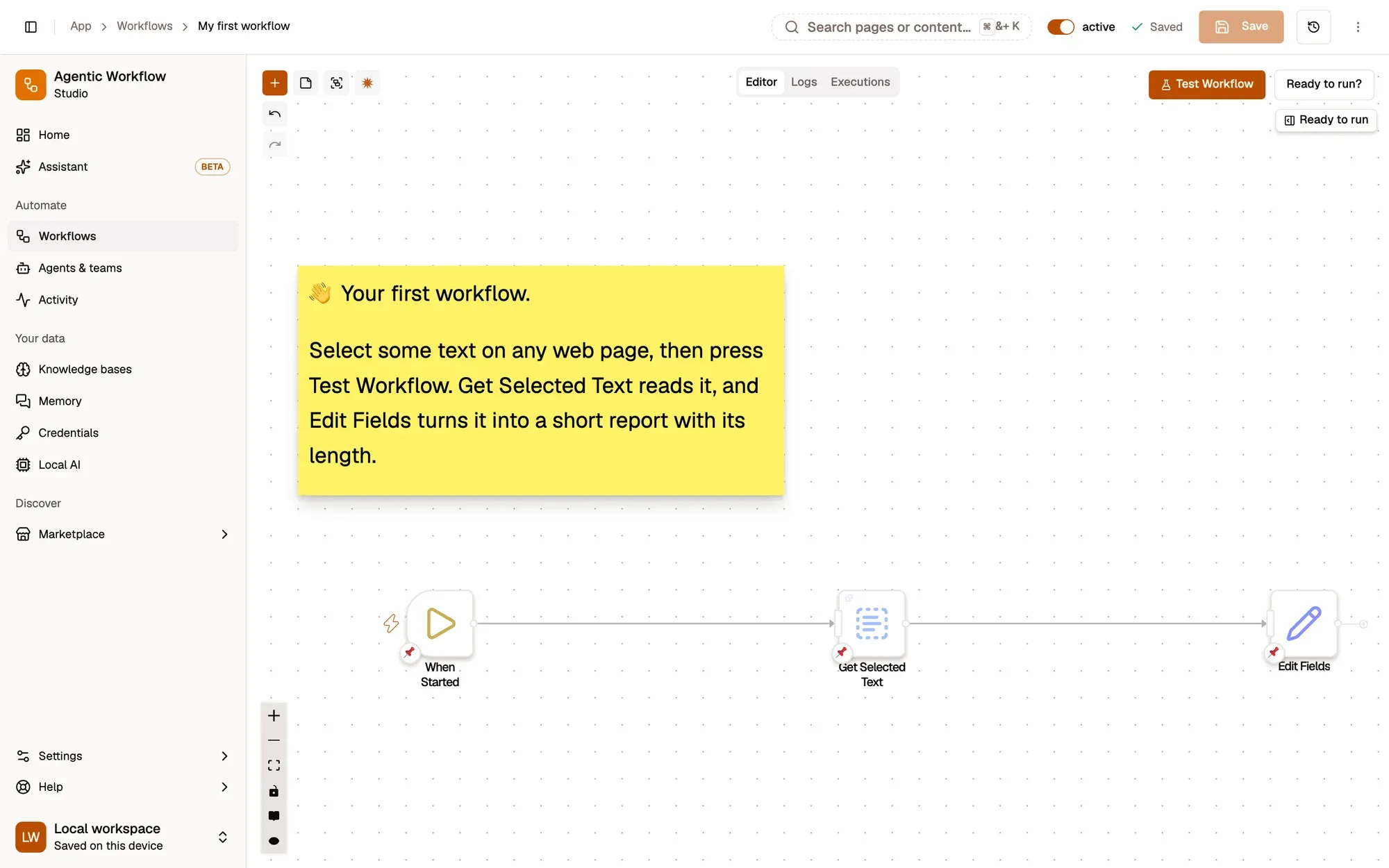
Click the + on the right of Get Selected Text and add Edit Fields. Under Fields, add a field named processed_text of type String, and paste this as its value:
Text: {{ $input.text }}
Length: {{ $input.text.length }} characters
{{ $input.text }} is an expression: the double braces read data from an earlier step, $input is the item the previous node produced, and .text is one of its fields.
Run and check
Close the panel, select some text again and click Test Workflow. Edit Fields › Output › Actual now shows processed_text with your sentence and its length.
Test one step, then save
Hover a node and click Test this step to run just that node, or open it and click Test step. Running often, one node at a time, is the fastest way to find what’s wrong.
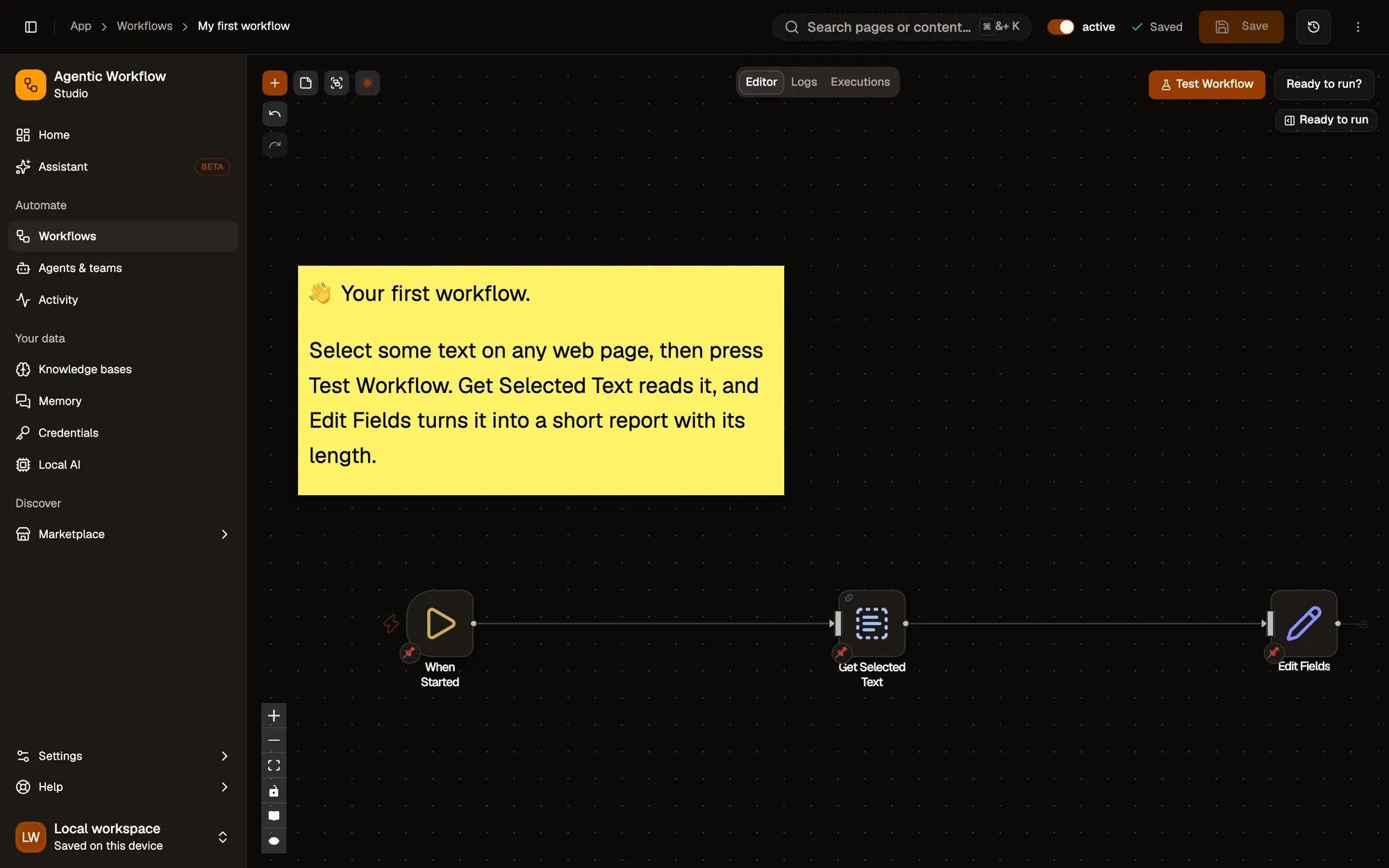
AWFlow doesn’t save automatically: click Save in the canvas header, or press CtrlS (⌘S on Mac). The header then says Saved.
Key takeaways
- {{ $input.text }} reads the text field from the step before.
- Test this step runs one node, the fastest way to find what's wrong.
- Save with the header button or Ctrl/⌘ + S.