Lesson 6 5 min
Add your first trigger
A workflow sits still until something starts it. Add the When Started trigger, then see every other way a workflow can wake up.
Add When Started
Click Add Trigger (in a narrow panel: Add trigger in the middle of the canvas). The Trigger panel opens: type when in its search box and pick When Started. It starts the workflow when you press Test Workflow, or when you run it from the workflow list.
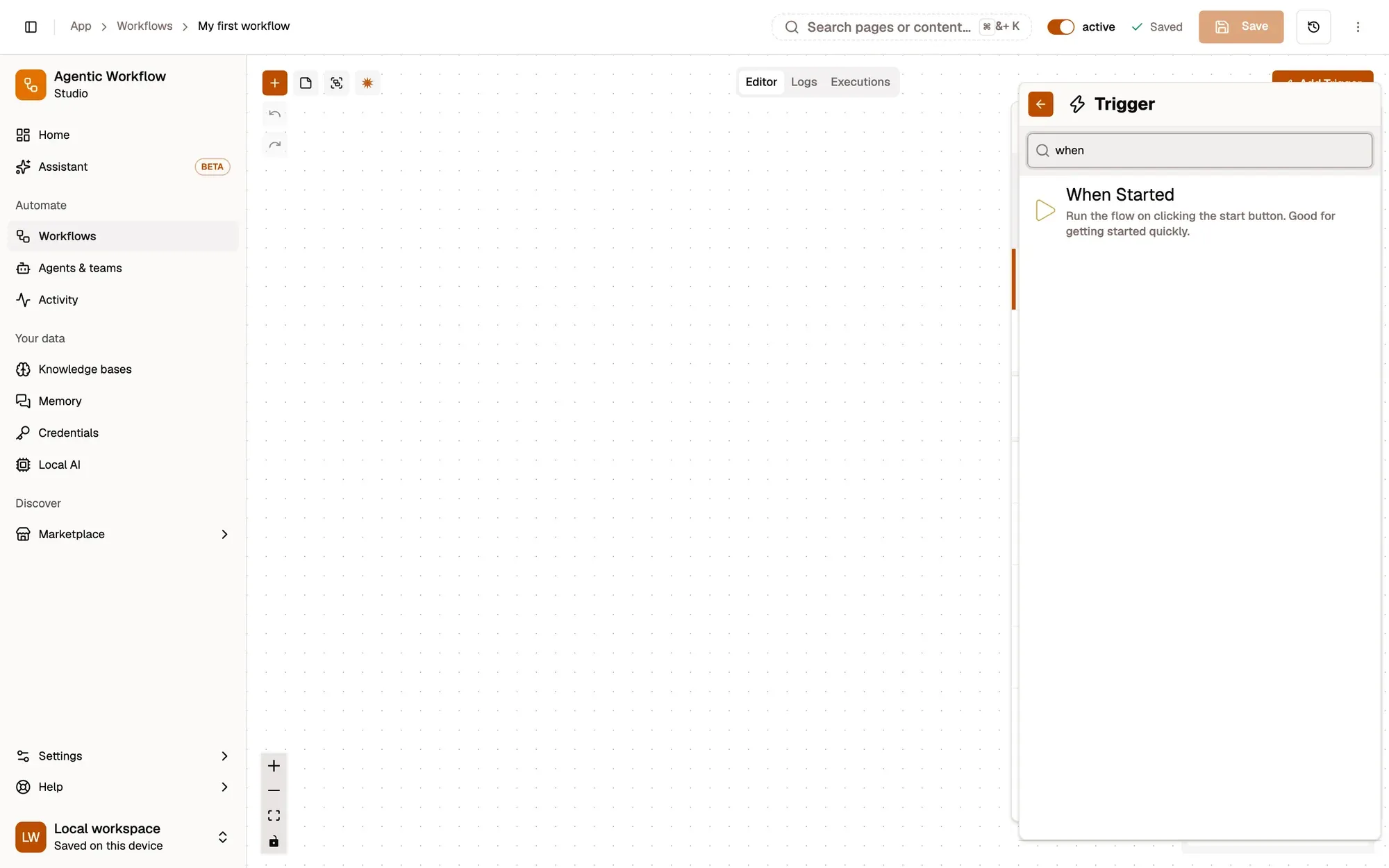
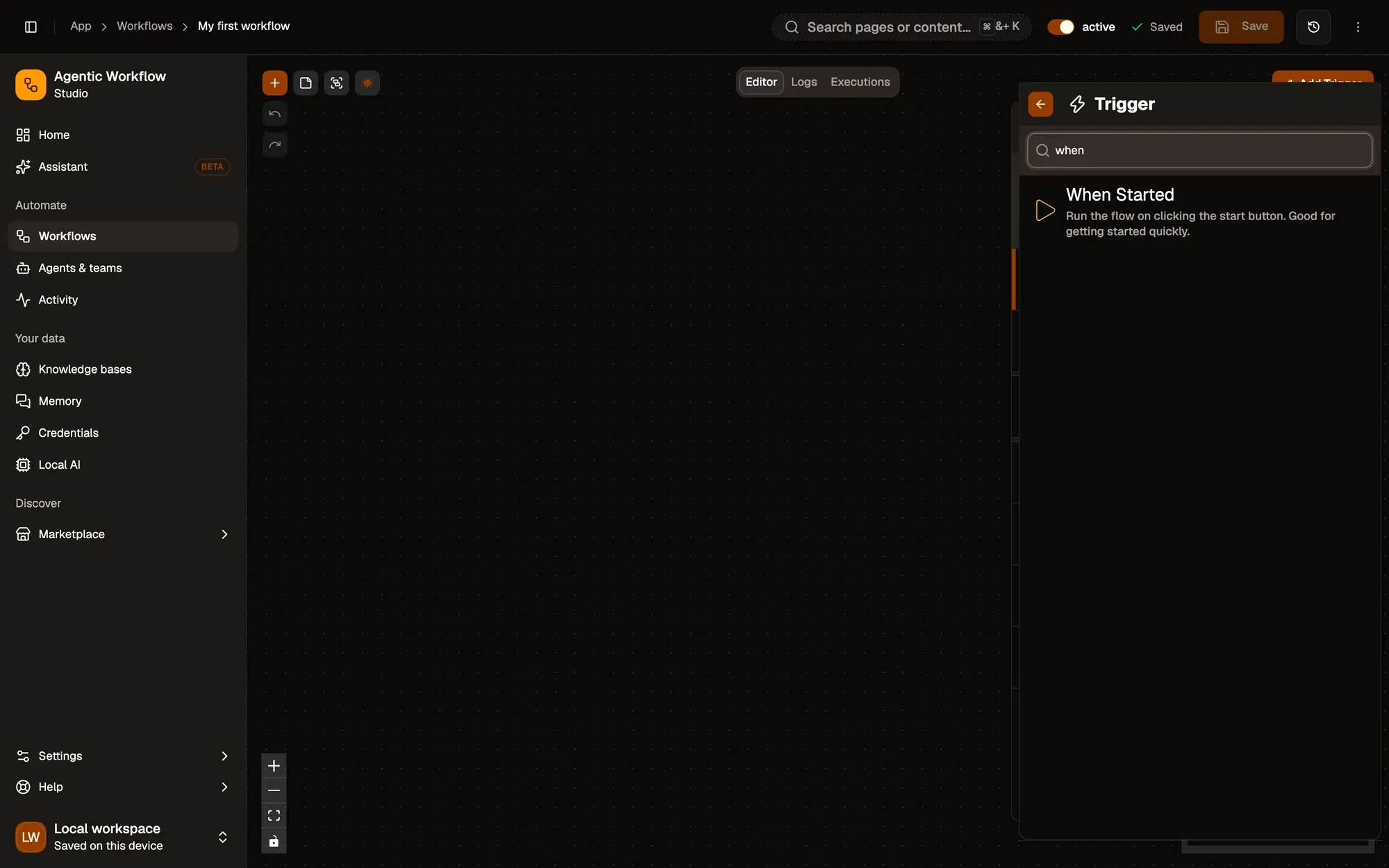
When Started has no settings. It passes a single item, started: true, to the next node, so the first real step after it usually reads something, such as the page you have open.
The ten triggers
| Trigger | Starts the workflow when… |
|---|---|
| When Started | you press Test Workflow or run it from the list |
| Context Menu | you pick it in the browser’s right-click menu |
| Hotkey | you press a keyboard shortcut |
| Schedule | a set time comes round |
| Page Load | a tab matching a URL pattern finishes loading |
| Navigation | a tab is created, goes to a matching URL, or is closed |
| Element Change | an element you picked changes on a matching page |
| Chat | a chat message arrives from the user |
| Browser Startup | the browser starts |
| Error | a workflow fails |
More than one way in
A workflow can have several triggers leading to the same steps. In module 4 you’ll add a Hotkey next to When Started, so the same workflow runs from a shortcut too. With several triggers, Test Workflow asks which one to start from, and only the branch after it runs.
Key takeaways
- Every run starts at a trigger; When Started runs when you start it yourself.
- A workflow can have more than one trigger leading to the same steps.
- An active workflow with no automatic trigger, such as one that starts with When Started, appears in the right-click menu.