Lesson 11 6 min
A price drop alert with memory
Read the price when it changes, compare it with the last one the workflow saw, and tell you only when it drops.
Try it in AWFlow
Opens this lesson's workflow in AWFlow. You review it before anything is saved.
The six steps
- Element Change watches
.priceand fires when its content changes (Content changes). - Regex with Match finds the first number, such as
79.99, and puts it inpriceMatch. - Data Store with Get reads
last-price, saved by earlier runs of this workflow. - IF compares the new number with the stored one (less than).
- Show Notification posts Price dropped! with the new and old price; Require Interaction keeps it on screen until you close it.
- Data Store with Set saves the new number as
last-pricefor the next change. Both branches of the IF reach this step.
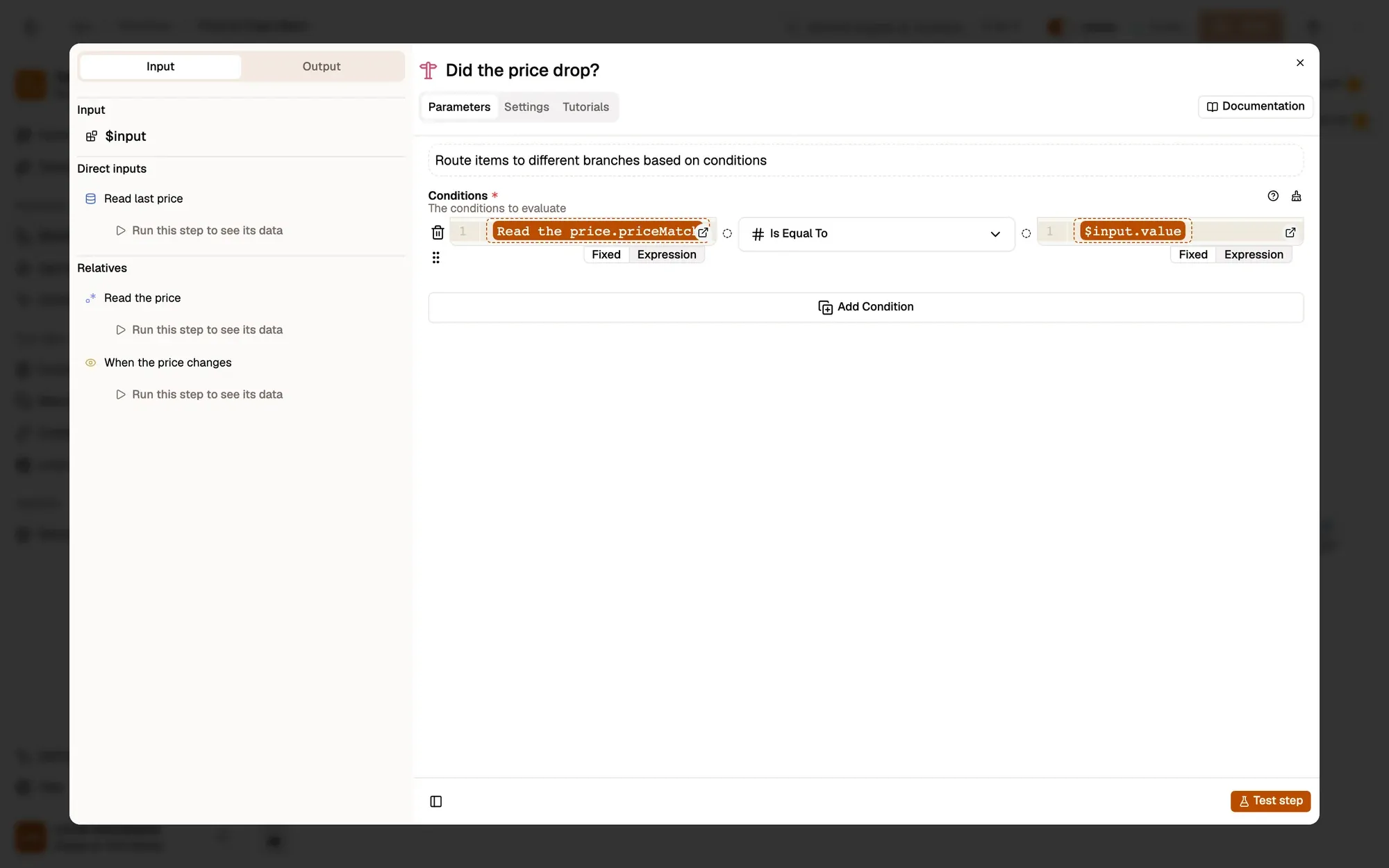
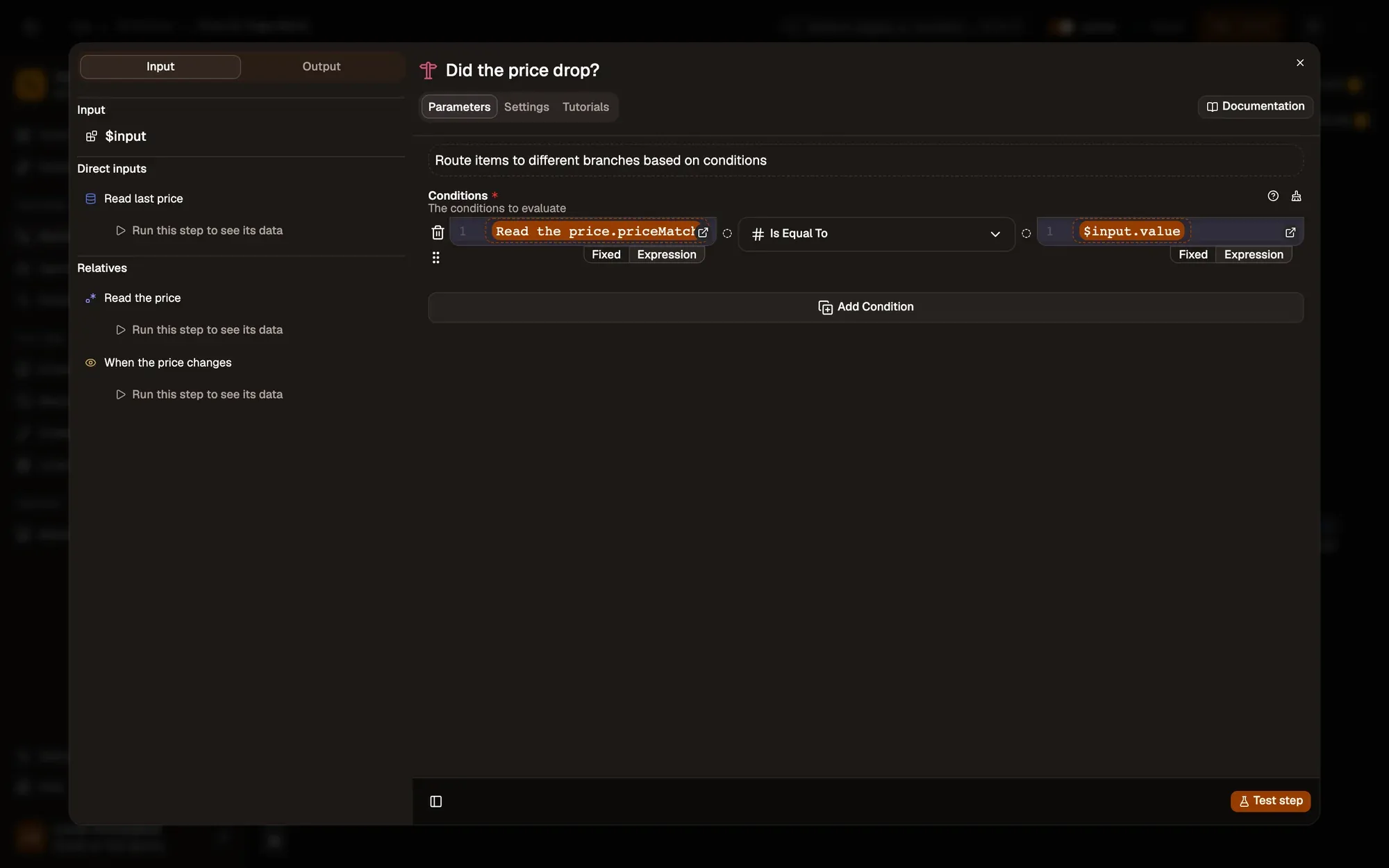
Data Store values live in this browser profile and need no account: nothing is sent anywhere.
Make it yours
Pick the price on your product page with the crosshair in CSS Selectors and set URL Patterns to that shop, for example https://shop.example.com/product/*. Save, activate and keep the page open. For prices written 1.299,00, adjust the Regex Pattern. To be told only below a target, compare with a fixed number such as 50 instead.
Key takeaways
- Regex Match pulls the number out of the changed text.
- Data Store Get and Set remember last-price between runs, in this browser.
- The first change only saves a price; alerts start from the second.