Lesson 7 3 min
Keep your form values in one place
Store the answers you type again and again in one Edit Fields node, ready for any form.
One object for your answers
Start a workflow with When Started and add Edit Fields. Create one field, formValues, of type Object, with a key per form field, such as name, email and message.
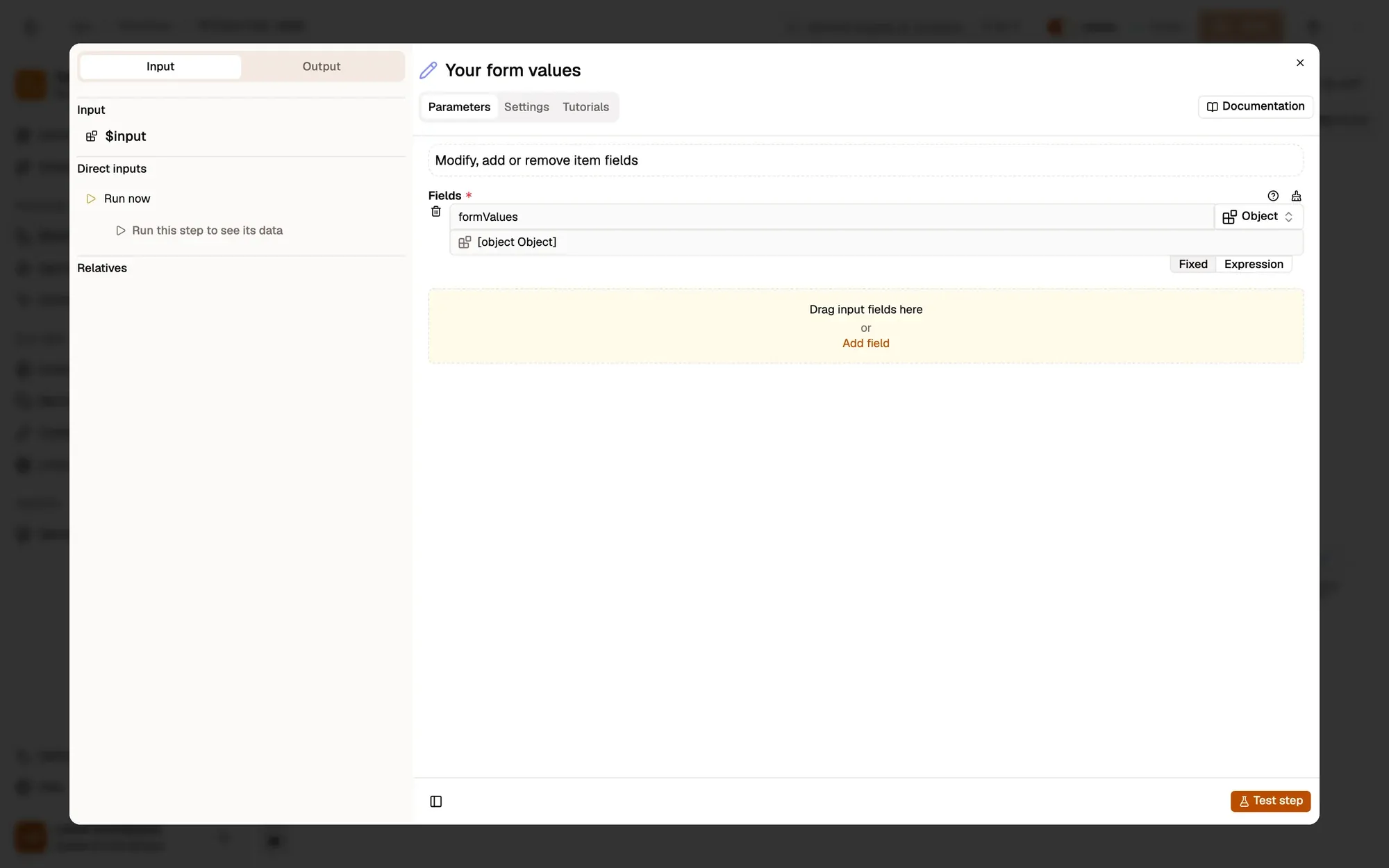
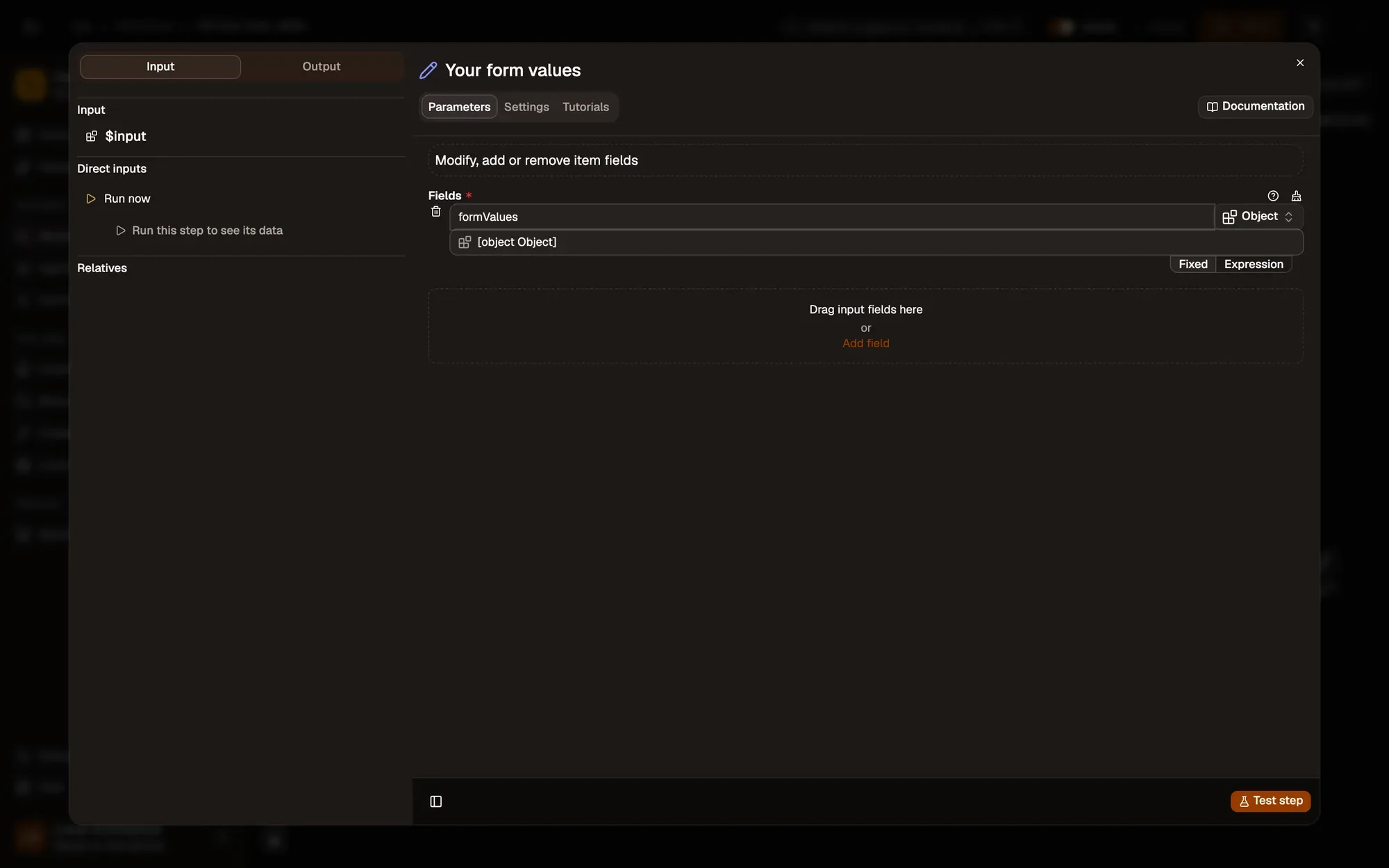
Replace the sample values with yours, and add keys as you need them: phone, company, address. Later steps read them as {{ $input.formValues.email }}.
What not to store
A node’s normal fields travel with the workflow when you share or export it. Keep secrets such as passwords and API tokens in Credentials instead.
Key takeaways
- One Edit Fields node holds a formValues object.
- Add a key for each field on the form.
- Never put passwords or tokens in a node's normal fields.