Lesson 1 5 min
Fields, items and expressions
Every step hands the next one items with named fields. Learn to use them by dragging, then by writing expressions.
Items and fields
Every step receives items and passes items on. An item is one record, like a row in a table, with named fields: Get Page Metadata returns one item with the page’s url, title and description; a list on a page can become many items, each with its own title and link.
When a step receives several items, it usually runs once for each one. Three links in means three requests out, with no loop to build.
Map by dragging
Run the workflow once so the steps have data, then double-click a node to open its settings. Find the value in the Input panel and drag it into a setting. AWFlow writes the expression for you, such as {{ $input.title }}, and Preview from last run under the setting shows the value it would get.
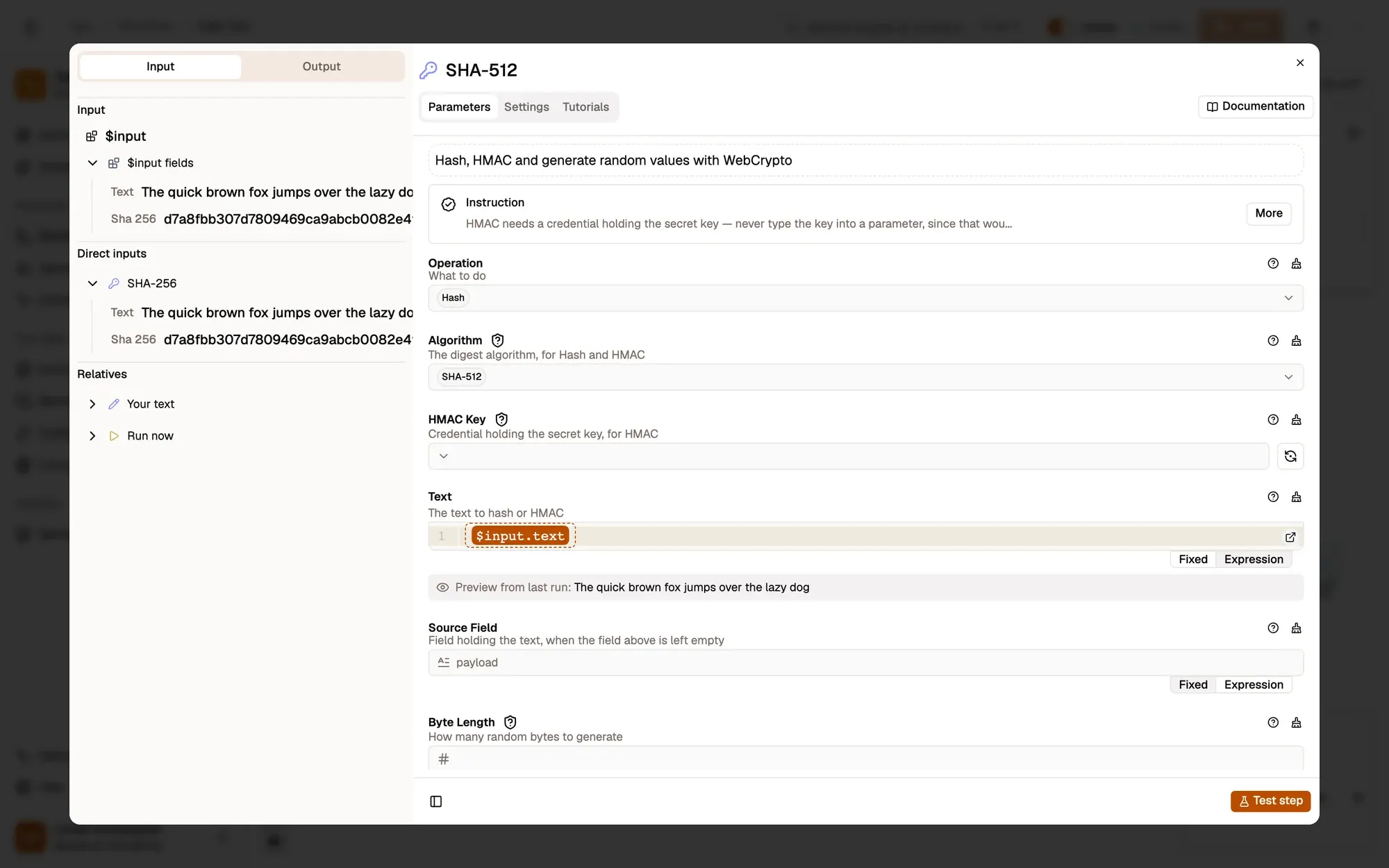
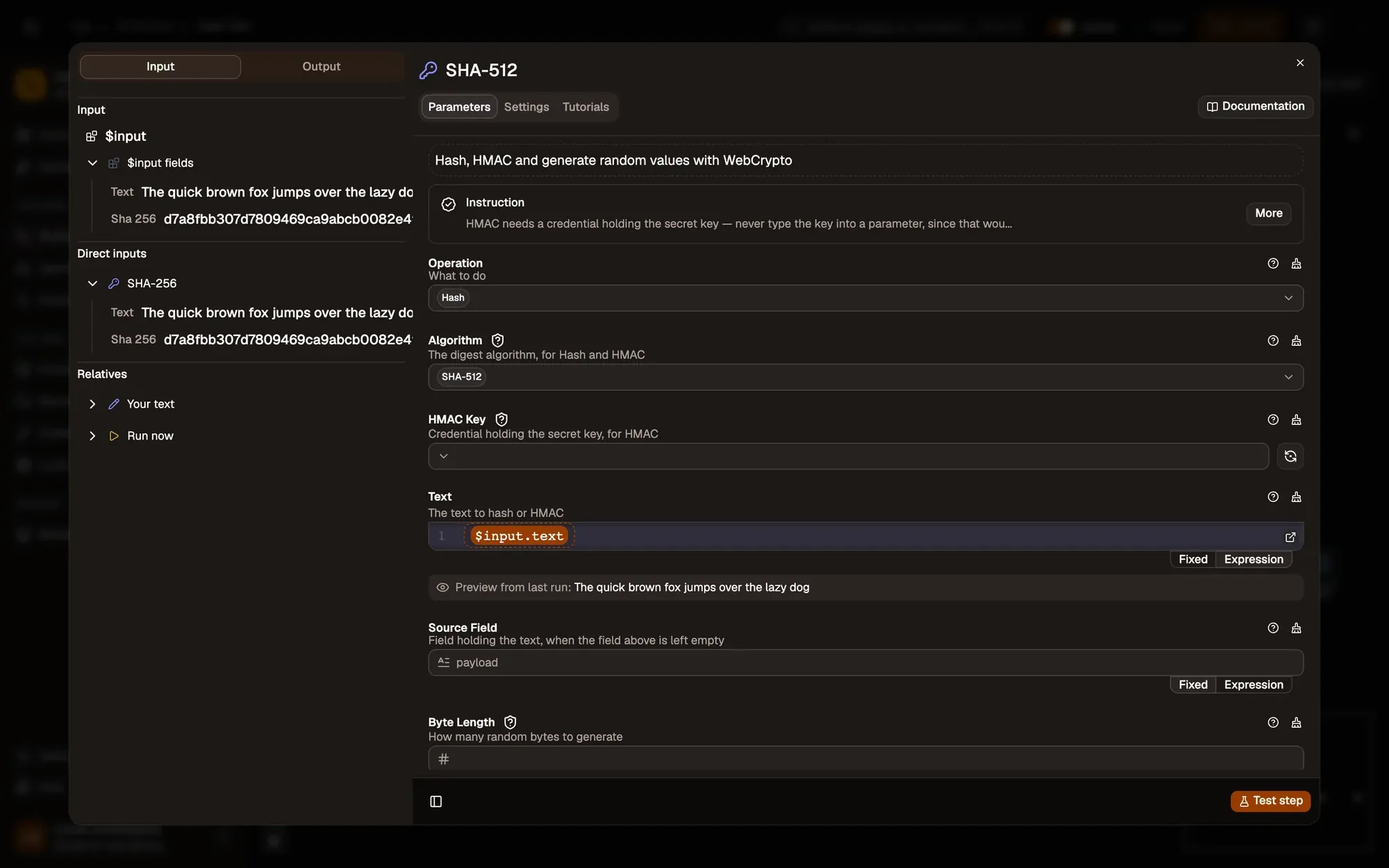
Mapping doesn’t change any data: it only fills the setting, once for every item the node runs on.
Write expressions
{{ $input.title }}reads a field of the item this node is working on.Summary of {{ $input.title }}mixes your own text and data.{{ $input.title || "Untitled page" }}falls back when the field is empty.{{ upper(trim($input.name)) }}uses helper functions such asupper,trimandlength.
Expressions are sandboxed: only the helper functions exist, so JavaScript methods such as .toUpperCase() don’t work. A missing field becomes empty text rather than an error, so check the preview when a value looks blank.
Key takeaways
- A step usually runs once for every item it receives.
- Dragging a field from the Input panel writes the expression for you.
- Expressions add fallbacks, maths and helper functions such as length(), but no JavaScript methods.