Lesson 10 5 min
A jobs alert on your phone
Keep a careers page open and get a push notification on your phone as soon as its job list changes.
Try it in AWFlow
Opens this lesson's workflow in AWFlow. You review it before anything is saved.
How it works
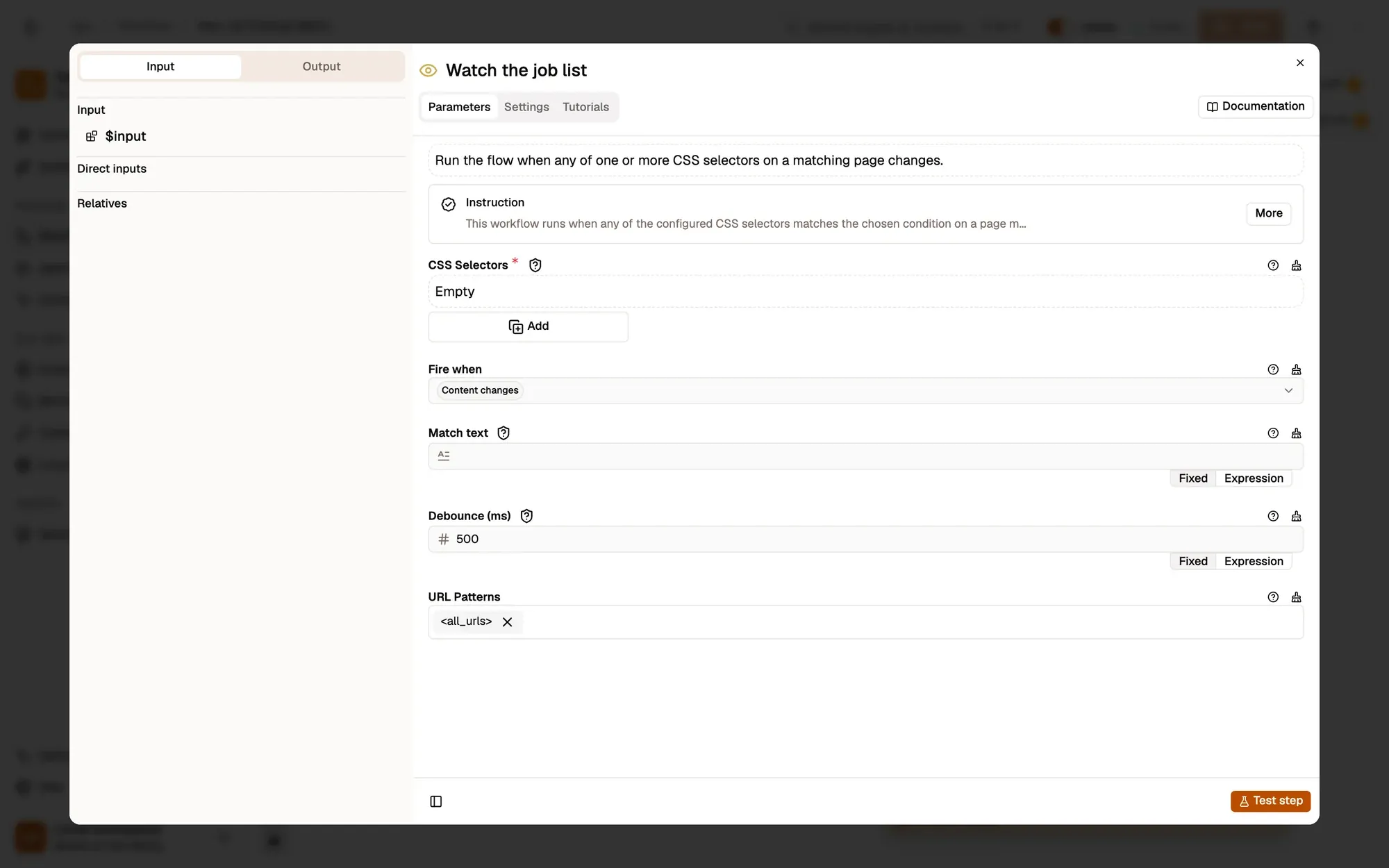
Element Change watches the element matching .jobs-list and fires when its content changes, after 500 ms of quiet. Push Notification sends New jobs with high priority through ntfy to the topic you choose.
Set it up
- In Send a push notification, set Topic to a hard-to-guess name such as
jobs-k7f3q. With a public ntfy.sh topic you leave Credential empty; anyone who knows the topic name can read it. - Install the ntfy app on your phone and subscribe to the same topic. Topics are case-sensitive.
- In Watch the job list, pick the list on the careers page with the crosshair, set URL Patterns to that page, for example
https://jobs.example.com/*, then save and activate. - Keep the page open in a tab: Element Change only watches pages that are open in the browser and match its URL Patterns.
To test right away, edit the list’s text in the browser’s developer tools: your phone shows New jobs.
Only the roles you want
Set Fire when to Text matches with a keyword such as Designer. Too many alerts? Some pages rewrite the list on every scroll: raise Debounce (ms), or watch a more specific element such as the job count.
Key takeaways
- Element Change only watches pages that are open and match its URL Patterns.
- Push Notification sends the alert through ntfy; the topic must match exactly and is case-sensitive.
- Text matches limits alerts to a keyword.