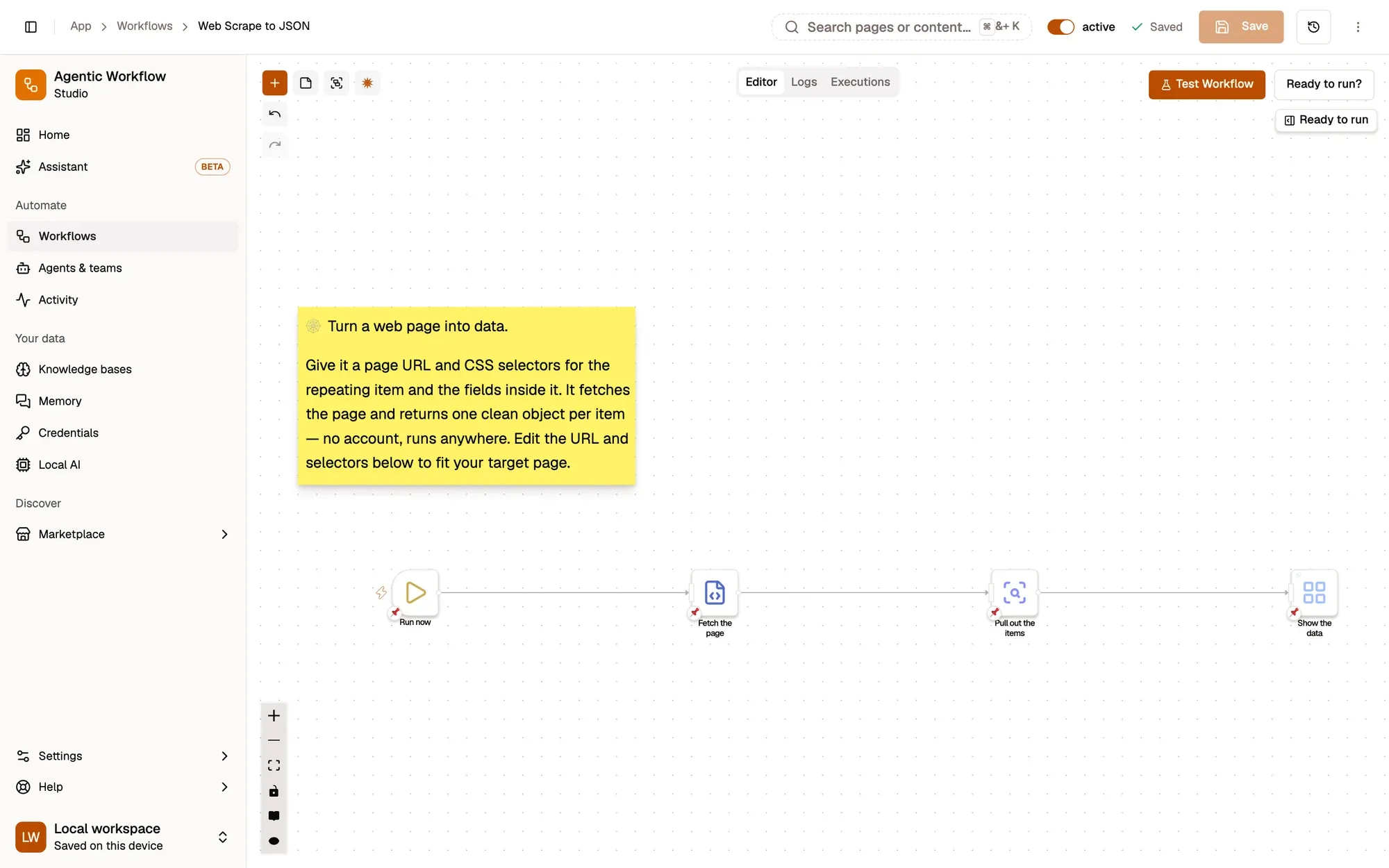
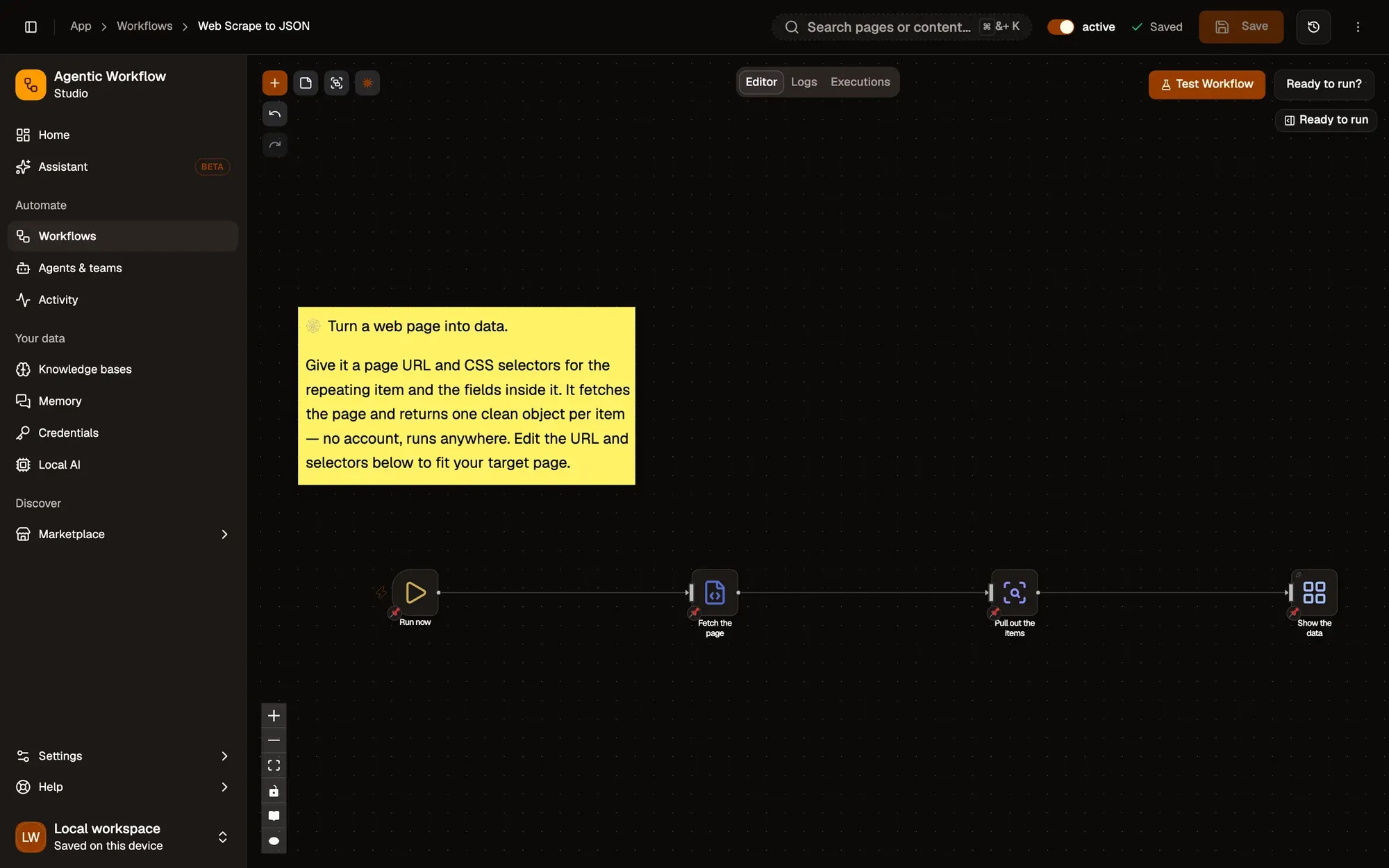
 Module 1
Turn a list into data
Fetch a page and pull every item's title and link.
Get HTML from LinkHTML ExtractDisplay Object
Turn lists and tables into clean data, send it to Google Sheets, Airtable or Notion, fill forms safely, and build alerts that watch pages for you.
Working with data builds on level 2 of the docs learning path: the data that flows between steps, and the recipes that put it to work. Start with Foundations if you are new to AWFlow.
You'll build these
Module 1Fetch a page and pull every item's title and link.
Get HTML from LinkHTML ExtractDisplay Object
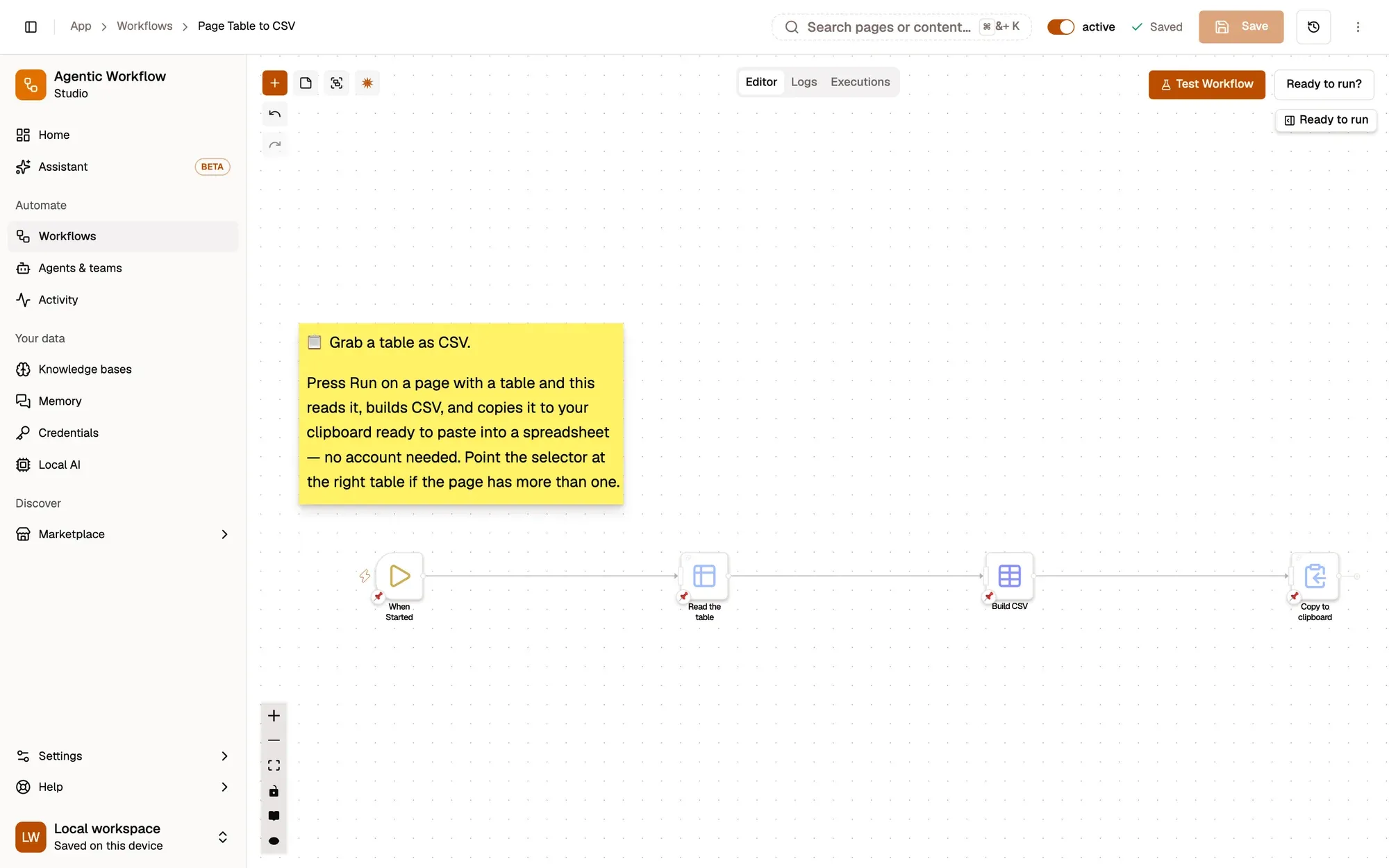
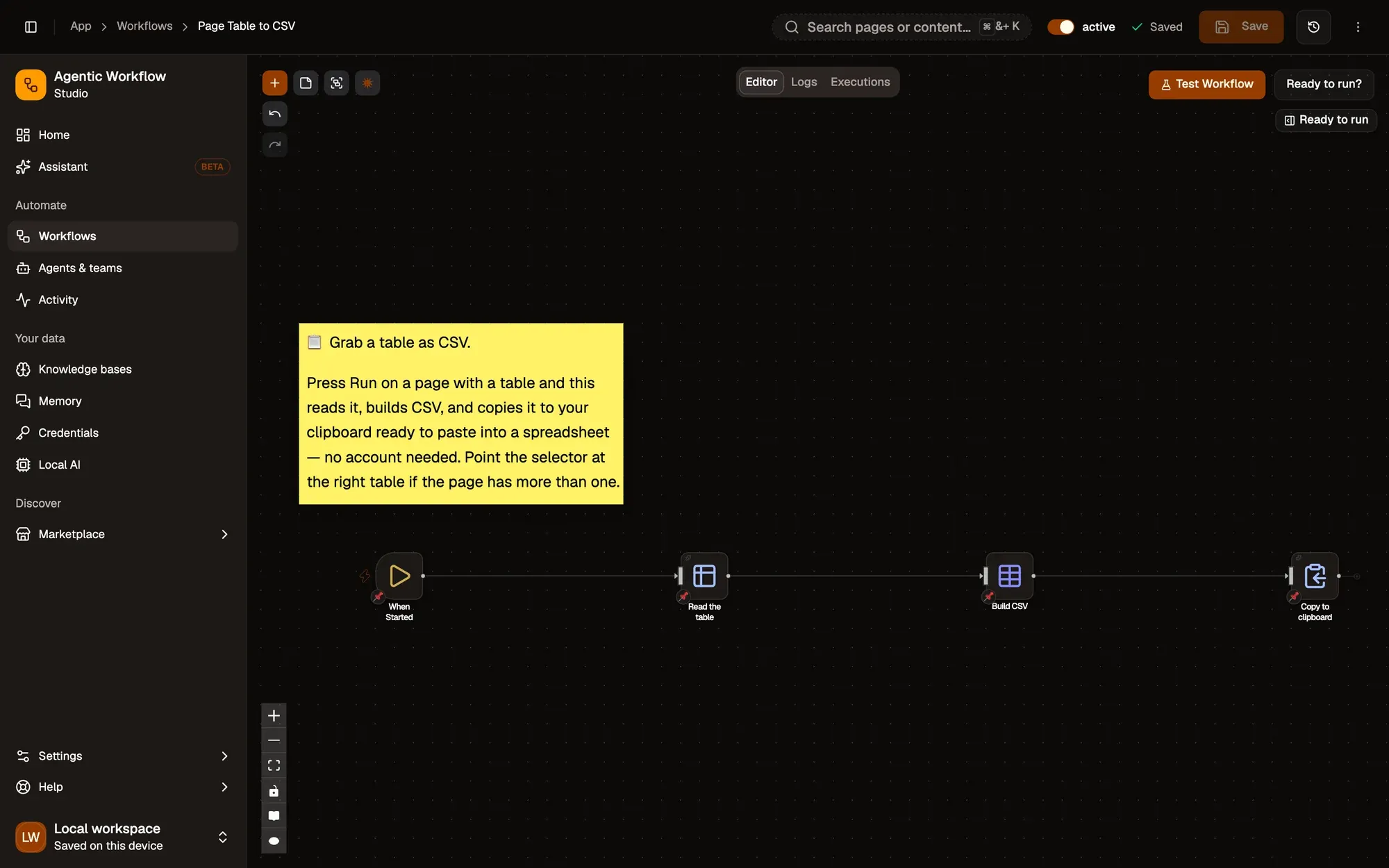 Module 2
Run it from the right-click menu and paste the page's table into a spreadsheet as clean CSV.
Get Structured DataCSVClipboard Write
 Module 4
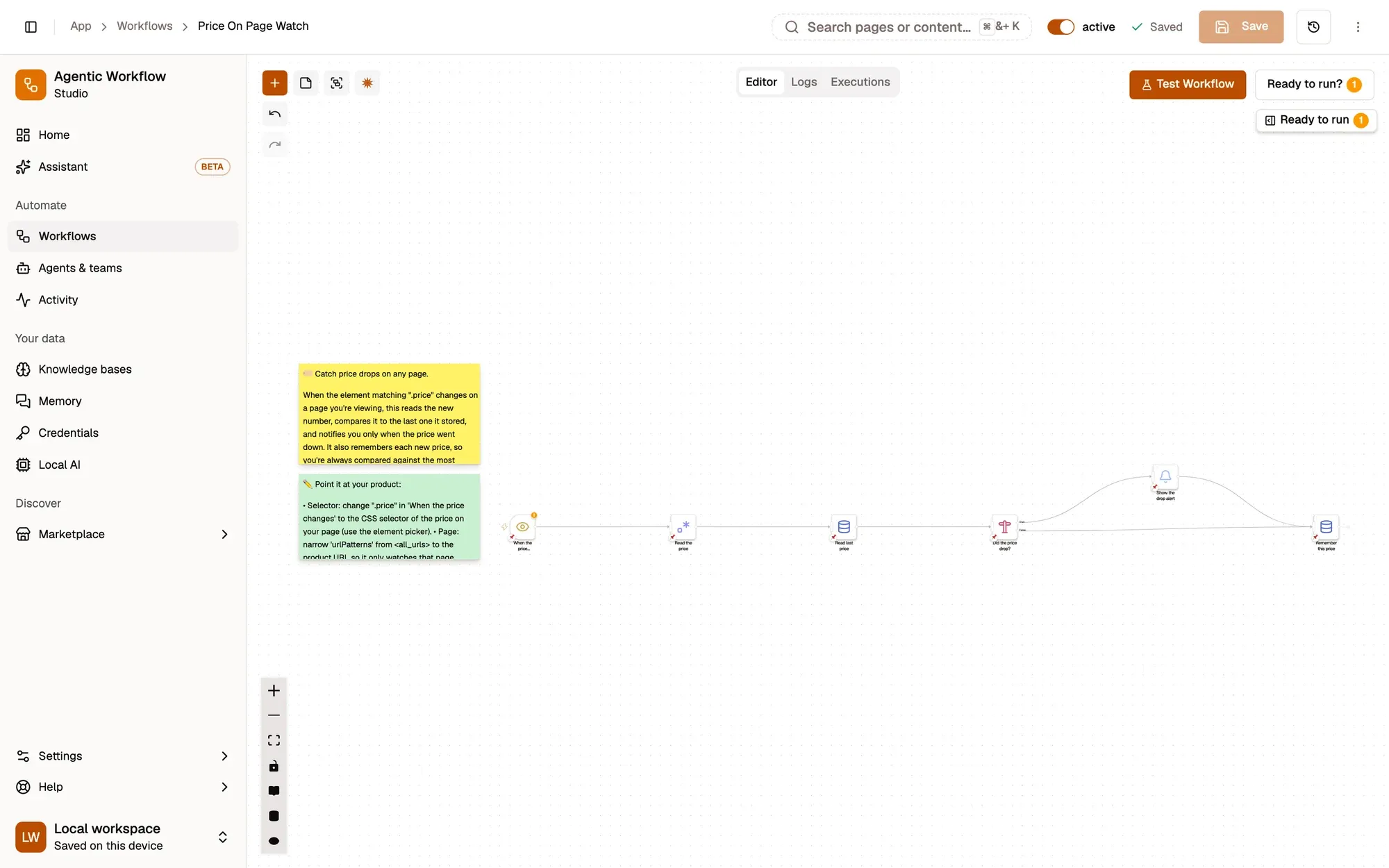
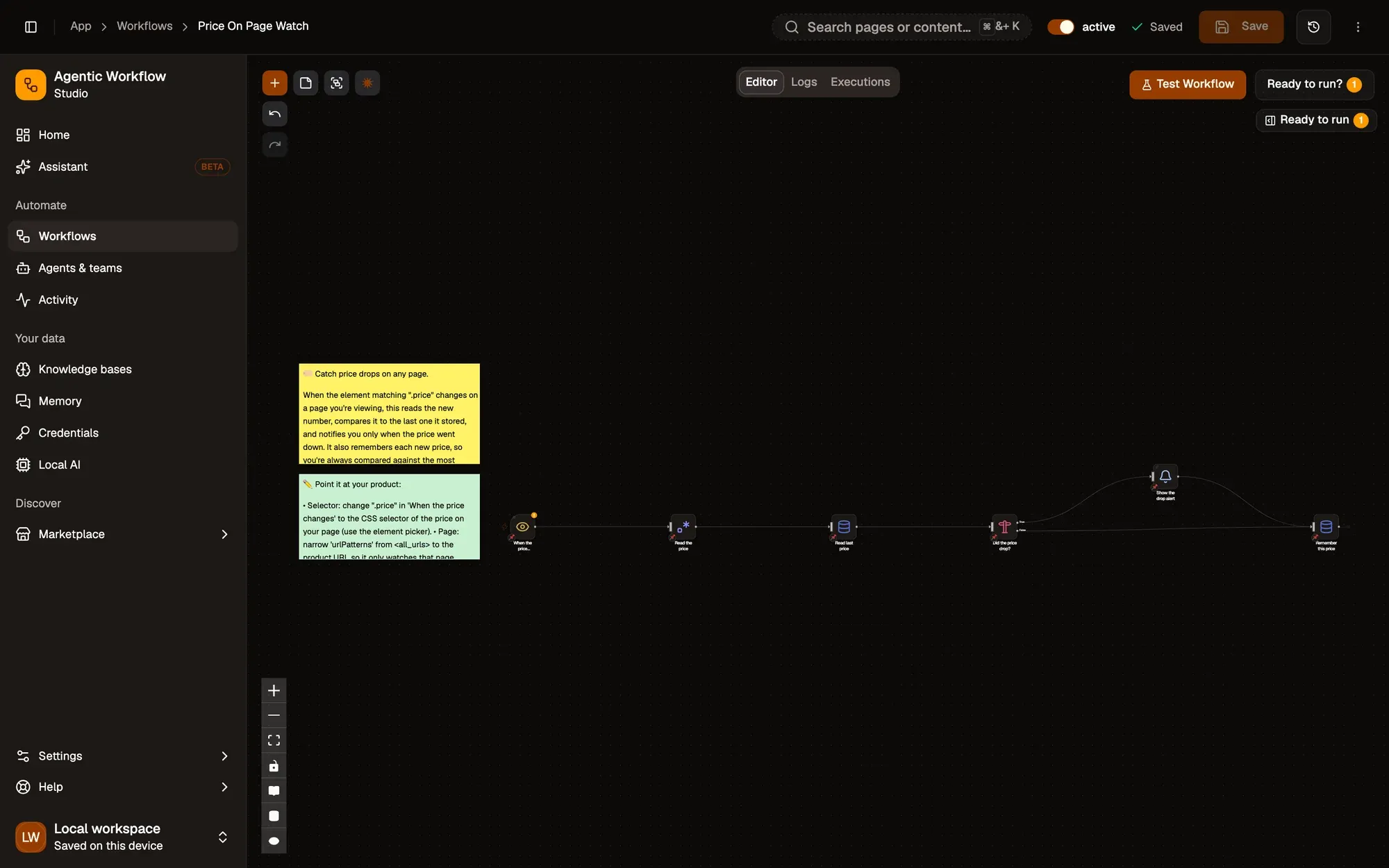
A notification the moment the price on an open page drops.
Element ChangeData StoreIF