The Workshop.
Notes on browser automation, local AI and building in public.
Latest articles
Showing Tutorials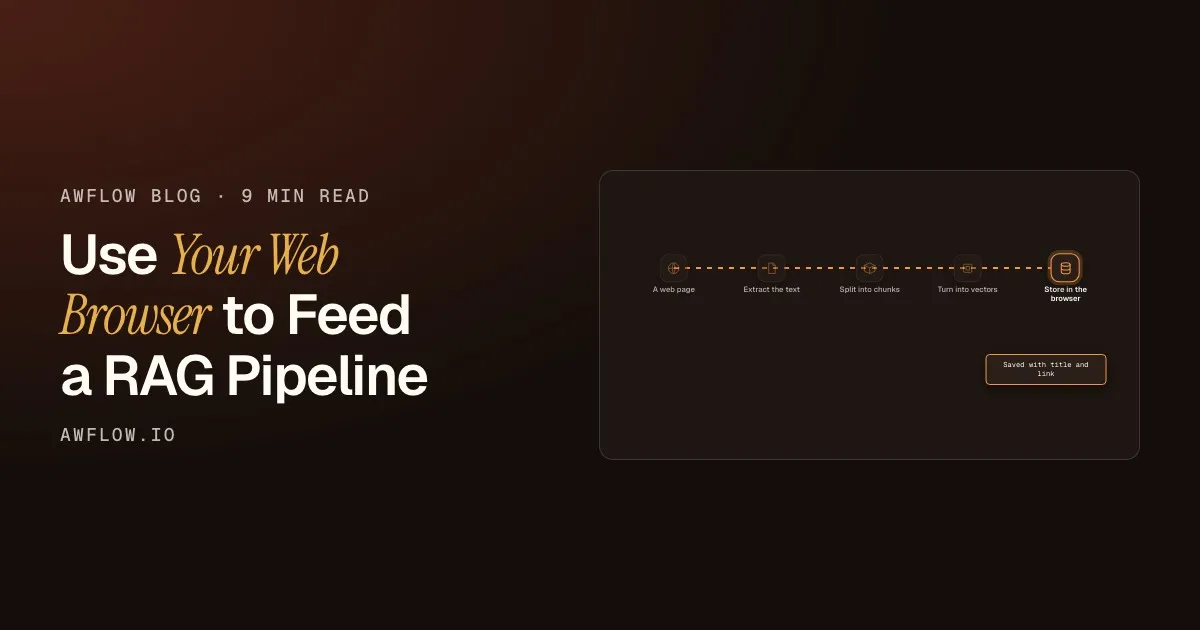 Tutorials
Use Your Web Browser to Feed a RAG Pipeline
Build a RAG knowledge base from web pages without a crawler or a vector server: save pages and tabs from your browser, index them on your device, then ask questions.
 Tutorials
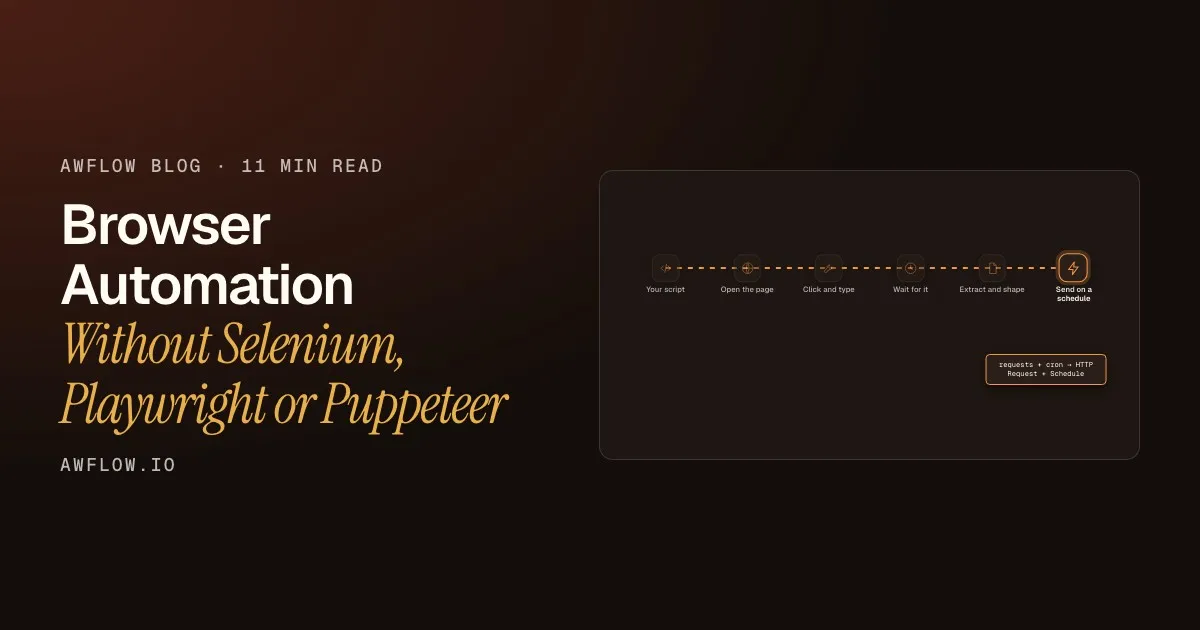
Browser Automation Without Selenium, Playwright or Puppeteer
Map each Selenium, Playwright or Puppeteer step (open, click, type, wait, extract, schedule) to a no-driver workflow in your own Chrome, and when to keep the script.
 Tutorials
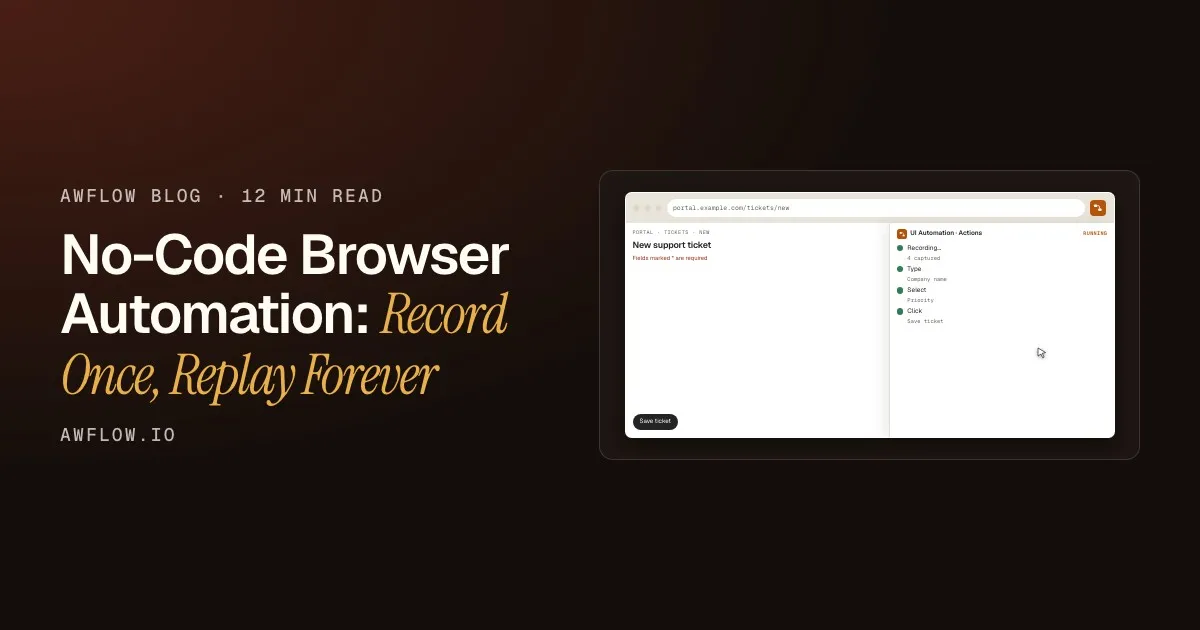
No-Code Browser Automation: Record Once, Replay Forever
Record your clicks and typing once in Chrome, then replay them for every row of a sheet, from a shortcut or on a schedule. No code, no server.
 Tutorials
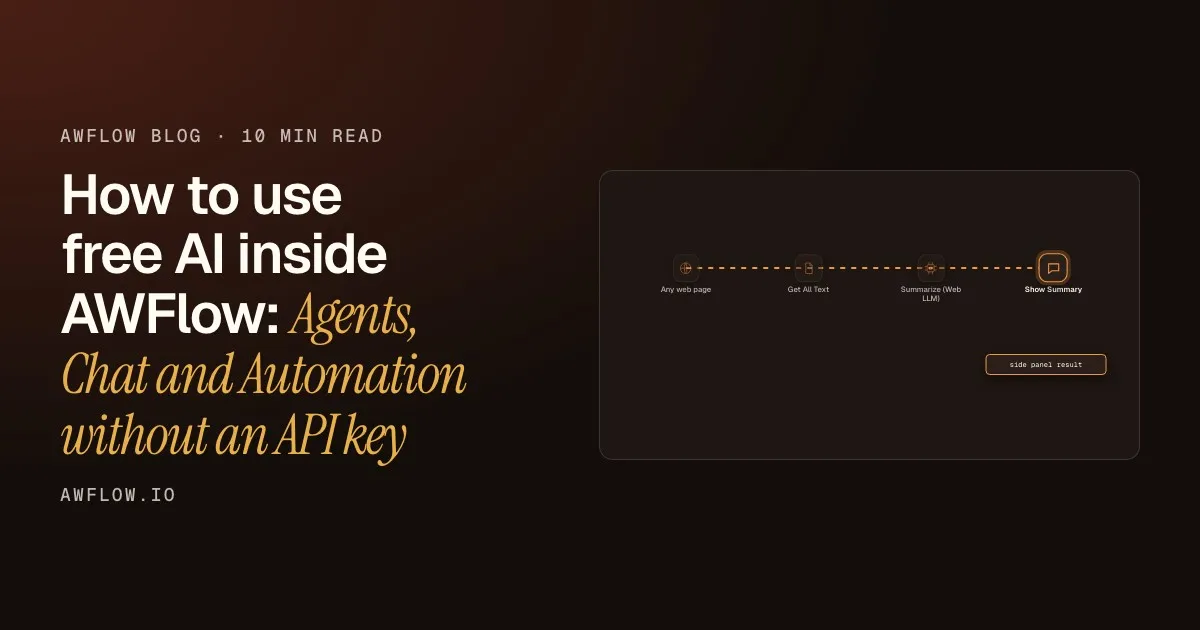
How to use free AI inside AWFlow: Agents, Chat and Automation without an API key
Install a local AI model once and it powers everything in AWFlow: the chat assistant, your agents and your automation workflows. A practical walkthrough, step by step.
 Tutorials
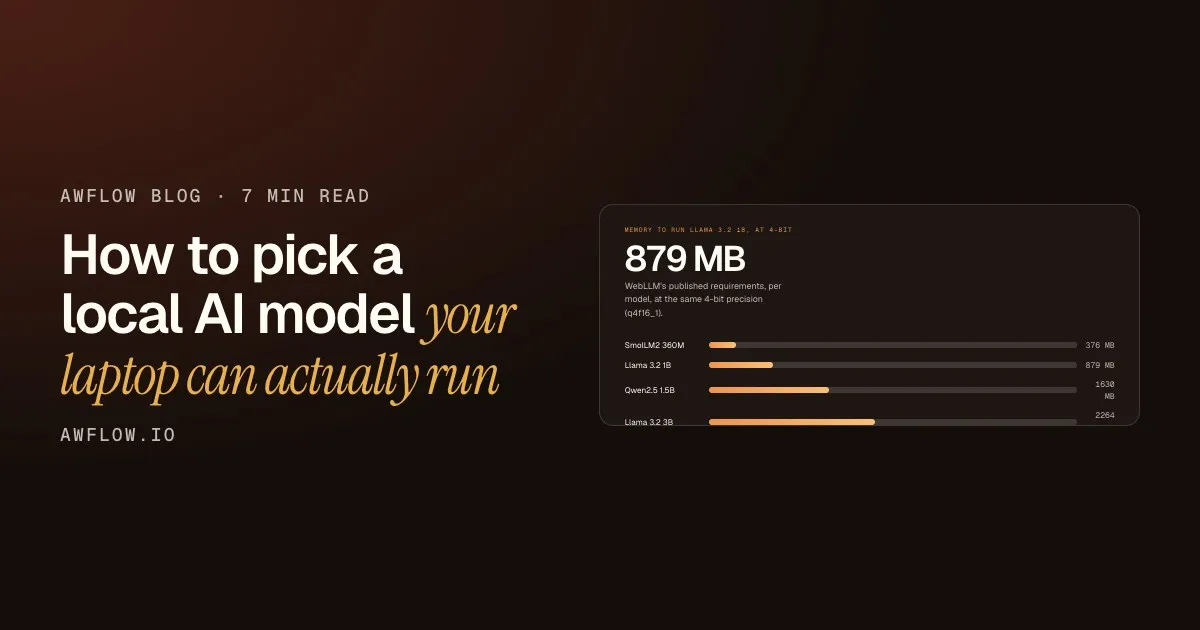
How to pick a local AI model your laptop can actually run
One number decides whether an AI model runs on your laptop: the memory it needs. How to read model names like q4f16_1, why every fit label is an estimate, and how to install, test and keep a model, step by step.
 Tutorials
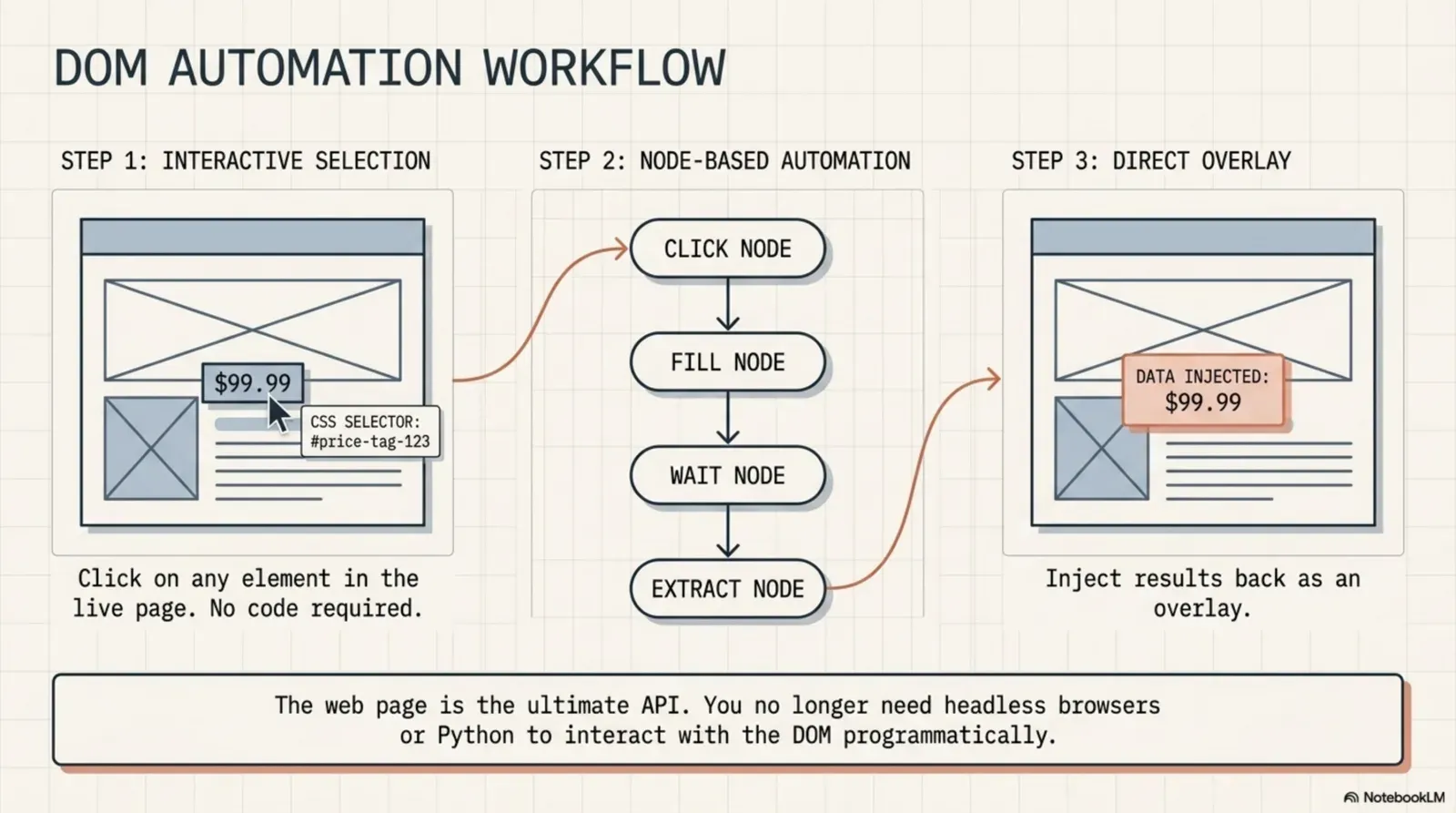
DOM Automation Without Code: Click, Fill, and Extract Any Page
Most automation tools need an API. But every web page already exposes everything through the DOM. Learn how browser DOM automation lets you click, fill forms, and extract structured data from any live page — without Selenium, without code.
 Tutorials
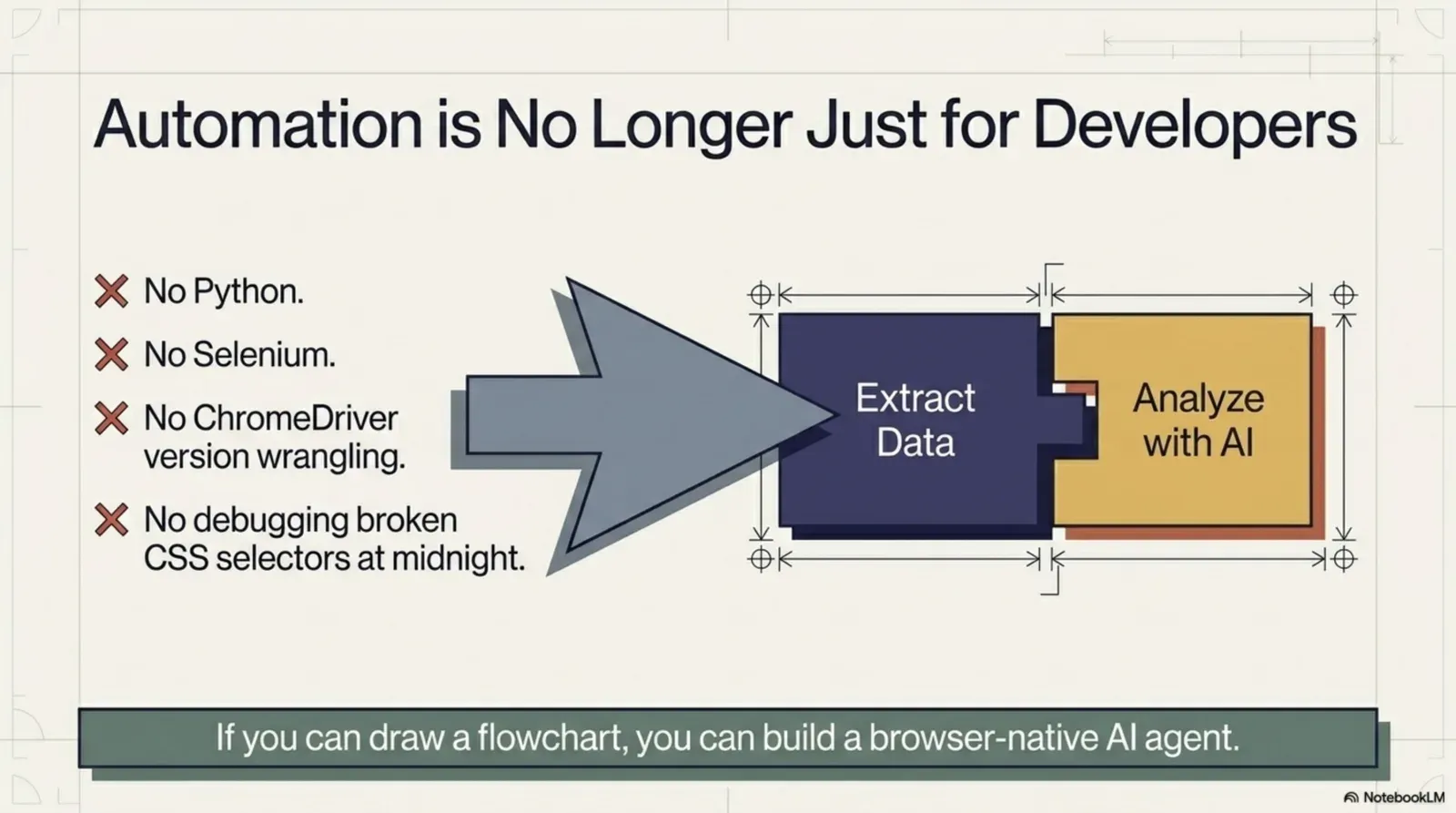
How to Scrape and Summarize Any Web Page with AI
Reading whole pages to find three facts is slow; pasting them into a chatbot is worse. Read any page and summarise it with AI in the same tab, in the format you need, with a model that can run on your own device.
 Tutorials
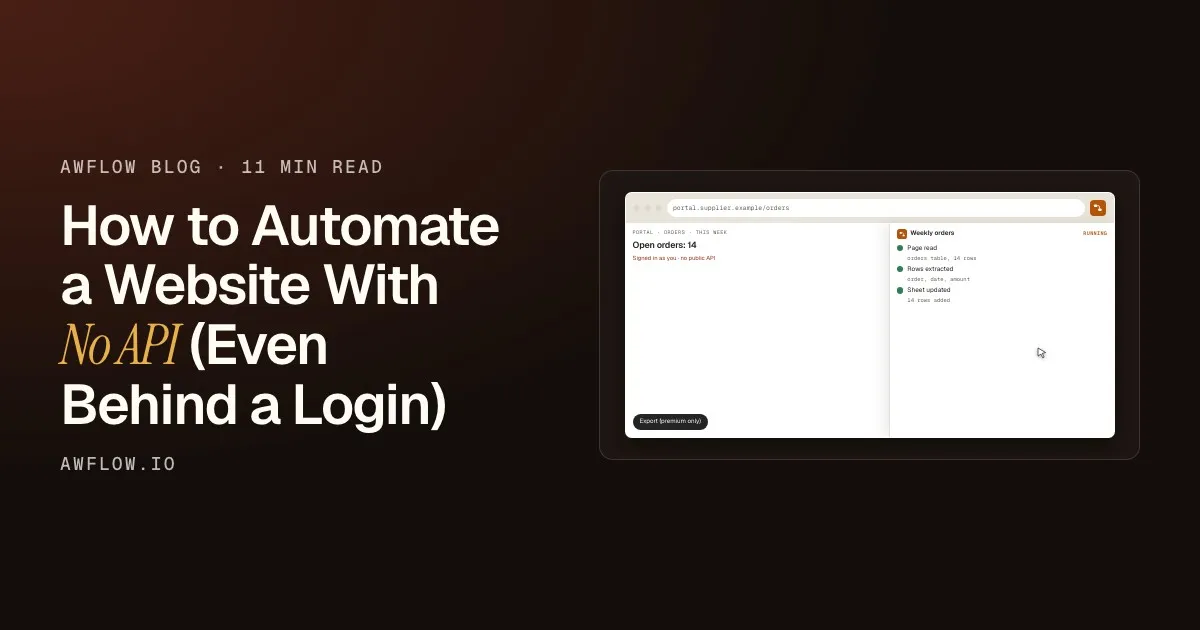
How to Automate a Website With No API (Even Behind a Login)
No API? If you can do it in your browser, a no-code workflow can too: read pages, fill forms, watch prices and send data to Google Sheets, behind your login.
 Tutorials
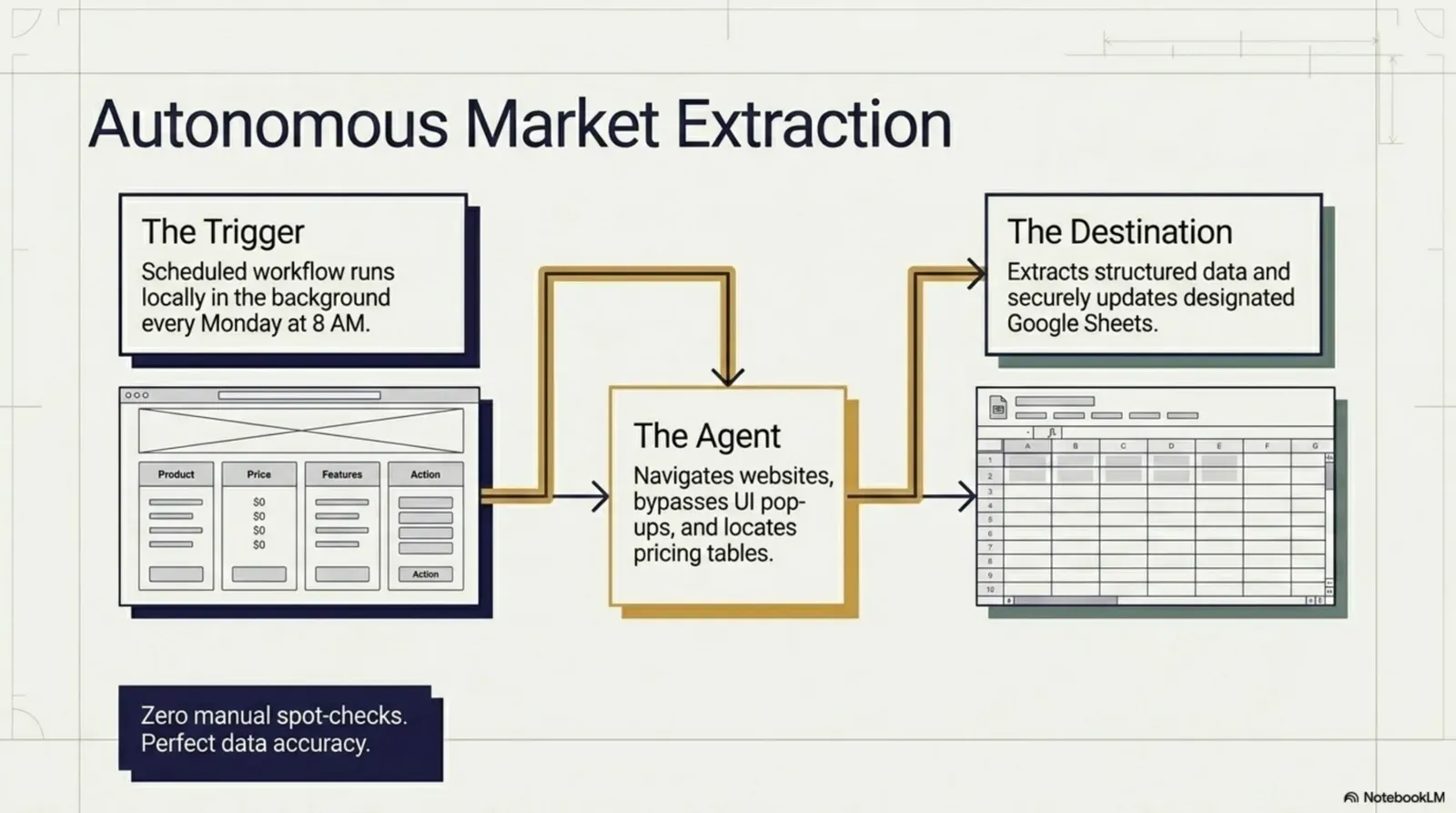
How to Extract Data from Any Website and Send It to Google Sheets
Stop copying web data into spreadsheets cell by cell. A four-node browser workflow reads a table on any page, even behind a login, and appends it to Google Sheets: step by step, no code, no scraping service.
 Tutorials
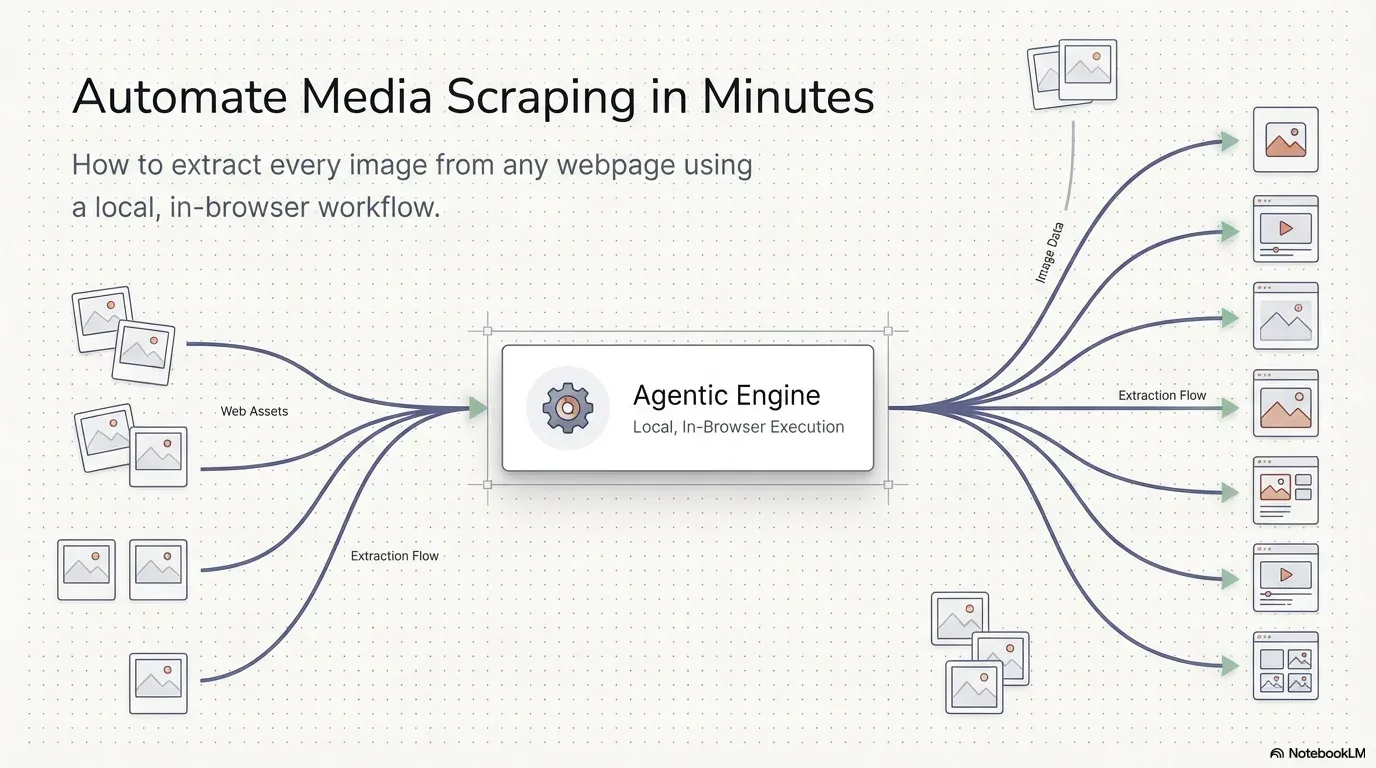
Stop Saving Images Manually: How to Automate Media Scraping in Minutes
Still right-clicking Save Image As dozens of times? Build a four-node browser workflow that finds every image on a page and downloads them in one click, privately, in your own browser. Video tutorial included.
 Tutorials
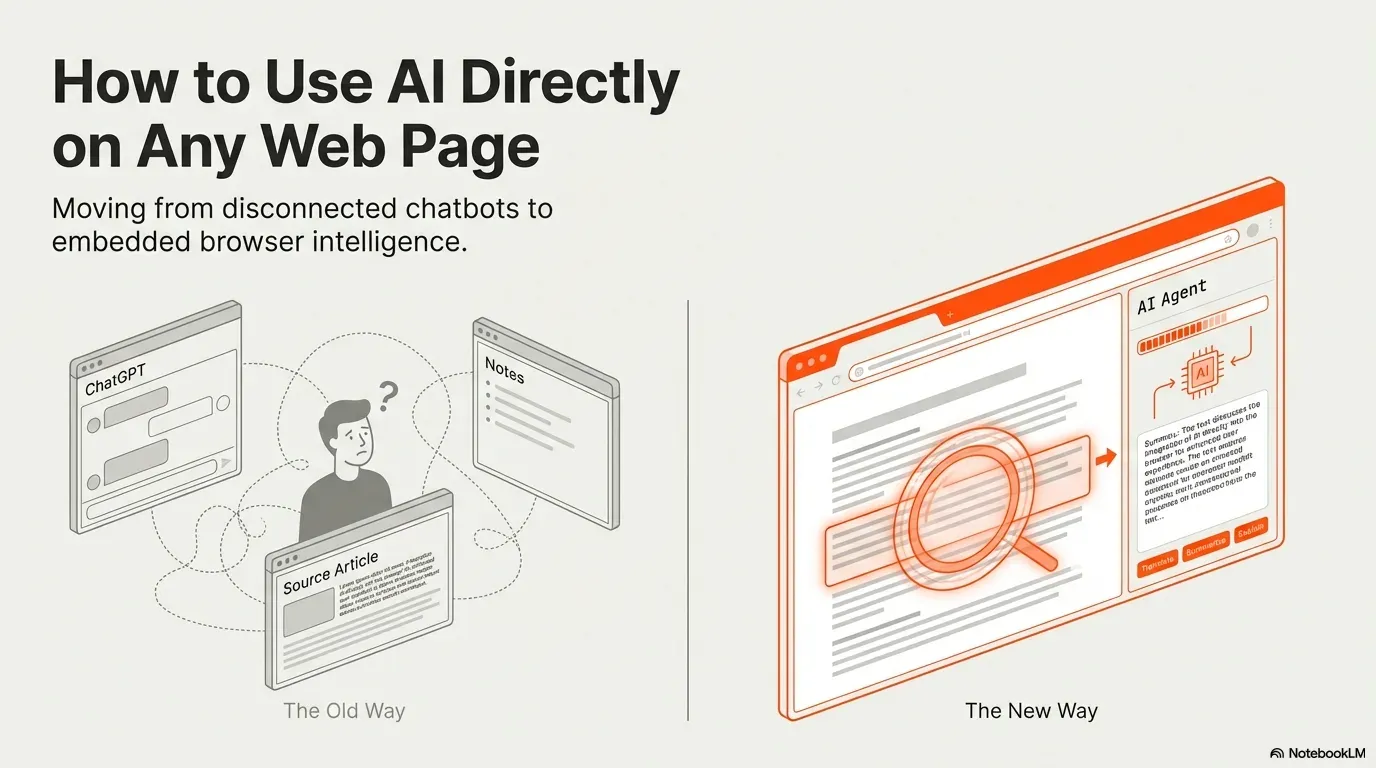
How to Use AI Directly on Any Web Page
Copy, switch tab, paste, wait, switch back: that is not automation. Bring AI into the page you are viewing so it sees your selection, the text and the HTML, and run the model in the cloud or locally in your browser with WebLLM.
No article matches that search.
One letter a month. No noise.
New articles, templates worth stealing and what shipped. Unsubscribe in one click.