The Workshop.
Notes on browser automation, local AI and building in public.
Latest articles
Showing all categories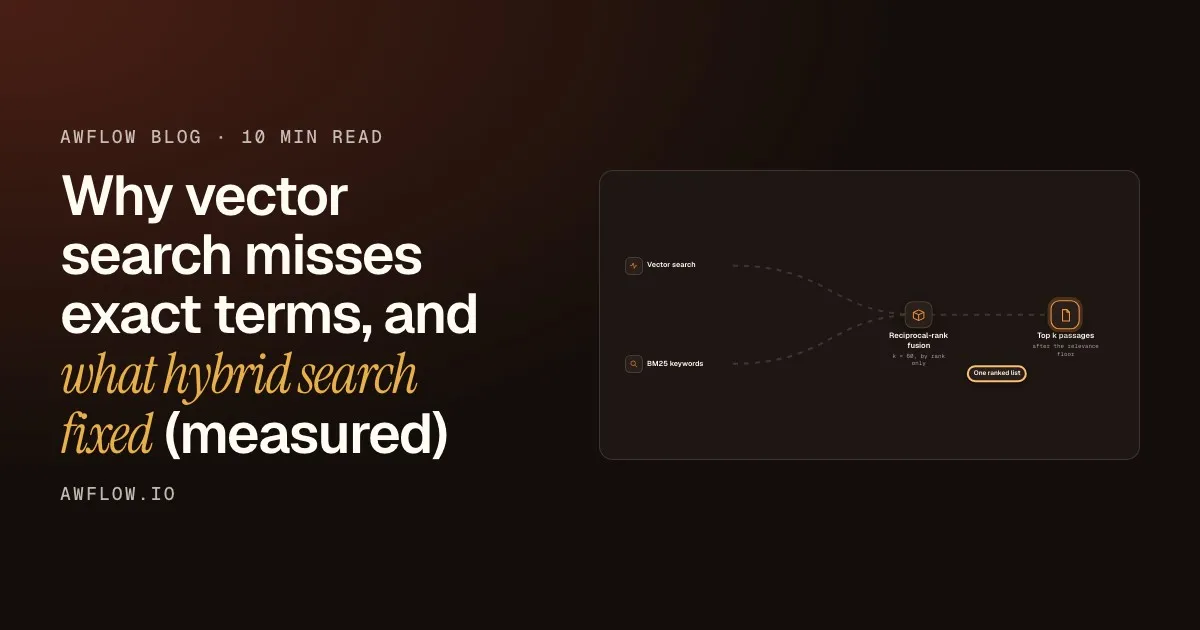 Local AI
Why vector search misses exact terms, and what hybrid search fixed (measured)
Ask a vector search for ERR_4521 and you may get ERR_4512. How we added BM25 next to vectors with reciprocal-rank fusion in an in-browser knowledge base, what we measured, a SurrealDB full-text gotcha, and a filtering bug that gave small collections zero hits.
 Product
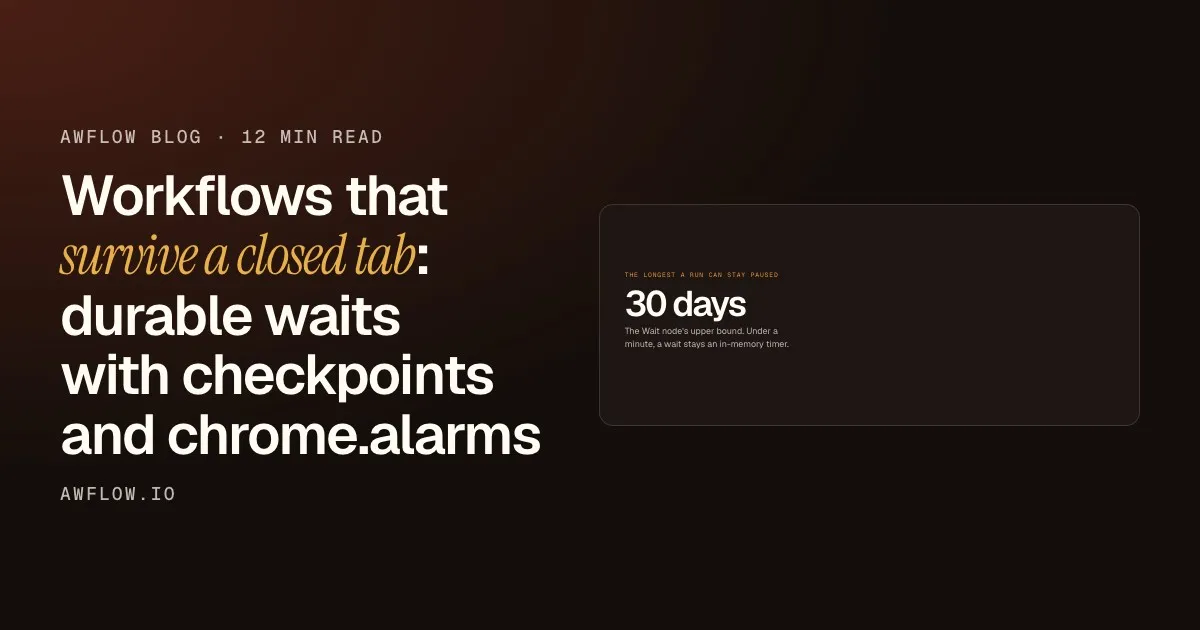
Workflows that survive a closed tab: durable waits with checkpoints and chrome.alarms
How a browser-extension workflow can pause for up to 30 days, survive a closed tab, a browser restart or an extension update, and resume where it stopped: checkpoints in storage, wake-ups owned by chrome.alarms.
 Product
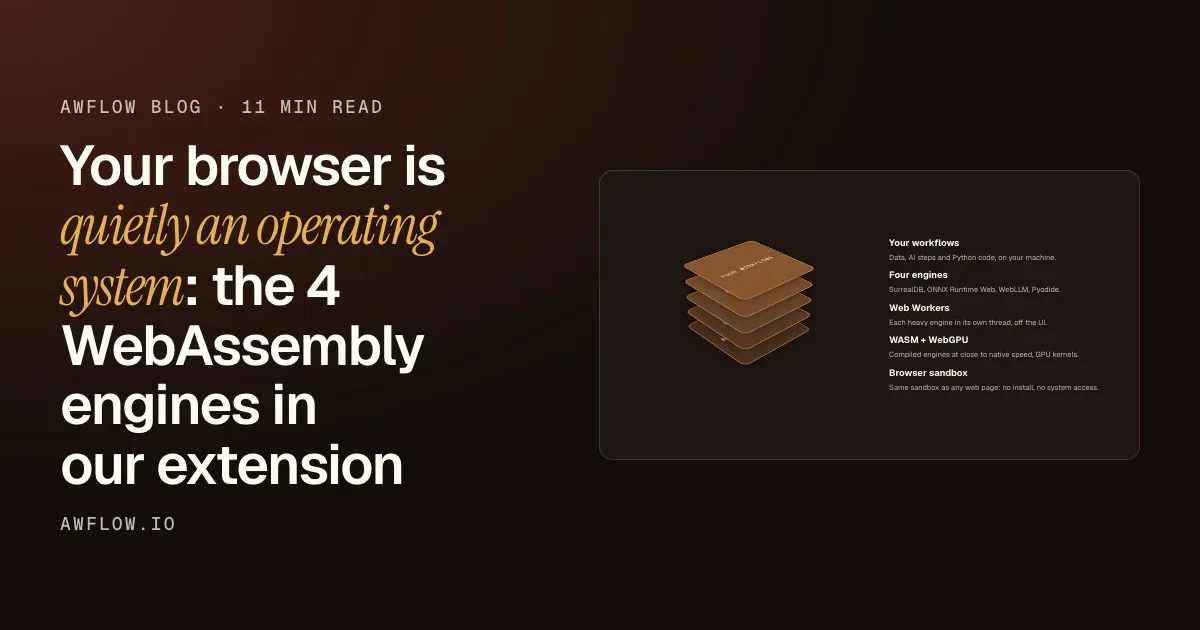
Your browser is quietly an operating system: the 4 WebAssembly engines in our extension
One Chrome extension, no backend for its core features: a real database, two AI inference engines and a full Python interpreter, all running as WebAssembly. What each engine does, how it's wired, and what it costs.
 Product
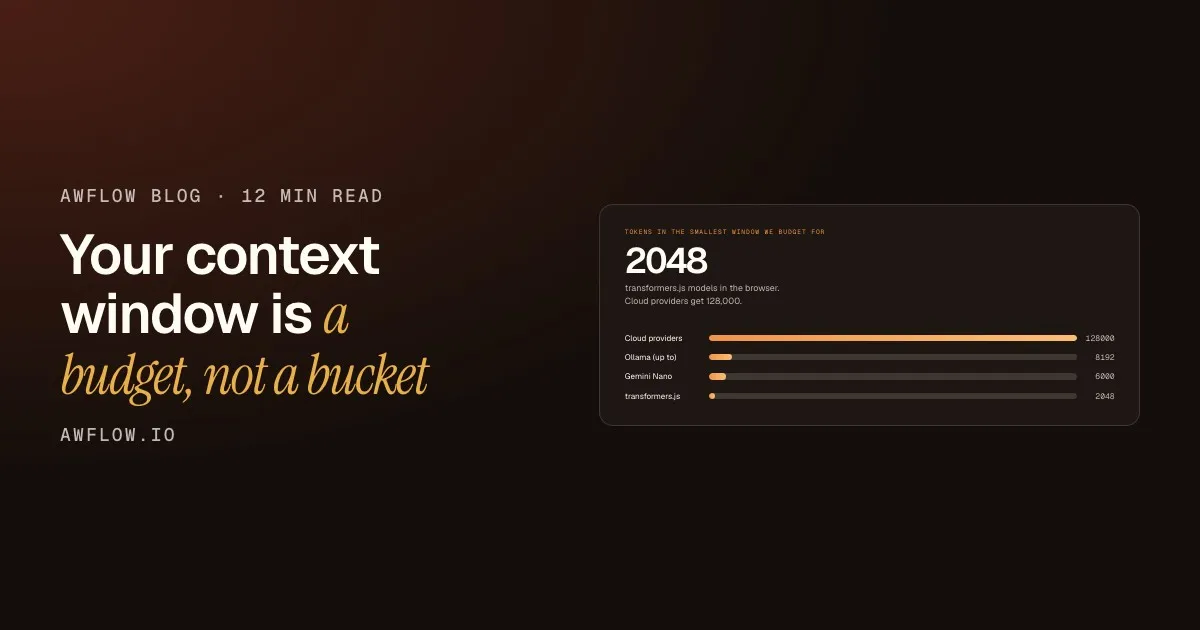
Your context window is a budget, not a bucket
Most context-window bugs come from one assumption: the prompt is the chat history, so cut the oldest messages. In an agent, history is often the smallest part. Seven rules for budgeting a prompt, from a 128k cloud model down to a 2,048-token model in the browser.
 Local AI
AWFlow wants to be the OpenRouter for AI that runs in your browser
Three incompatible browser AI engines, a different model format each. AWFlow sits in front of all three so you choose a job, not a library. Where we are and why the web will get there.
 Tutorials
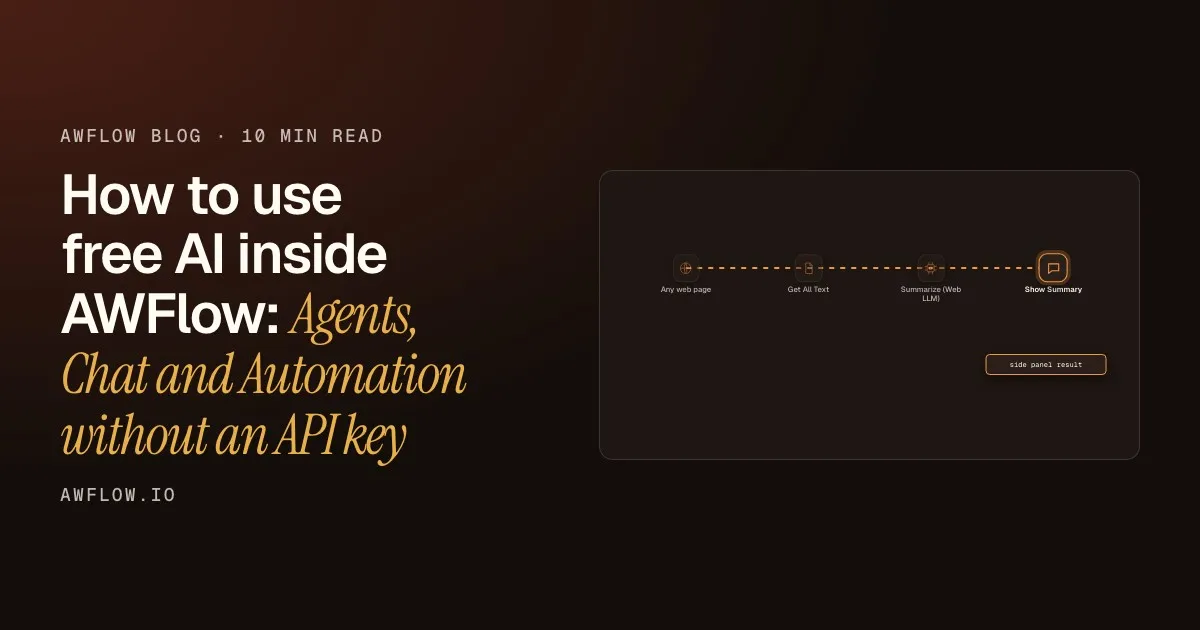
How to use free AI inside AWFlow: Agents, Chat and Automation without an API key
Install a local AI model once and it powers everything in AWFlow: the chat assistant, your agents and your automation workflows. A practical walkthrough, step by step.
 Local AI
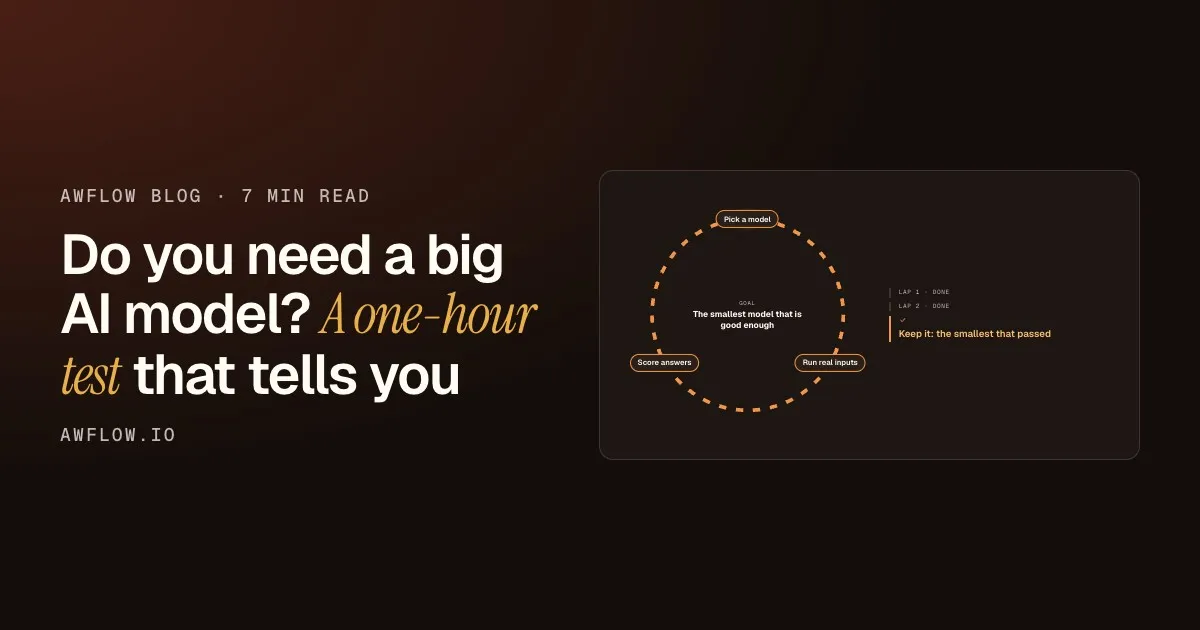
Do you need a big AI model? A one-hour test that tells you
The biggest model is a habit, not a requirement. How to tell which of your automation jobs a small, free, on-device model can handle, with a simple test on your own inputs that takes about an hour.
 Local AI
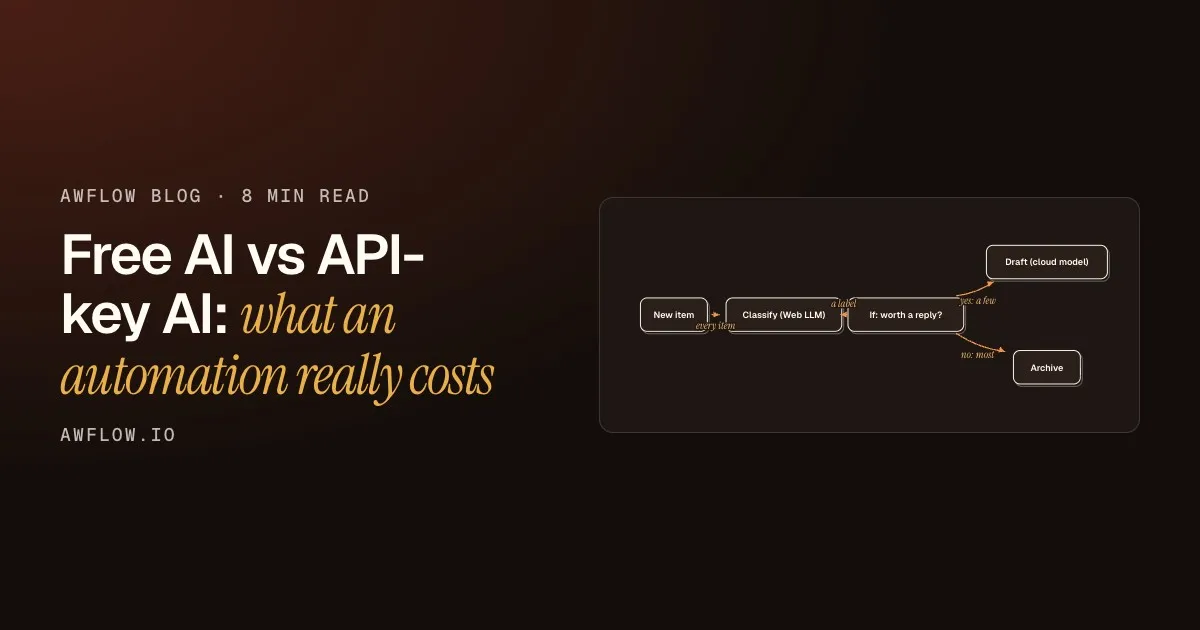
Free AI vs API-key AI: what an automation really costs
How to estimate an AI step's cost before you build it, why the page you feed in is usually the bill, and a simple design that sends only the hard work to a paid model. With a calculator for your own numbers.
 Tutorials
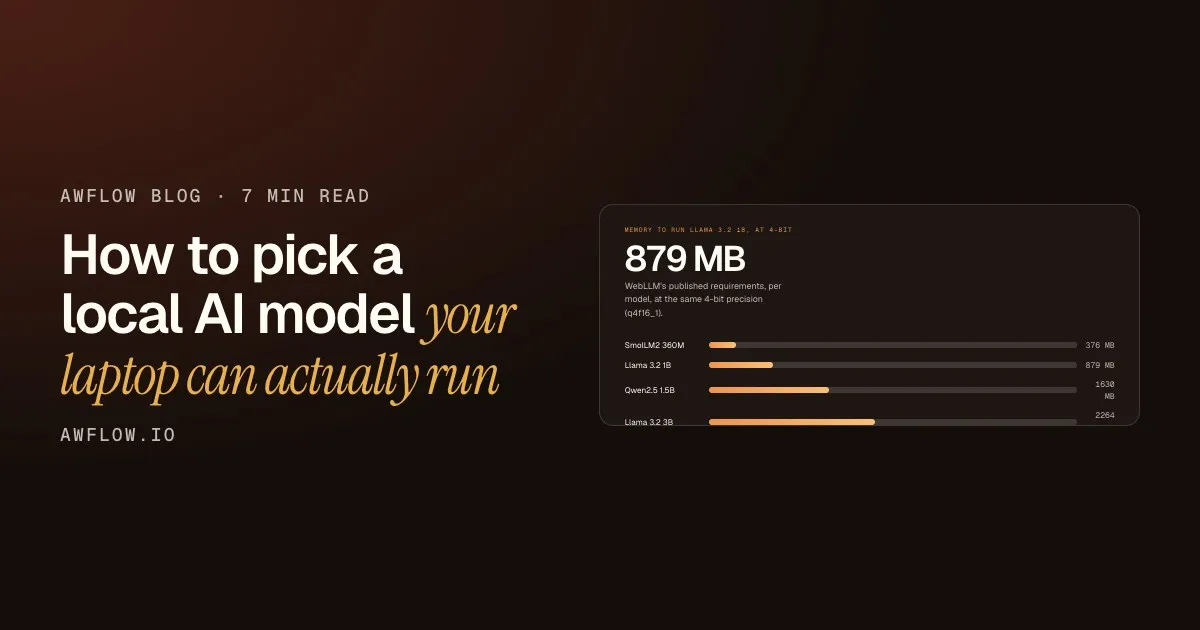
How to pick a local AI model your laptop can actually run
One number decides whether an AI model runs on your laptop: the memory it needs. How to read model names like q4f16_1, why every fit label is an estimate, and how to install, test and keep a model, step by step.
 Product
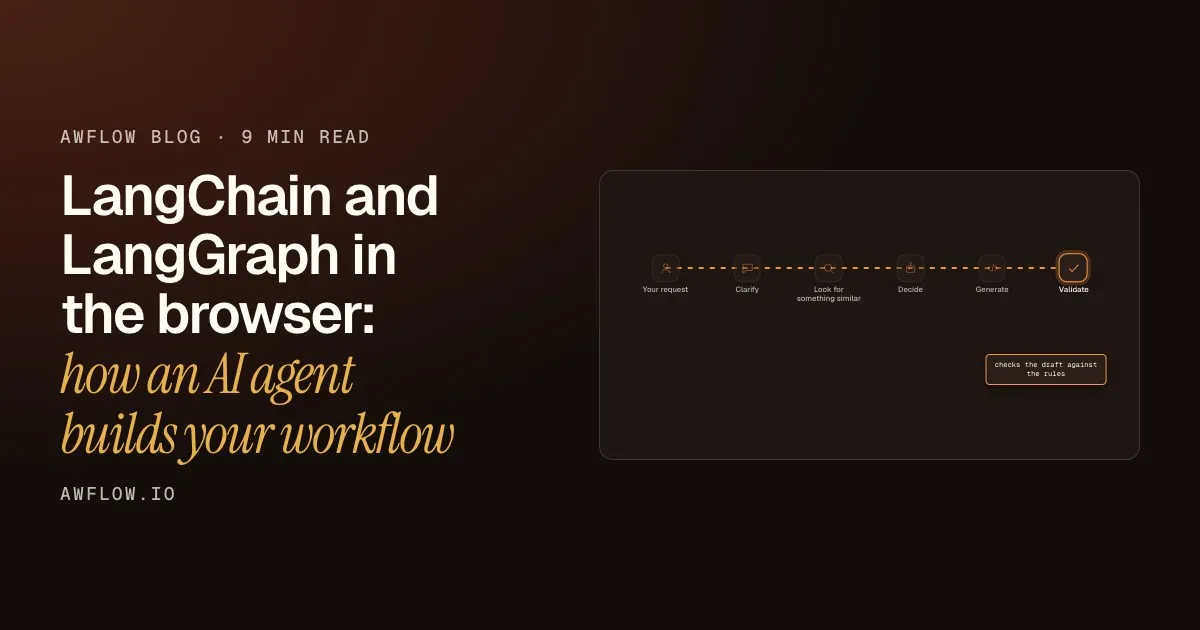
LangChain and LangGraph in the browser: how an AI agent builds your workflow
An agent is not one big prompt. It is a graph of steps with branches, loops and a memory of where it paused. Here is how that works, with the real graph behind AWFlow's assistant.
 Product
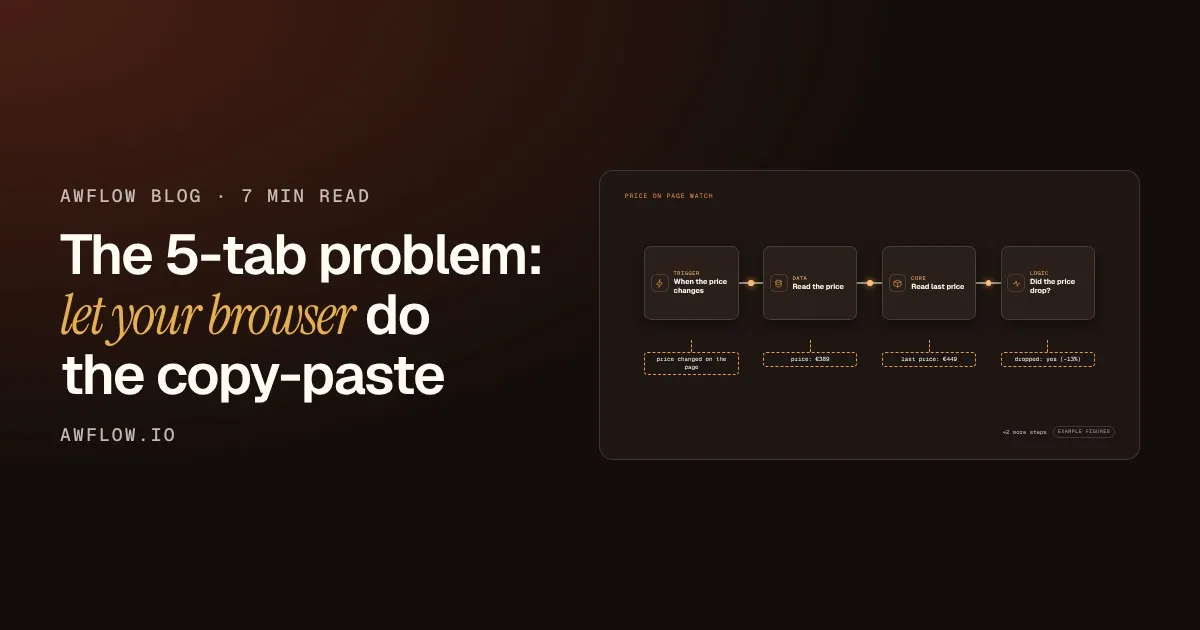
The 5-tab problem: let your browser do the copy-paste
One small job, five tabs: a competitor's price, a second shop, a spreadsheet, a chat assistant and your inbox. Here is why that adds up, and how one workflow in your browser does it for you.
 Local AI
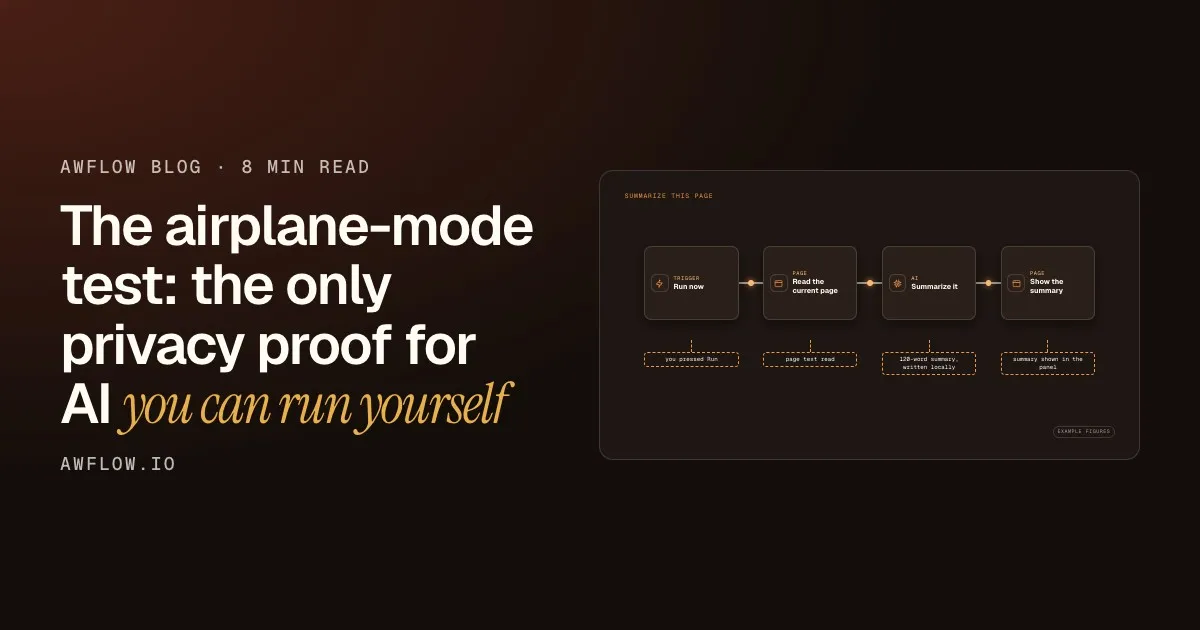
The airplane-mode test: the only privacy proof for AI you can run yourself
Every AI tool says it respects your privacy. One test settles it: switch off the internet and see if it still works. What offline AI really requires, how a workflow can fail the test, and how to run it in five minutes.
No article matches that search.
One letter a month. No noise.
New articles, templates worth stealing and what shipped. Unsubscribe in one click.